Focused Work
Trabalhe com timers
Mac, iOS
Versão 5.2.0
macOS 13.0 ou posterior
209.3 MB
1 idiomas
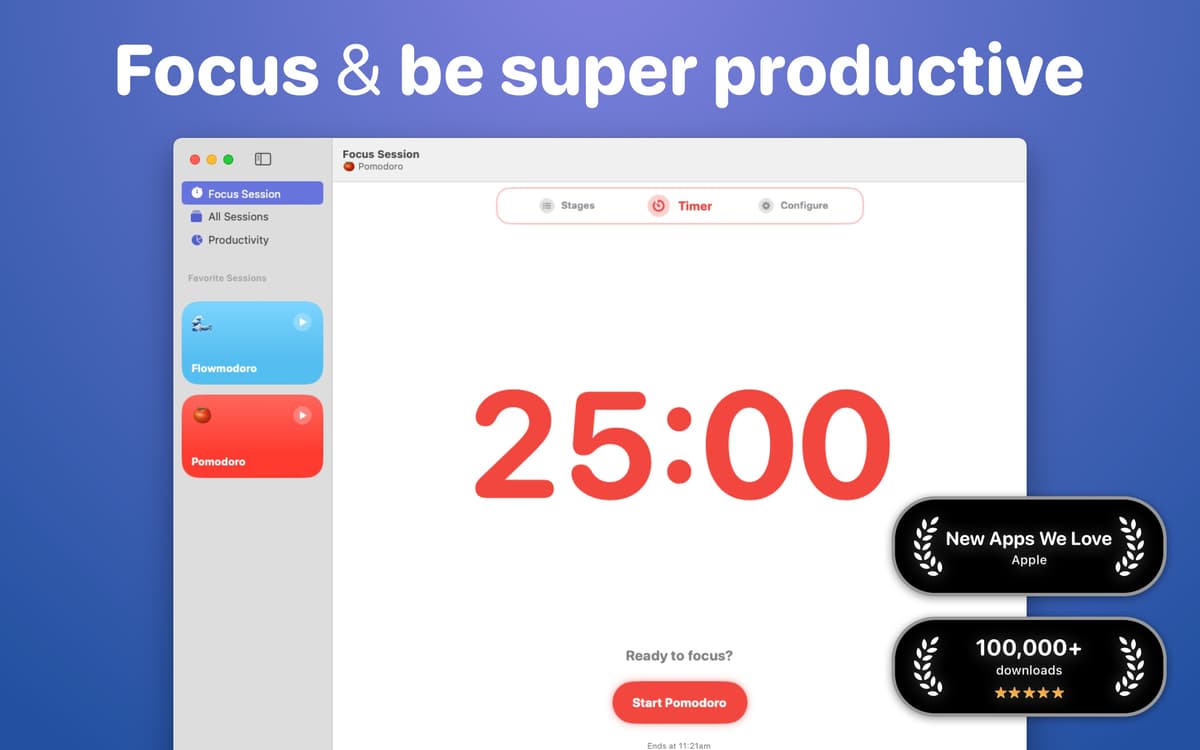
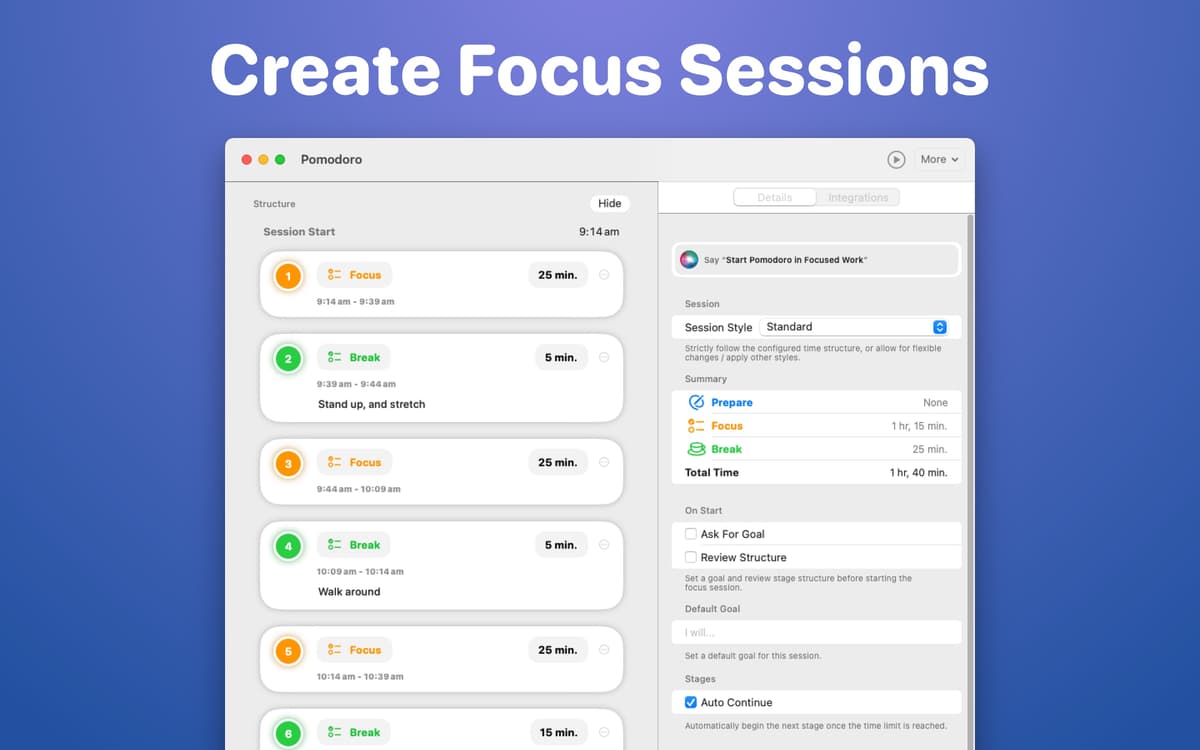
Tenha mais produtividade com o Focused Work, um app que se baseia em técnicas populares de foco para ajudar você a se manter em dia. Defina um timer no app para trabalhar no seu projeto em etapas dedicadas de foco. Use o bloco que o app oferece para anotar pensamentos que possam desviar sua atenção. E ainda: bloqueie apps ou sites.
Use timers para trabalhar com foco
Defina lembretes de foco
Analise suas sessões
Bloqueie apps e sites durante sessões
Recursos do Focused Work
Foque no trabalho
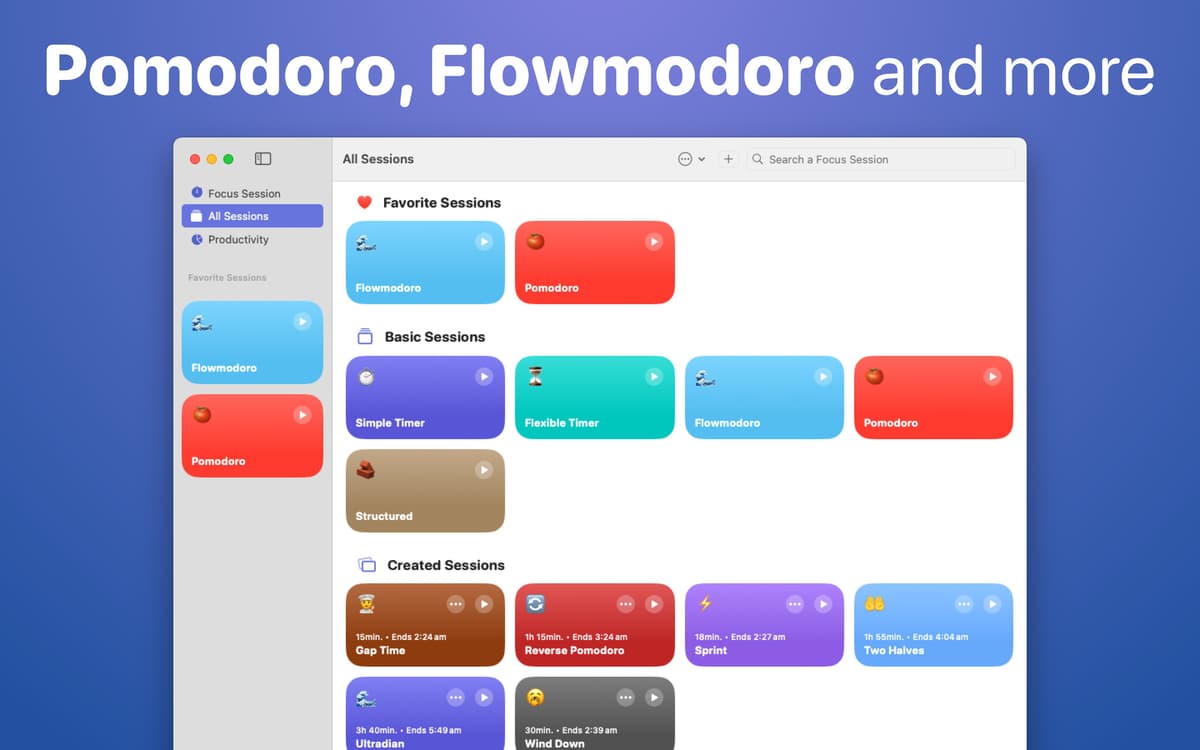
Ative um timer para focar somente na tarefa atual. Escolha entre diversos tipos de timers para ter o timer perfeito para trabalhar. Explore timers inspirados pelas técnicas Pomodoro®, Flowmodoro e outras para escolher um estilo de foco adequado às suas necessidades. Pomodoro® é uma marca registrada da empresa Cirillo Consulting GmbH, de Francesco Cirillo.
Anote ideias
Sempre que tentamos nos concentrar, ideias aleatórias e pensamentos não relacionados vêm à tona. Use o bloco do app para anotar as ideias que você quer revisitar depois da sessão de foco e permita que sua mente volte a se concentrar no que você tem que fazer, sem se preocupar com pensamentos que desviam sua atenção.
Reflita sobre as sessões
Use a seção de reflexão para escrever o que deu certo e o que não foi tão bem na sessão de foco. Para melhorar as sessões futuras, enumere as distrações encontradas, as coisas que você quer continuar fazendo, as coisas que você quer começar a fazer e o que você quer evitar que aconteça durante as sessões de foco.
Defina lembretes de foco
Configure um lembrete para iniciar a sessão de foco no trabalho em cada dia da semana. Com um timer dedicado ao trabalho, você controla o tempo minuciosamente e fica em dia com as suas metas.
Bloqueie distrações
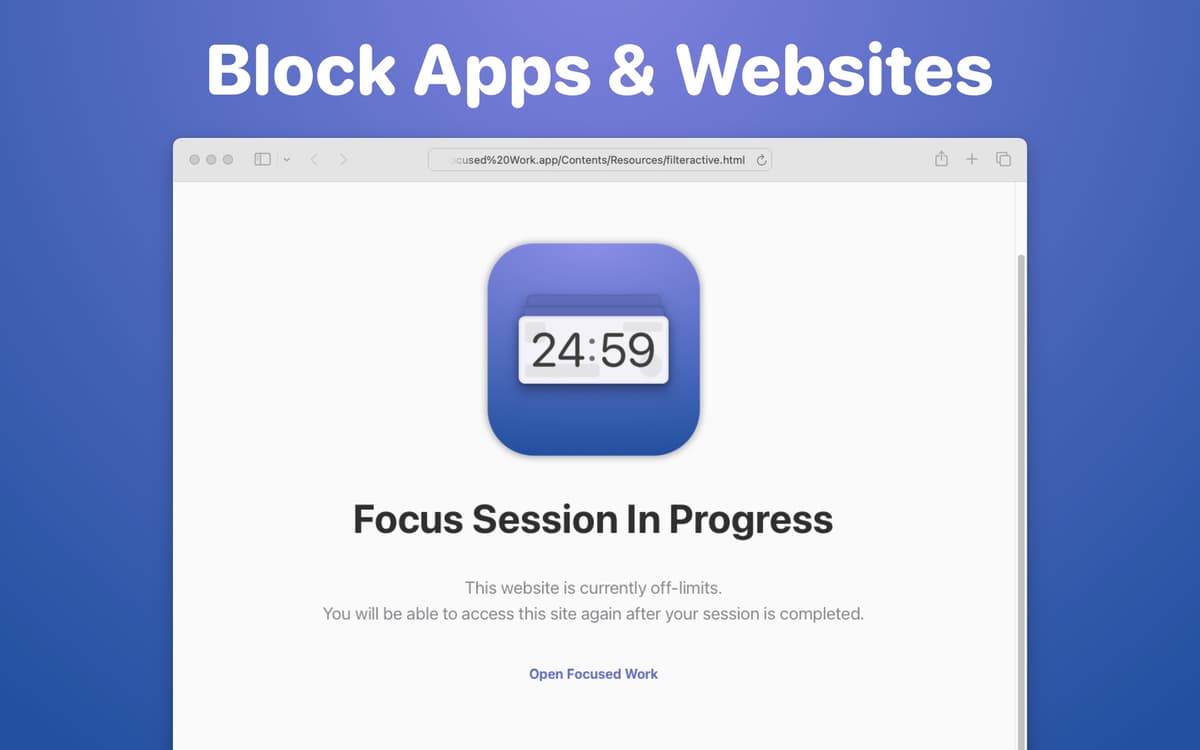
Basta um momento de fraqueza para ir de um foco sólido à rolagem infinita. Com o Focused Work, você pode bloquear sites e apps. Crie uma lista de itens bloqueados e fique de olho no objetivo, sem nenhuma distração durante as sessões de foco.
Revise seu progresso
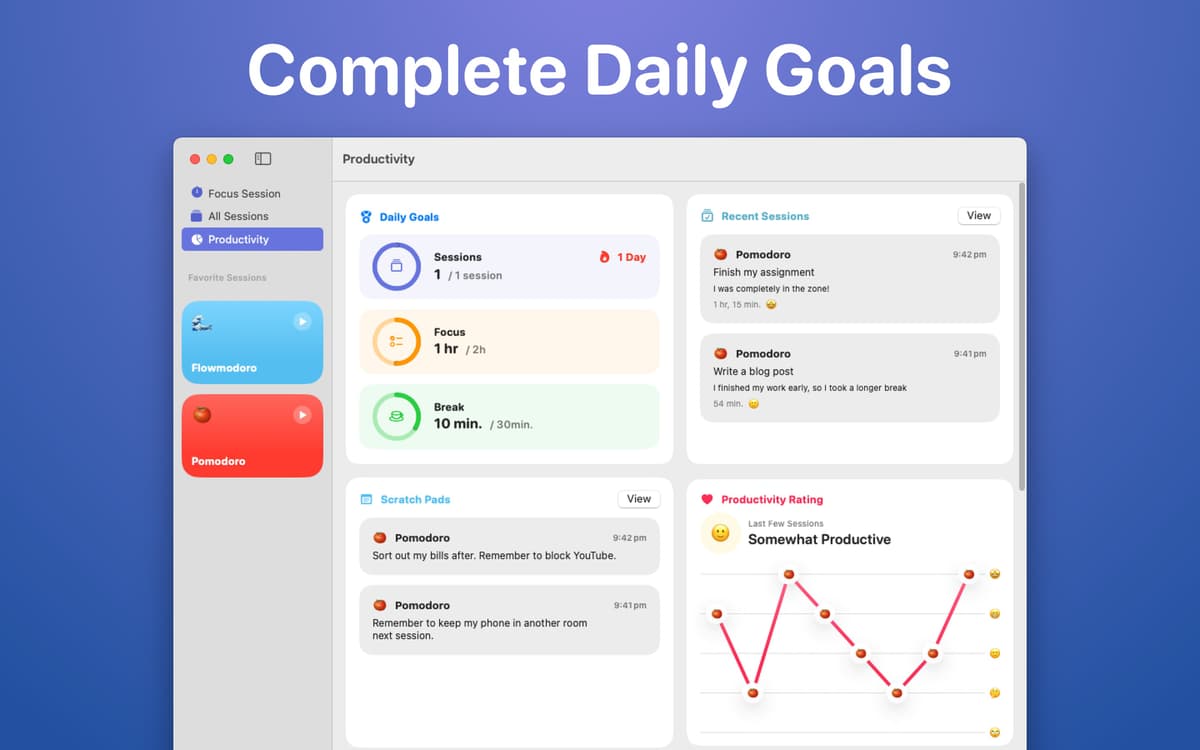
Analise a produtividade das sessões de foco em uma aba do app dedicada a isso. Encontre detalhamentos com os tempos, pausas, tipos de foco e outros fatores das sessões.
Classificações e avaliações
Focused Work
•
95 classificações
Matthew Bogart
18 de set. de 2026
Versão do app: 5.2.0
If minimized to the dock the app will often stop tracking time. If I try to edit a timer the buttons for “cancel” and “set” do nothing when clicked, making the only way to exit the timer editing window to hit escape and back out of edit mode without having successfully edited anything.
Ian T
2 de jun. de 2026
Versão do app: 5.1.4
Nice idea but unuseable. I have a late 2020 high-spec iMac. Focused Work crashes withing seconds of opening it. Very disappointing as I need what this app offers.
Andrew Cranna
22 de mar. de 2026
Versão do app: 5.1.4
Keeps exiting when I close the window and the notifications aren’t visible enough show when the session has ended. It also takes up a lot of space in the menu bar because the option to hide the intention doesn’t seem to work sometimes.
Obtenha centenas de apps com o Membership
Obtenha um membership do Setapp e use centenas de apps estelares numa única assinatura.
Experimente grátis por 7 dias. Depois, pague um valor único.
Instale o Setapp no Mac
Explore apps para Mac, iOS e web. Encontre formas fáceis de lidar com as tarefas do dia a dia.

Obtenha o app que chamou sua atenção
Aquele app especial está esperando você no Setapp. Instale‑o com um clique.

Focused Work
Escolha uma assinatura
Um ou mais apps com um membership do Setapp. Obtenha os apps que você quer.

Obtenha centenas de apps com o Membership
Obtenha um membership do Setapp e use centenas de apps estelares numa única assinatura.
Experimente grátis por 7 dias. Depois, pague um valor único.
1
Instale o Setapp no Mac
Explore apps para Mac, iOS e web. Encontre formas fáceis de lidar com as tarefas do dia a dia.
2
Obtenha o app que chamou sua atenção
Aquele app especial está esperando você no Setapp. Instale‑o com um clique.
Focused Work
3
Escolha uma assinatura
Um ou mais apps com um membership do Setapp. Obtenha os apps que você quer.
A casa dos melhores apps
Desde tarefas rotineiras e de planejamento a atividades criativas e de programação, encare suas tarefas com os apps do Setapp.

TypingMind
IU alternativa para conversar com IA
gere ou resuma textos
use uma biblioteca de ações
IA

Spark Mail
Gerencie e‑mails
IA

CleanMyMac
Limpe os detritos

Bartender
Personalize a barra de menus

CleanShot X
Capturas de tela versáteis

Luminar Neo
Edite suas fotos
IA

ClearVPN
Conecte‑se com mais segurança

Craft
Trabalhe com documentos
IA
Focused Work
Trabalhe com timers