How to keep your browser neat and clean
We all know what every Mac perfectionist’s nightmare looks like. It looks like this.
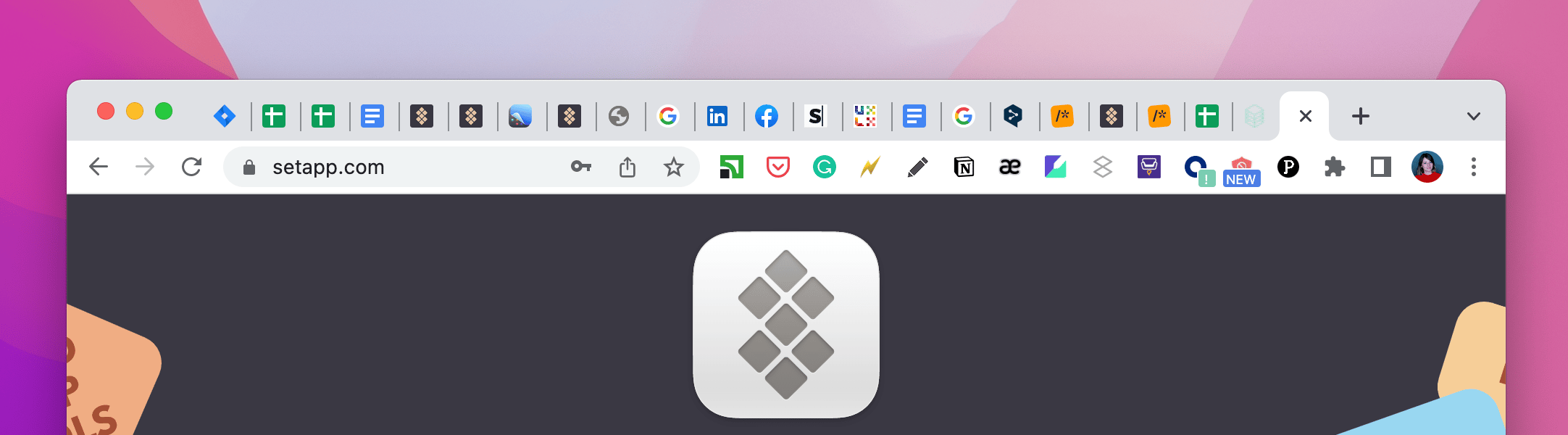
Not only does it look bad — it doesn’t make any sense. A human being can’t actively use 53 tabs in one hour. So we offer a solution: regular quick cleanups of your browser.
Declutter and manage browser tabs
Set up quick-clean reminders
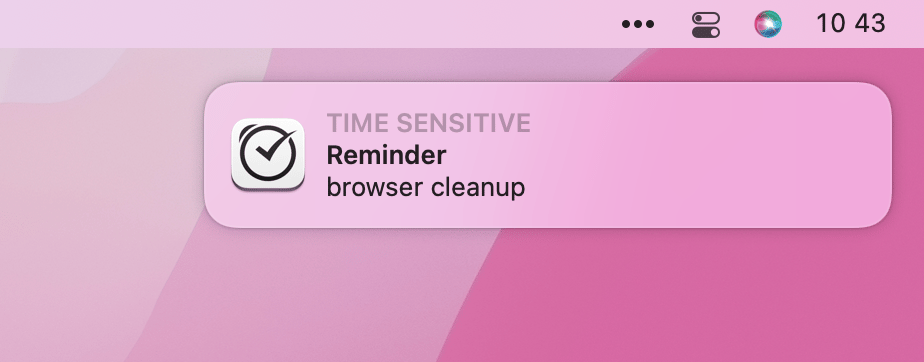
In Due, create a “clean my browser” reminder. How is Due different from Reminders? It’s persistent. Set up auto-snooze so the app sends notifications every 20-30 minutes.
You’ll inevitably miss some of them, and that’s okay. But once in a while, when Due catches you in the moment of rest (or procrastination), you’ll react to it.
Start the purge
That 58-tabs-in-a-row thing looks intimidating. Declutter with Tab Finder — it’s so much easier. Open a full list of open tabs (without their titles being cropped, so you actually know what’s behind those tabs), and start closing those you don’t need.
And what about those tabs you want to save for later? There are a few ways to go.
Save text and pics from tabs
Yoink is an amazing tool for saving everything (except your life) for later. Does your tab contain some pics that are worth saving? Drag and drop them to Yoink’s shelf. Some great text you like? Just copy it, Yoink saves everything that reaches your clipboard.
Note: The clipboard history feature is opt-in, so make sure you toggle it on before saving stuff.
Bookmark pages
Both Chrome and Safari let you bookmark pages. Chrome also has a great split between Bookmarks and Reading List. Why is it great? Because you can stop bookmarking articles you want to read (as experience shows, people never delete them). Save them to Reading List instead.

Reading List is much better because you can just mark your bookmarks as ‘read’ and get rid of them instantly. Plus, all the pages you save to Reading List can be accessed offline.
Save important stuff to SideNotes
Some insights from your Reading List deserve a permanent spot on your Mac. You can save links, pics, and text to SideNotes, a slide-out notes app that can be a great tool for building your own knowledge base, saving docs and organizing them by project, etc. The perk? It’s always open and available with a swipe.

Bonus tip: take your browser tabs to the menu bar
To finish it up, we’ll leave you with a magnificent browser alternative. If you want to try and limit the number of browser pages you open every day, it will help to pick the essential ones and put them into the menu bar, so they are always close at hand. MenubarX will help set things up. As a nice benefit, it’s super light on CPU usage, compared to browsers.
Hope this use case will help you solve tasks faster, and enjoy solving them, too! Check out more use cases picked for you below.