
Almighty
Unlock 50+ Mac shortcuts

Mac
Version 2.12.0
macOS 14.0 or later
119 MB
8 languages
Customizing your Mac experience to meet your needs can turn workflow on your favorite device into an even more seamless experience. Use Almighty to adjust advanced settings like hiding desktop icons and menu bar items, obscuring keyboard input, cursor and keystroke visualization, and many, many more cool adjustments for better productivity and more effective work.
Show hidden files, extensions, etc. in Finder
Show project build time in Xcode
Choose which apps to show in the Dock
Manage system settings faster with Almighty
Almighty features
Managing system settings
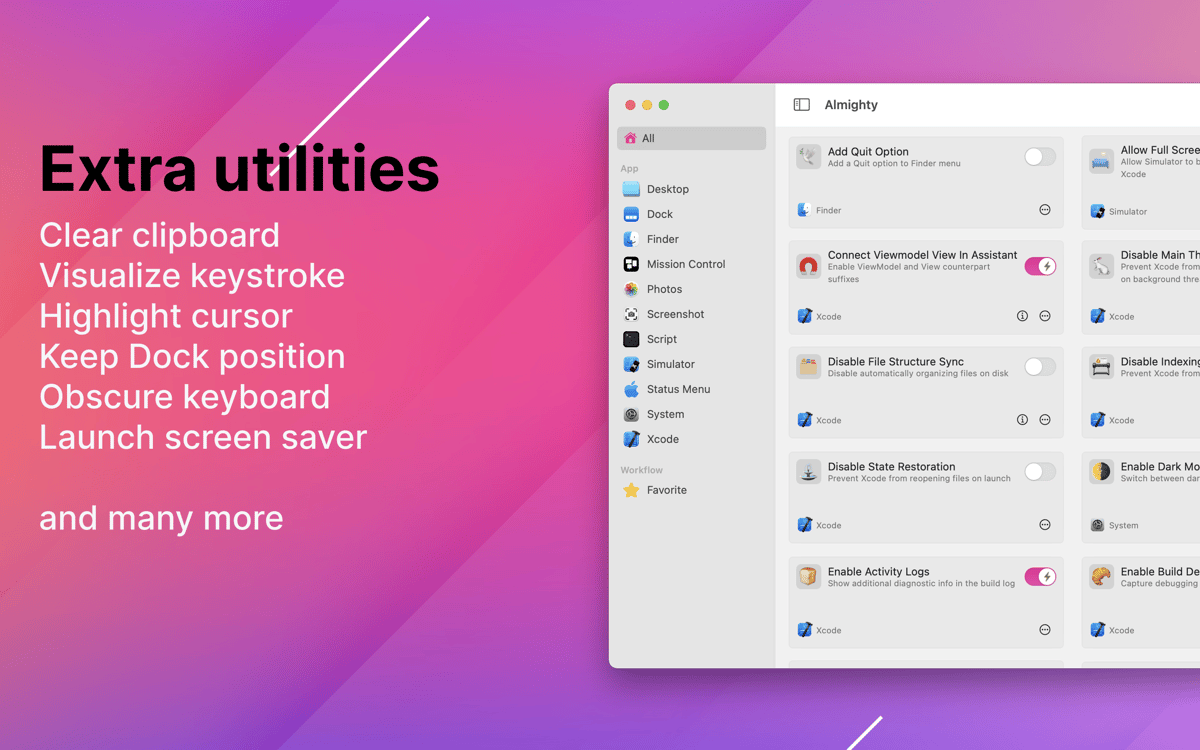
Almighty is a true power user solution that helps you set up your machine in a variety of ways you didn’t know you could — obscure keyboard input, clear clipboard contents, convert copied text to plain text, schedule to shut down, launch screen saver, enable dark mode, and more.
Managing dock settings
Customize your Dock with various advanced settings like making hidden apps semi-transparent, inserting additional spacer, and other convenient features that can take your Dock experience from standard to perfection in no time.
Configurations for Xcode
With Almighty, you can configure your Xcode flow with a collection of handy features. Some of the ones we are most excited about are showing project build time, disabling reopening of the last project and state restoration, and enabling Internal Debug Menu, but there are plenty more to choose from!
Customize Finder
You can also use Almighty to tweak your Finder experience. Configure Finder to show or hide hidden files, display full file path in the title bar, show all file extensions, as well as add a quit option to the Finder menu.
Access favorites in menu bar
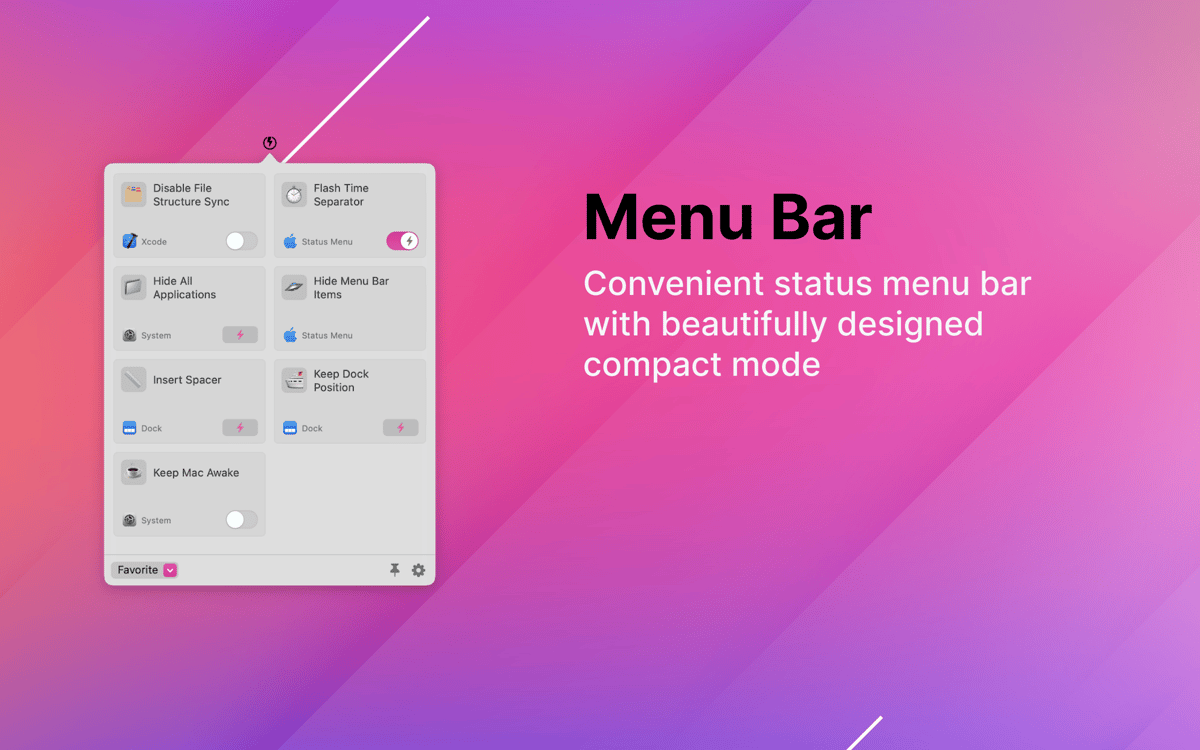
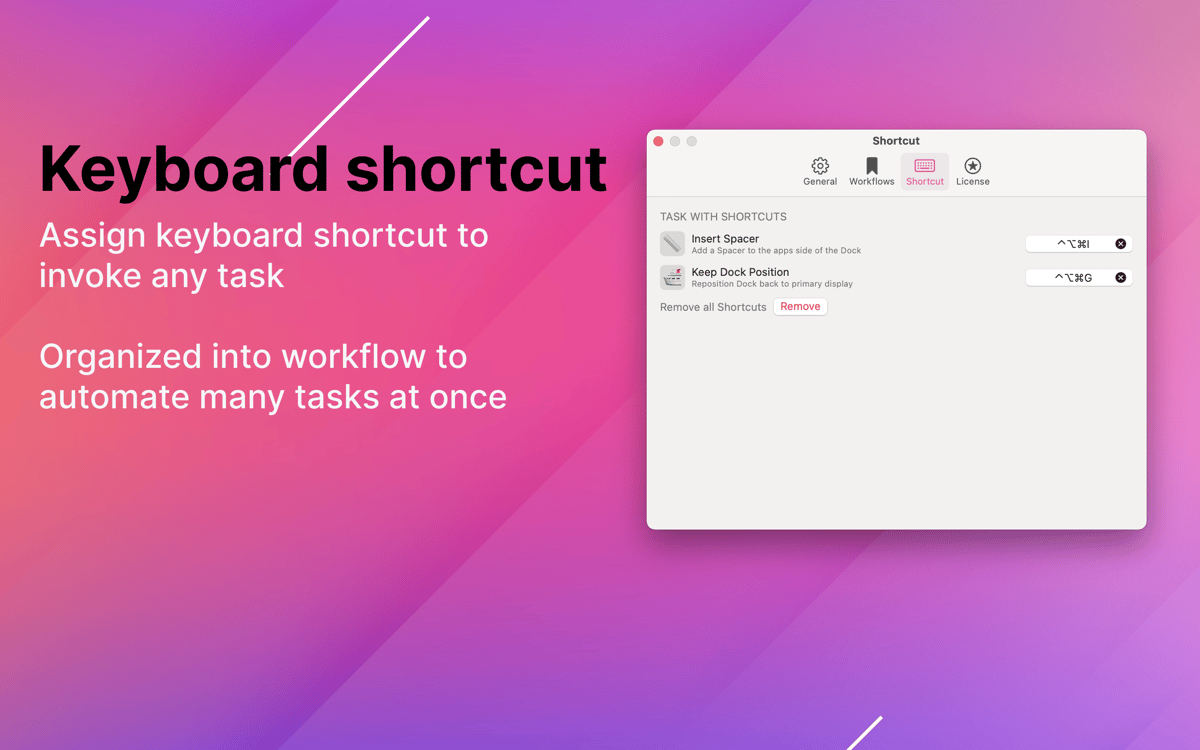
Surely, with all these handy features in Almighty, some will become indispensable to your daily routine. Set up your must-have selection of favorite Almighty tools in the app’s menu bar dropdown window and access them any time! Organize and run the tweaks you want handy in just a few clicks.
Ratings and reviews
Almighty
•
270 ratings
RJ
Jun 1, 2026
App version: 2.10.2
Good app. Missing a configuration backup file export and import feature, or iCloud backup.
catrina farrugia
Sep 6, 2025
App version: 2.8.2
i love it.
Parker Myers
Jan 9, 2025
App version: 2.7.1
mid to be so honest
Get hundreds of apps with Membership
Become Setapp member and use hundreds of stellar apps with one subscription.
Try 7 days free, then pay one simple fee.
Install Setapp on Mac
Explore apps for Mac, iOS, and web. Find easy ways to solve daily tasks.

Get the app you came for
That one shiny app is waiting inside Setapp. Install with a click.

Almighty
Choose your subscription
One app or more with a Setapp membership. Get apps the way you want.

Get hundreds of apps with Membership
Become Setapp member and use hundreds of stellar apps with one subscription.
Try 7 days free, then pay one simple fee.
1
Install Setapp on Mac
Explore apps for Mac, iOS, and web. Find easy ways to solve daily tasks.
2
Get the app you came for
That one shiny app is waiting inside Setapp. Install with a click.
Almighty
3
Choose your subscription
One app or more with a Setapp membership. Get apps the way you want.
Home to the top apps
From planning and routine tasks to creative pursuits and coding, tackle tasks with apps on Setapp.


Almighty
Unlock 50+ Mac shortcuts