Boom 3D
Boost volume and audio quality
Mac, iOS
Version 2.3.1
macOS 11.0 or later
96.2 MB
11 languages
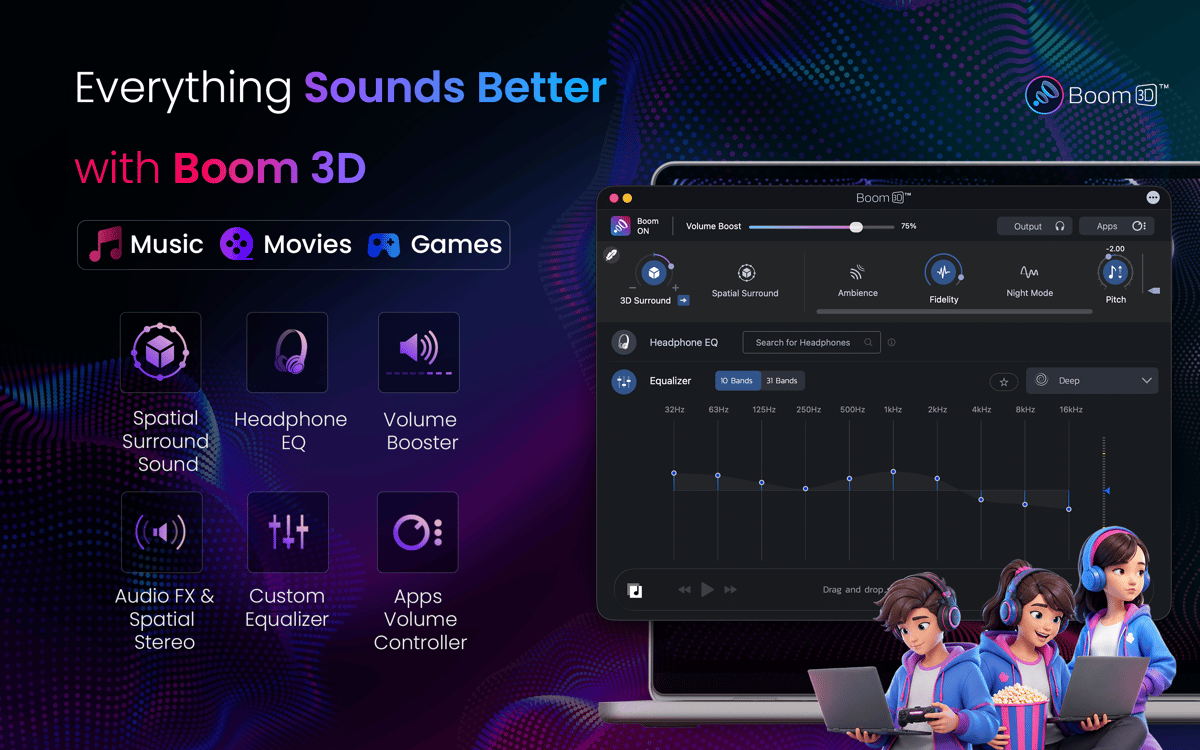
Boom 3D is an all-in-one sound enhancer that lets you unlock peak performance from your Mac’s audio hardware. Whether you’re an opera buff, a metal head, or just trying to drown out your upstairs neighbors, this app gives you precise control over your listening experience. With a slick slider interface, an extensive palette of sound-boosting presets, and optional remote management (Boom Remote) accessible through your iPhone or iPad, Boom 3D puts you fully in control. Plus, its innovative virtual surround sound feature turns even basic speakers into the ultimate audiophile experience. Experience life as it was meant to be heard.
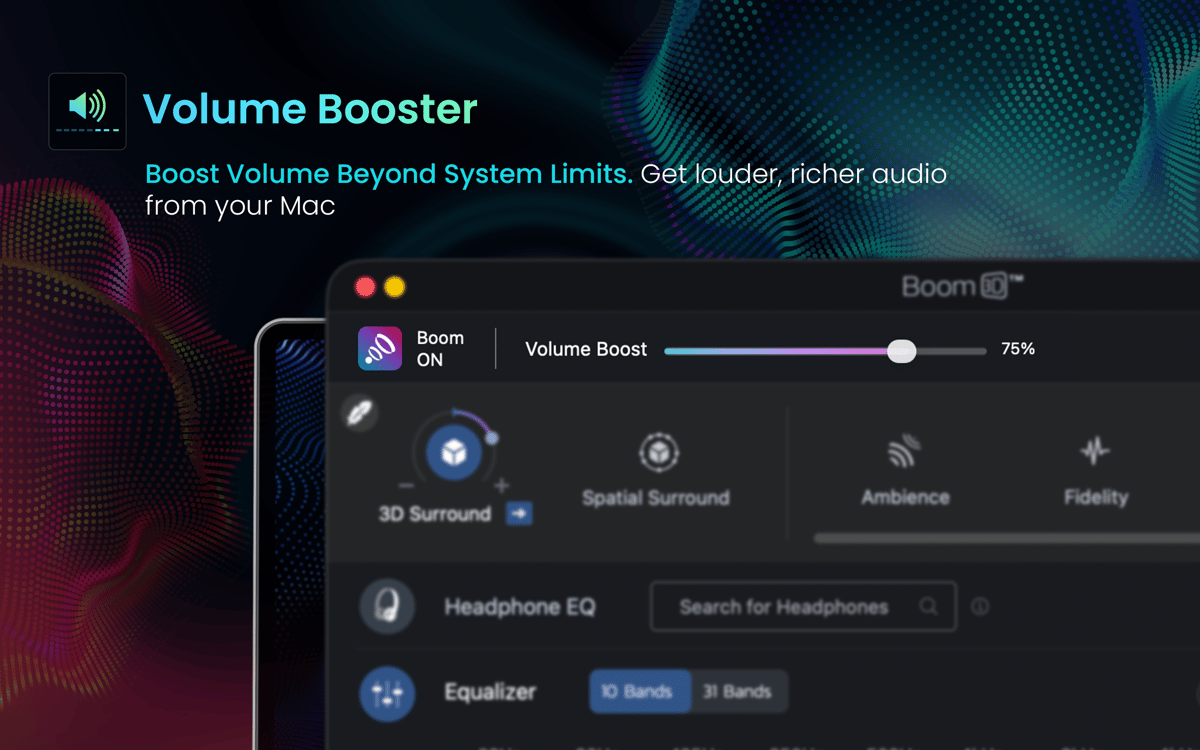
Enhance audio volume beyond maximum
Enjoy immersive sound with 3D Surround
Set custom audio volume for a specific app
Try presets for different activities and genres
Boom 3D features
Surround sound anywhere
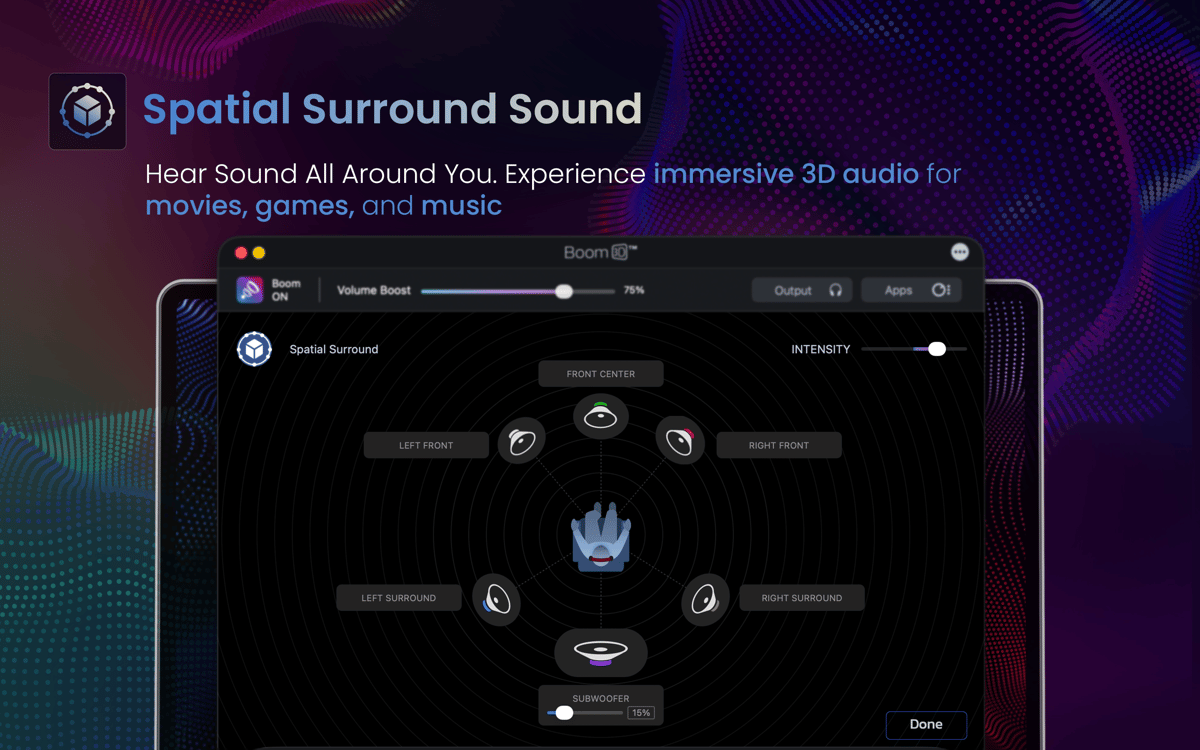
Boom 3D’s flagship feature is the patent-pending 3D Surround Sound. This function uses built-in speakers, in-ear or on-ear headphones, or any other audio equipment to simulate the experience of surround sound. Its built-in volume booster lets you adjust each channel individually for a totally transporting audio experience at a fraction of the cost.
Wireless control
The app’s mobile tie-in turns your devices into convenient remote control so you can manage your listening experience from anywhere in your home. The feature lets you change songs and adjust levels with a simple touchscreen interface that integrates seamlessly with the app on your Mac.
Advanced equalizer presets
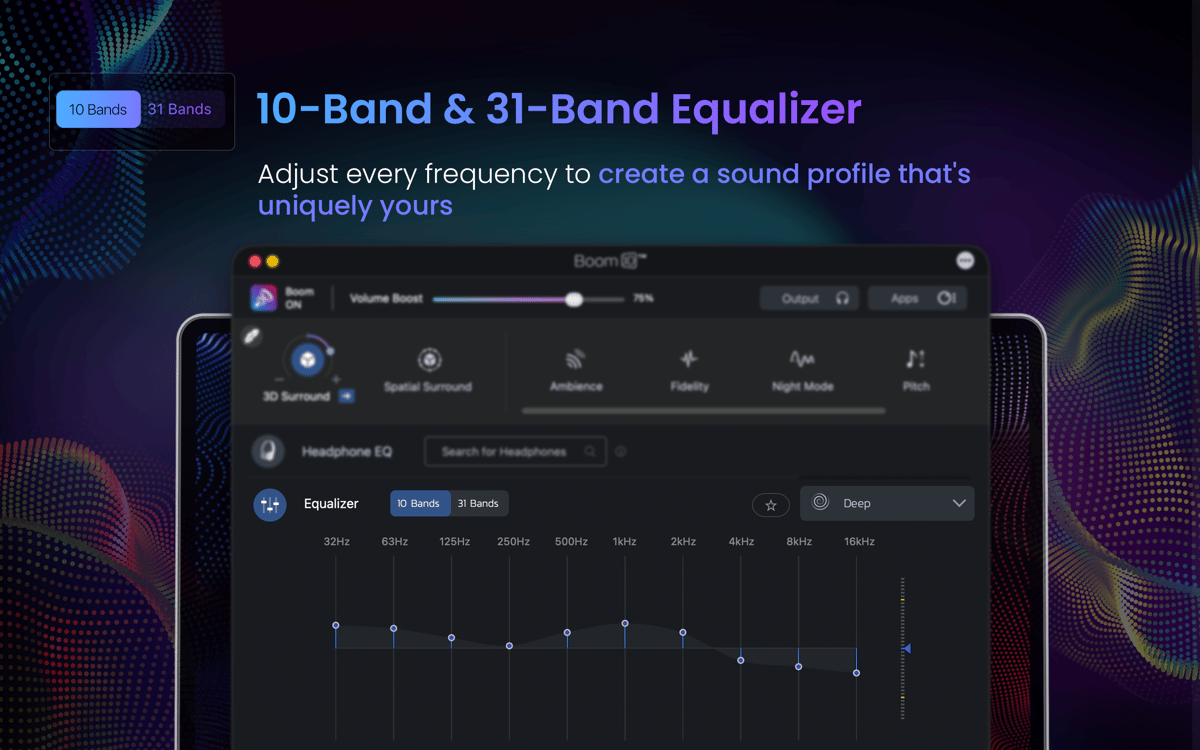
Boom 3D recognizes that audio settings aren’t one-size-fits-all. Some genres sound better with the bass turned up; others need a little treble boost. The app includes a palette of genre-based presets to help users get the most out of their songs; with just a click, the app can go from optimal opera to perfect punk. On top of that, the slider-based equalizer makes fine-tuning your music a breeze.
App Volume Control
One major drawback Mac users face is being able to adjust audio levels only system-wide. Just because you want to hear the music at max volume doesn’t mean you want to hear every pop-up ad at that volume too. Boom 3D solves that issue by allowing to set custom app-by-app volume adjustments. Users can keep annoying inbox “dings” from interrupting their after-work listening sessions or layer in some pump-up music while gaming.
Audio Boost
With Boom 3D audio enhancer, you can not only easily tailor your listening experience, but get the most out of your hardware as well. The volume booster pushes your audio volume higher than the system default for your Mac without sacrificing audio quality: for when you need to fill a room but don’t have external speakers handy.
Built-in Audio Player
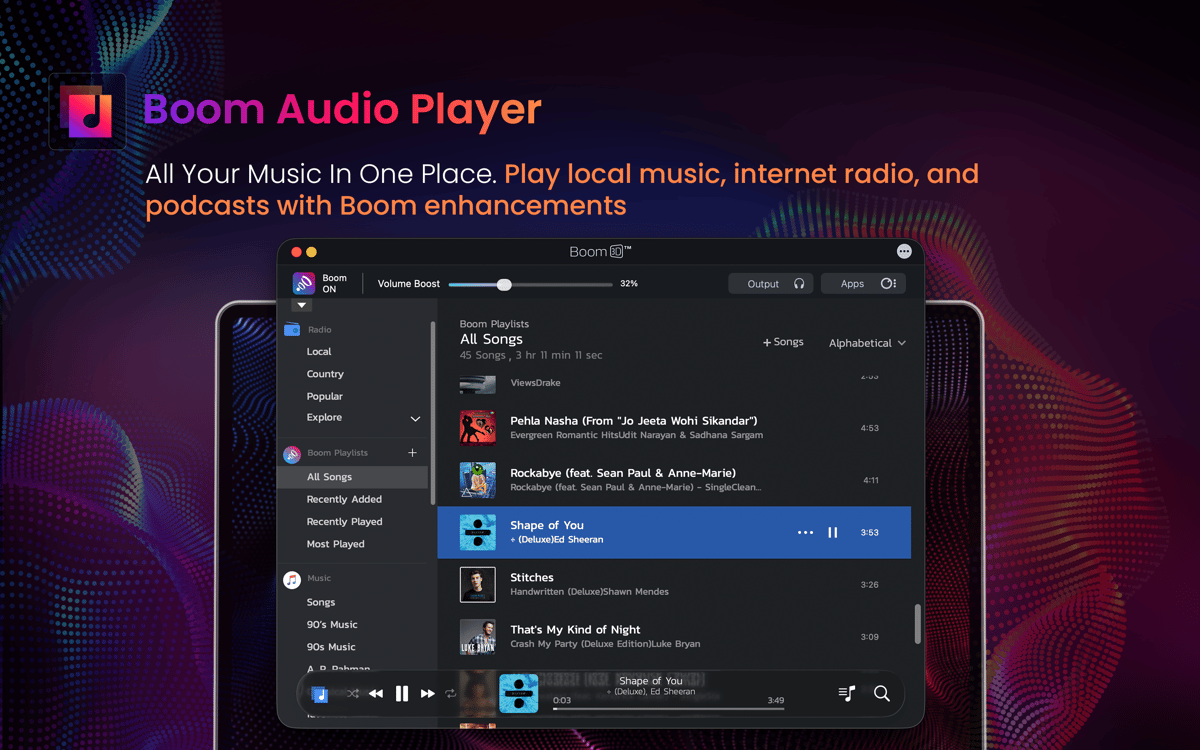
An an all-in-one solution, play media right out of the Boom 3D interface and get the most out of your music library. Don’t let pre-installed apps, default settings, and limited speakers cramp your musical style. Embrace the audiophile quality in every sound.
Ratings and reviews
Boom 3D
•
1784 ratings
Charles
Sep 18, 2026
App version: 2.3.1
It does tend to reek havok on the hardware - has caused a crash once or twice - but it’s about the best sound manager I’ve found
Kevin Laffey
Sep 13, 2026
App version: 2.3.0
When it has rights to access the source it works nicely, but it’s yet to realize its true potential when streaming services aren’t all on board.
João Cirilo
Jul 6, 2026
App version: 2.3.0
ruim, parece que vai deixar o audio com falha depois de um certo tempo de uso ou queimar o autofalante
Get hundreds of apps with Membership
Become Setapp member and use hundreds of stellar apps with one subscription.
Try 7 days free, then pay one simple fee.
Install Setapp on Mac
Explore apps for Mac, iOS, and web. Find easy ways to solve daily tasks.

Get the app you came for
That one shiny app is waiting inside Setapp. Install with a click.

Boom 3D
Choose your subscription
One app or more with a Setapp membership. Get apps the way you want.

Get hundreds of apps with Membership
Become Setapp member and use hundreds of stellar apps with one subscription.
Try 7 days free, then pay one simple fee.
1
Install Setapp on Mac
Explore apps for Mac, iOS, and web. Find easy ways to solve daily tasks.
2
Get the app you came for
That one shiny app is waiting inside Setapp. Install with a click.
Boom 3D
3
Choose your subscription
One app or more with a Setapp membership. Get apps the way you want.
Home to the top apps
From planning and routine tasks to creative pursuits and coding, tackle tasks with apps on Setapp.


Boom 3D
Boost volume and audio quality