World Clock Pro
Work across time zones
Mac, iOS
Version 1.8.6
macOS 10.15 or later
109.7 MB
2 languages
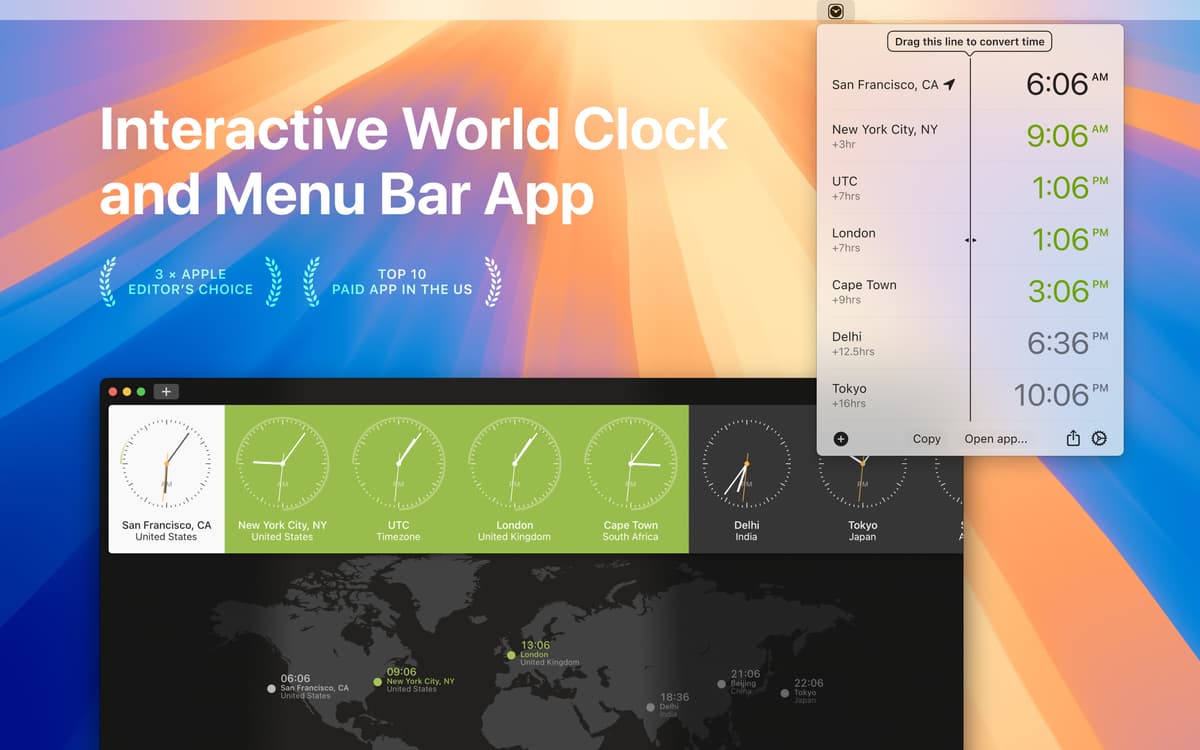
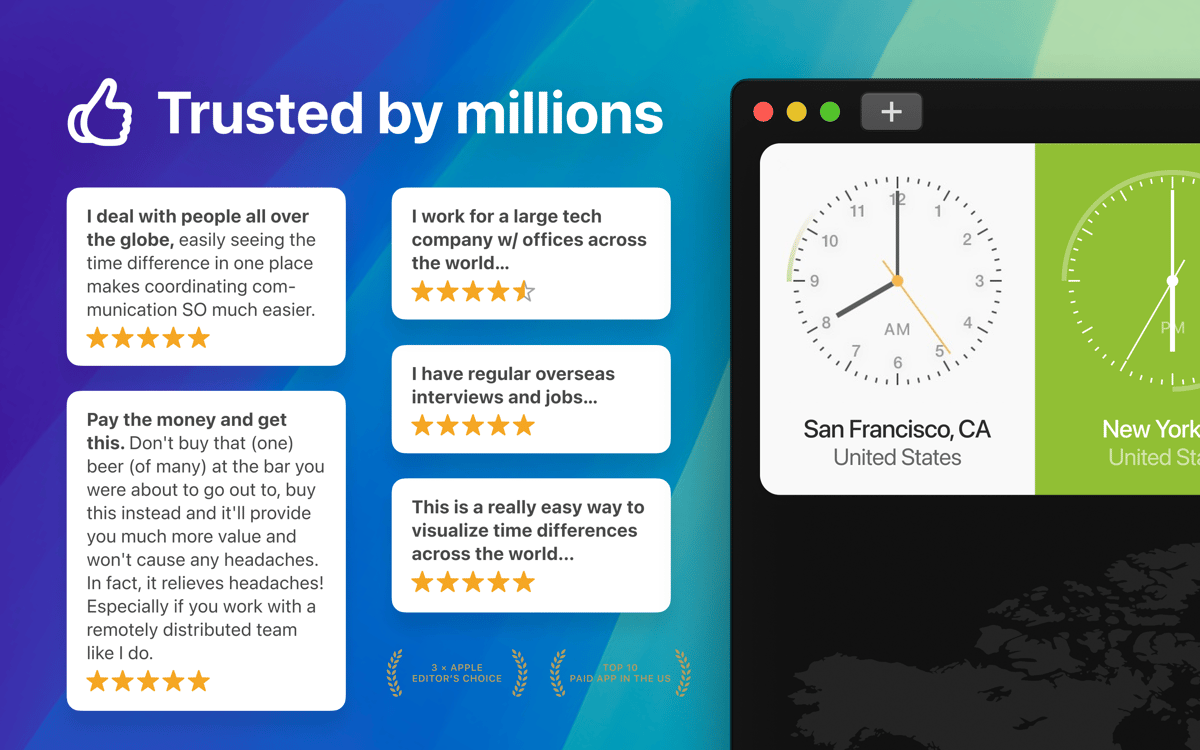
World Clock Pro is a fancy international time zone converter ideal for anyone who works and interacts with people from numerous countries on a frequent basis. It will become the perfect everyday companion for planning, scheduling any kind of webinars, meetings, group activities, and calls. So, if you have to do with any kind of world time zones planning or simply wish to effortlessly compare multiple time zones to reveal the most suitable time to ring your friends or family, this time zone converter is a smart choice. Learning and checking what time it is in any part of the world is fast and fun with this world clock app.
Get a handy time zone converter
Collaborate with remote teams
Know the best time to contact clients
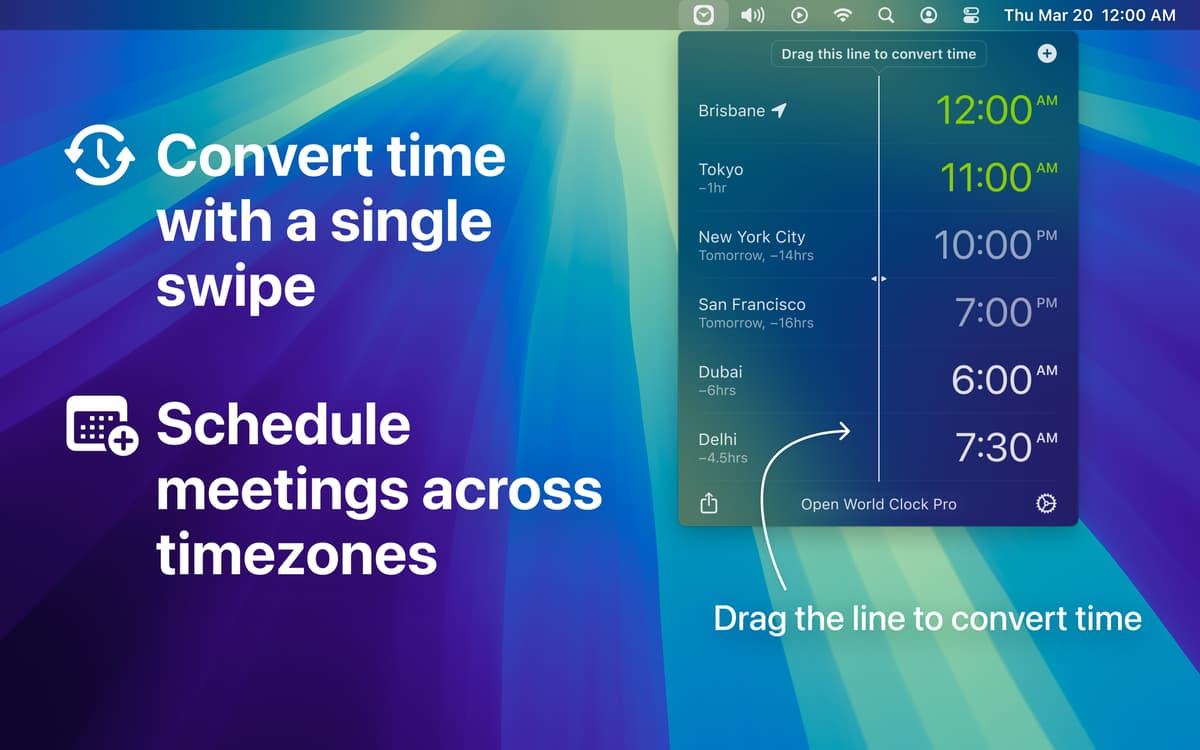
Schedule meetings across time zones
World Clock Pro features
Multiple time zone clock
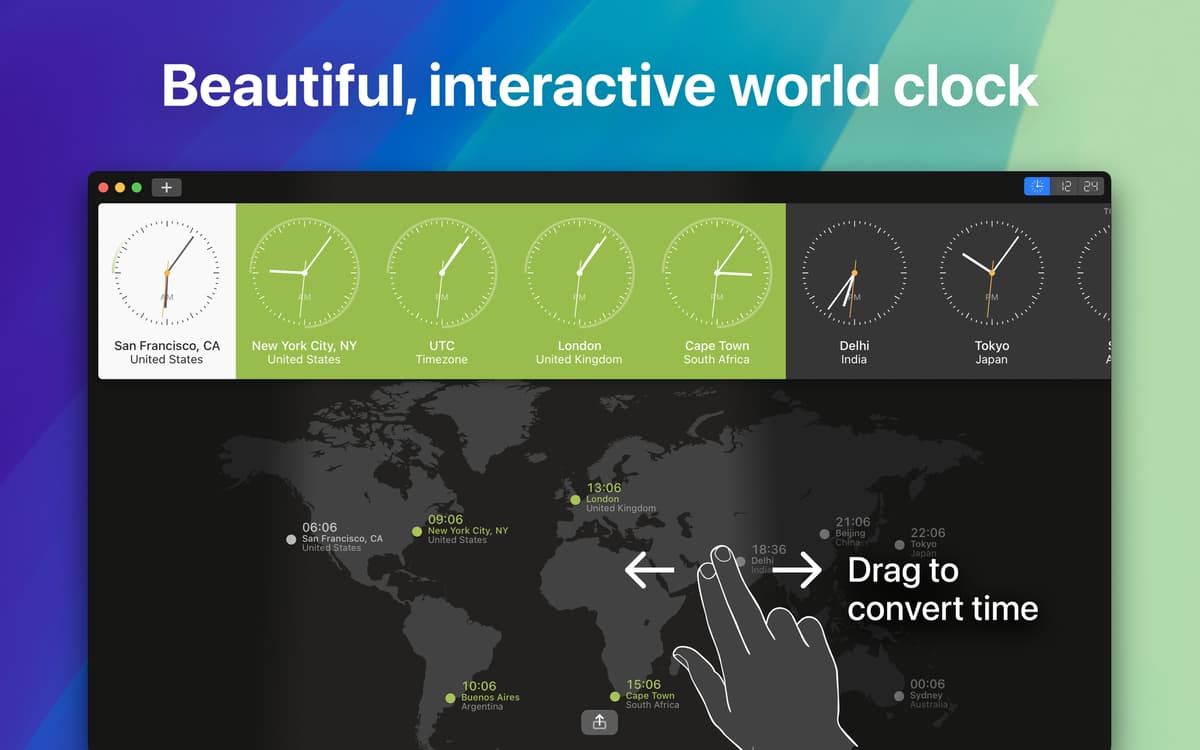
Do you simultaneously work on several projects worldwide? Adjust group calls or corporate meetings without any efforts. Add cities and timezones like GMT and UTC with a click. Enjoy a brand-new experience of planning and scheduling!
Time zone map + time offset visualization
When it comes to arranging calls and meetings through a number of time zones, this world time zone clock makes a great solution. Select the preferable time zones and add them to Favorites. For better visualization, have a peek at the needed areas on a map.
Time clock converter for everyday use
Convert times throughout the world within seconds, plan travel or check flight arrival time across time zones. Pick good meeting times for colleagues from different countries with a drag of a cursor. Effortlessly choose the preferable time for all of them.
Live weather in every part of the globe
See live weather and weather forecasts in the selected areas, not to mention every part of the world. Plan, organize and arrange any kind of outdoor activities with ease and hassle free.
MacBook Pro’s Touch Bar support
The addition of Touch Bar support should make using this time zone calculator a more integrated and pleasant experience. Don’t settle for less, get full advantage of the latest Apple computer’s Touch Bar functionality!
Great user experience
Being easy, convenient and fun to use, World Clock Pro becomes a must have for any avid project manager or simply person often calling partners, relatives and mates abroad. Arrange webinars, organize group calls, and do more great things on your Mac!
Ratings and reviews
World Clock Pro
•
435 ratings
LM
Apr 13, 2026
App version: 1.8.6
I was hoping to input the time and timezone for a meeting and have the math done for me to my local time. It didn’t function that way when I tried it. Less useful than what I need it for.
Denise
Mar 15, 2026
App version: 1.8.6
It does what I need it to do.
The Orc
Nov 19, 2025
App version: 1.8.6
Not totally convinced. World Clock did not “know” that the US went to Daylight Savings Time a few weeks before the EU (March 10 vs. March 31). Furthermore this app tried to connect to the doimain revenuecat.com, which per se is not shady but still collects info about you(r installation) so it will leave my computer asap.
Get hundreds of apps with Membership
Become Setapp member and use hundreds of stellar apps with one subscription.
Try 7 days free, then pay one simple fee.
Install Setapp on Mac
Explore apps for Mac, iOS, and web. Find easy ways to solve daily tasks.

Get the app you came for
That one shiny app is waiting inside Setapp. Install with a click.

World Clock Pro
Choose your subscription
One app or more with a Setapp membership. Get apps the way you want.

Get hundreds of apps with Membership
Become Setapp member and use hundreds of stellar apps with one subscription.
Try 7 days free, then pay one simple fee.
1
Install Setapp on Mac
Explore apps for Mac, iOS, and web. Find easy ways to solve daily tasks.
2
Get the app you came for
That one shiny app is waiting inside Setapp. Install with a click.
World Clock Pro
3
Choose your subscription
One app or more with a Setapp membership. Get apps the way you want.
Home to the top apps
From planning and routine tasks to creative pursuits and coding, tackle tasks with apps on Setapp.


World Clock Pro
Work across time zones