
BoltAI
Write, code, learn with AI
Mac
Version 1.36.8
macOS 13.0 or later
82.4 MB
1 languages
Work faster with an AI tool that allows you to work with text or code, use task-specific AI assistants, learn, create content faster, and more. BoltAI lets you switch between leading AI services and local models, and access AI from the context menu in any text field on your MacBook. With its streamlined chat interface and rich prompt library, BoltAI makes your AI experience smooth and streamlined.
Use AI to work with text
Learn or code with AI
Create custom AI assistants
Leverage built-in prompt library
BoltAI features
Chat with AI
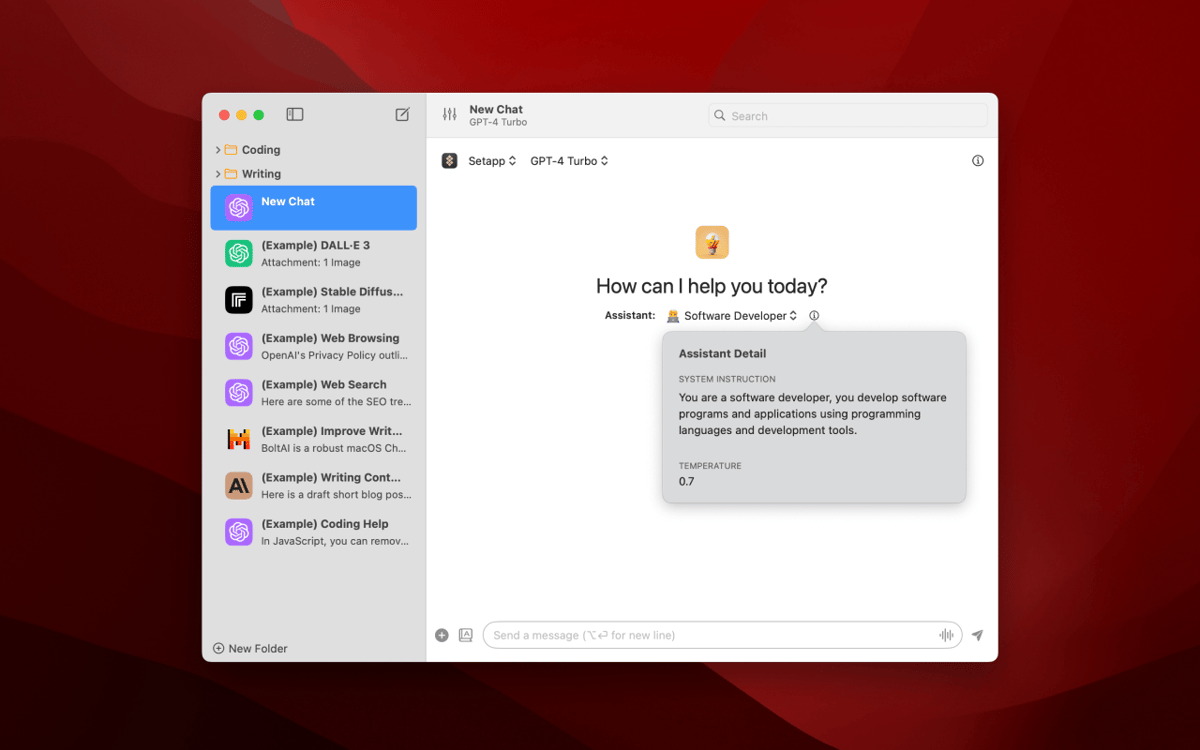
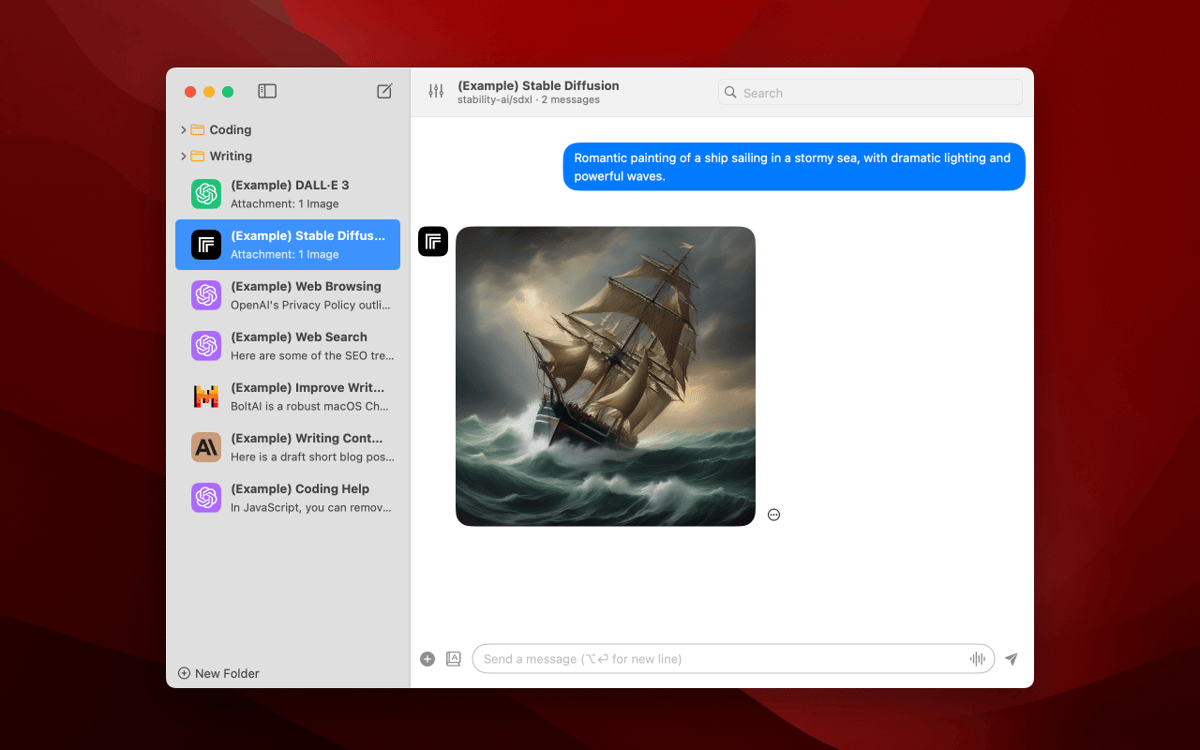
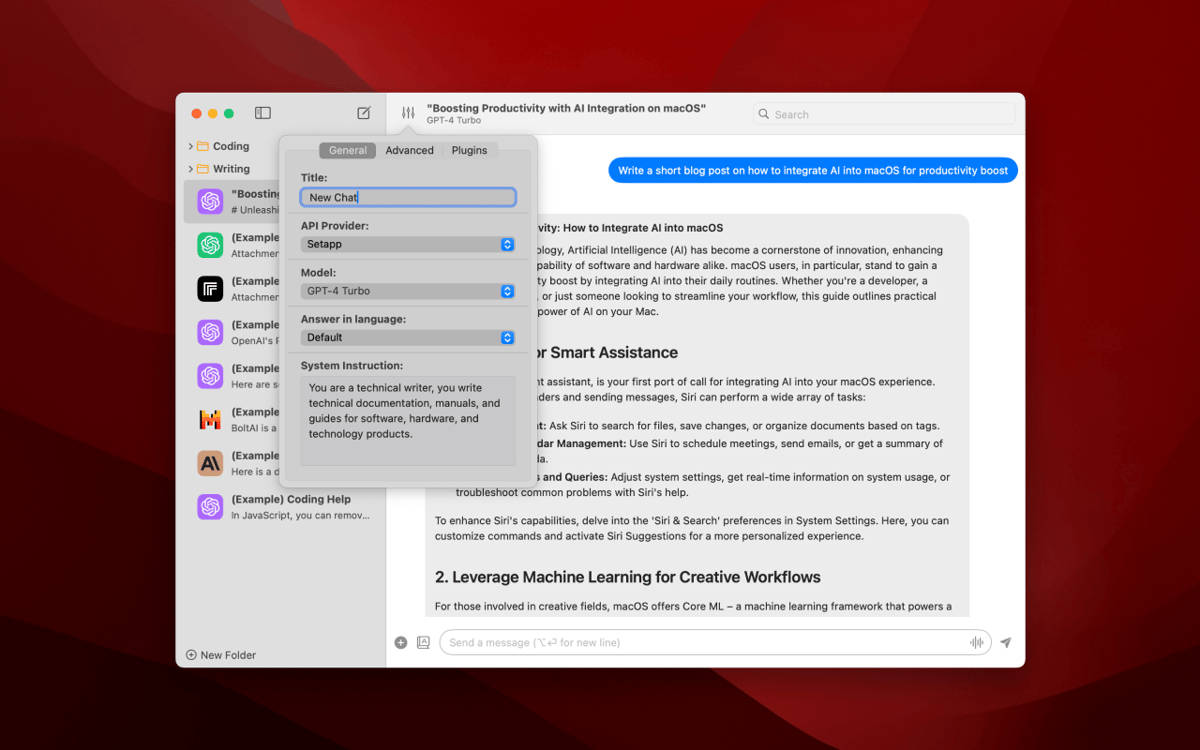
The BoltAI app looks like a classic intuitive chat — but with a twist. It lets you easily switch between different AI models, including ChatGPT, GitHub Copilot, Mistral AI, Perplexity, Groq, Ollama, and other LLMs. Discover a library of built-in prompts and characters to get high-quality results in response to your queries. Use with Setapp AI or AI+ credits or your own AI API key for extended functionality.
Create custom AI assistants
In BoltAI, you can use either the built-in selection of 30+ AI assistant personalities, like a software developer, AI coding assistant, travel planner, career counselor, and more, or create custom assistants tailored to your specific tasks. The same goes for prompts — you get access to over 160 ready-to-use ones, like a Python interpreter or plagiarism checker. And you can also save your own prompts for later use.
Use AI via context menu
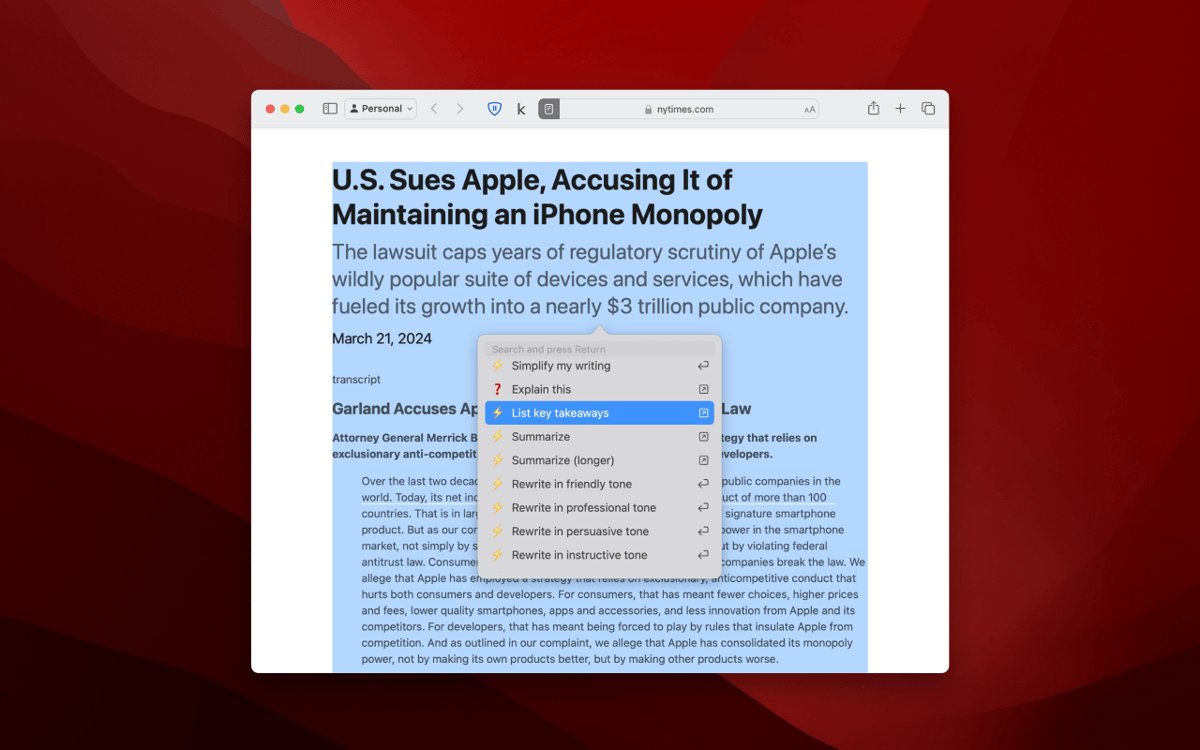
Wherever you are — writing a text in Google Doc or working on code in your IDE — just select the text and press a keyboard shortcut to open the context menu with ready-to-use prompts to help you out. Choose things like Improve my writing, Summarize, Translate into French, or Complete the code. The context menu is fully customizable, so you can set up your own prompts in the settings to match your workflow.
Generate ideas or text
Want to write more for your blog or professional publications but just don’t have the time? BoltAI helps content creators brainstorm ideas, draft outlines, and write complete blog posts, articles, and technical content.
Work with code
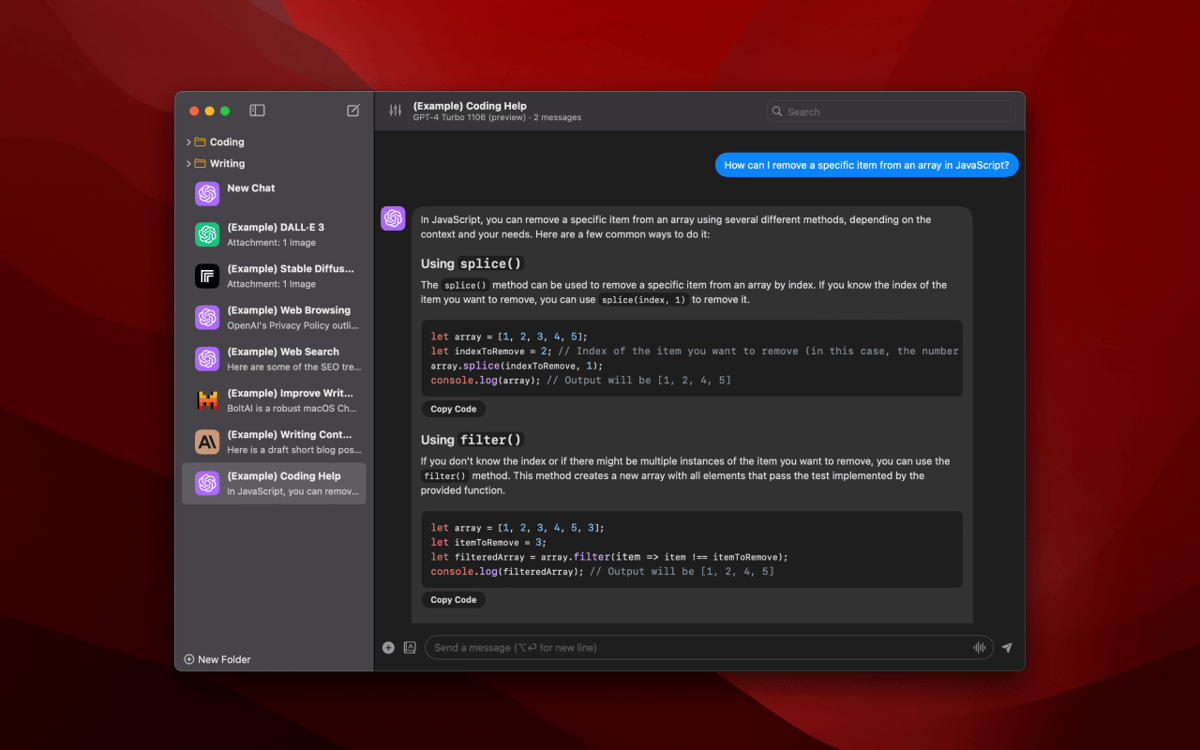
Make your work with code easier with BoltAI’s software developer assistant. Just ask what you need right within your IDE without context switching, and get help with ideas to solve your coding dilemmas. On top of that, you get plenty of plugins to boost your coding productivity — like an AppleScript, JavaScript interpreter, FFmpeg, Shell Access plugin, and more.
Learn faster with AI
Get key takeaways and summaries of texts you are working with, simplify and condense content, and prompt BoltAI to refine or rewrite your own texts. This AI app works right where you are. With seamless integration across your favorite macOS apps, you can use BoltAI’s context menu anywhere there’s a text field — in your notes, files, or anywhere else. You can also add your own AI commands to the list in app settings.
Ratings and reviews
BoltAI
•
467 ratings
A D
Apr 15, 2026
App version: 1.36.7
Struggles with local LLMs from Ollama. Unsure why.
Response from Developer
Apr 16, 2026
Sorry for the issue. Can you share more about the issue with me via email: [email protected]. Or better, please switch to BoltAI v2. It comes with a lot of new features and improvements: https://setapp.com/apps/boltai-2
Danny
Mar 26, 2026
App version: 1.36.7
I need the BoltAI2; I’m willing to accept the data loss risk :)
Response from Developer
Apr 16, 2026
Hi Danny. BoltAI 2 is now available on Setapp. Thanks for your patience: https://setapp.com/apps/boltai-2
BlueZodiac7
Mar 5, 2026
App version: 1.36.6
Unbelievably slow
Response from Developer
Mar 11, 2026
Hi. Due to an issue with Setapp's AI gateway, the response wasn't streaming correctly, making it feel slower. It has been fixed now. Can you try again and please consider updating your review. Thank you.
Get hundreds of apps with Membership
Become Setapp member and use hundreds of stellar apps with one subscription.
Try 7 days free, then pay one simple fee.
Install Setapp on Mac
Explore apps for Mac, iOS, and web. Find easy ways to solve daily tasks.

Get the app you came for
That one shiny app is waiting inside Setapp. Install with a click.

BoltAI
Choose your subscription
One app or more with a Setapp membership. Get apps the way you want.

Get hundreds of apps with Membership
Become Setapp member and use hundreds of stellar apps with one subscription.
Try 7 days free, then pay one simple fee.
1
Install Setapp on Mac
Explore apps for Mac, iOS, and web. Find easy ways to solve daily tasks.
2
Get the app you came for
That one shiny app is waiting inside Setapp. Install with a click.
BoltAI
3
Choose your subscription
One app or more with a Setapp membership. Get apps the way you want.
Home to the top apps
From planning and routine tasks to creative pursuits and coding, tackle tasks with apps on Setapp.


BoltAI
Write, code, learn with AI