Calendars
Track tasks, events, and plans

Mac, iOS
Version 5.36.19
macOS 12.0 or later
294.8 MB
10 languages
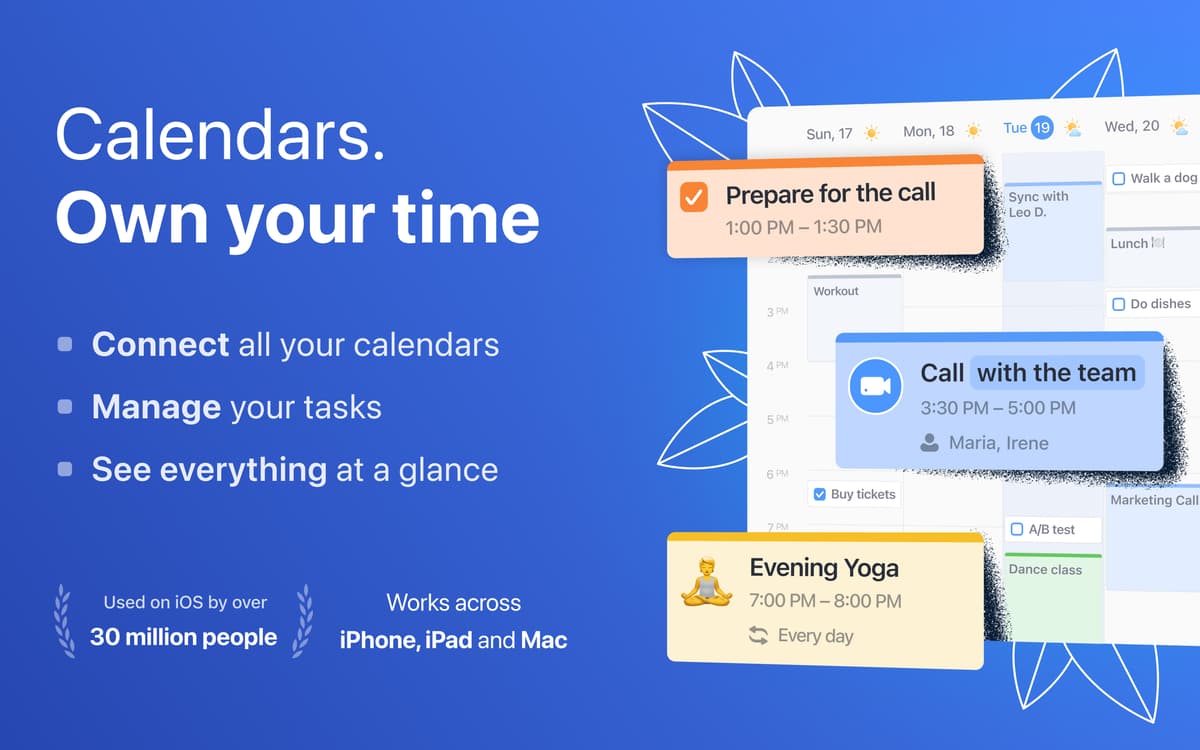
Manage your engagements and to-do list with Calendars, an app that helps you truly own your time. Connect multiple calendars and enjoy an integrated view of all of your time commitments.
Manage your plans and to-dos
Sync multiple calendars
Use plain language to create events
Create event templates
Calendars features
Manage your schedule
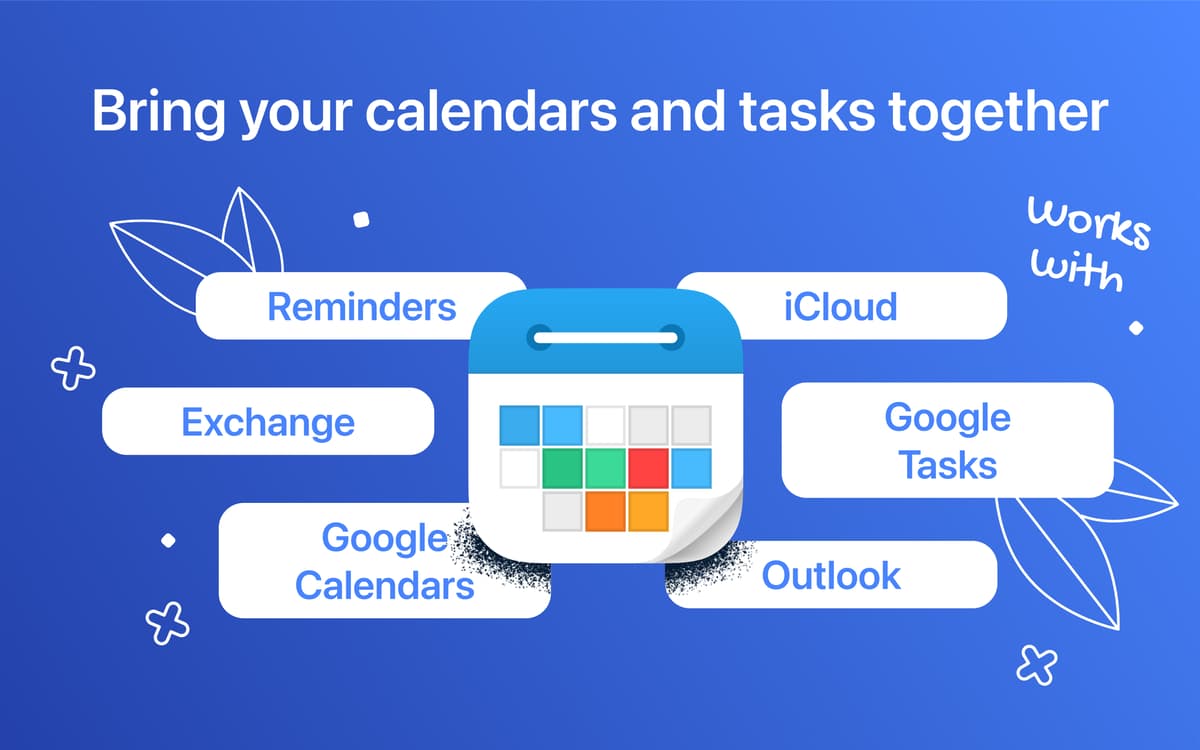
Plan your day, week, and month easily by syncing multiple accounts (Google, iCloud, Outlook). Set up to 5 reminders to be sure you won’t miss your appointments. Don’t know where to start? Calendars has a collection of 200+ interesting sports, TV, and holiday calendars that you can add.
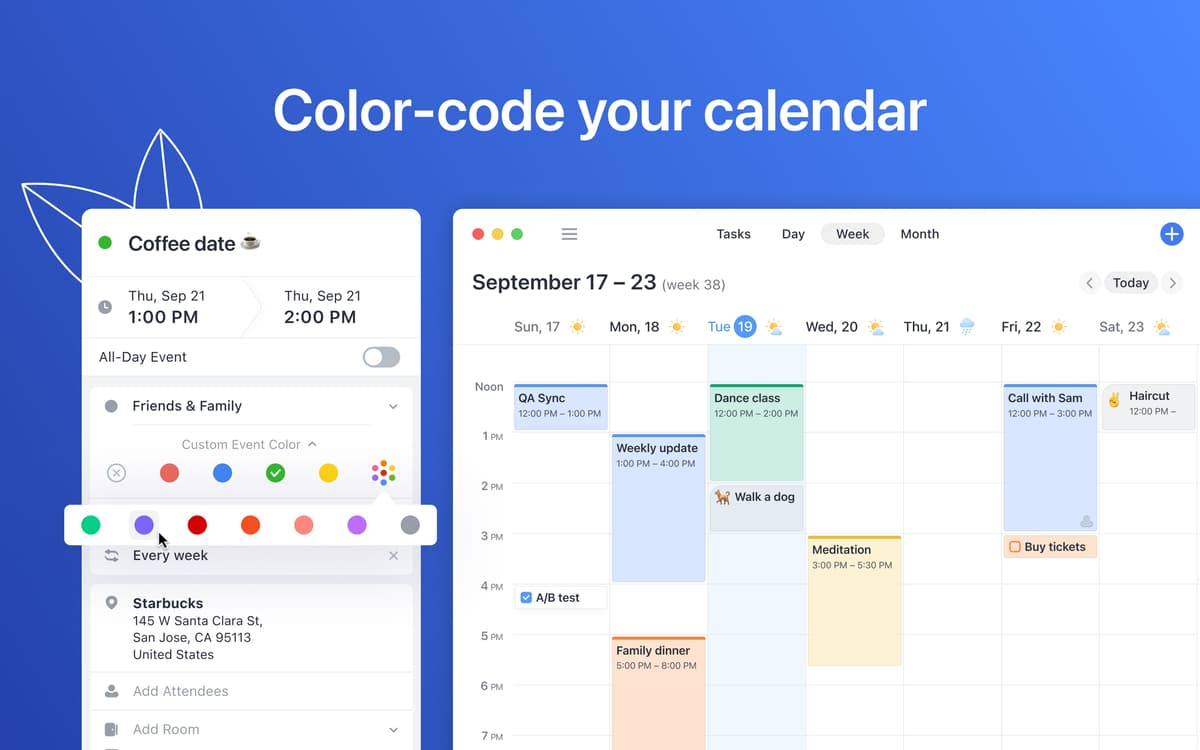
Color-code events
Leverage custom event colors for easier differentiation between top priority events, everyday plans, work and personal engagements, and more.
Send out invites
Save time on inviting people to regular or pre-arranged events with easy invites. Make connections simple with Calendars’ tools to book conference rooms and view your colleagues’ schedule.
Use natural language
Add an upcoming event by typing in the information about it in plain language, e.g. “meet Annie at Wendy’s tomorrow at 10.” Calendars will recognize your input and create an event, add location and your contact.
Check off your to-do list
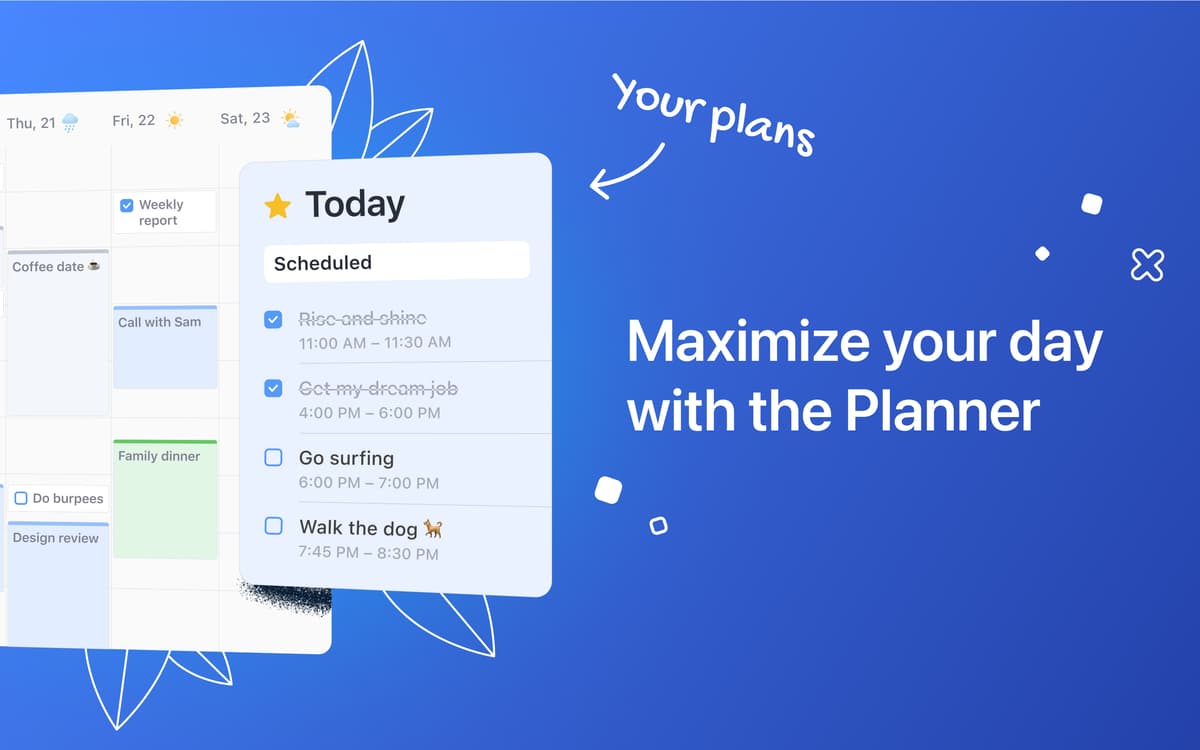
Manage your tasks in one place by syncing your Reminders and Google Tasks. Add estimated completion time and schedule your tasks with an easy drag-and-drop onto the calendar!
Create event templates
Keep scheduling the same type of event over and over? Save time by creating a template and drag-and-dropping it to schedule a new event in moments. You can also use templates to build better habits by scheduling regular well-being related tasks.
Ratings and reviews
Calendars
•
373 ratings
Tish
Sep 21, 2026
App version: 5.36.18
Wanted to love it but too buggy. Kept having to re-add my calendar and having trouble with syncing events.
Melissa Davis
Sep 1, 2026
App version: 5.36.18
Calendars is beautifully designed but I think it could be greatly improved by adding time zone support. Many times I need to schedule client appointments and I really need to see both our time zones in my calendar so I don’t make a mistake in booking an appointment. I'd also like to see FaceTime as a video call option. I see how I can enter an event using natural language to get the correct time zone, but then it only shows in that time zone with no indication of what time the event will be in my own time zone. I really need that feature most and I believe Readdle could deliver it more beautifully than Apple.
Abdulrahman
Aug 5, 2026
App version: 5.36.17
لا يفتح التطبيق بدون ربط التقويم !
Get hundreds of apps with Membership
Become Setapp member and use hundreds of stellar apps with one subscription.
Try 7 days free, then pay one simple fee.
Install Setapp on Mac
Explore apps for Mac, iOS, and web. Find easy ways to solve daily tasks.

Get the app you came for
That one shiny app is waiting inside Setapp. Install with a click.

Calendars
Choose your subscription
One app or more with a Setapp membership. Get apps the way you want.

Get hundreds of apps with Membership
Become Setapp member and use hundreds of stellar apps with one subscription.
Try 7 days free, then pay one simple fee.
1
Install Setapp on Mac
Explore apps for Mac, iOS, and web. Find easy ways to solve daily tasks.
2
Get the app you came for
That one shiny app is waiting inside Setapp. Install with a click.
Calendars
3
Choose your subscription
One app or more with a Setapp membership. Get apps the way you want.
Home to the top apps
From planning and routine tasks to creative pursuits and coding, tackle tasks with apps on Setapp.


Calendars
Track tasks, events, and plans