
Cloud Outliner
Create visual outlines

Mac
Version 3.4.1
macOS 12.0 or later
25.6 MB
1 languages
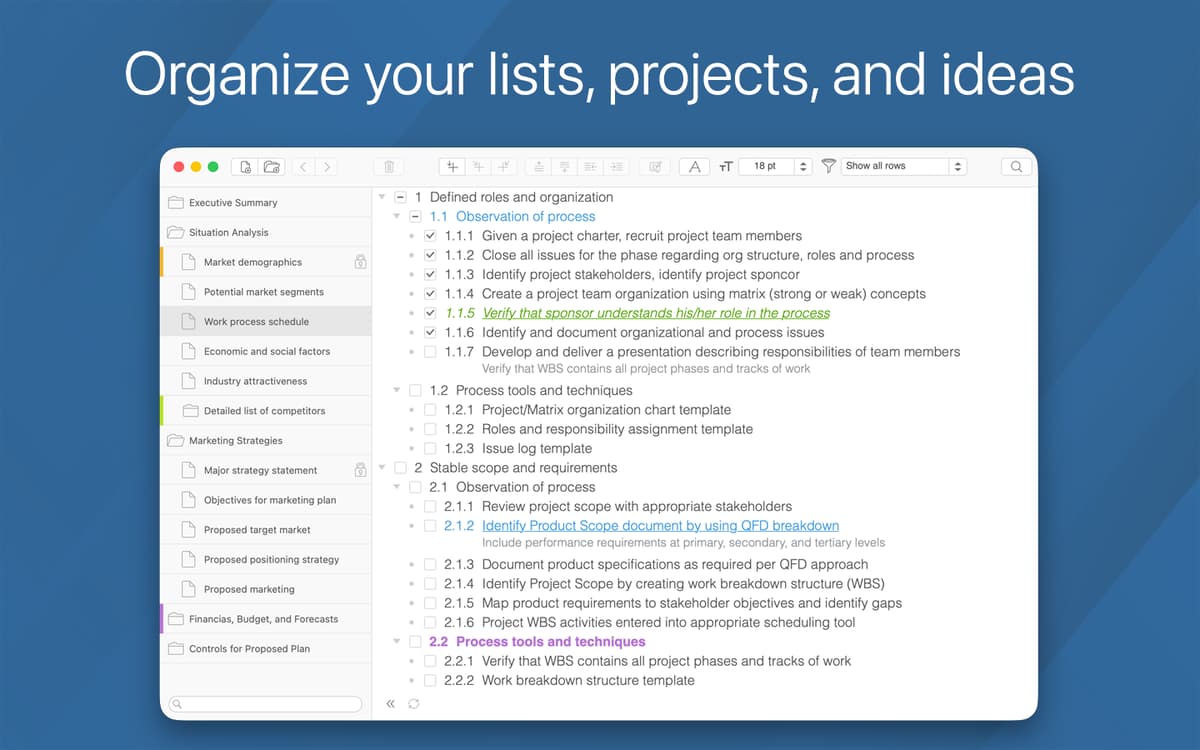
Fond of recalling memories and note-taking? Make sure not to miss Cloud Outliner, a smart Mac software to outline your ideas, which is simple, clean and functional. It helps you create, manage, store and edit visual outlines and notes in a fun, consistent, and smart way. It’s hard to overestimate how useful is this outlining software for writers and bloggers who are engaged with content creation on a day-to-day basis.
Create detailed outlines for your projects
Simplify complex data through visualization
Outline your books, academic works, or posts
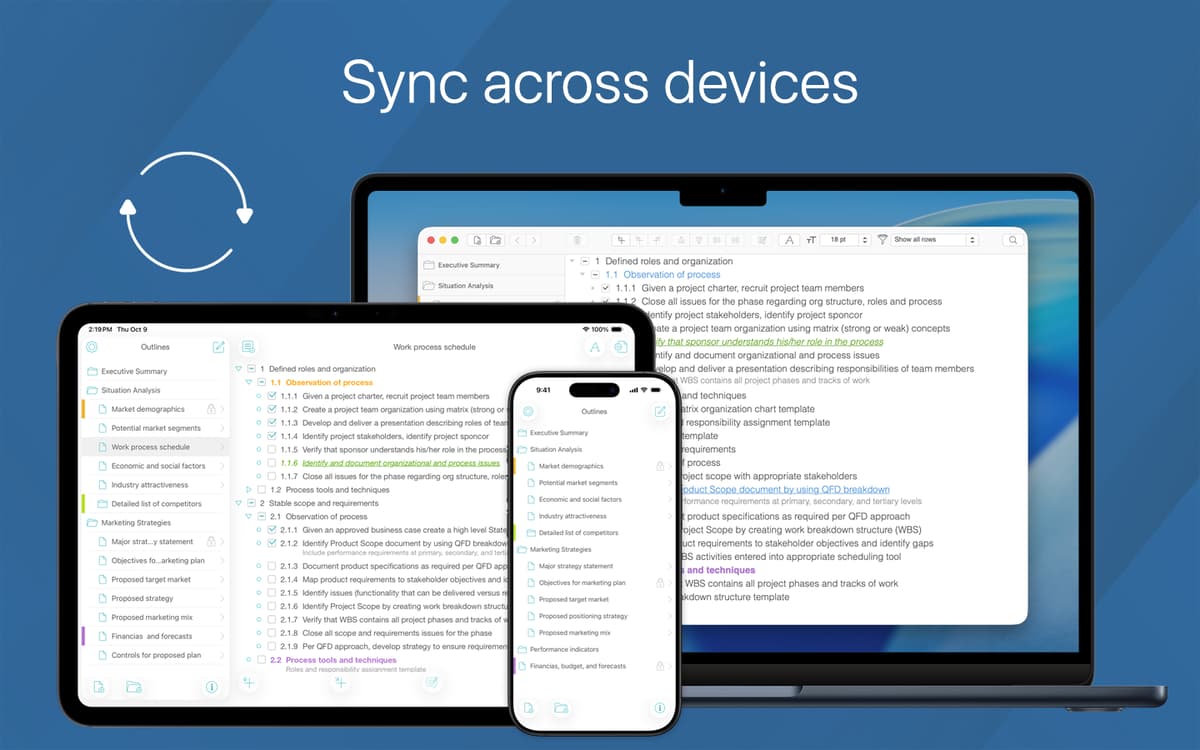
Sync outlines with Evernote and iCloud
Cloud Outliner features
Extensive data management and protection
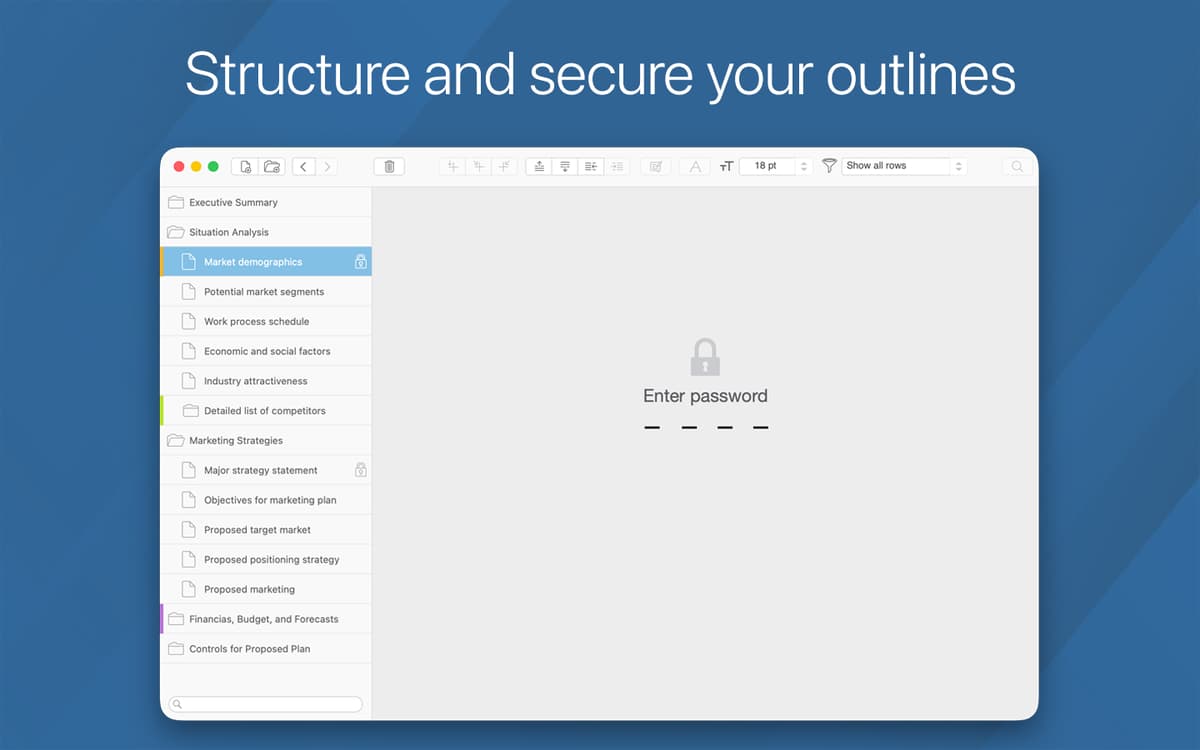
Organize your data the way you like it using this powerful document manager. Effortlessly mark records that matter to you and password protect your major items. Create templates from your documents, which you can later adjust and quickly reuse.
Numerous options to share your content
Easily share your ideas with coworkers, family or mates. You can export your outlines to PDF and HTML, OPML files. Plus, you can share via email or social apps, not to mention Twitter, LinkedIn, and, of course, Facebook.
Evernote integration and cloud sync
This elegant notebook app is tightly integrated with Evernote, and uses a dedicated Outliner Server to sync your data. Effortlessly outline, plan your projects and get them saved in the cloud. This way, they’ll be with you, easily accessible from any device.
Rich text editor
Sort and reorder rows with this outlines app. For easy selection, use checkboxes or multi-selection. Set indentation, or simultaneously delete them all. Fully control your content creation process, adjust the text style, color, and size to your preferences.
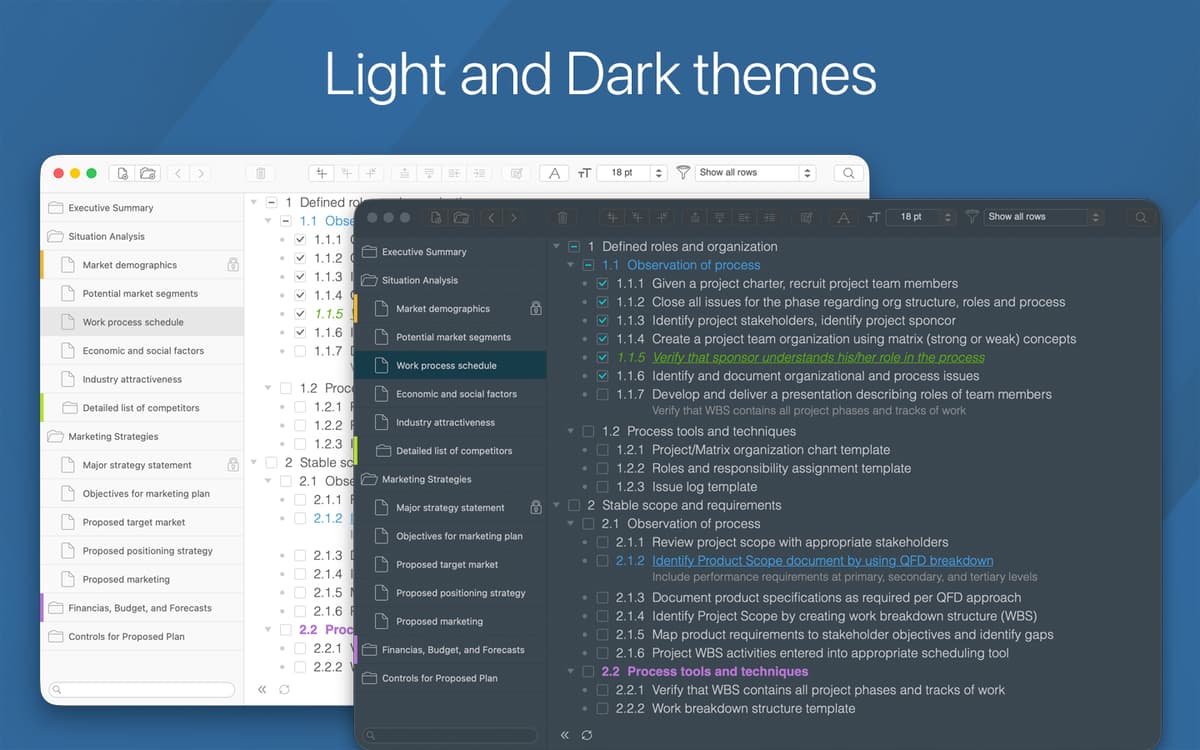
Light and dark themes
Every great idea starts with inspiration. Sometimes the color of the theme helps you generate ideas more efficiently. Set the corresponding to your mood or tastes theme within seconds and collect your thoughts, reshuffle and structure them.
Intelligent search
Keep all your ideas in one place. Don’t worry, finding within the app is simple and fast. Use the smart search to get what you need in seconds. You can search by outline name or an arbitrary text.
Ratings and reviews
Cloud Outliner
•
89 ratings
AR
Oct 21, 2025
App version: 3.3
Limited customization, limited versatility, fits a very specific use case. Can’t drag-drop bullets, keyboard shortcuts are unintuitive (can be edited), stuck with default font and color styles, which are not great.
Rajeev
Sep 10, 2025
App version: 3.3
easy to use, functional outliner app with good export options • it’s one of the best out there
Nick
Mar 16, 2025
App version: 3.1.1
My single favourite Setapp app. All outliners have their strengths and limitations, and this one has a fairly no-frills feature set but absolutely brilliant auto-syncing across devices - which is per-item rather than at document level, so even offline changes to the same outline on different devices will sync up correctly. The main niggle is that (presumably for technical reasons) it uses the same text colours for both light and dark modes, so that you can work with grey or coloured text but not black or white. This takes some getting used to, and some may find it too hard on the eyes and uncomfortable to work in to serve as a primary outliner. Even so, the sync feature is so good that it’s quietly become my everywhere thinking-bucket app for notes, outlines, and idea capture on whatever device is nearest.
Get hundreds of apps with Membership
Become Setapp member and use hundreds of stellar apps with one subscription.
Try 7 days free, then pay one simple fee.
Install Setapp on Mac
Explore apps for Mac, iOS, and web. Find easy ways to solve daily tasks.

Get the app you came for
That one shiny app is waiting inside Setapp. Install with a click.

Cloud Outliner
Choose your subscription
One app or more with a Setapp membership. Get apps the way you want.

Get hundreds of apps with Membership
Become Setapp member and use hundreds of stellar apps with one subscription.
Try 7 days free, then pay one simple fee.
1
Install Setapp on Mac
Explore apps for Mac, iOS, and web. Find easy ways to solve daily tasks.
2
Get the app you came for
That one shiny app is waiting inside Setapp. Install with a click.
Cloud Outliner
3
Choose your subscription
One app or more with a Setapp membership. Get apps the way you want.
Home to the top apps
From planning and routine tasks to creative pursuits and coding, tackle tasks with apps on Setapp.


Cloud Outliner
Create visual outlines