
FreeYourMusic
Transfer your playlists
Mac, iOS
Version 10.3.0
macOS 12.0 or later
721 MB
1 languages
Tired of being stuck on one music platform? FreeYourMusic makes it easy to transfer your playlists and music library between streaming services. Just pick where you are now, choose where you want to go, and let FreeYourMusic do the rest.
Move playlists to new platforms
Keep your library perfectly organized
Manage your music library with ease
Backup your playlists
FreeYourMusic features
Seamlessly transfer music
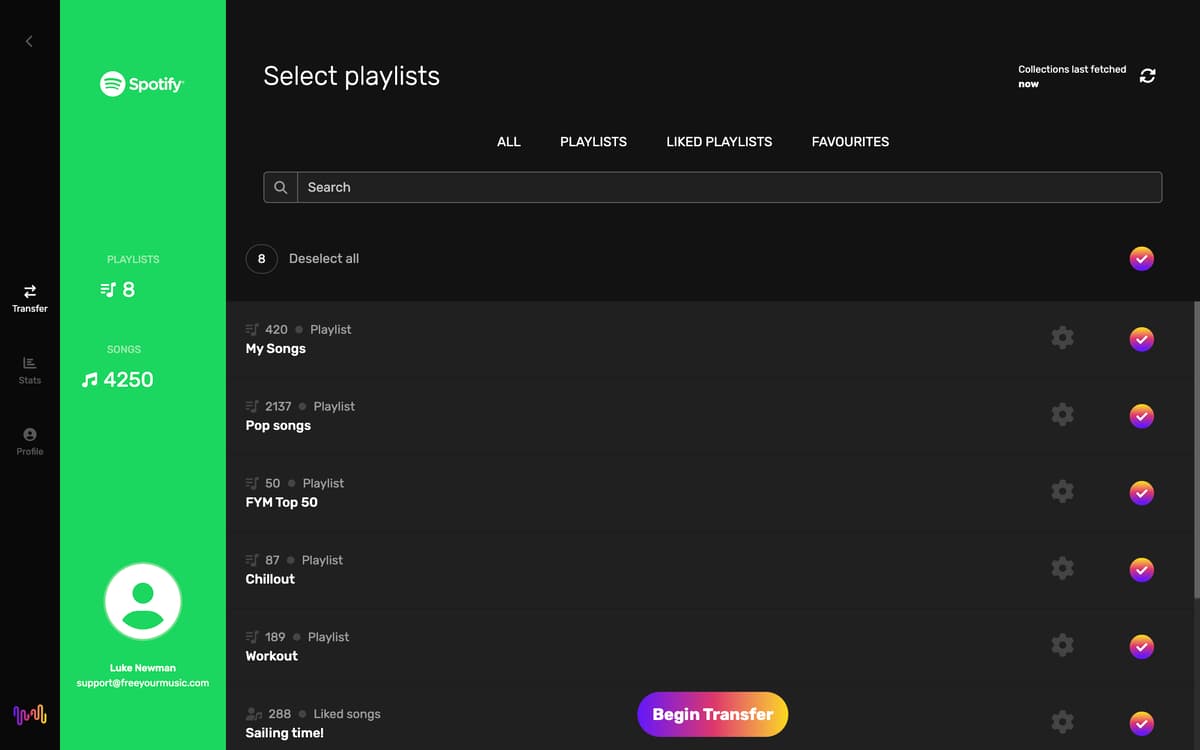
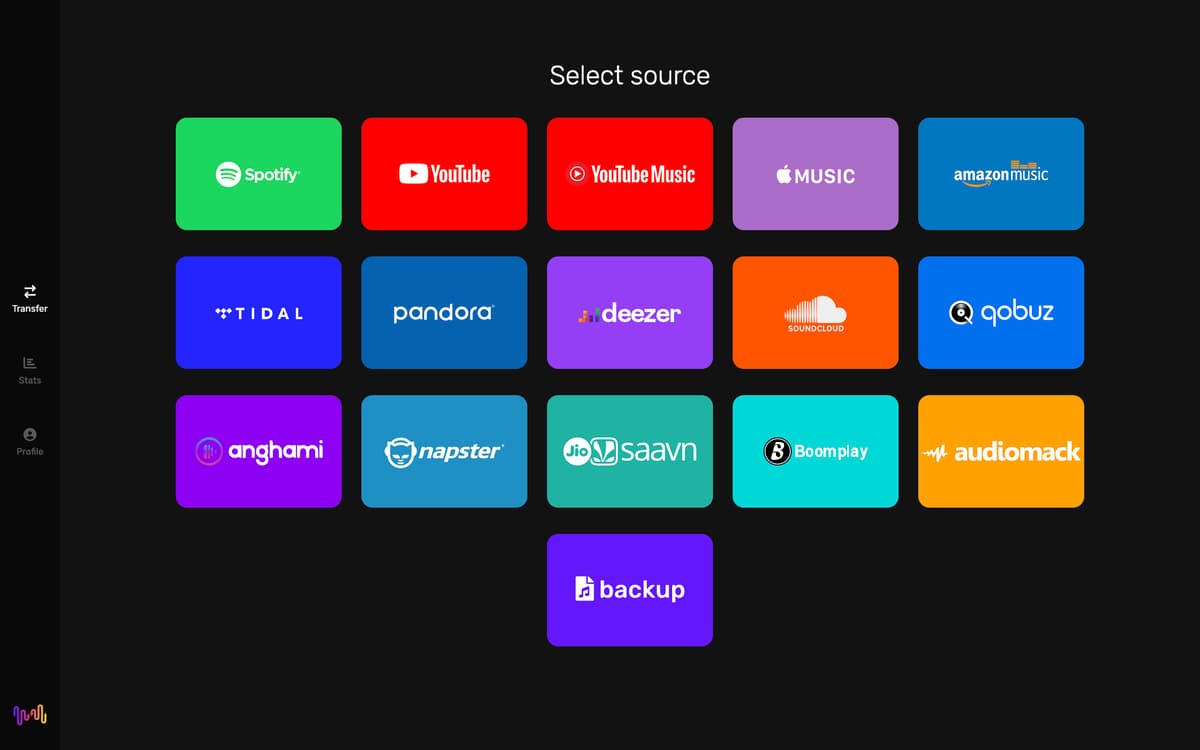
Imagine you’ve just switched from Spotify to Apple Music and you don’t want to lose your carefully curated playlists. With FreeYourMusic, you can effortlessly move the playlists and songs from Spotify, Tidal, Amazon Music, and many other popular platforms with just a few clicks, ensuring your music is always where you need it.
Sync library across platforms
Want to keep your playlists unified across services? FreeYourMusic continuously monitors your playlists and updates the changes seamlessly every 15 minutes. Whenever you add or remove songs, your updates are instantly reflected.
Organize your tracks
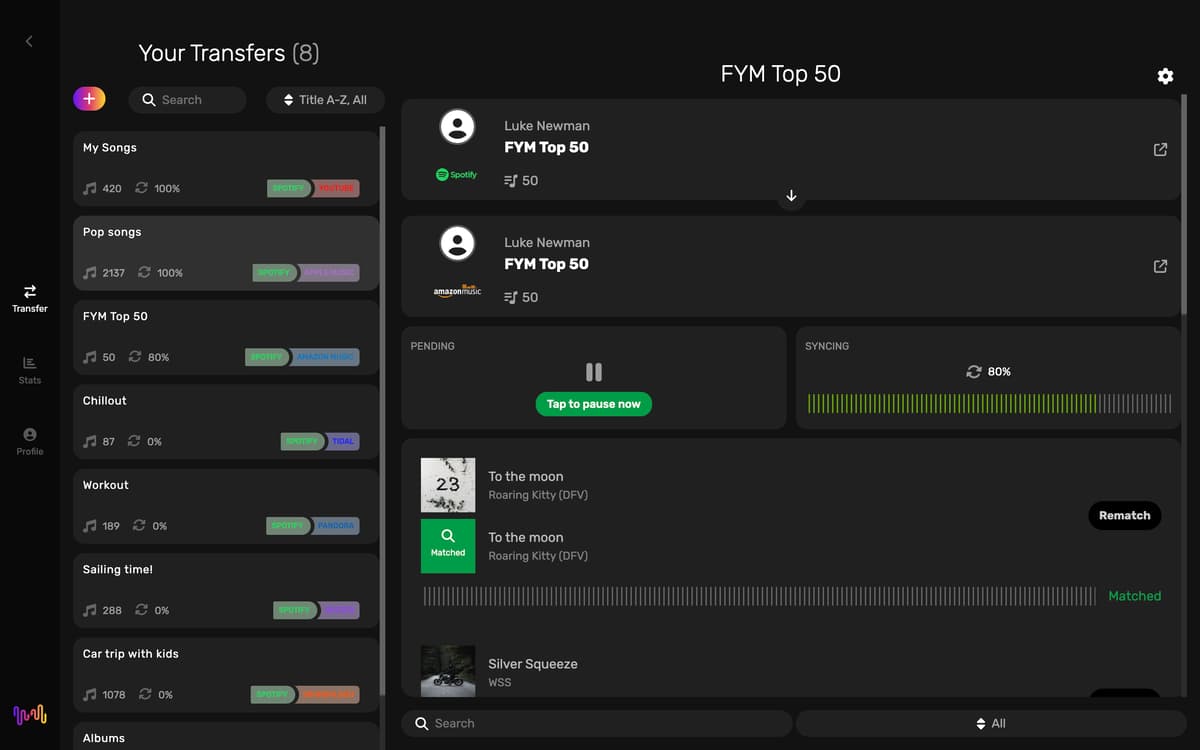
As you move across platforms, you may want to have your music library clean and well-structured. FreeYourMusic keeps your playlists organized and makes it easy to find your favorite songs, albums, and artists. And if you find missing or incorrect songs, the Rematch feature allows you to fix these problems with the touch of a button.
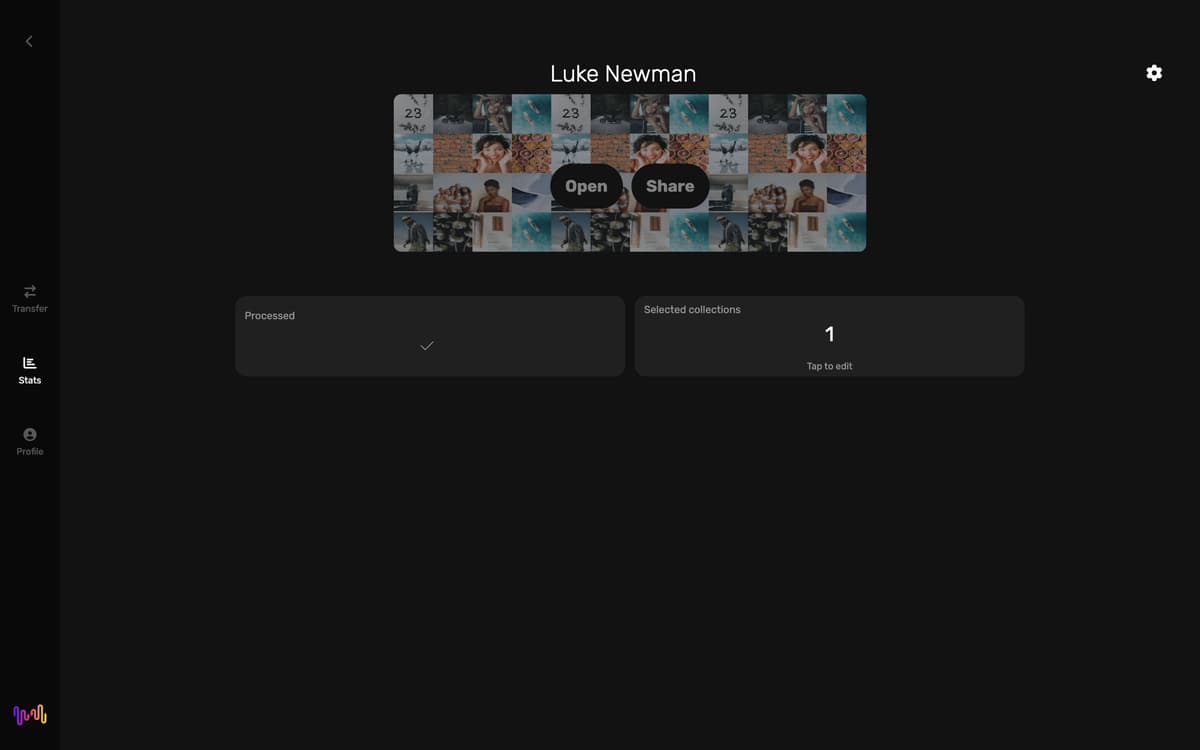
Track your listening habits
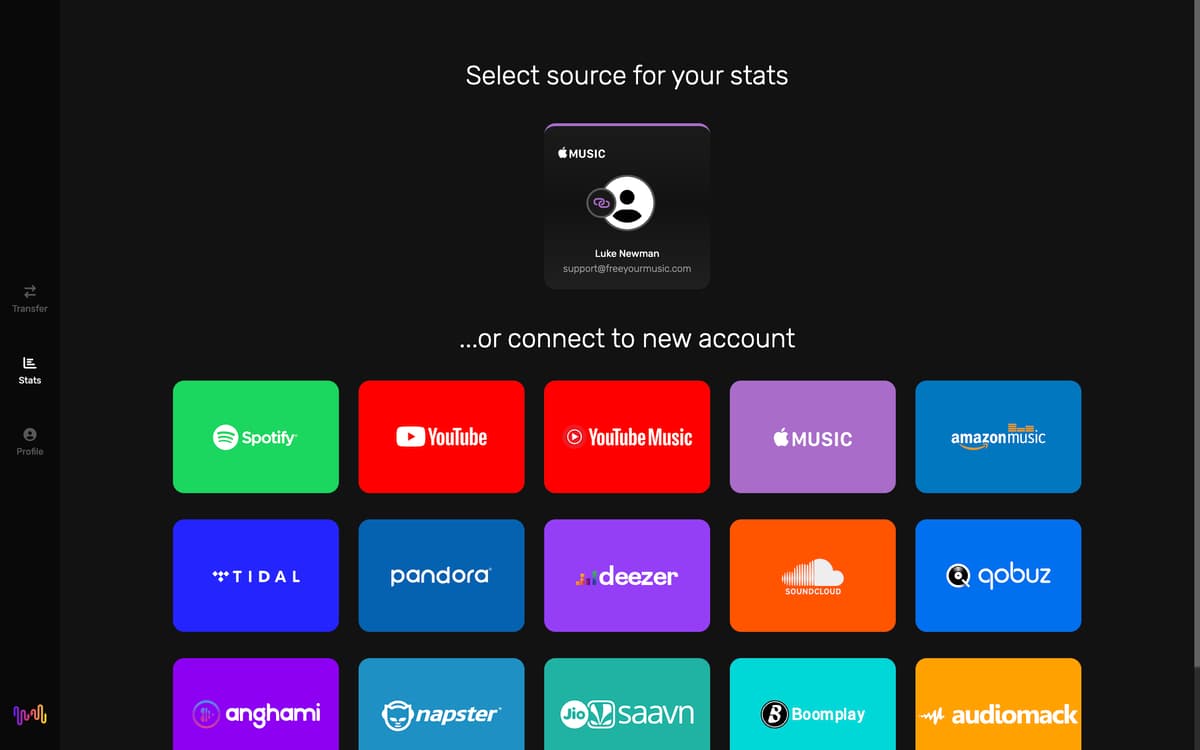
Don’t wait until the end of the year to get your Spotify Wrapped or Apple Music Replay. Check your top songs, artists, and albums on Spotify, Apple Music, and YouTube Music. See what music resonates with you the most to explore similar genres, create personalized playlists for different moods or activities, and easily share your favorites with friends.
Backup your playlists
Losing all your music feels like a blank space in your soul where your favorite tunes used to be. Enjoy peace of mind with FreeYourMusic’s cloud backup feature. If you accidentally delete a playlist or switch devices, you can easily restore your entire music library with just a few clicks.
Ratings and reviews
FreeYourMusic
•
202 ratings
Sebastian
Sep 19, 2026
App version: 9.26.0
Trying to use but the embebded browser when trying to log in is out of date so none I cant log in to my music player.
Gabo
Sep 2, 2026
App version: 9.26.0
Couldn’t find a way to quit the app once open. So now I’m uninstalling it for invasive. Couldn’t find a way within the app to avoid login-auto-start.
Tom T
Jul 6, 2026
App version: 9.26.0
works great
Get hundreds of apps with Membership
Become Setapp member and use hundreds of stellar apps with one subscription.
Try 7 days free, then pay one simple fee.
Install Setapp on Mac
Explore apps for Mac, iOS, and web. Find easy ways to solve daily tasks.

Get the app you came for
That one shiny app is waiting inside Setapp. Install with a click.

FreeYourMusic
Choose your subscription
One app or more with a Setapp membership. Get apps the way you want.

Get hundreds of apps with Membership
Become Setapp member and use hundreds of stellar apps with one subscription.
Try 7 days free, then pay one simple fee.
1
Install Setapp on Mac
Explore apps for Mac, iOS, and web. Find easy ways to solve daily tasks.
2
Get the app you came for
That one shiny app is waiting inside Setapp. Install with a click.
FreeYourMusic
3
Choose your subscription
One app or more with a Setapp membership. Get apps the way you want.
Home to the top apps
From planning and routine tasks to creative pursuits and coding, tackle tasks with apps on Setapp.


FreeYourMusic
Transfer your playlists