
PopClip
Use instant text actions
Mac
Version 2026.8.1
macOS 13.5 or later
16.6 MB
18 languages
Make your life easier with PopClip, an app that enables instant text actions without right clicking. Every time you select a bit of text, the app automatically pops up a small menu with suggested actions. From the basics of cut, copy and paste to more advanced tools like translation, spell check, word count and simple unit conversions, PopClip is the instant text helper you didn’t know you needed!
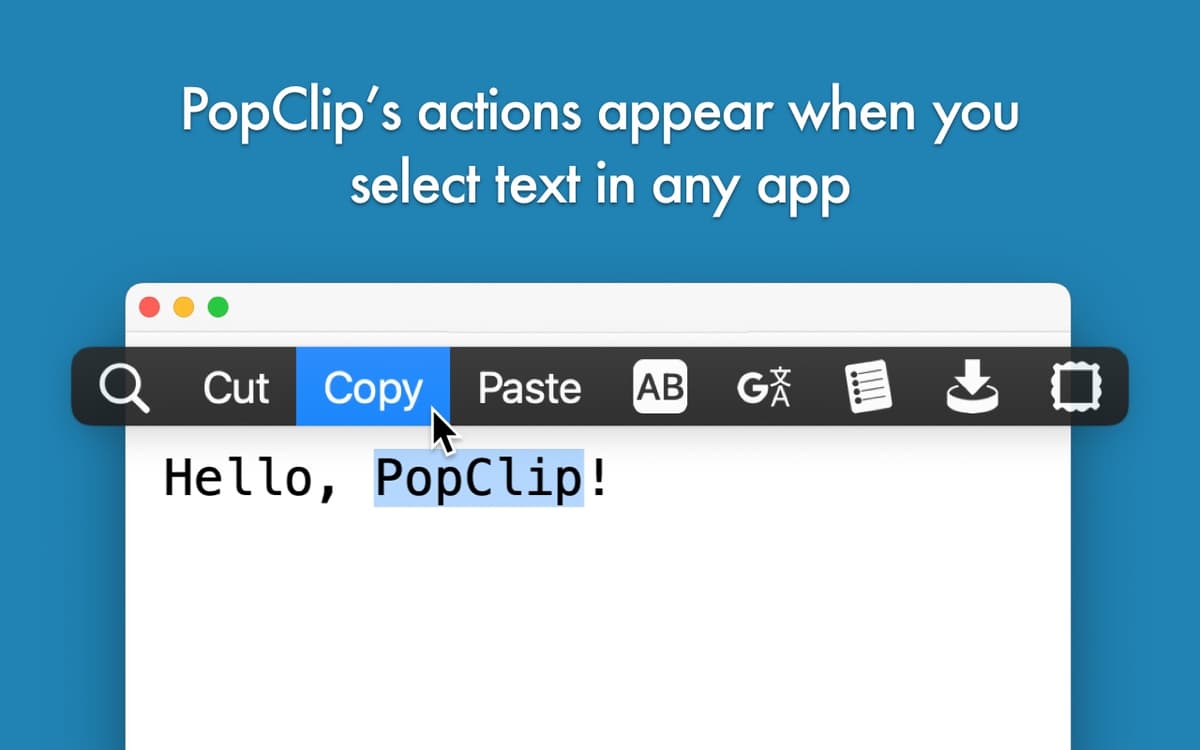
Copy and paste quicker
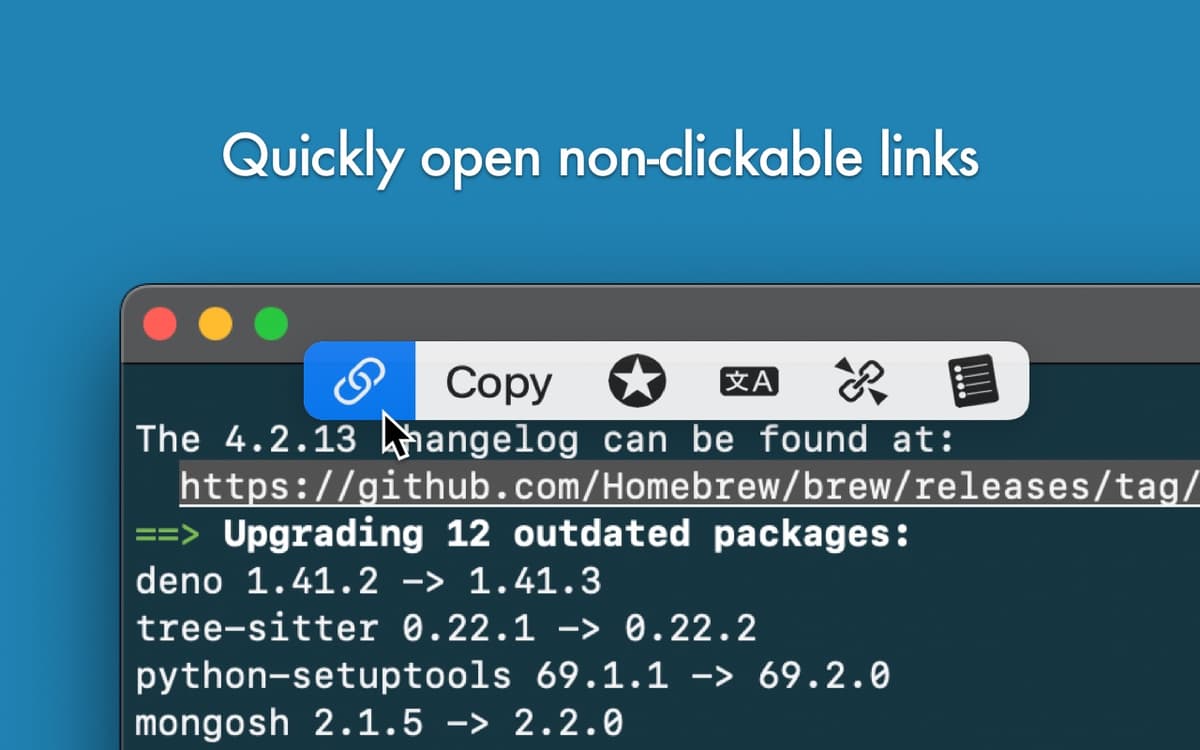
Open links without right click
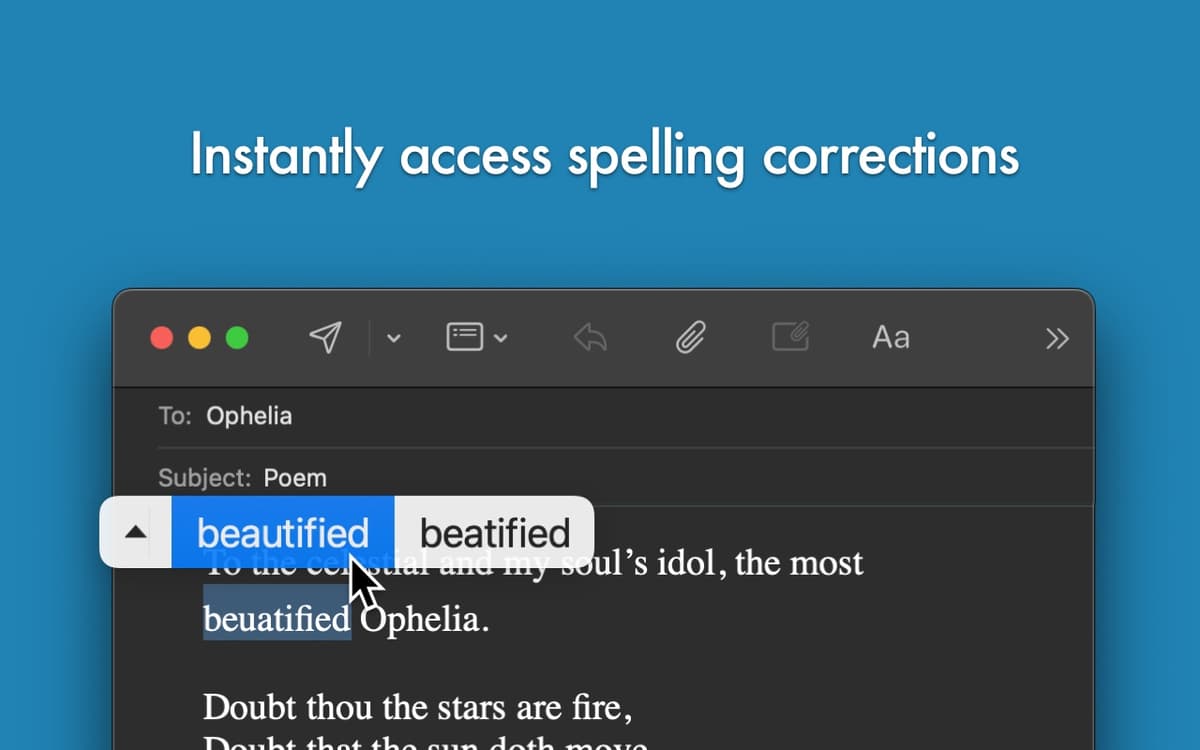
Access instant spell check
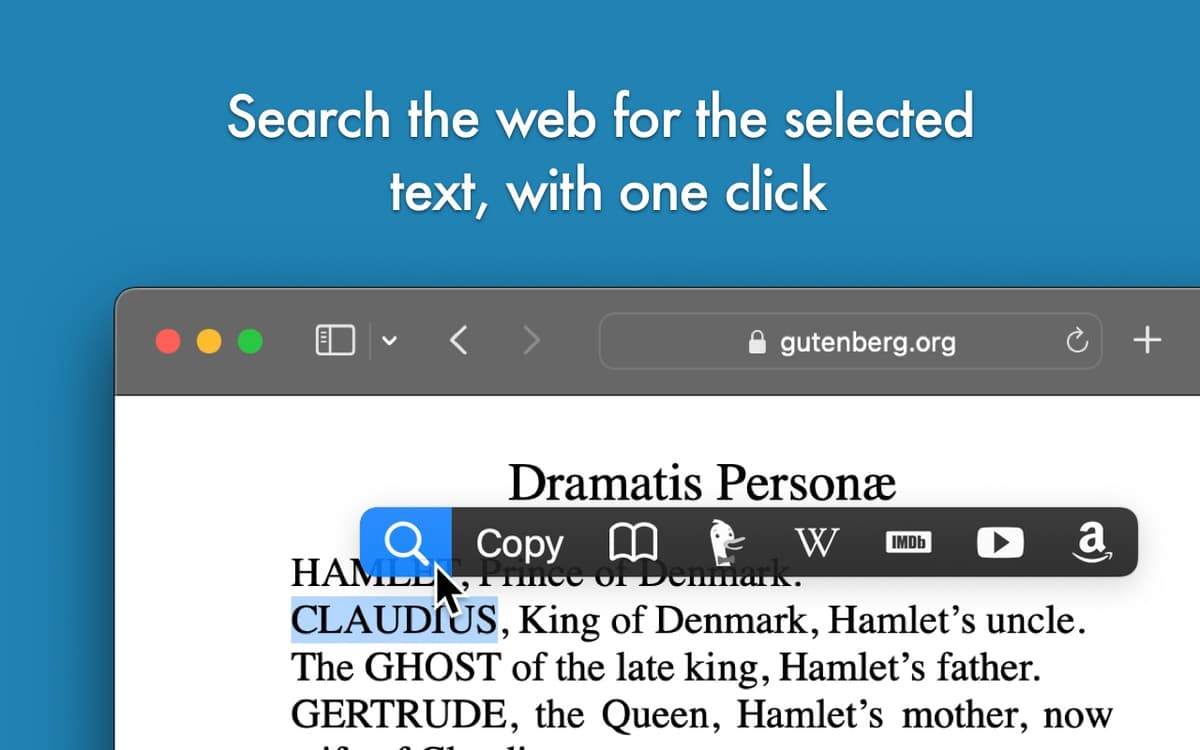
Make a search query with selected text
PopClip features
Cut, copy, paste and more
With PopClip in your app toolkit, every time you select a piece of text, you will see a menu right next to it with options suitable for your selection. Cut, copy and paste bits of texts quicker and without needing to prompt the right click menu. With PopClip additional extensions, you can also delete, highlight (in supported apps) and select all.
Translate and spell check
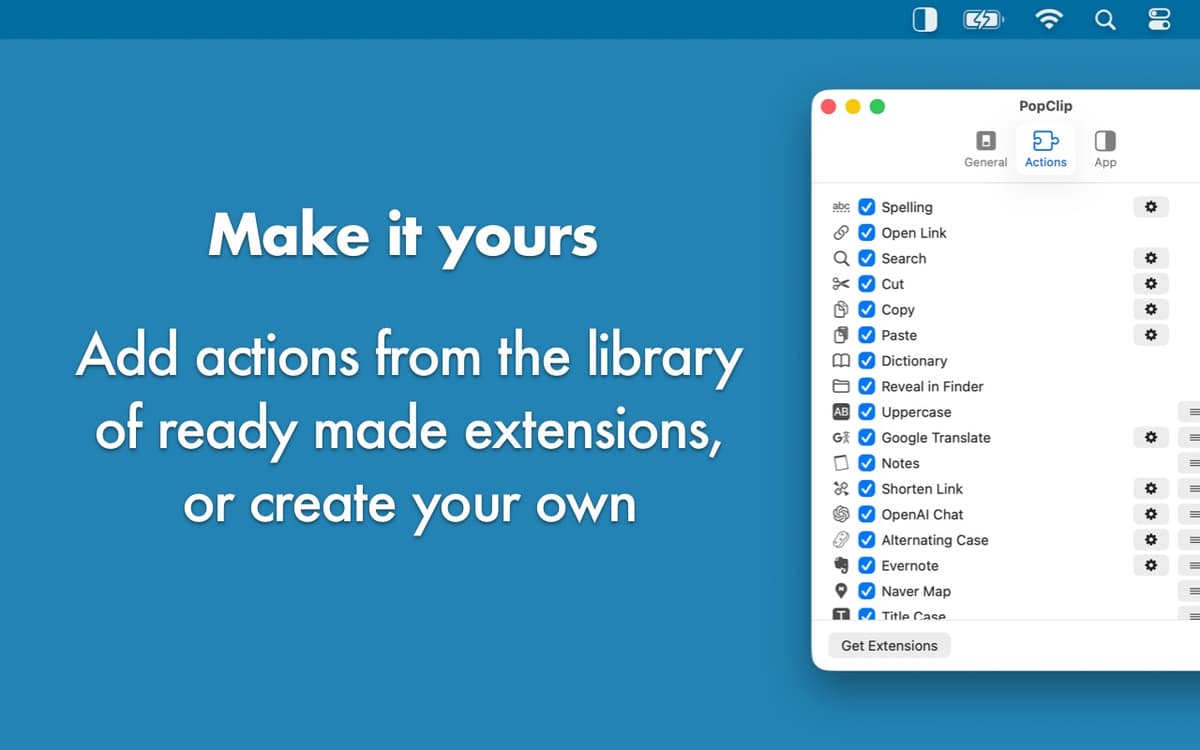
Instead of having to copy your text into a text editor every time, use PopClip’s spell check. The app also offers an instant translator tool and you can add extensions for instant translations with Google Translate, Bing Translator, DeepL Translator, Bubble Translate, Mate Translate and more!
Transform your text
With PopClip, you can easily format your text — bold, italicize, underline, change to upper or lower case, add quotes or brackets, replace line breaks with spaces, convert Markdown to HTML and more. You can even sort your lines alphabetically, turn a comma-separated list into a line-separated one and back, or print your selected text with the default printer.
Search the web for selected text
But more often than not, we are copying a bit of text to then paste it into our favorite search engine. PopClip knows that, which is why it has a one-click option to search the web for the text you’ve selected. You can search in Google, Bing, DuckDuckGo, Yahoo!, Naver and more. And it’s not just the search engines with PopClip — you can also search Wikipedia, Google Maps, Amazon, Ebay, YouTube, PubMed, UrbanDictionary and many more.
Use with other apps
If you haven’t noticed, PopClip is a team player. That means the app also offers a number of convenient actions in apps like Ulysses, 2Do, Due, TaskPaper, BusyCal, Unclutter, HoudahSpot, TextSoap and numerous others.
Ratings and reviews
PopClip
•
1359 ratings
PO
Oct 5, 2026
App version: 2026.8.1
A must have.
mingyu huang
Sep 16, 2026
App version: 2026.8.1
such a goor App, can not live without it
Fabio Scarsi
Sep 9, 2026
App version: 2026.8.1
This is really essential! Great tiny app
Get hundreds of apps with Membership
Become Setapp member and use hundreds of stellar apps with one subscription.
Try 7 days free, then pay one simple fee.
Install Setapp on Mac
Explore apps for Mac, iOS, and web. Find easy ways to solve daily tasks.

Get the app you came for
That one shiny app is waiting inside Setapp. Install with a click.

PopClip
Choose your subscription
One app or more with a Setapp membership. Get apps the way you want.

Get hundreds of apps with Membership
Become Setapp member and use hundreds of stellar apps with one subscription.
Try 7 days free, then pay one simple fee.
1
Install Setapp on Mac
Explore apps for Mac, iOS, and web. Find easy ways to solve daily tasks.
2
Get the app you came for
That one shiny app is waiting inside Setapp. Install with a click.
PopClip
3
Choose your subscription
One app or more with a Setapp membership. Get apps the way you want.
Home to the top apps
From planning and routine tasks to creative pursuits and coding, tackle tasks with apps on Setapp.


PopClip
Use instant text actions