
PopClip
Ações de texto instantâneas
Mac
Versão 2026.8.1
macOS 13.5 ou posterior
16.6 MB
18 idiomas
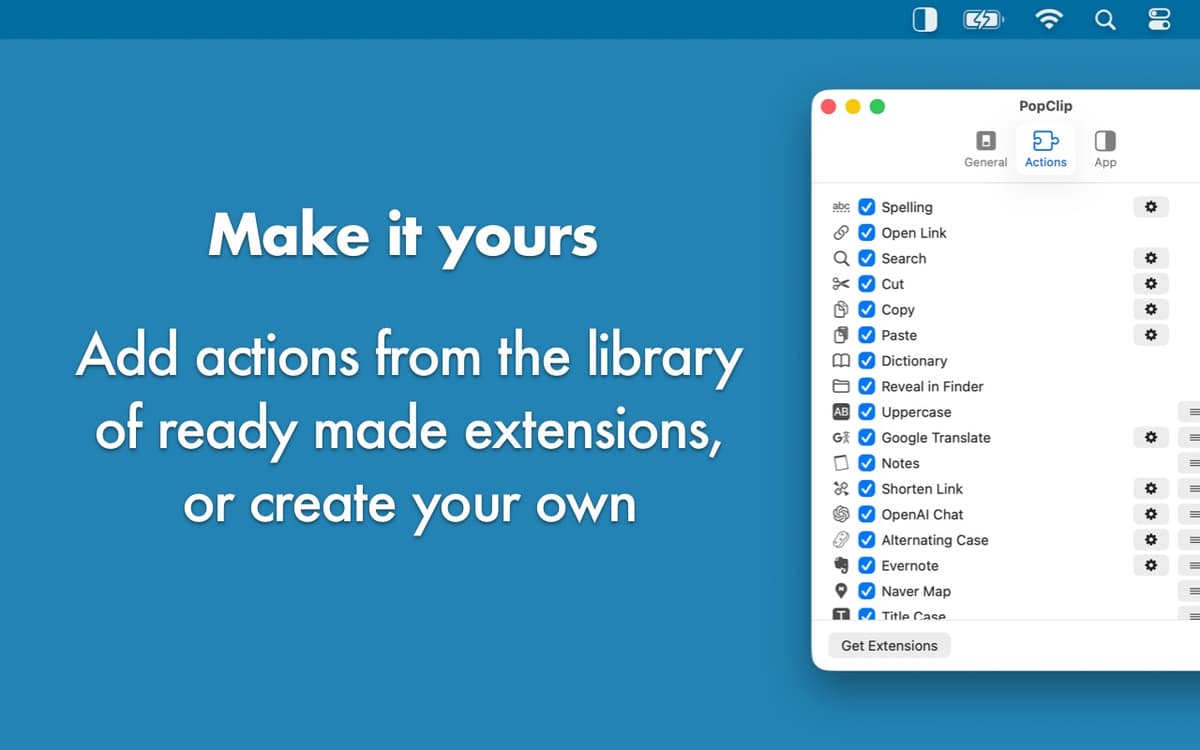
Simplifique a sua vida com o PopClip, um app que oferece ações instantâneas no texto sem que você clique com o botão direito. Sempre que você seleciona um texto, o app mostra automaticamente um menu com sugestões de ações. Desde ações básicas, como cortar, copiar e colar, a opções mais avançadas, como traduzir, verificar a ortografia, contar as palavras e converter unidades, o PopClip é aquela ferramenta de texto que você não sabia que precisava!
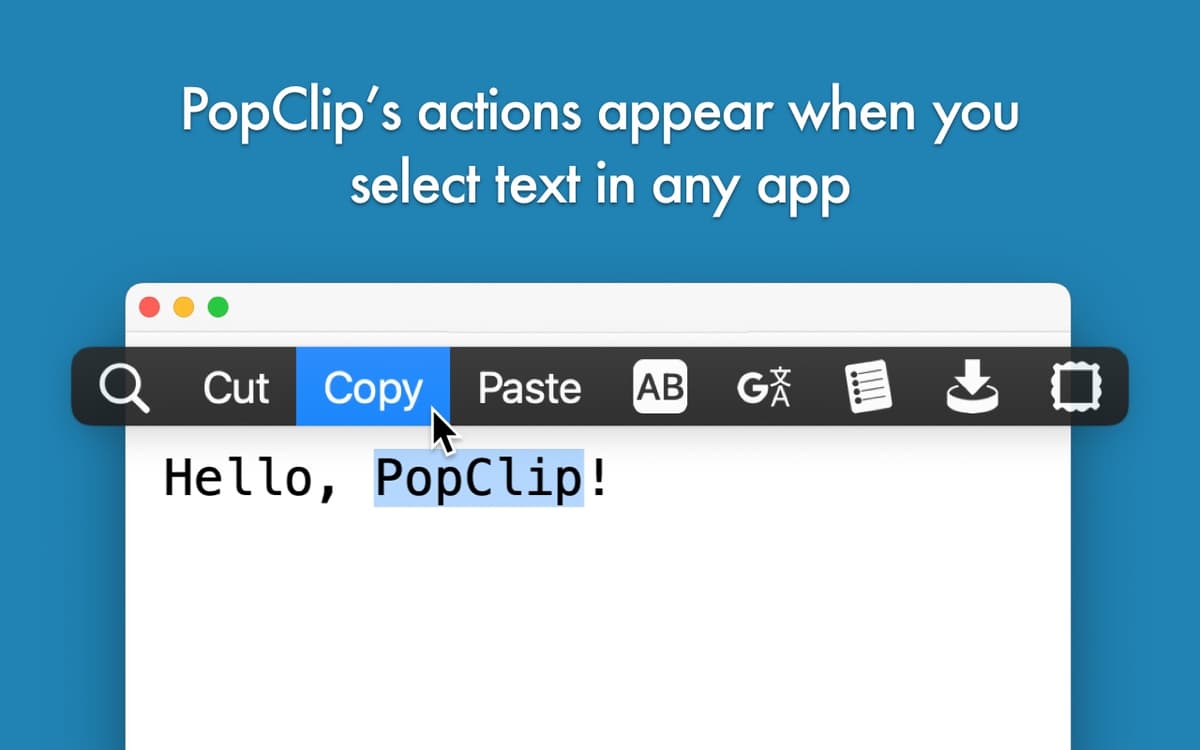
Copie e cole mais rápido
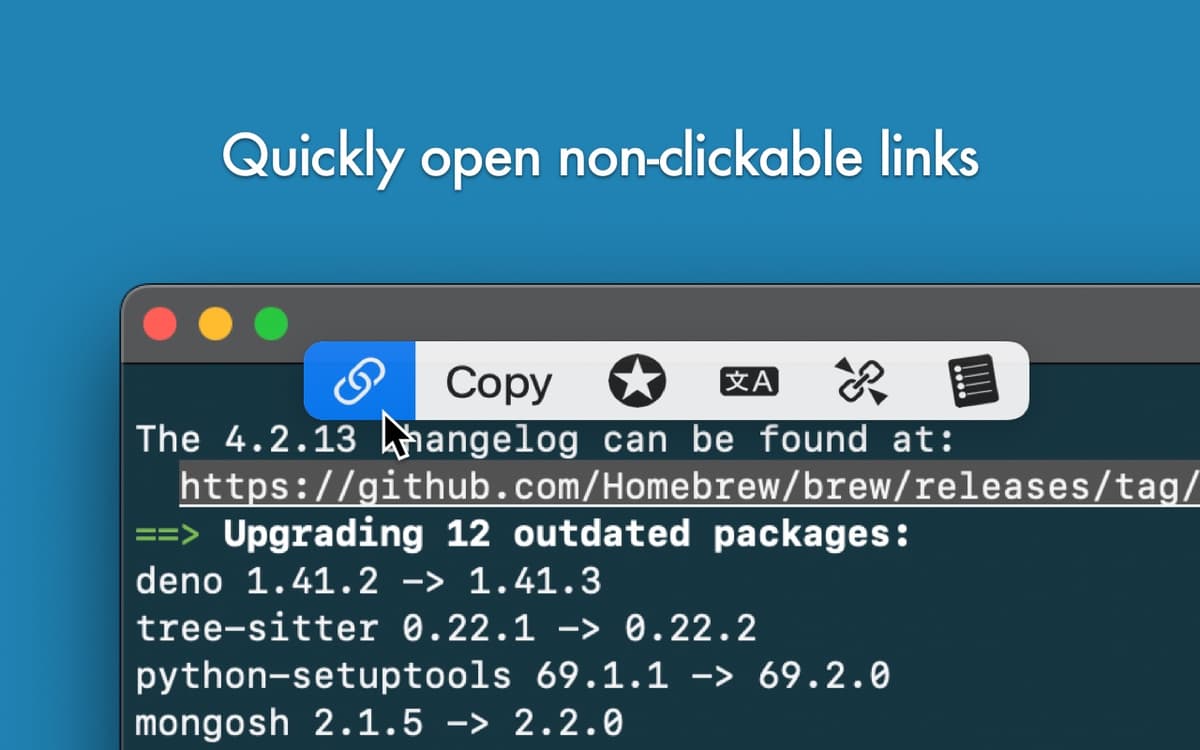
Abra links sem clicar com o botão direito
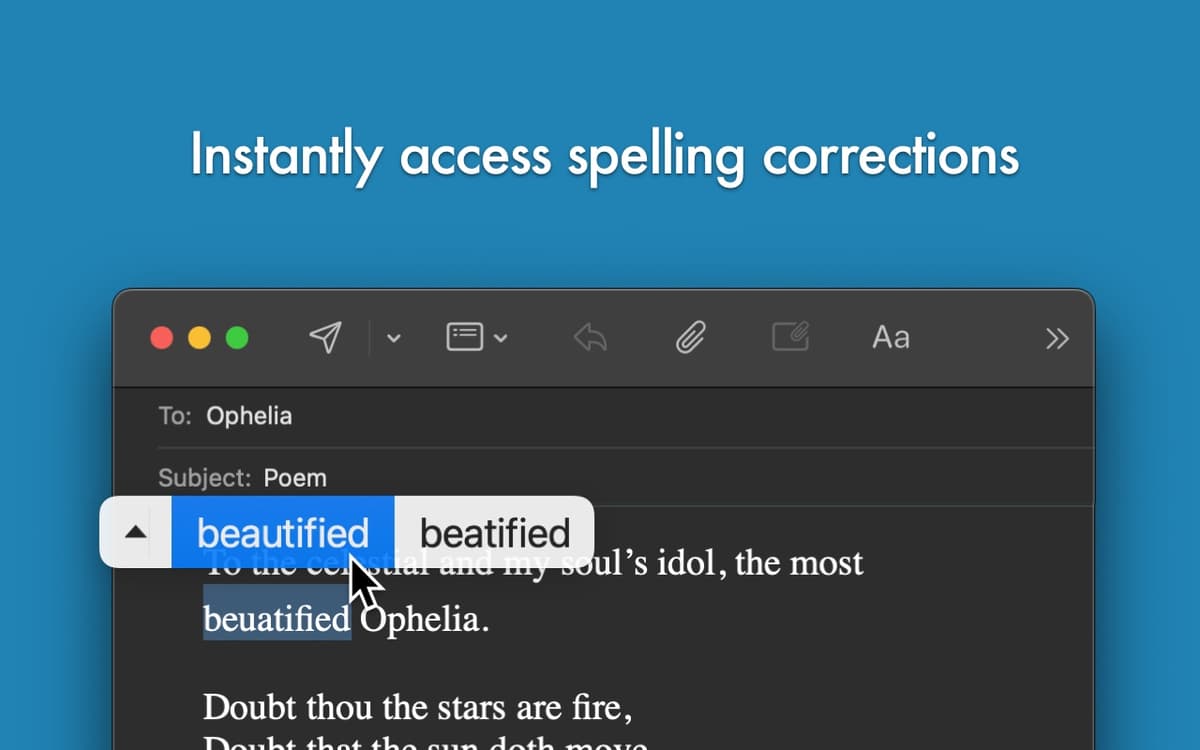
Verifique a ortografia instantaneamente
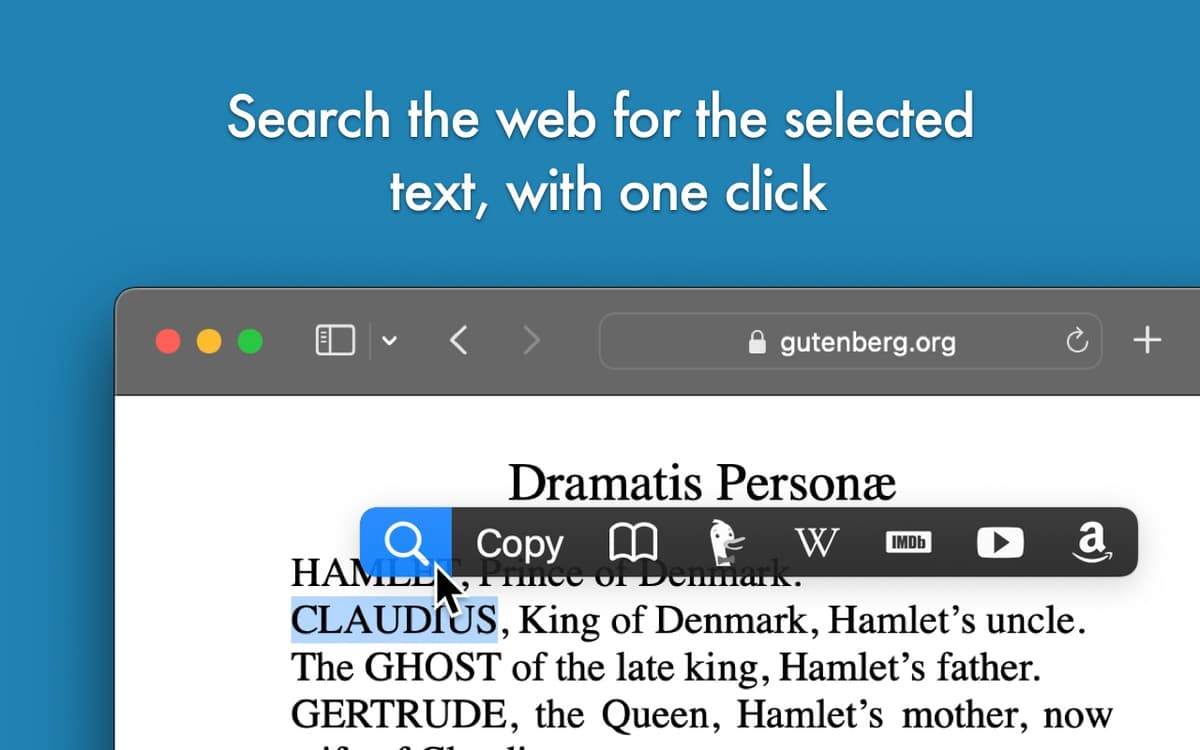
Faça uma busca com o texto selecionado
Recursos do PopClip
Corte, copie, cole e muito mais
Com o PopClip no seu kit de ferramentas, sempre que você seleciona um texto, um menu aparece logo acima, com as opções adequadas ao que você selecionou. Corte, copie e cole trechos de texto mais rápido e sem precisar clicar com o botão direito. Com extensões adicionais do PopClip, você também pode apagar, destacar (em apps compatíveis) e selecionar tudo.
Traduza e verifique a ortografia
Em vez de sempre ter que copiar o texto todo para um editor de texto, use a verificação ortográfica do PopClip. O app também oferece uma ferramenta de tradução instantânea e você pode adicionar extensões para traduzir com o Google Translate, Bing Translator, DeepL Translator, Bubble Translate, Mate Translate e outros!
Transforme o texto
Com o PopClip, você formata texto facilmente. Use negrito, itálico, sublinhado, transforme em maiúsculas ou minúsculas, adicione aspas ou parênteses, substitua quebras de linhas por espaços, converta de Markdown para HTML e muito mais. Você pode até ordenar as linhas alfabeticamente, transformar uma lista separada por vírgulas em uma lista separada por linhas (e vice‑versa) ou imprimir o texto selecionado na impressora padrão.
Busque o texto selecionado na web
É normal copiar um texto e o colá‑lo no navegador. Fazemos isso com frequência. O PopClip sabe disso e oferece uma opção de um clique para buscar na web pelo texto selecionado. Você pode buscar no Google, Bing, DuckDuckGo, Yahoo!, Naver e outros. E você não se prende apenas a buscadores, como também pesquisa na Wikipédia, Google Maps, Amazon, Ebay, YouTube, PubMed, UrbanDictionary e muitos outros sites.
Use com outros apps
É provável que você já tenha reparado que o PopClip joga para o time. Isso significa que o app também oferece várias ações convenientes em apps como Ulysses, 2Do, Due, TaskPaper, BusyCal, Unclutter, HoudahSpot, TextSoap e muitos outros.
Classificações e avaliações
PopClip
•
1359 classificações
PO
5 de out. de 2026
Versão do app: 2026.8.1
A must have.
mingyu huang
16 de set. de 2026
Versão do app: 2026.8.1
such a goor App, can not live without it
Fabio Scarsi
9 de set. de 2026
Versão do app: 2026.8.1
This is really essential! Great tiny app
Obtenha centenas de apps com o Membership
Obtenha um membership do Setapp e use centenas de apps estelares numa única assinatura.
Experimente grátis por 7 dias. Depois, pague um valor único.
Instale o Setapp no Mac
Explore apps para Mac, iOS e web. Encontre formas fáceis de lidar com as tarefas do dia a dia.

Obtenha o app que chamou sua atenção
Aquele app especial está esperando você no Setapp. Instale‑o com um clique.

PopClip
Escolha uma assinatura
Um ou mais apps com um membership do Setapp. Obtenha os apps que você quer.

Obtenha centenas de apps com o Membership
Obtenha um membership do Setapp e use centenas de apps estelares numa única assinatura.
Experimente grátis por 7 dias. Depois, pague um valor único.
1
Instale o Setapp no Mac
Explore apps para Mac, iOS e web. Encontre formas fáceis de lidar com as tarefas do dia a dia.
2
Obtenha o app que chamou sua atenção
Aquele app especial está esperando você no Setapp. Instale‑o com um clique.
PopClip
3
Escolha uma assinatura
Um ou mais apps com um membership do Setapp. Obtenha os apps que você quer.
A casa dos melhores apps
Desde tarefas rotineiras e de planejamento a atividades criativas e de programação, encare suas tarefas com os apps do Setapp.

TypingMind
IU alternativa para conversar com IA
gere ou resuma textos
use uma biblioteca de ações
IA

Spark Mail
Gerencie e‑mails
IA

CleanMyMac
Limpe os detritos

Bartender
Personalize a barra de menus

CleanShot X
Capturas de tela versáteis

Luminar Neo
Edite suas fotos
IA

ClearVPN
Conecte‑se com mais segurança

Craft
Trabalhe com documentos
IA
PopClip
Ações de texto instantâneas