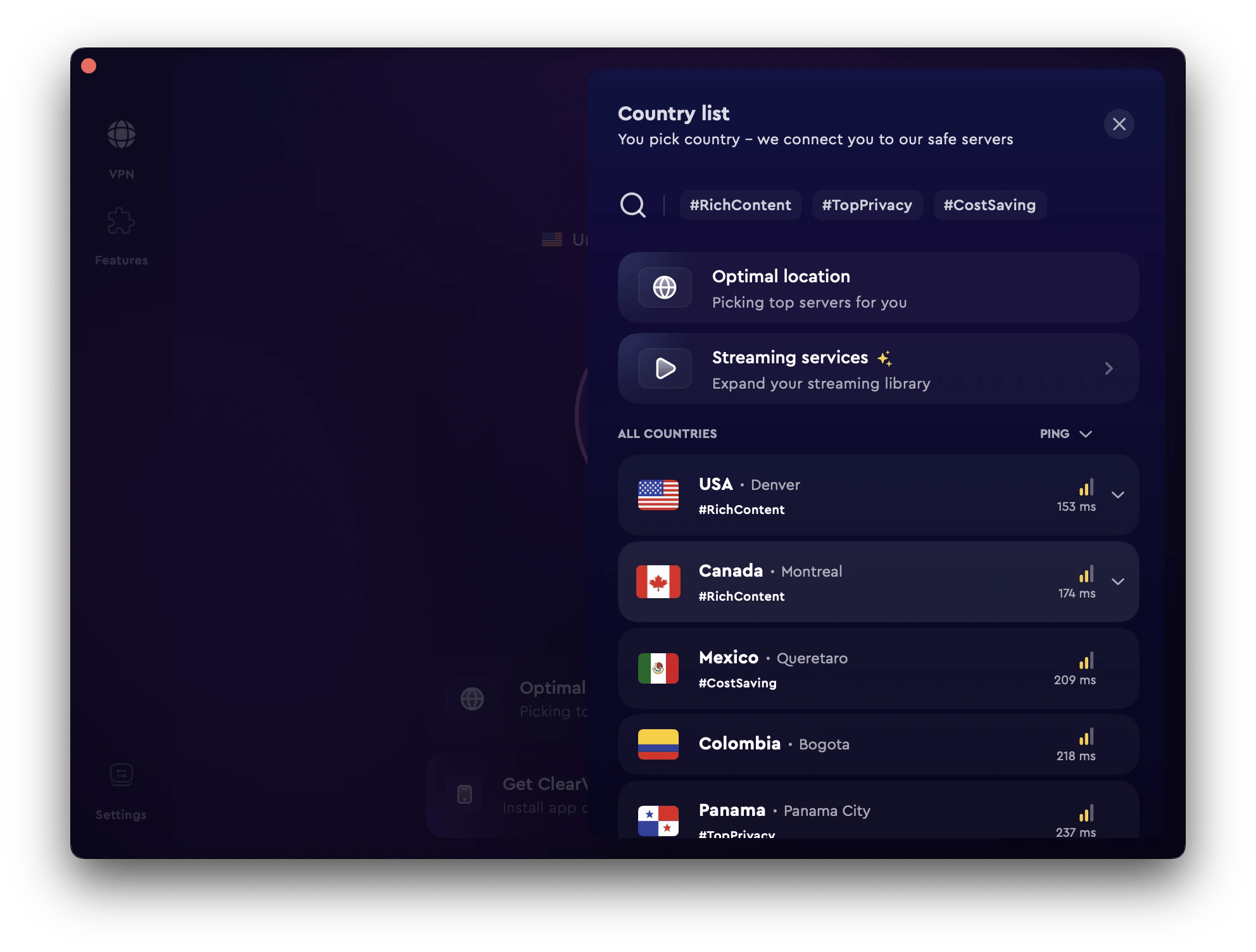
Best overall:ClearVPN is the top pick for Mac. Connecting, switching countries, and unlocking streaming each take one click, so it’s the easiest VPN to start with.
Best for streaming: PureVPN lets you watch Netflix, Disney, and HBO content while staying protected, and it offers several plan types to match how you watch.
Best free option: Proton VPN’s free plan has no data cap and includes a kill switch. Its Mac app is open source and independently audited. Free users get fewer server choices.
Expect some speed loss: In testing, a nearby server kept download speed at 283.7 Mbps against a 295.32 Mbps baseline. A distant server dropped it to 80.9 Mbps. Choose a close server and check your real speed with CleanMyMac.
Get the full toolkit on Setapp:ClearVPN and CleanMyMac come with Setapp Membership, along with 300+ other Mac and iOS apps. Start your 7-day free trial and cover your privacy and speed checks in one place.
Quick answer: ClearVPN is the best VPN for Mac thanks to its one-click setup. A VPN encrypts the connection between your Mac and a remote server. That protects your data from your internet provider and hackers on public networks and unlocks region-restricted content. Below, I compare eight Mac VPNs on speed, privacy, and price, including the best free option.
Here’s a brief overview of the safest VPNs for a Mac:
From $14.99 USD/mo + tax with Setapp Membership or standalone from $10.99 USD/mo + tax. Free for 7 days
40 countries
Automatic
No
NordVPN
$14.99
8,000+ servers
NordLynx
No
ExpressVPN
From $11.99
113 countries
Lightway
No
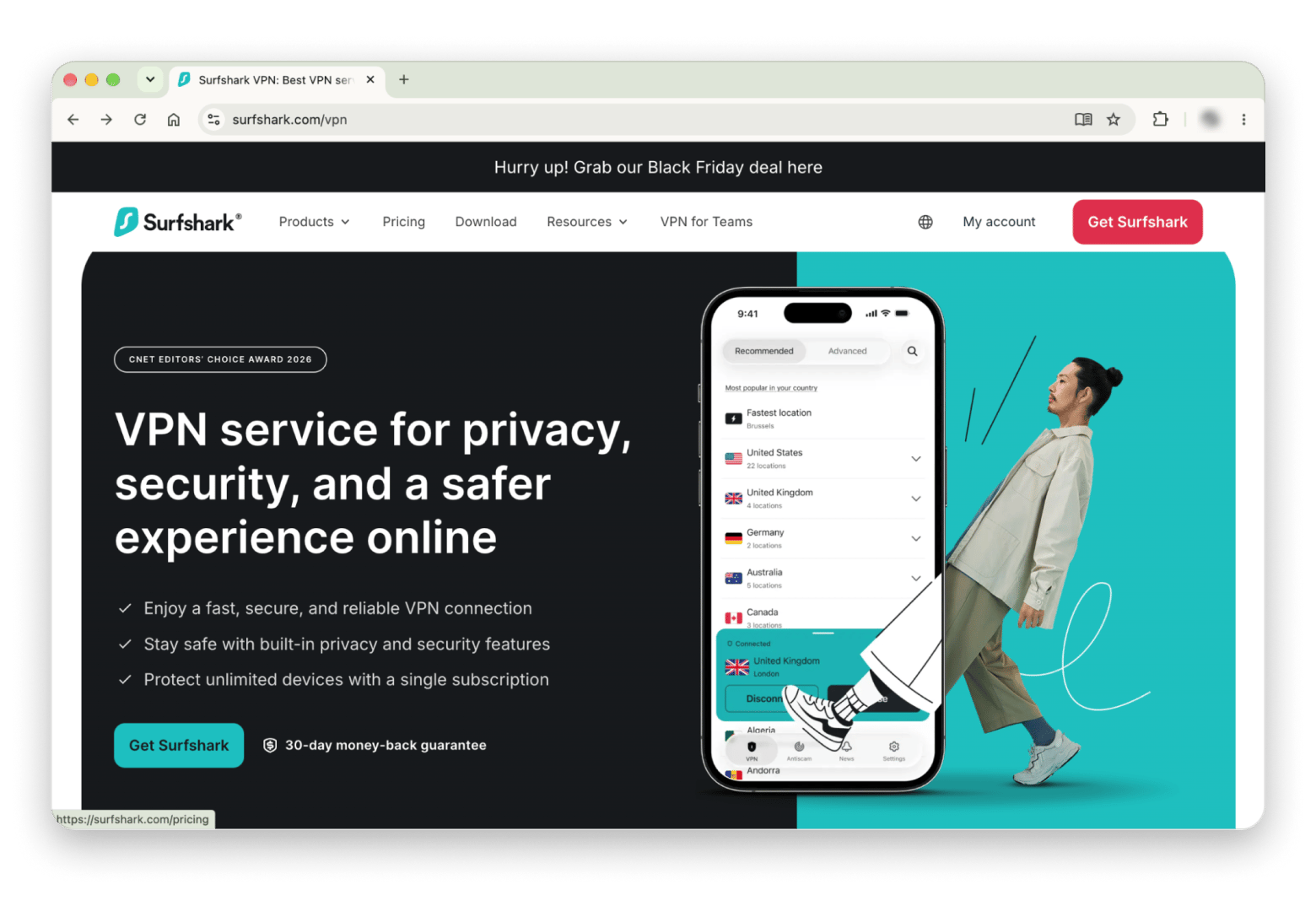
Surfshark
From $16.45
4,500+ servers in 100 countries
WireGuard
No
Proton VPN
$9.99
20,000+ servers in 140+ countries**
WireGuard, OpenVPN
Yes
Mullvad
$5.58
Server locations in 50 countries
WireGuard
No
Private Internet Access
$11.95
Servers in 91 countries
WireGuard, OpenVPN
No
PureVPN
$12.95
6,500+ servers in 70+ countries
WireGuard, OpenVPN, IKEv2
No
Or get ClearVPN as a standalone app from $10.99 USD/mo, no membership needed.
How to choose the best Mac VPN
Since privacy has become a major issue, it’s no wonder Mac VPN clients have proliferated. There are, however, some aspects by which you can pick the best unlimited VPN for Mac:
Protocol: Look for WireGuard or another modern protocol that balances speed and security.
Privacy: Check the provider’s no-logs policy and whether an independent auditor has reviewed it.
Mac compatibility: Make sure the app supports your macOS version and runs natively on Apple Silicon if your Mac has an M-series chip.
Kill switch: This feature blocks internet traffic if the VPN connection drops, helping prevent your Mac from going online unprotected.
Speed and stability: A nearby server is often faster, but performance also depends on the provider’s network and your own connection.
Price and ease of use: Check the renewal price, not just the introductory offer, and choose an app whose settings are clear.
Now, ready to see the top picks for the best VPN?
What’s the best VPN for Mac today
Next, let’s check out which VPN is best for you.
ClearVPN: A one-click solution
When choosing your first VPN service, you want something secure, reliable, and fast, but also something that delivers what you need right away. That’s where ClearVPN is a clear winner.
ClearVPN is the most user- and beginner-friendly VPN out there, all thanks to one-click access to everything you need. Unlock Netflix streaming in the US? Click! Change your IP? Click! Protect your Mac from malware? Just click once, and it’s done.
Pros:
Mac and iOS compatibility: ClearVPN is available for Mac and iOS devices with Setapp Membership. So you have all the content you want, anywhere you go.
Servers worldwide: You can rely on ClearVPN’s servers located across North America, Asia, and Europe (especially Eastern Europe, which most VPNs miss).
Widgets for everything: With a single click, you can keep your VPN one tap away, whether you're gaming online or chatting safely. No other VPN does that.
Gorgeous design: Most VPNs are purely functional and hard to navigate. ClearVPN is intuitive, visually appealing, and easy to use.
Cons:
Limited country list: Even though you can connect to any part of the world, some users may find the list of countries not enough, lacking some less popular options.
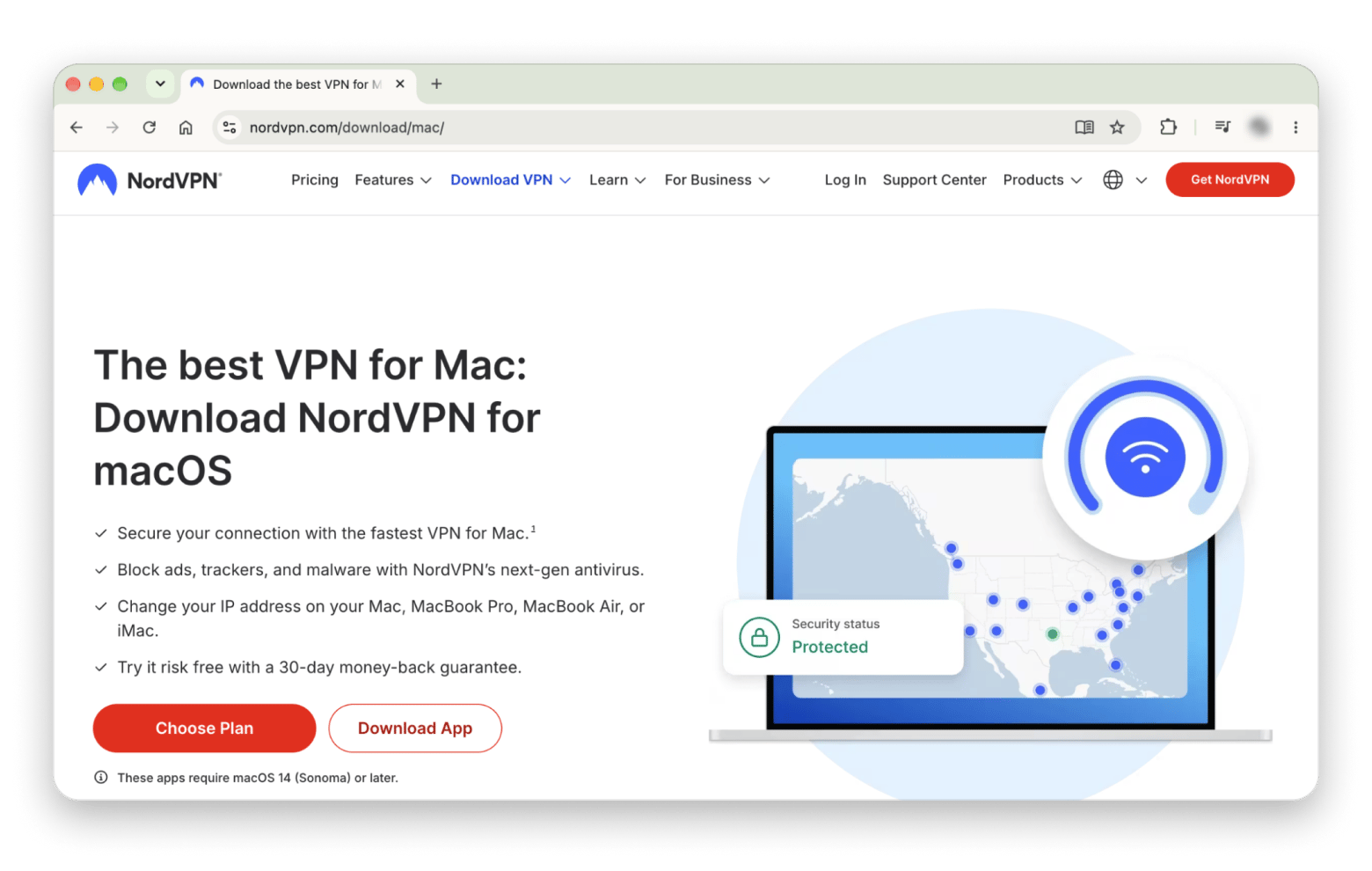
NordVPN: Available for all your devices
While NordVPN is a strong VPN client for Mac and other OS and apps, it especially excels at providing an extra layer of security: Double VPN. It encrypts your data twice by routing it through two servers, in addition to other features like secure chat and web proxies.
Pros:
Double VPN: Two levels of security help ensure your identity stays hidden.
Server availability: NordVPN has 8000+ servers.
Cons:
App design: Both Mac and iOS apps could design settings and features more intuitively.
Prefer one app? Get CleanMyMac standalone from $9.95 USD/mo.
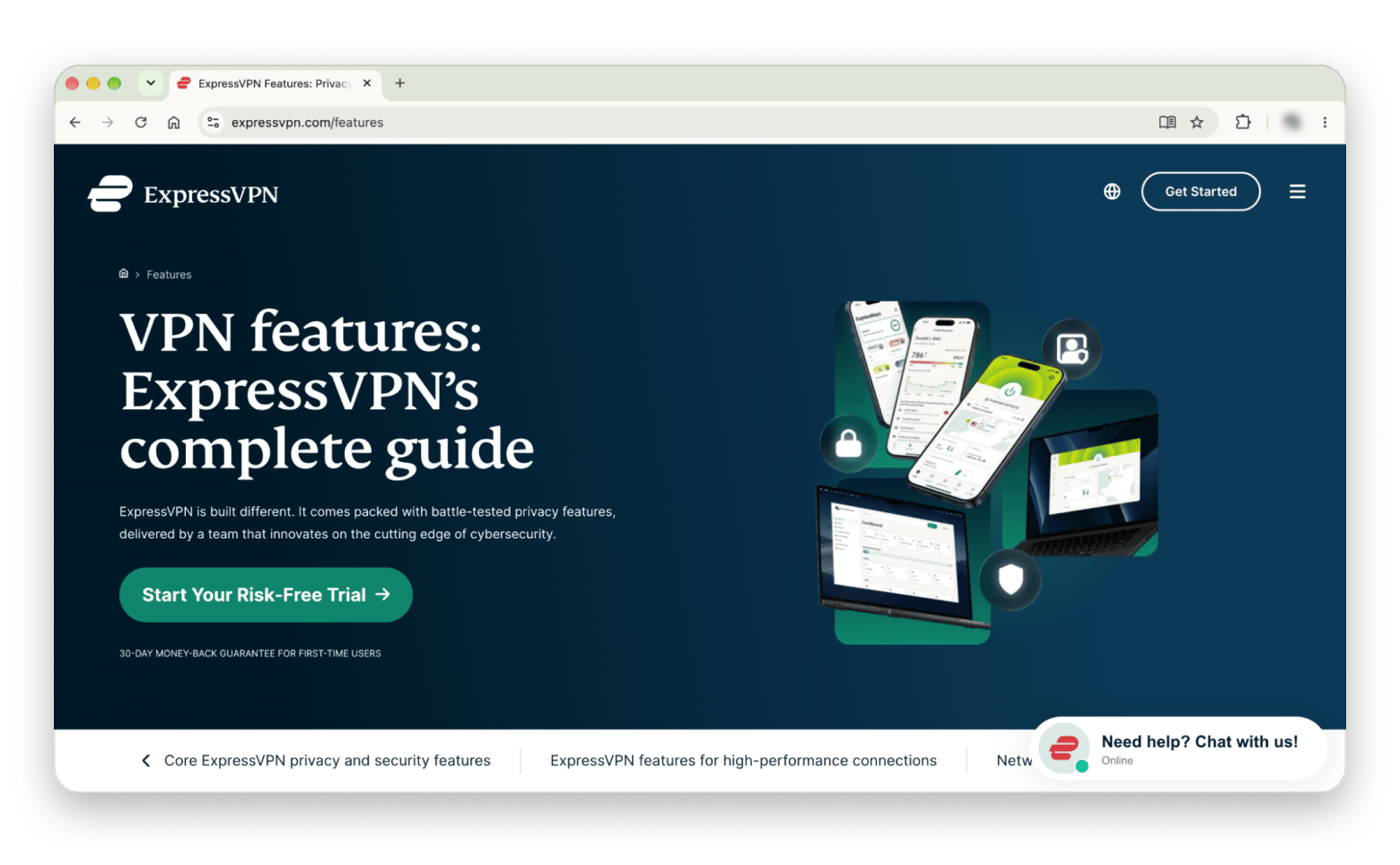
ExpressVPN: Easy to use worldwide
One of the most famous Mac VPN clients, ExpressVPN is also a strong contender across all categories, but its true trump card is how easy it is to use. Download ExpressVPN for Mac, choose your destination country, and click to connect.
Pros:
Number of countries: ExpressVPN has servers in 113 countries, which is more than enough for any task.
Device compatibility: Available on almost all devices and OS.
Cons:
Lack of features: ExpressVPN is great for changing server locations but struggles to offer something more.
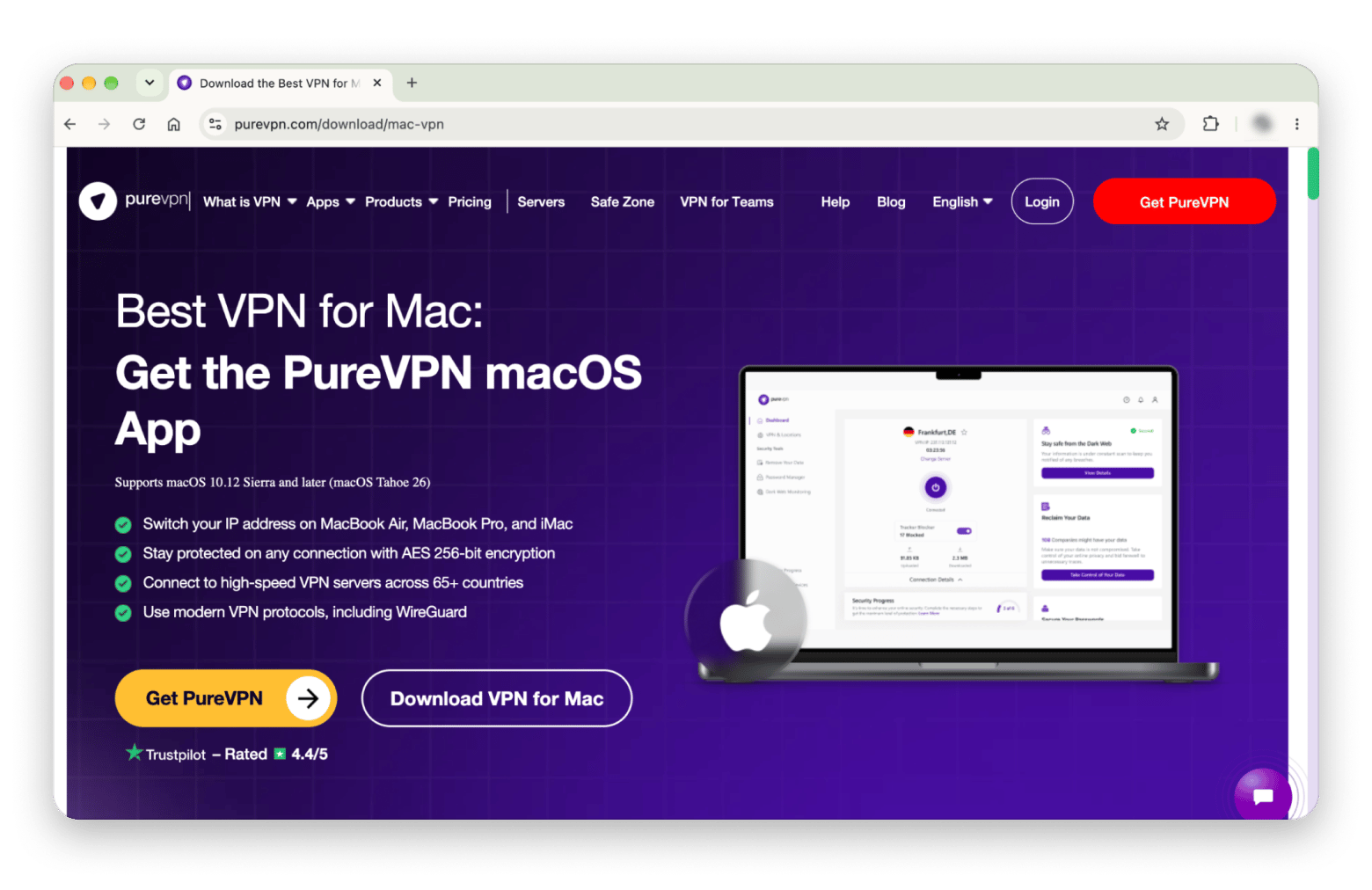
PureVPN: Access favorite online content
PureVPN has all the essential features of a top VPN service (servers in 70+ countries). Plus, you can enjoy any content you love (like Netflix, Disney, or HBO) while staying fully protected online.
Pros:
Plan diversity: Based on your needs, you can choose PureVPN, Pure White Label, Family Plan, etc.
Cons:
Missing pro features: PureVPN does the basics well but lacks some extra configurations that are available in other apps.
Surfshark combines WireGuard support with a large network and unlimited simultaneous connections. It’s worth considering if you want to protect several devices under one account. Its CleanWeb feature can block ads and malicious websites. On Mac, Bypasser lets you choose which apps or websites use the VPN connection.
Pros:
Unlimited connections: Protect several devices with one account.
Flexible Mac controls: Bypasser lets you choose which apps or websites use the VPN.
Cons:
Plan details vary: Monthly prices depend on the plan and region.
Some extras cost more: Certain features require a higher-tier plan.
Proton VPN: Best free VPN for Mac
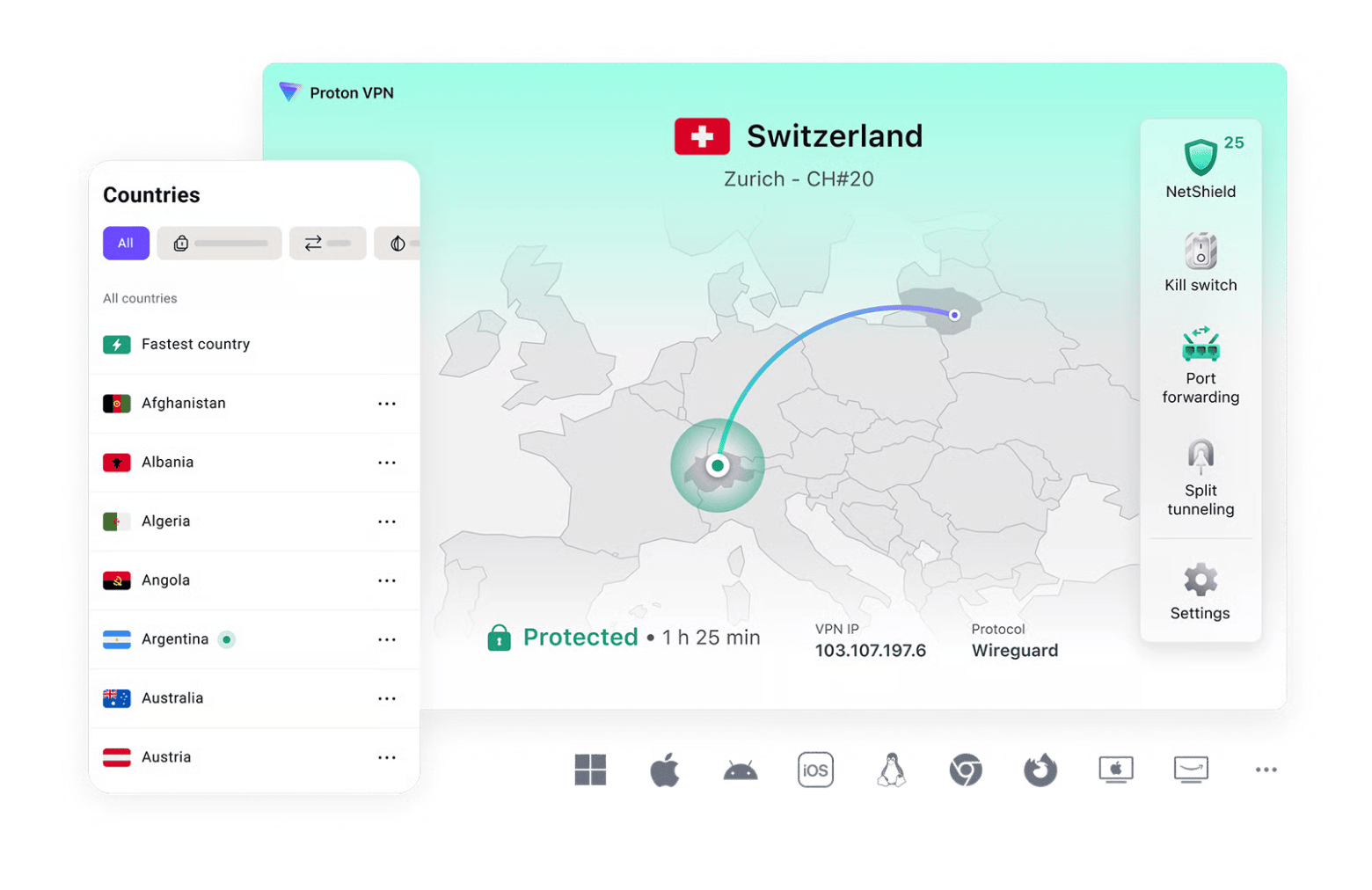
Proton VPN’s free plan has no data limit, and the provider says it doesn't show ads or sell browsing data. Free users have fewer server choices and may not be able to select a specific location. Paid plans offer a larger network. Proton says its free plan includes a kill switch, and its Mac app is open source and independently audited.
Pros:
Unlimited free data: Proton VPN’s free plan has no data cap and includes a kill switch.
Transparent Mac app: It’s open source and independently audited, with WireGuard and OpenVPN support.
Cons:
Limited server choice: Free users have fewer options and may not be able to pick a location.
Streaming features favor paid plans: You’ll need a paid plan for those features.
Mullvad: Privacy-focused and simple pricing
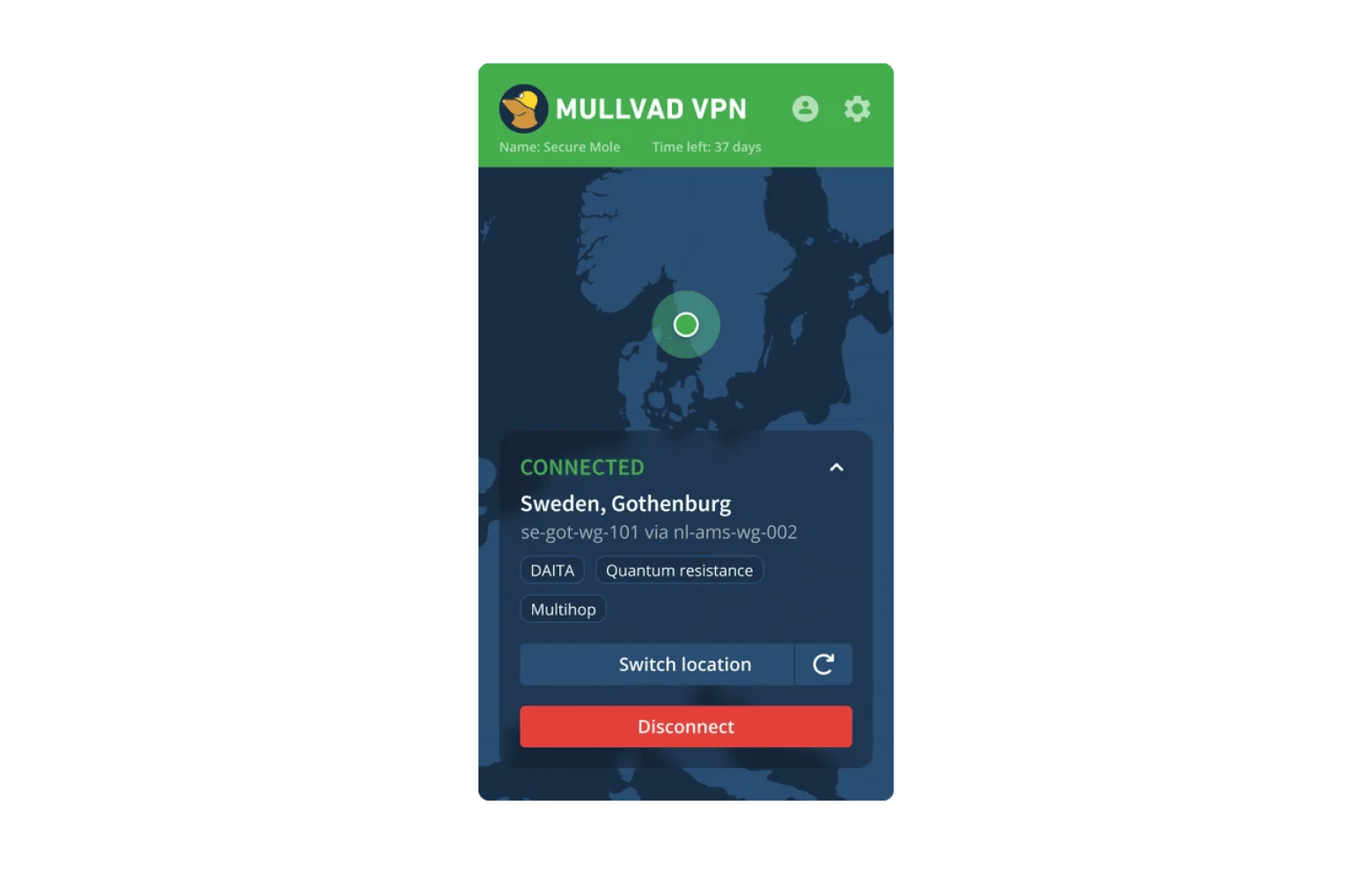
Mullvad charges $5.58 per month and doesn't require a long-term plan. Its Mac app uses WireGuard, and the service emphasizes private account setup and payment options. You can create an account without providing an email address. Mullvad assigns you a random account number instead. It also accepts cash and cryptocurrency, along with standard payment methods.
Pros:
Simple monthly pricing: Mullvad charges $5.58 per month and doesn't require a long-term plan.
Private account setup: You can sign up without an email address and use a random account number instead.
Cons:
No free tier: Mullvad doesn’t offer a free plan.
Fewer streaming features: It’s less suited to streaming-focused use.
Private Internet Access: Flexible settings
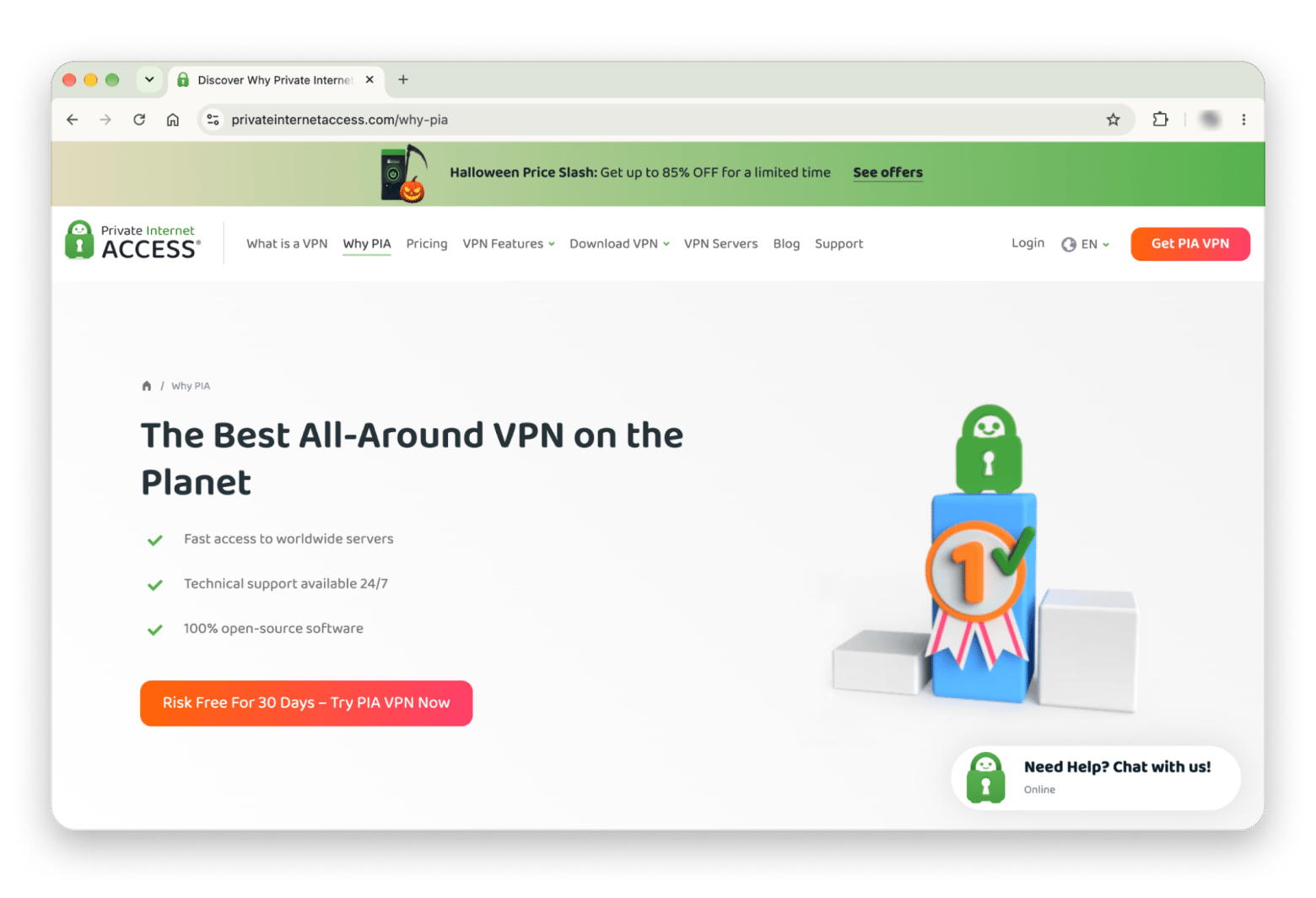
Private Internet Access (PIA) supports WireGuard and OpenVPN, giving users a choice between a modern, fast protocol and a widely configurable alternative. Its Mac app offers more settings than a one-click VPN, which may suit people who like to customize their connection. PIA also includes split tunneling, so you can choose which apps use the VPN. Its MACE feature can block domains associated with ads, trackers, and malware.
Pros:
Protocol choice: PIA supports both WireGuard and OpenVPN.
Flexible controls: You can customize your connection and choose which apps use the VPN.
Cons:
Many settings to learn: The range of controls may feel overwhelming.
No free plan: PIA requires a paid subscription.
How I tested a VPN for Mac
When testing a VPN, consider these key points:
Speed & performance: Actual speed and performance can vary based on your location and server proximity. Testing in different regions can give you an idea of what speeds to expect.
Server selection: The closer you are to the servers, the faster speeds you’re likely to experience. Make sure to connect to servers that are geographically close to your location to minimize latency and maximize speed.
Privacy & security: Look for features like AES-256 encryption, DNS leak protection, and a Kill Switch.
Performance testing: Regularly test speeds to track performance over time and identify potential issues.
The question is: How do you properly test the VPN connection? First, you need WiFi Signal. It’s a great app for controlling signal strength on your Mac. The app monitors your Wi-Fi signal and rates it as excellent, good, moderate, and so on. You can check the vital stats via a cool live graph by clicking the icon in the menu bar. WiFi Signal is available through Setapp Membership, so you can try it free for 7 days alongside 300+ macOS and iOS apps.
Mac security stack to use with a VPN
A VPN protects your internet connection, but it’s only one part of your Mac’s security setup. Use ClearVPN as your VPN, then add other tools for tasks it doesn’t cover, like checking Wi-Fi issues, scanning for malware, managing passwords, and controlling which apps use data.
Here are some awesome apps you can pair it with:
Pareto Security checks whether key macOS security settings are enabled and flags ones that may need attention. It runs in the background and uses color-coded indicators to show which settings are active or need review. That makes it a useful companion to a VPN: the VPN protects your connection, while Pareto helps you spot gaps in your Mac’s security setup, such as a protection setting you turned off and forgot to restore.
Moonlock helps you check your Mac’s security posture and scan for malware. When it finds a threat, it provides information about the malware and guidance on what to do next. It can also recommend macOS security settings to review. A VPN helps protect network traffic, while Moonlock focuses on threats and settings on the Mac itself.
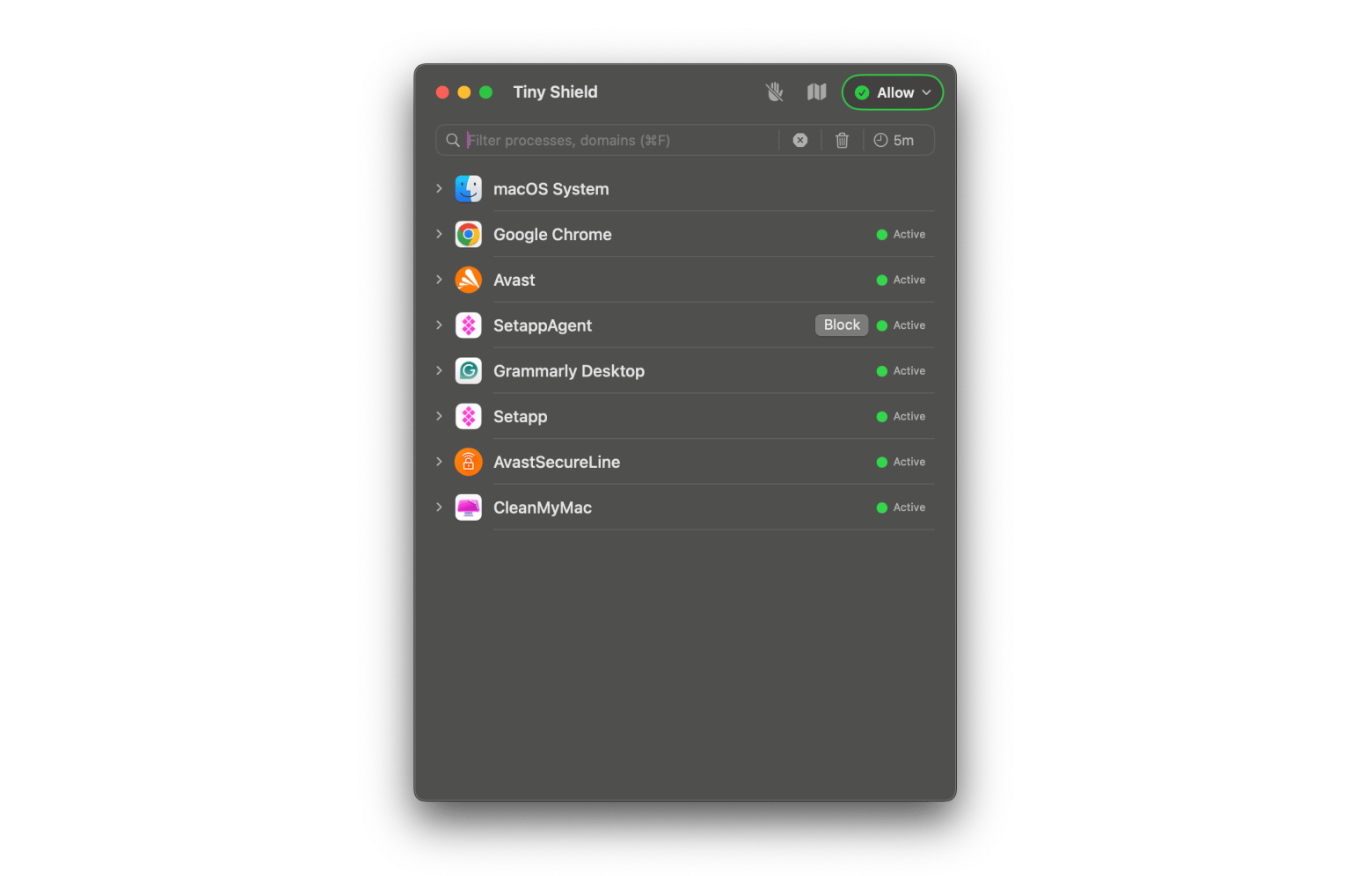
Tiny Shield shows the connections your Mac makes in real time, with website names and traffic charts to make activity easier to understand. You can block specific websites or apps if you don’t want them connecting to the internet, and set the app to alert you to unusual activity.
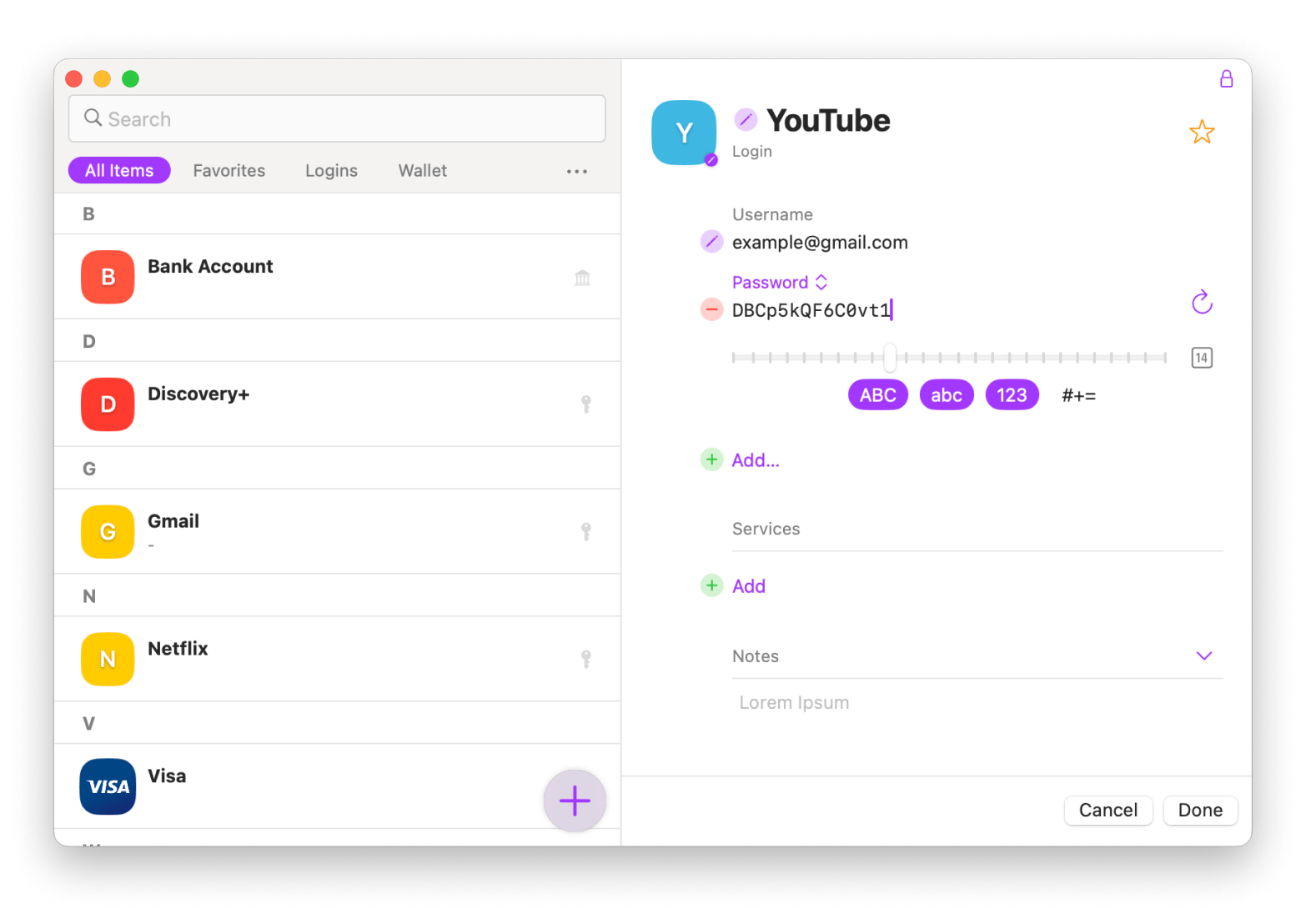
Secrets 4 stores passwords, payment details, files, and other sensitive information in an encrypted vault. It can generate passwords, autofill saved details, and sync encrypted information between your Mac and Apple devices through iCloud. A VPN protects your connection while you’re online, while a password manager helps protect the accounts you use through that connection.
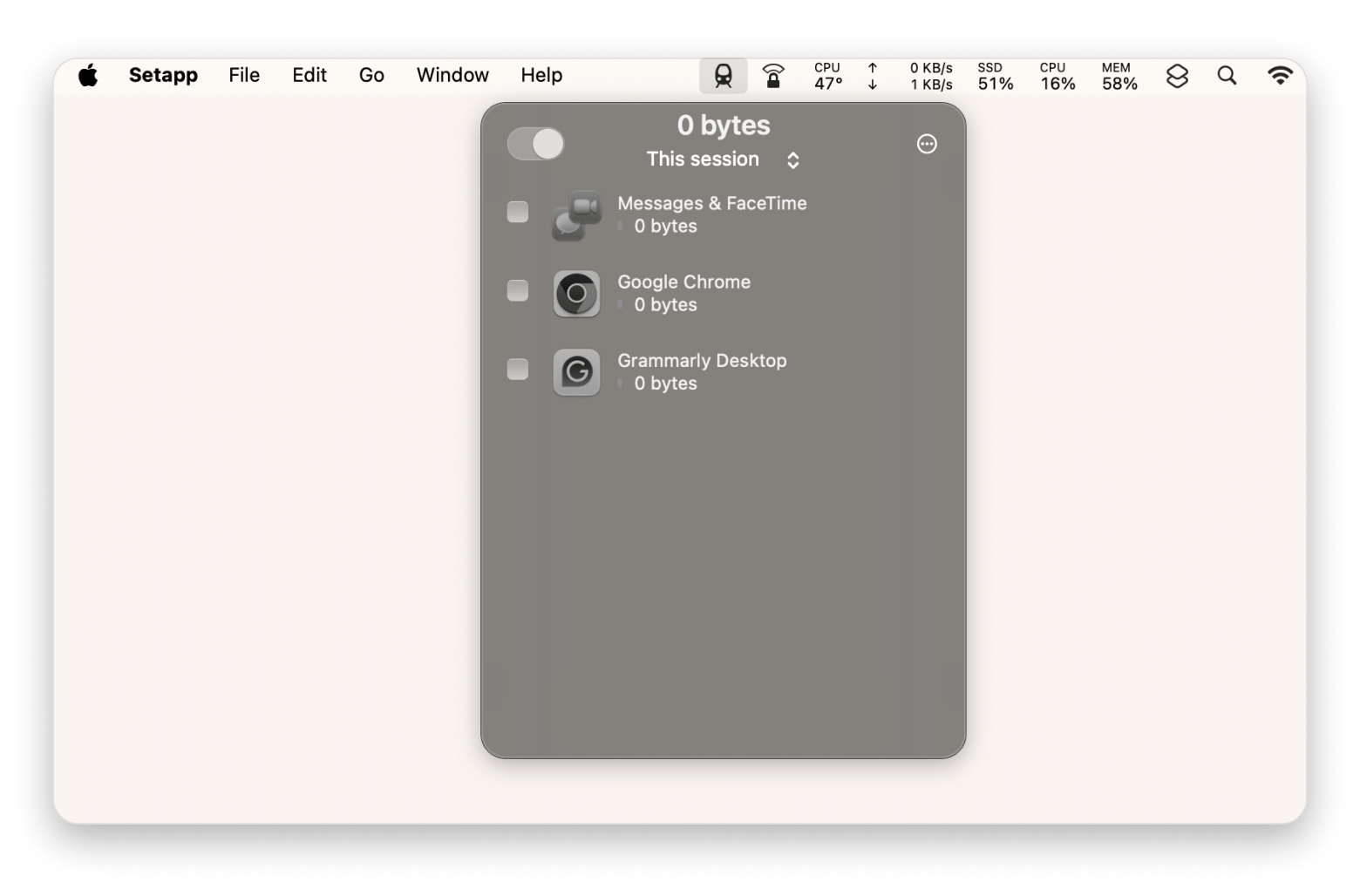
TripMode helps reduce data use when your Mac connects through a phone hotspot or another limited connection. Choose which apps can access the internet, then block background apps that might use data while you’re traveling. It can help you control what goes online and avoid unexpected data use, while your VPN encrypts the traffic that does pass through.
WiFi Explorer analyzes nearby Wi-Fi networks and shows details such as signal quality and frequency band. Use it to check whether a weak or crowded Wi-Fi connection might be affecting your browsing before blaming the VPN for slow speeds. It can also help you troubleshoot connection issues at home or work.
The best part about it is that you can try all these apps free for 7 days with Setapp Membership to see which ones will be right for you.
Which Mac VPN should you pick?
ClearVPN is the best VPN for most Mac users because it’s quick to set up and works with one click. If you want a free plan, choose Proton VPN. If streaming matters most, PureVPN is the better fit. Whichever you pick, start with a nearby server, since speeds drop as distance grows.
A VPN protects your connection, but not the rest of your Mac. Pair it with Pareto Security to catch settings you turned off, Moonlock to scan for malware, and Tiny Shield to see which apps connect to the internet. Secrets 4 keeps your passwords in an encrypted vault, and TripMode controls which apps use your data on a hotspot. If your connection feels slow, check it with WiFi Explorer or WiFi Signal before blaming the VPN.
All of these apps come with Setapp Membership, along with 300+ other Mac and iOS apps. Start your 7-day free trial and build your Mac privacy setup in one place.
FAQ
What is the best VPN for Mac in 2026?
ClearVPN is the top pick for Mac users who want quick, simple connections. If you need a free plan, Proton VPN is a strong option; if you want a wider choice of server locations, consider ExpressVPN.
Does macOS have a built-in VPN?
macOS can connect to a VPN using supported configurations, but it doesn’t include a consumer VPN service with its own server network. You’ll need a VPN provider or configuration details from your workplace or school.
Is a free VPN for Mac safe to use?
Some are, but check the provider’s privacy policy, business model, and security record. Proton VPN offers a free plan with unlimited data. Avoid unknown services that rely on ads or give little information about how they handle your data.
Does a VPN slow down a MacBook?
It can. Your traffic takes an extra route through a VPN server, and speed may drop more when that server is far away or busy. A nearby server and a modern protocol can help reduce the effect.
Should I use a VPN on my Mac at home, or only on public Wi-Fi?
A VPN can protect your traffic on public Wi-Fi and hide your browsing from your internet provider. You can also use one at home, but it doesn’t replace strong passwords, software updates, or careful handling of links and downloads.
Best VPN service for Mac
Get ClearVPN, your shortcut to everything on the web.






 Top-rated on Setapp
 Top-rated on Setapp