CleanMyMac
Tidy up your Mac


Mac
Version 5.7.2
macOS 11.0 or later
442.4 MB
12 languages
CleanMyMac is an all-in-one Mac care app. Run performance optimization, free up space, eliminate duplicate files, clean up system junk, and manage apps seamlessly. Whatever Mac issues arise, CleanMyMac has you covered. System requirements for using the app: macOS 11 or later, minimum display resolution – width 1280 pixels, height 800 pixels.
Free up space by deleting clutter
Scan for malware and remove threats
Speed up and optimize Mac’s performance
Update and uninstall apps in batches
CleanMyMac features
Care smarter
If you’re short on time and need a quick Mac tune-up, CleanMyMac’s Smart Care is your go-to feature. Not only can it scan for system junk and potential threats, but also boost Mac performance, update software, and remove duplicate clutter. Keep your Mac in excellent condition and ready for anything with ease.
Free up space
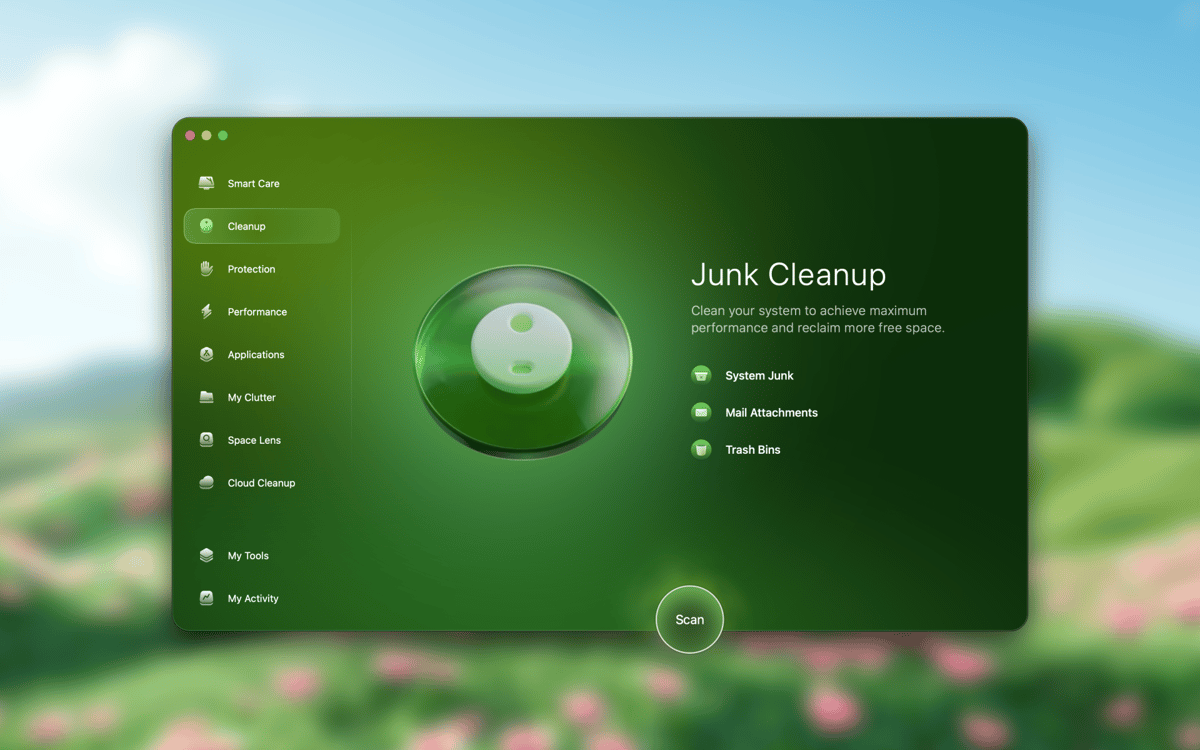
When you’re running low on storage space, looking for things you can delete is the last thing you want to do. CleanMyMac handles that by removing unneeded system junk, outdated files, and random cache. Clear both your Mac and your cloud storage, making room for what matters most.
Speed up your Mac
Unexpected performance drops might catch you off guard, but not with CleanMyMac. Run recommended Mac optimization tasks to keep both software and hardware in shape. Stay productive, knowing your Mac will be running at its best, too.
Steer clear of malware
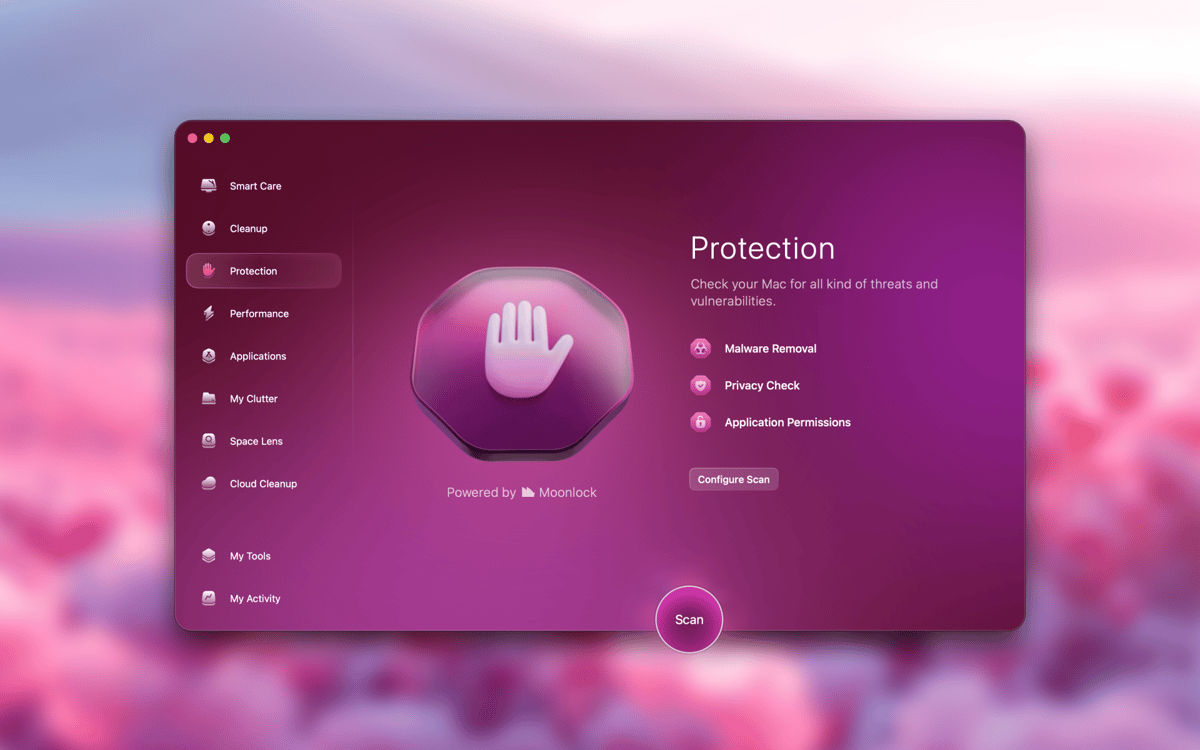
For your peace of mind, scan your Mac for viruses and run malware removal regularly. Powered by Moonlock Engine, CleanMyMac’s Protection feature works like a lightweight antivirus, helping to spot potential threats and wipe your browsing data on demand.
Declutter your space
Our Macs hold tons of items, useful at first but often forgotten once they've served their purpose. CleanMyMac neatly sorts through your entire storage, helping you spot the largest files, duplicates, and other clutter. Clear out what you don't need with this robust Mac cleaner and enjoy a tidier device.
Update and uninstall apps
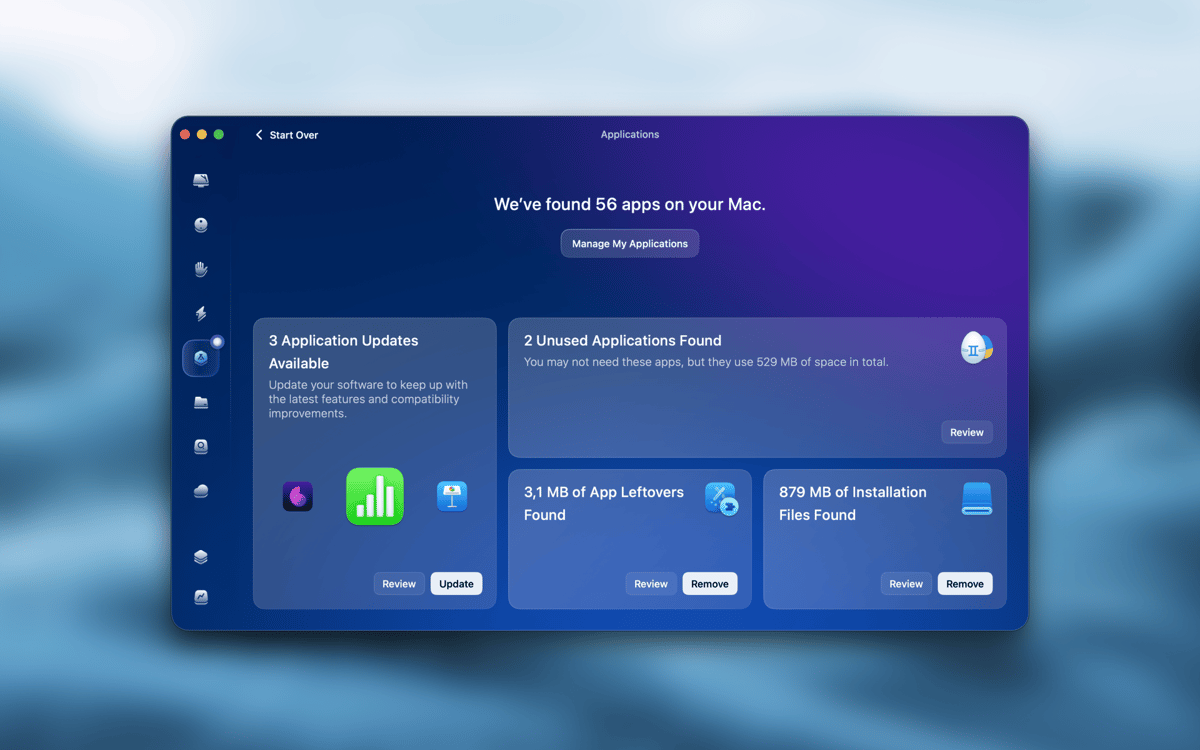
Uninstalling Mac apps can be tricky. Simply moving them to the Trash often leaves behind leftover system files and data. CleanMyMac removes unnecessary apps completely, while also helping Mac users keep essential apps up to date.
Ratings and reviews
CleanMyMac
•
18513 ratings
Carlos Alocén
Oct 20, 2026
App version: 5.7.2
Useful, but … With the latest update, I've experienced some issues. Specifically, when clicking on buttons in modal screens (within the general options), for example, "back" or the options to run the program. It didn't work with...
TOM
Oct 19, 2026
App version: 5.7.2
good!~~!!!!!!!
Armel Abé
Oct 17, 2026
App version: 5.7.2
Très bonne appli, elle m’aide bien gérer mon espace
Get hundreds of apps with Membership
Become Setapp member and use hundreds of stellar apps with one subscription.
Try 7 days free, then pay one simple fee.
Install Setapp on Mac
Explore apps for Mac, iOS, and web. Find easy ways to solve daily tasks.

Get the app you came for
That one shiny app is waiting inside Setapp. Install with a click.

CleanMyMac
Choose your subscription
One app or more with a Setapp membership. Get apps the way you want.

Get hundreds of apps with Membership
Become Setapp member and use hundreds of stellar apps with one subscription.
Try 7 days free, then pay one simple fee.
1
Install Setapp on Mac
Explore apps for Mac, iOS, and web. Find easy ways to solve daily tasks.
2
Get the app you came for
That one shiny app is waiting inside Setapp. Install with a click.
CleanMyMac
3
Choose your subscription
One app or more with a Setapp membership. Get apps the way you want.
Home to the top apps
From planning and routine tasks to creative pursuits and coding, tackle tasks with apps on Setapp.


CleanMyMac
Tidy up your Mac