
Smmall Cloud
Share files and boost your brand
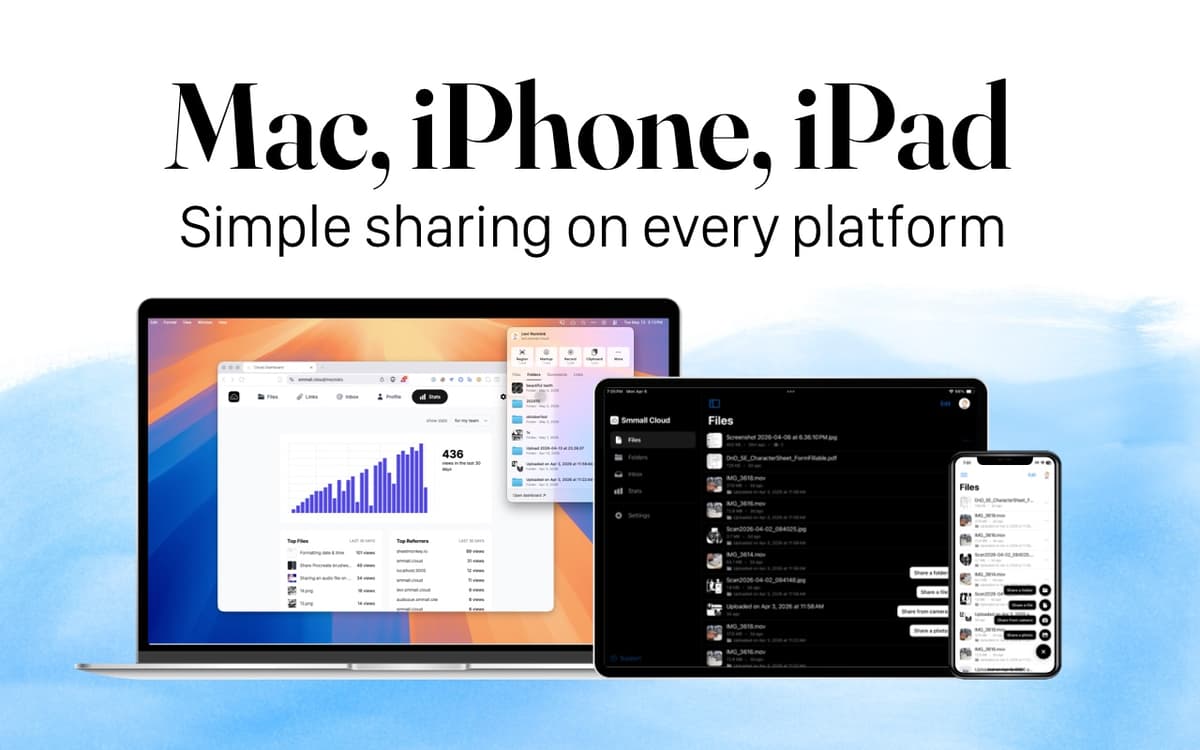
Mac, iOS
Version 1.6.1
macOS 13.5 or later
93.9 MB
1 languages
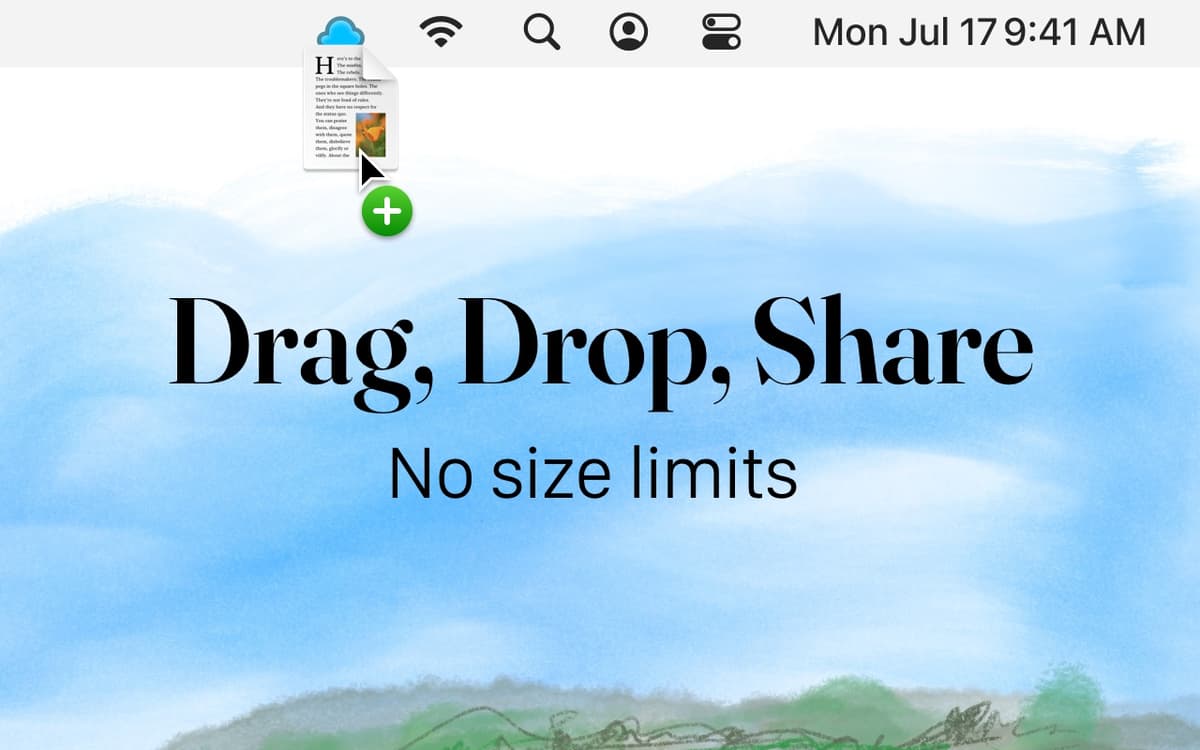
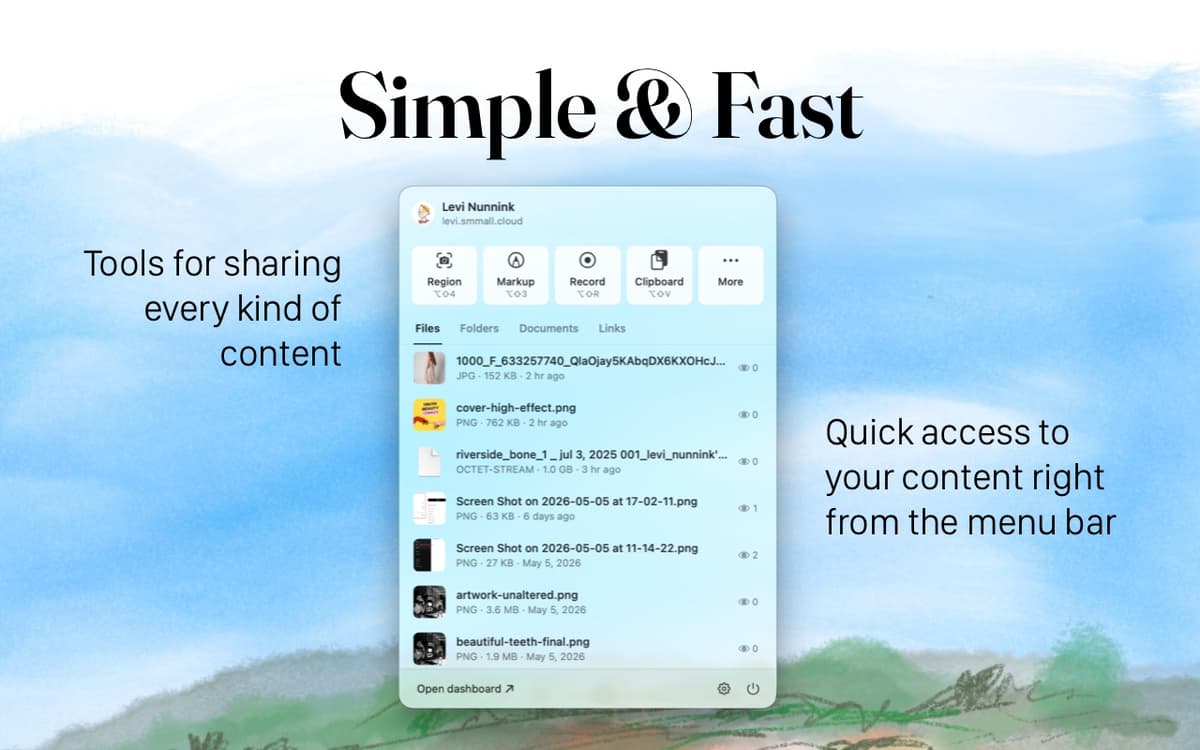
Smmall Cloud transforms file sharing, providing an elegant solution that sidesteps the chaos of complicated platforms. With just a few clicks, effortlessly upload and send your files. On top of that, you can customize your file pages to show your brand, including your logos and links. This way, each file you share represents your identity.
Share files effortlessly
Showcase your brand with profile pages
Receive files securely with File Inbox
Monitor file activity
Smmall Cloud features
Share files effortlessly
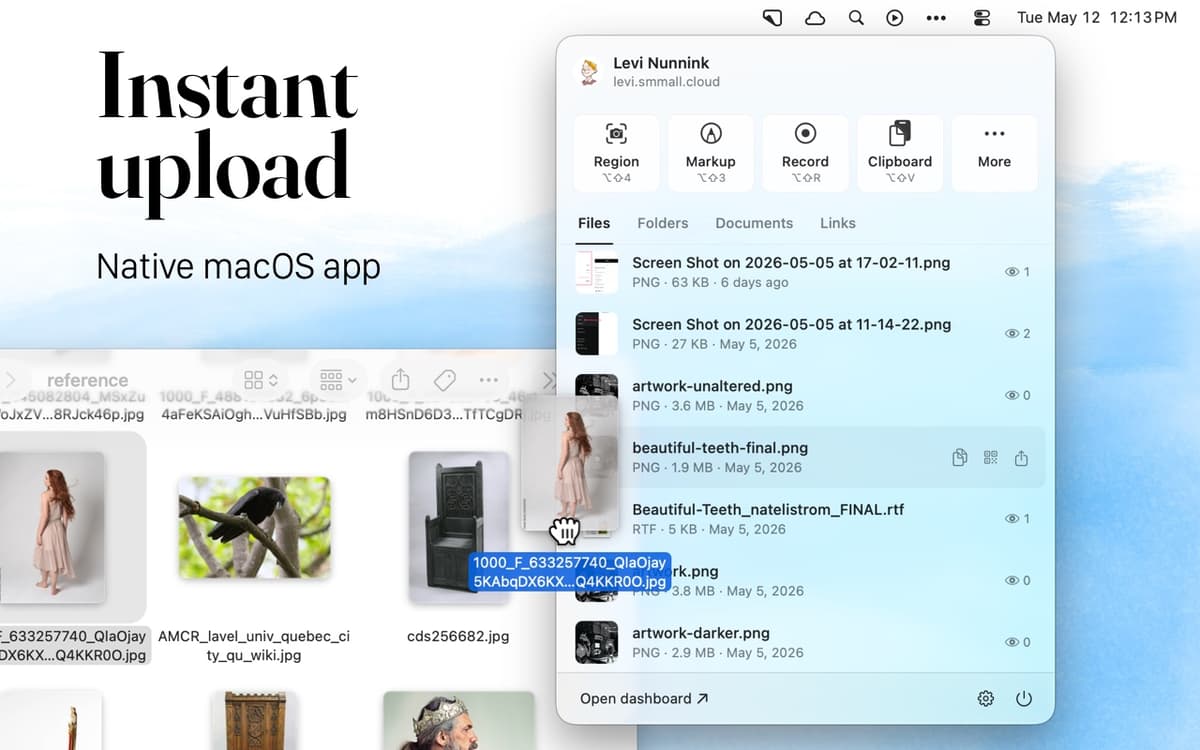
Have a document, audio, or an image you need to send to a colleague? With Smmall Cloud, all you have to do is drag and drop your files into the app. The clean interface lets you share without fiddling with settings or ads.
Receive files securely
Worried about the risks of using unreliable email attachments? Use your File Inbox and let anyone safely and securely send you a file.
Promote your brand
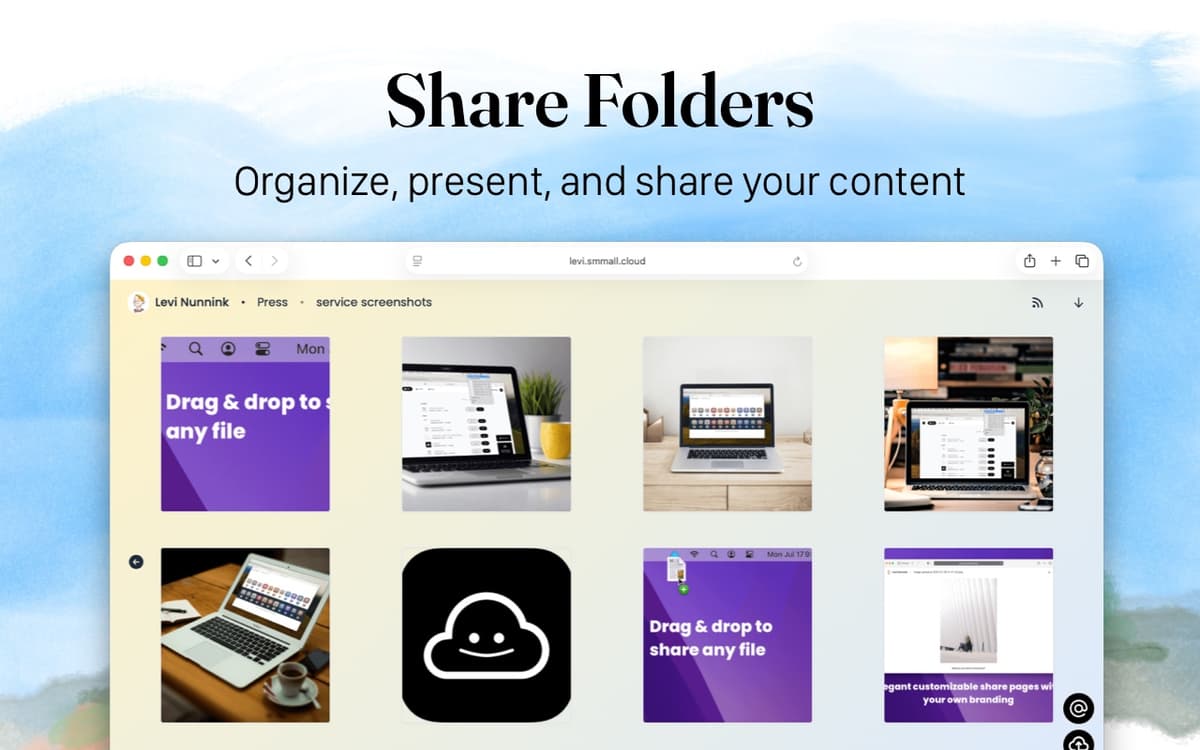
Smmall Cloud lets you personalize your file pages to match your branding. This way, your files stand out and reflect your style, giving your shared content a professional look without the platform’s branding getting in the way.
Get insightful analytics
Want to know who’s checking out your files? Smmall Cloud provides clear statistics on how many views each file gets and where your viewers are coming from.
Ratings and reviews
Smmall Cloud
•
136 ratings
Thomas H. Straub
Sep 16, 2026
App version: 1.6.1
An absolute game changer for my business. Having a “dropbox” for clients to send photos, videos, etc. with NO limit is helpful, as is having a place where people can pull files from. All of this being included in a subscription that gives you access to other apps too? It’s perfect.
Jim Forseyth
Aug 5, 2026
App version: 1.6
Absolutely love this tiny app. To me, the most important feature is that it renders Markdown-formatted text. Please keep working on it since some natural features are missing.
Nadir Palacios
Apr 28, 2026
App version: 1.5.1
Great app works great
Get hundreds of apps with Membership
Become Setapp member and use hundreds of stellar apps with one subscription.
Try 7 days free, then pay one simple fee.
Install Setapp on Mac
Explore apps for Mac, iOS, and web. Find easy ways to solve daily tasks.

Get the app you came for
That one shiny app is waiting inside Setapp. Install with a click.

Smmall Cloud
Choose your subscription
One app or more with a Setapp membership. Get apps the way you want.

Get hundreds of apps with Membership
Become Setapp member and use hundreds of stellar apps with one subscription.
Try 7 days free, then pay one simple fee.
1
Install Setapp on Mac
Explore apps for Mac, iOS, and web. Find easy ways to solve daily tasks.
2
Get the app you came for
That one shiny app is waiting inside Setapp. Install with a click.
Smmall Cloud
3
Choose your subscription
One app or more with a Setapp membership. Get apps the way you want.
Home to the top apps
From planning and routine tasks to creative pursuits and coding, tackle tasks with apps on Setapp.


Smmall Cloud
Share files and boost your brand