Spellar AI
Smart Meeting Notes with AI

Mac, Web
Version 3.5.2
macOS 15.0 or later
150.7 MB
15 languages
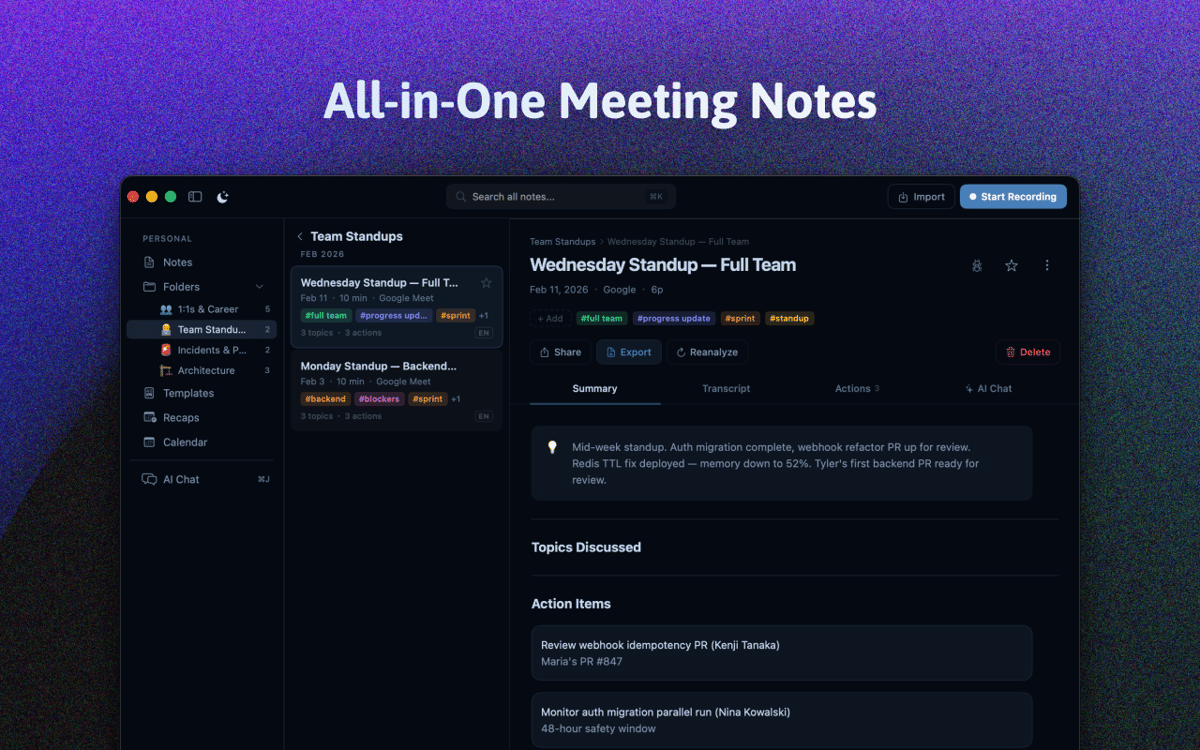
Meet Spellar, your intelligent AI meeting companion that transforms conversations into actionable insights. This powerful tool captures, transcribes, and analyses your meetings with precision without bots, letting you focus on what matters most: meaningful participation and decision-making. Perfect for professionals, teams, and anyone who values efficient communication, Spellar elevates your meeting experience with state-of-the-art AI technology.
Utilize real-time meeting assistant
Get meeting recordings and summaries
Use Craft, Notion, and Miro integrations
Boost your meeting productivity
Spellar AI features
Private Meeting Recording
Capture crystal-clear audio directly on your Mac with Spellar's native recording technology. No external participants, no privacy concerns—just seamless recording that works perfectly with your headphones and system audio.
Intelligent Meeting Summaries
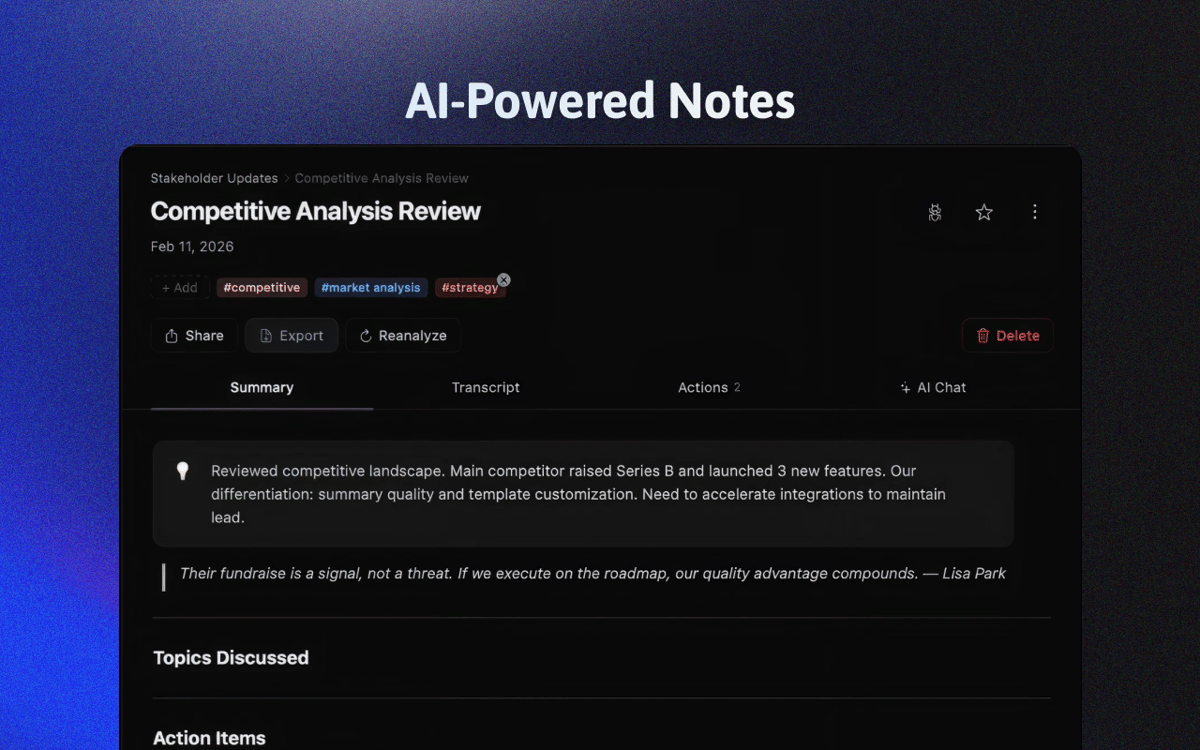
Transform conversations into clear, actionable insights instantly. Spellar's advanced AI engine delivers customizable summaries highlighting key topics, decisions, and follow-up items. Specially optimized for online meetings, it captures the essence of every discussion with remarkable accuracy.
Seamless Tool Integration
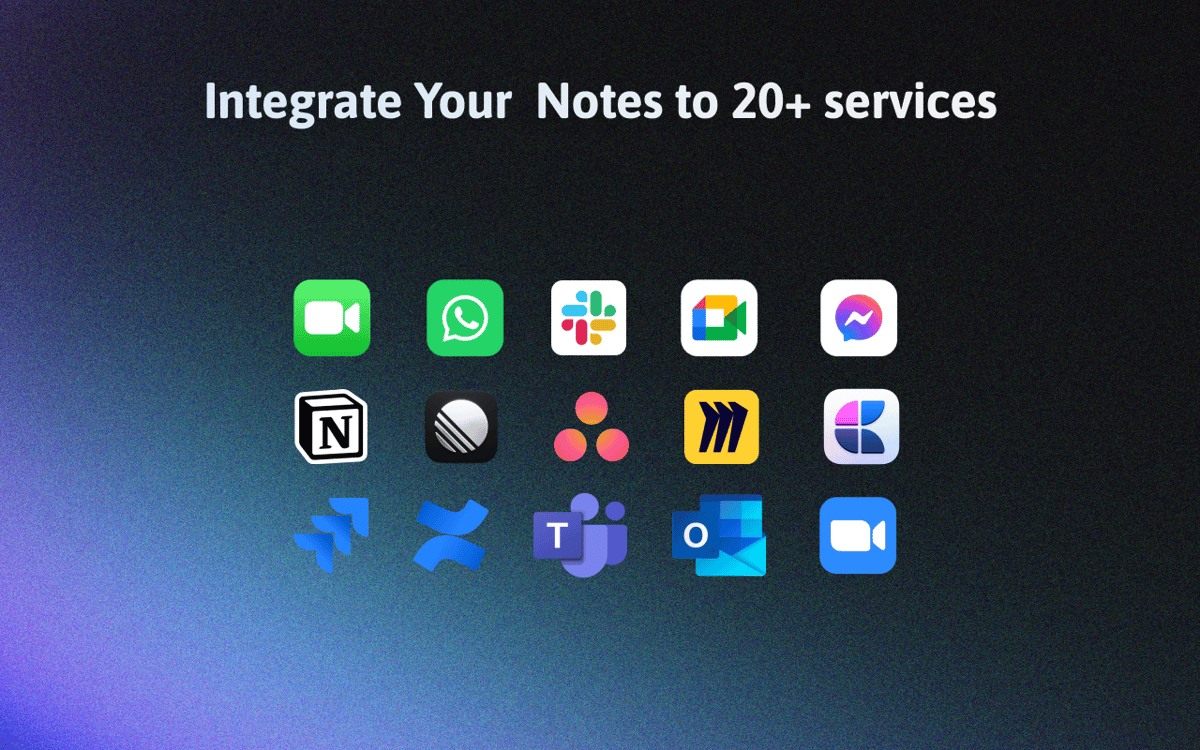
Supercharge your productivity with Spellar's integration ecosystem. Connect seamlessly with Craft, Notion, Miro, Linear, and more to automatically export summaries and action points to your productivity tools. Let Spellar handle the workflow while you focus on the conversation.
Real-Time AI Meeting Assistant
Your personal meeting co-pilot is always ready to help. From brainstorming support to quick recap requests and even contextual ice-breakers, this customizable AI assistant enhances your meeting experience in real time.
Smart Calendar Management
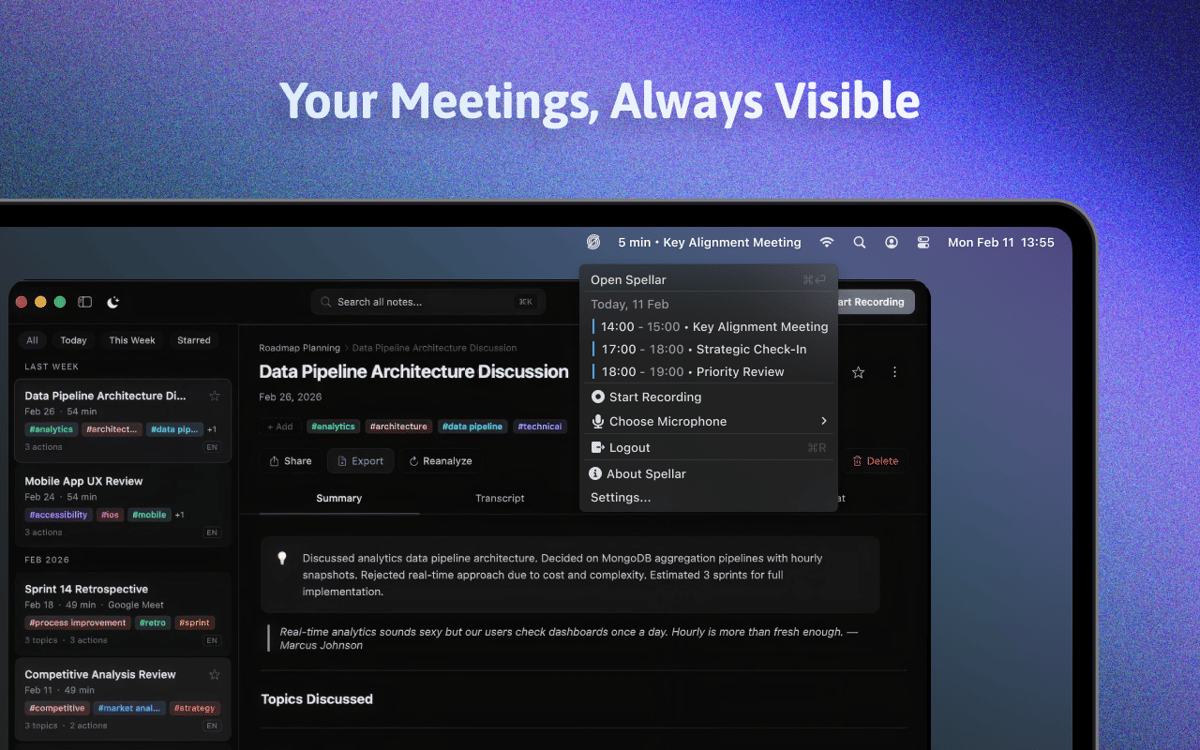
Never miss a meeting again with Spellar's intuitive calendar integration. Sync effortlessly with Google and Outlook calendars, and access everything through a sleek menu bar interface. Start recording with a single click—staying organized has never been easier.
Ratings and reviews
Spellar AI
•
408 ratings
Sandro Wefel
Yesterday
App version: 3.5.2
Deutliche Fortschritte in der letzten Version - Anmeldung mit Setapp funktioniert wieder, bisher keine Unterbrechung Vorher: - wiederholte Anmeldung mit Setapp erforderlich - Cloud-Sync funktioniert nicht oder nicht zuverlässig Noch offen: - keine Unertstützung für lokale KI-Modelle mit Ollama - leider keine Integration freier Notebook-Lösungen, z.B. Joplin - NotePlan-Unterstützung wäre auch naheliegend
AJ
Sep 18, 2026
App version: 3.4.0
For the past few weeks the transcription has been translating text to spanish. Time out errors are daily forcing me to regenerate. Not sure what’s changed, it’s a great software that when it does work gives great analysis even without having direct integration into your meeting software. But until these issues are resolved I cannot recommend it. Update (January 21 2026): No more mixed translations, but unfortunately issues with the software still exist. A 2 hour meeting recording was reduced to just 3 mins even though on the overview screen it shows it as two hours. Software constantly freezes and crashes. As it is currently I can not recommend this software for critical meetings as it’s a dice roll whether or not it will capture your audio in it’s entirety properly. Update (September 18 2026) Developer reached out to let me know they’ve fixed many issues this review stated. I’m pleased to say that as of today I have had any issues with using this software. It does the job.
Konstantinos Charantiniotis
Sep 11, 2026
App version: 3.4.0
Its a great tool!
Get hundreds of apps with Membership
Become Setapp member and use hundreds of stellar apps with one subscription.
Try 7 days free, then pay one simple fee.
Install Setapp on Mac
Explore apps for Mac, iOS, and web. Find easy ways to solve daily tasks.

Get the app you came for
That one shiny app is waiting inside Setapp. Install with a click.

Spellar AI
Choose your subscription
One app or more with a Setapp membership. Get apps the way you want.

Get hundreds of apps with Membership
Become Setapp member and use hundreds of stellar apps with one subscription.
Try 7 days free, then pay one simple fee.
1
Install Setapp on Mac
Explore apps for Mac, iOS, and web. Find easy ways to solve daily tasks.
2
Get the app you came for
That one shiny app is waiting inside Setapp. Install with a click.
Spellar AI
3
Choose your subscription
One app or more with a Setapp membership. Get apps the way you want.
Home to the top apps
From planning and routine tasks to creative pursuits and coding, tackle tasks with apps on Setapp.


Spellar AI
Smart Meeting Notes with AI