
TaskPaper
Plain-text task management

Mac
Version 3.9.4
macOS 11.5 or later
10.1 MB
1 languages
Getting Things Done couldn’t be any simpler with TaskPaper. Make plain text lists of everything important to you, easy editable anywhere. The interface is distraction-free so you can concentrate on tasks rather than complex settings. So here’s your first simple to-do list: 1) Install TaskPaper 2) Type in tasks 3) Enjoy.
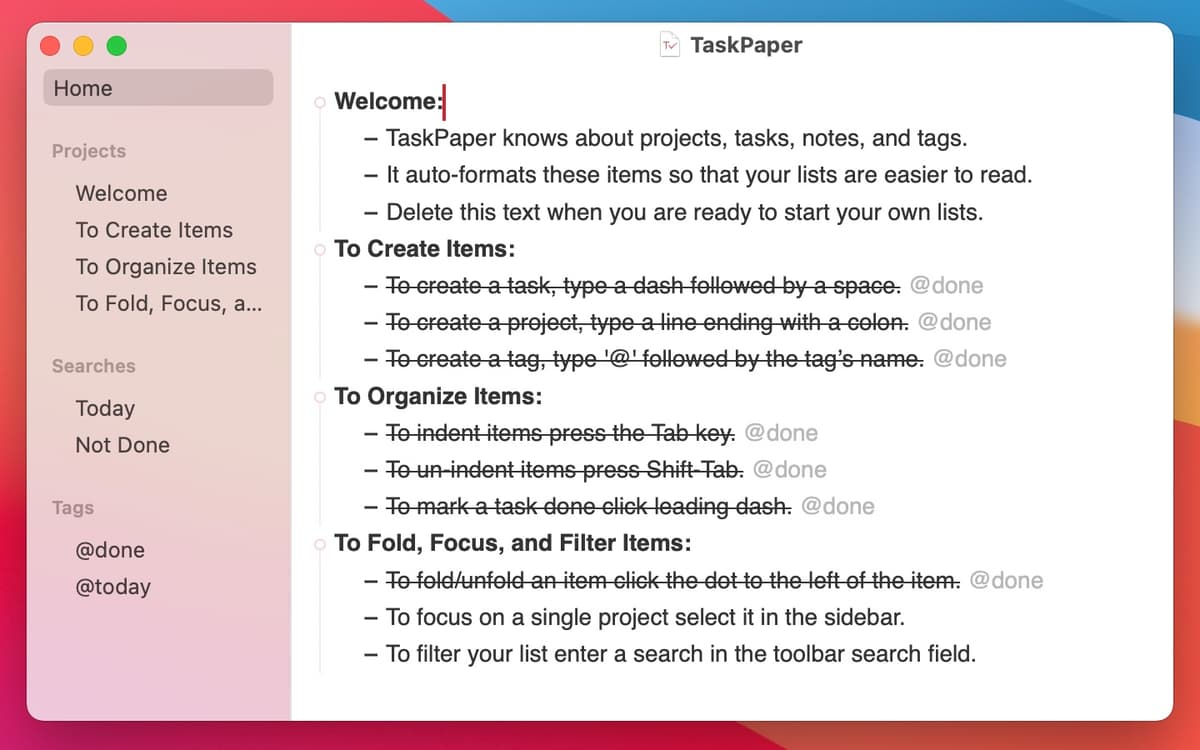
Write your to-do list and have it polished
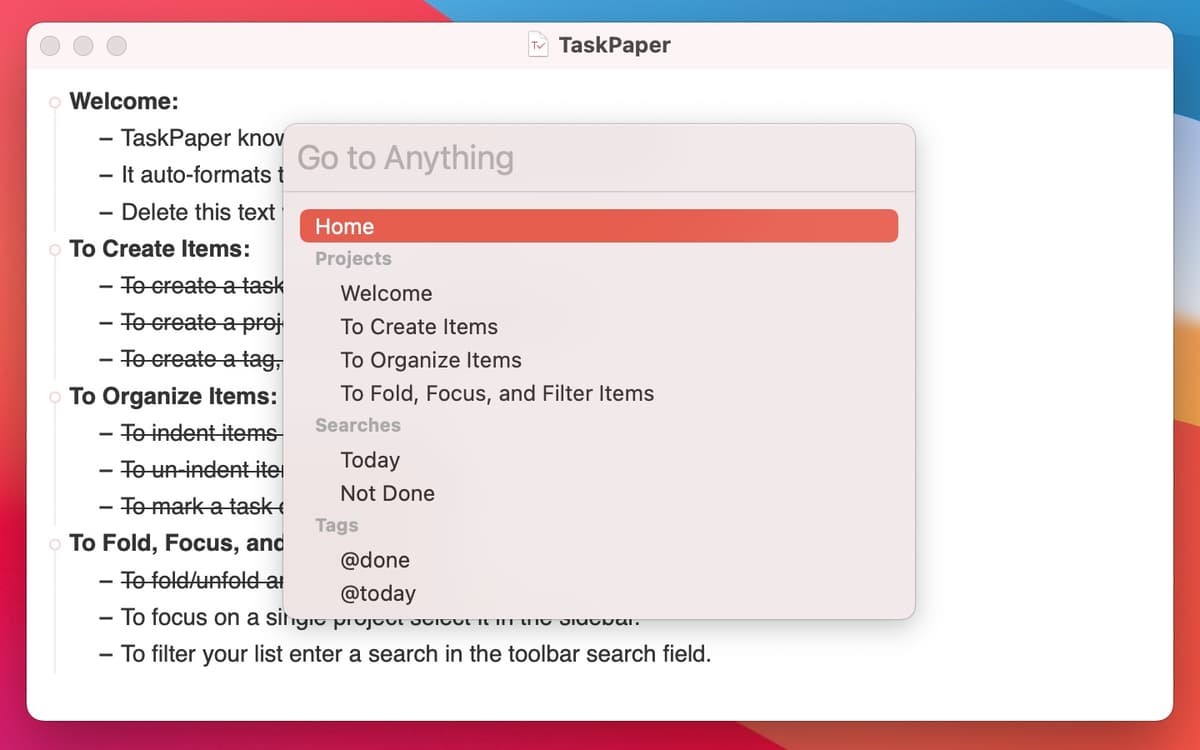
Find tasks by tag, type, or content
Create a list of tasks using plain language
Take the stress out of task management
TaskPaper features
Plain Text App
Simple syntax helps you think clear and concise. There are many shortcuts for manipulation with structure, formatting etc. The idea is obvious — the quicker you write down your tasks, the sooner you get to doing them. The plain text app logic is universal, so you can edit your lists on any device.
Autoformatting
Ending each line with a colon automatically creates a project. To make a simple task list use dash and hit “Space”. When something is completed, use a @done tag to cross it off, which gives you a nice feeling of accomplishment. Minimum clicking as you'd expect from a simple to do list app for Mac.
Structure tasks easy
There are four entities in TaskPaper: projects, tasks, tags, and notes. Tags are perfect for organizing your entries to @work, @priorities, and as many categories as you want. The lists can be collapsed or expanded for better overview of the project. Need more sub-levels? Just press “Tab” key.
Powerful search
To find an item you can either filter it by tag or use a Search Bar, but that’s just a tip of an iceberg. There is an advanced search language, with special expressions and attributes for complex queries. Now a simple to-do list becomes a full-scale project environment (if you ask it to).
Dates & Reminders
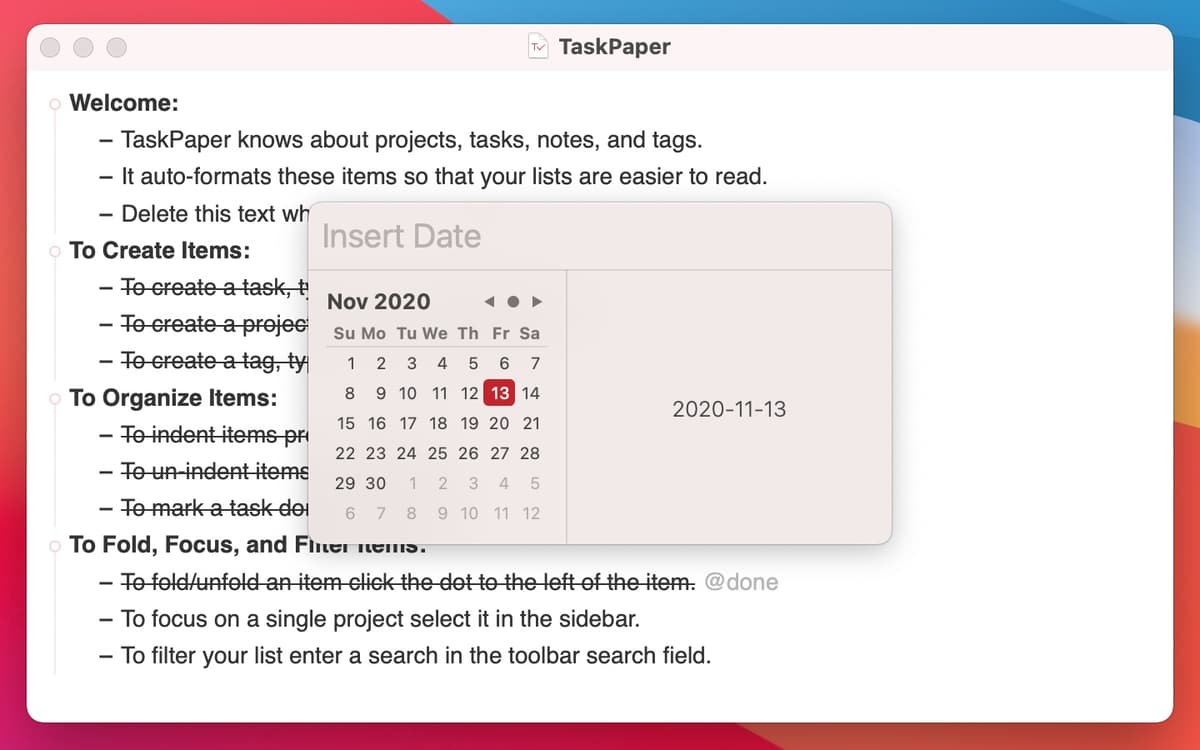
TaskPaper is fully integrated with Apple’s Reminders so you’ll never lose a grip on your schedule. Attach a date to your task and export it to Reminders app (and vice versa). Your assignments will follow you anywhere you go — on a holiday trip or board meeting.
Custom stylesheets
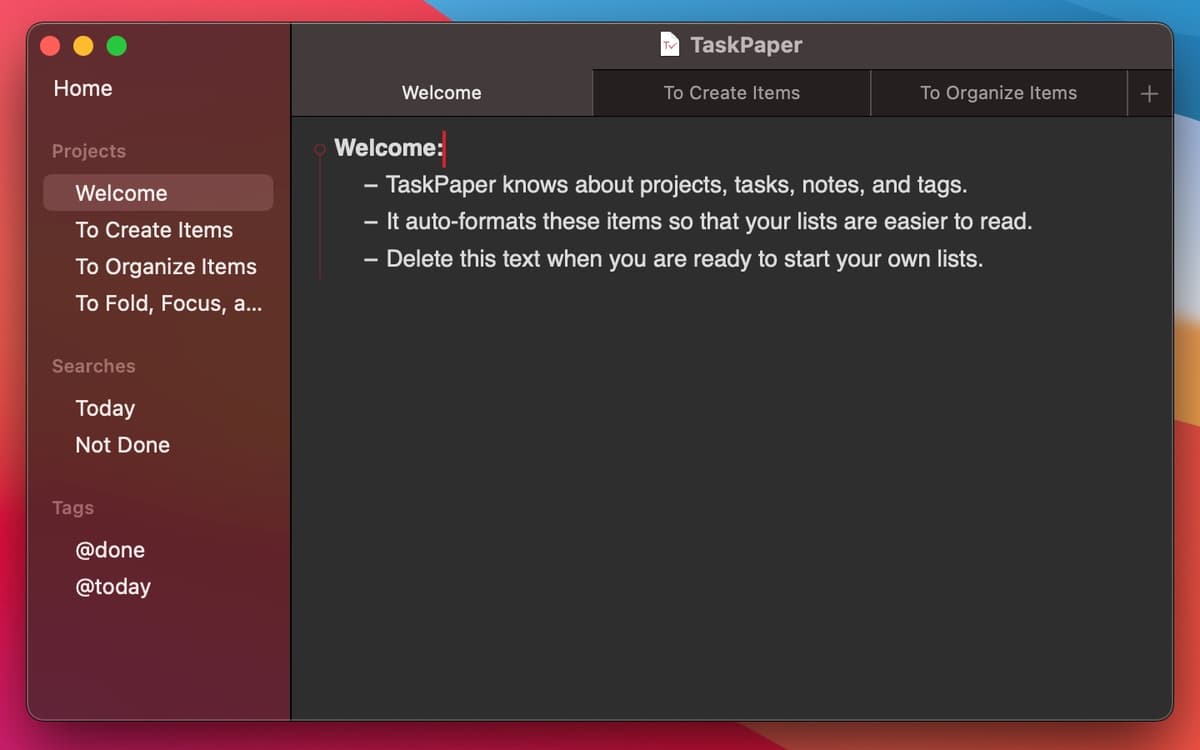
If a simple to do list isn’t enough, customize TaskPaper to your liking. Use a stylesheet editor to update fonts, colors, and basic appearance of the app. The background is also flexible. Many fan themes are available online or go create your own — it's a no brainer, really.
Ratings and reviews
TaskPaper
•
305 ratings
Håkan Liljegren
May 16, 2026
App version: 3.9.4
I think I have tried over 30 different to-do apps but none suited me. Task-paper with its straightforward simplicity feels like a god send, and as the to-dos are just plain text it is easy to automate with other scripts and AI solutions. And with tags you can still go deep if you want to!
HelmutR
Apr 12, 2026
App version: 3.9.4
All I need.
Nathan DeGruchy
Jan 1, 2026
App version: 3.9.4
Plain-text is such a great format for todo (and more) lists. Having an app that adds sugar on top of that is just fantastic. I just wish there was a companion iOS app.
Get hundreds of apps with Membership
Become Setapp member and use hundreds of stellar apps with one subscription.
Try 7 days free, then pay one simple fee.
Install Setapp on Mac
Explore apps for Mac, iOS, and web. Find easy ways to solve daily tasks.

Get the app you came for
That one shiny app is waiting inside Setapp. Install with a click.

TaskPaper
Choose your subscription
One app or more with a Setapp membership. Get apps the way you want.

Get hundreds of apps with Membership
Become Setapp member and use hundreds of stellar apps with one subscription.
Try 7 days free, then pay one simple fee.
1
Install Setapp on Mac
Explore apps for Mac, iOS, and web. Find easy ways to solve daily tasks.
2
Get the app you came for
That one shiny app is waiting inside Setapp. Install with a click.
TaskPaper
3
Choose your subscription
One app or more with a Setapp membership. Get apps the way you want.
Home to the top apps
From planning and routine tasks to creative pursuits and coding, tackle tasks with apps on Setapp.


TaskPaper
Plain-text task management