

2Do
Schedule tasks and reminders

Mac
Version 2.9.73
macOS 11.5 or later
140.6 MB
17 languages
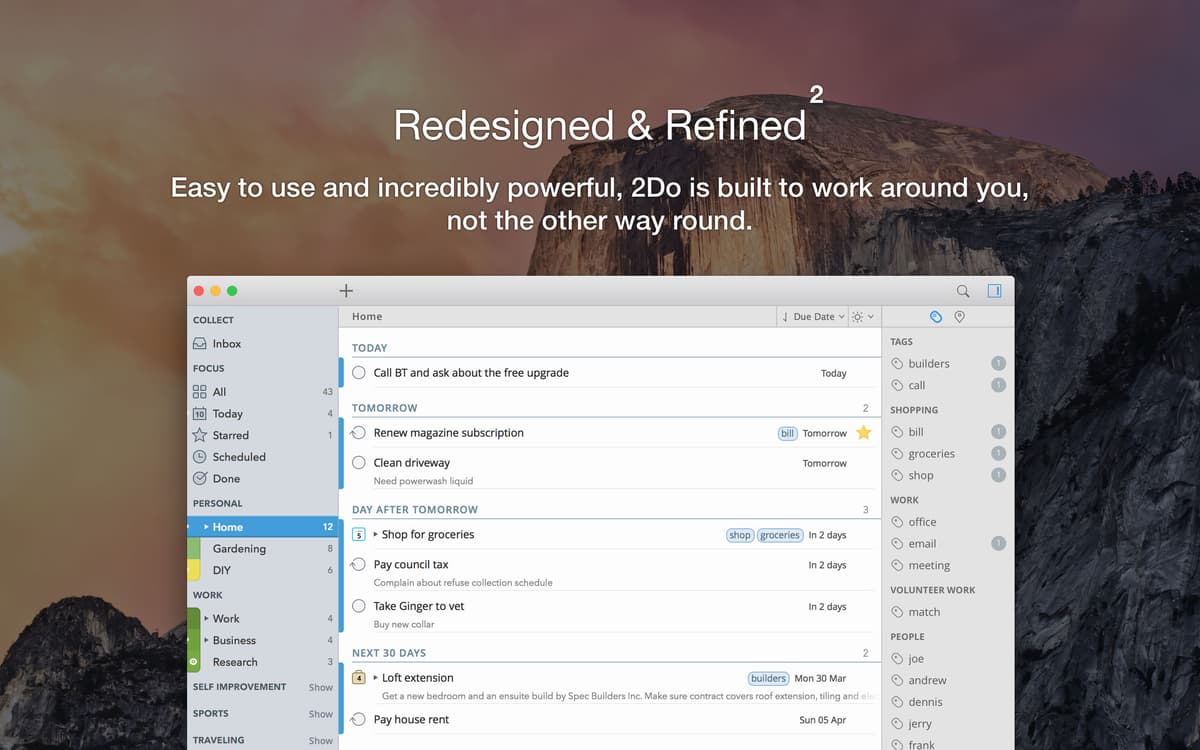
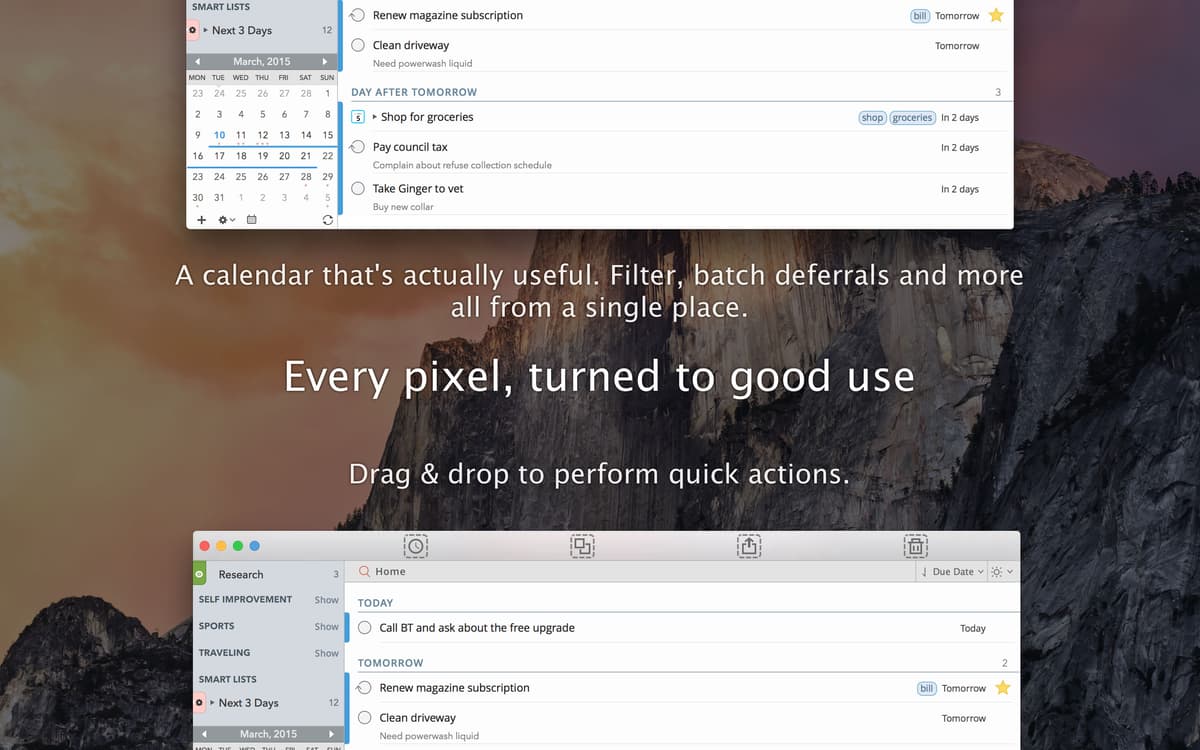
2Do sets out to succeed where other todo lists for Mac have failed: fitting your needs rather than forcing you to adjust them. This versatile Mac task manager lets you pick and choose from a range of tools and options, using the ones that suit your workflow best and leaving the others aside. It supports scheduling for multiple projects, subtasks, and reminders, letting you focus on individual days or zoom out to a wider view. With 2Do, even complex multi-month efforts can be broken down into simple tasks and folded into your workflow. Include 2Do in your time management suite, and you’ll take the first step to finally making your schedule natural, easy, and secure.
Batch schedule tasks and sync with Calendar
Organise tasks by lists and projects
Add tasks even when 2Do is not running
Get notified when there’s a task to be done nearby
2Do features
Tasks, projects, and checklists
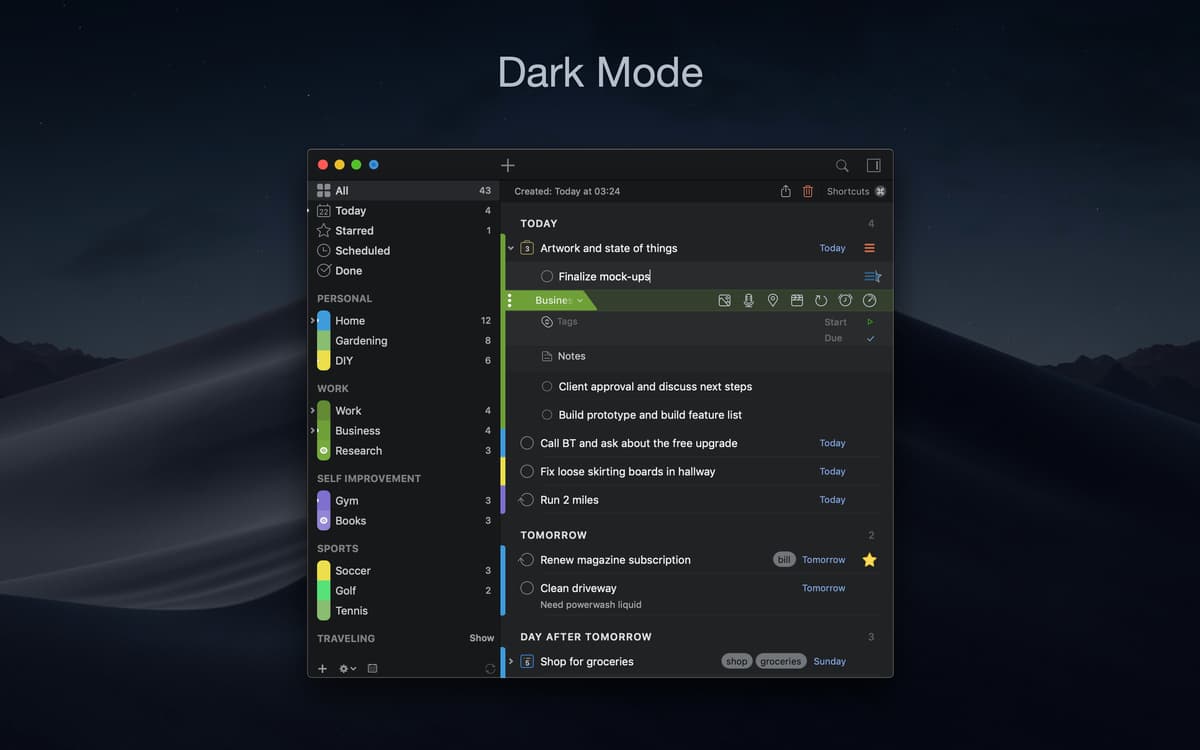
Break down your big moves with 2Do’s subtask feature, create recurring tasks on a daily or weekly basis, and assign locations or contact information to individual activities. 2Do task manager for Mac gives you a tool for everything you need and lets you schedule information-rich tasks and projects, all in one convenient place.
Search and group todo’s
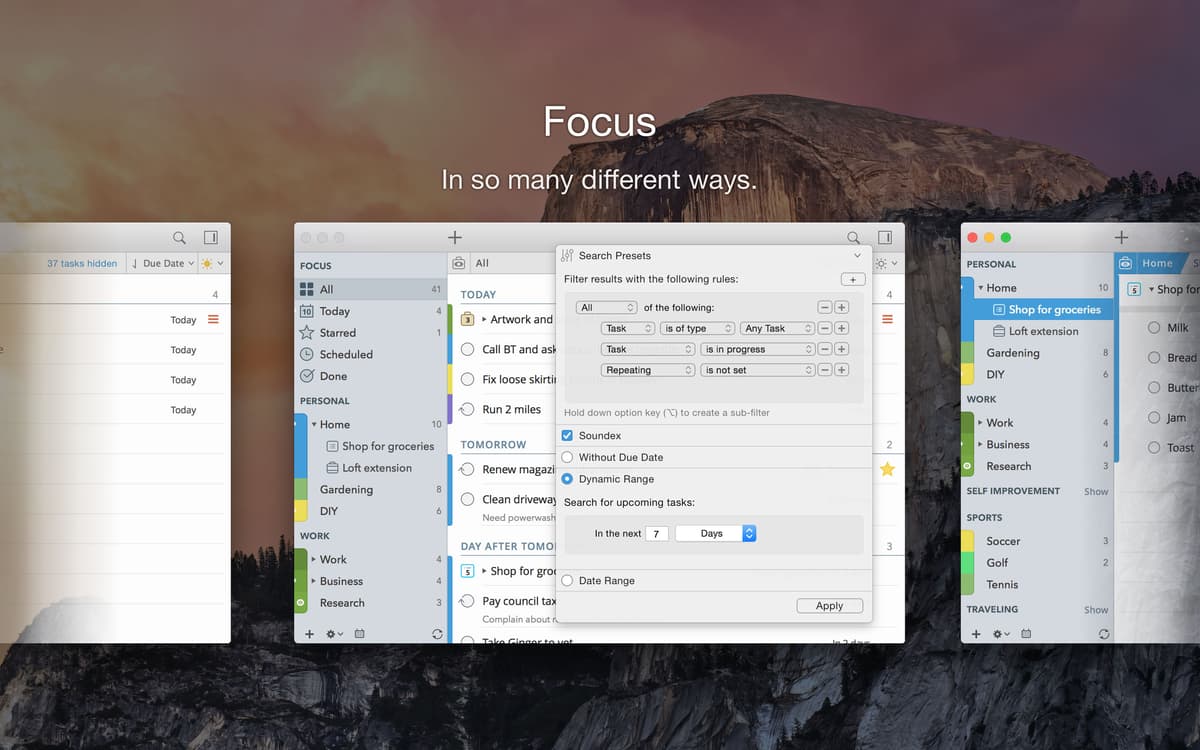
Never lose track of key information, even when your schedule is packed to the brim. This todo app has a two-way solution: first, it supports custom groups, which let you sort tasks and projects into color-coded categories — great for keeping business and personal commitments separate; second, it offers robust tagging and searching, so that even when you can’t find something, it doesn’t stay lost for long.
Stay notified
Feel free to forget to check your calendar. With this Mac task manager’s notification feature, you can schedule reminders when you enter any task, and when the time arrives, the app will pop up a desktop notification, even if its main window isn’t open. For can’t miss events, an audio alarm will prove to be indispensable.
Quick task list additions
Build todo lists on Mac without opening the main app window to keep your workflow in tact. 2Do makes it easy to use the quick-add feature in the menu bar to dash off a small reminder and move on to the next task on your checklist. Additions are available even when the app itself isn’t running.
Safe and secure
Keep your information safe with features that prevent both data loss and unwanted snooping. This task manager for Mac puts your security above everything else and provides automatic backups, cloud-based syncing, and flexible password protection to make all of your information private, or just certain projects and lists.
Let your tasks flow
Make full use of abundant shortcuts and designated hotkeys to reach the most fluid workflow experience out of any task manager for Mac. Most shortcuts can be edited to satisfy both mouse and keyboard users, so you can get the best out of the app regardless of your preference.
Ratings and reviews
2Do
•
382 ratings
Peter S
Oct 12, 2025
App version: 2.9.2
Super duper cool.
Zuber Moola
Sep 3, 2025
App version: 2.8.8
Excellent App
Malick Thierno Bocar Kane
Jul 3, 2025
App version: 2.8.8
très pratique
Get hundreds of apps with Membership
Become Setapp member and use hundreds of stellar apps with one subscription.
Try 7 days free, then pay one simple fee.
Install Setapp on Mac
Explore apps for Mac, iOS, and web. Find easy ways to solve daily tasks.

Get the app you came for
That one shiny app is waiting inside Setapp. Install with a click.

2Do
Save money and energy
The Membership helps you solve daily tasks, without overpaying for software.

Get hundreds of apps with Membership
Become Setapp member and use hundreds of stellar apps with one subscription.
Try 7 days free, then pay one simple fee.
1
Install Setapp on Mac
Explore apps for Mac, iOS, and web. Find easy ways to solve daily tasks.
2
Get the app you came for
That one shiny app is waiting inside Setapp. Install with a click.
2Do
3
Save money and energy
The Membership helps you solve daily tasks, without overpaying for software.
Home to the top apps
From planning and routine tasks to creative pursuits and coding, tackle tasks with apps on Setapp.


2Do
Schedule tasks and reminders