
TouchRetouch
Remove objects from photos
Mac
Version 2.4.1
macOS 10.14 or later
36.8 MB
7 languages
TouchRetouch is the retouch tool for Mac we’ve all been waiting for: an app that allows you to edit photos and doesn’t require a master’s degree to operate. Its simple, click-based editing tools are backed by powerful, content-aware algorithms to help you tweak your photos, whether you need to erase an annoying blemish, cover up a logo, or remove other unwanted content. Its tooltips are straightforward and blessedly few, and the app automatically interprets certain motions to trigger certain tasks. Don’t let a poorly placed trash can or powerline ruin an otherwise perfect photo. With TouchRetouch, your Mac becomes an all-in-one photo retouching studio where you can get your images looking their best.
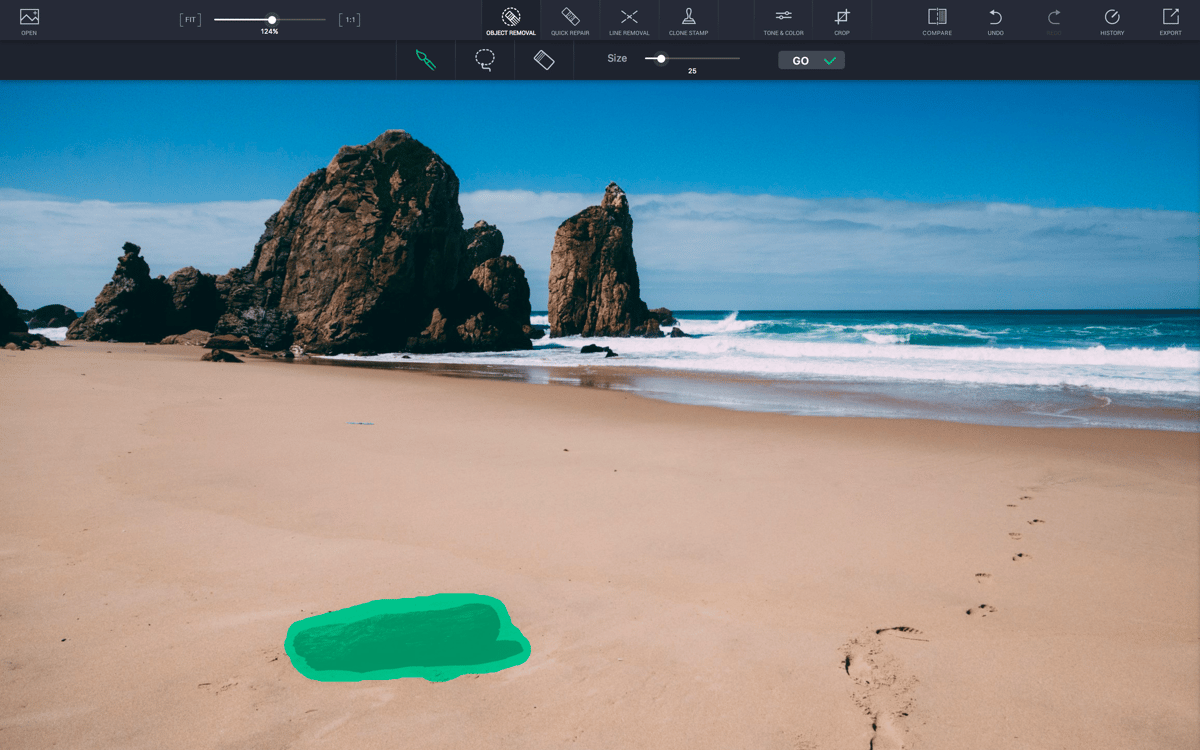
Remove unwanted objects from photos
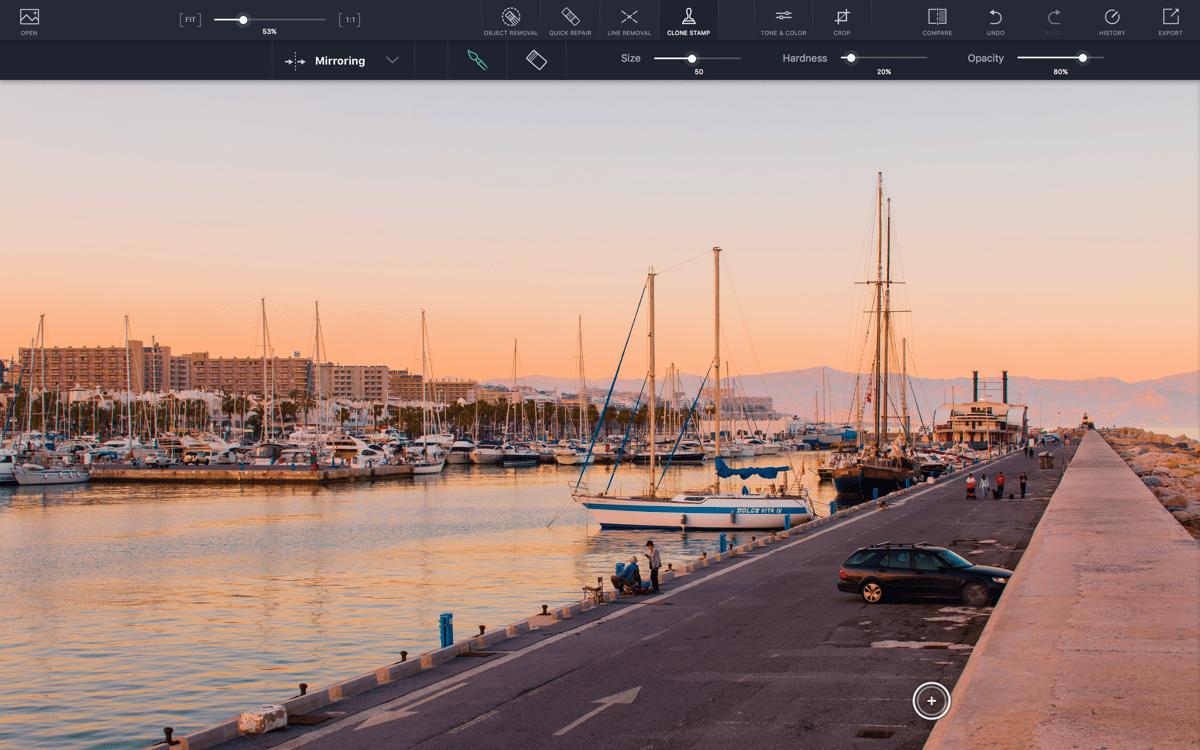
Duplicate objects with Clone Stamp
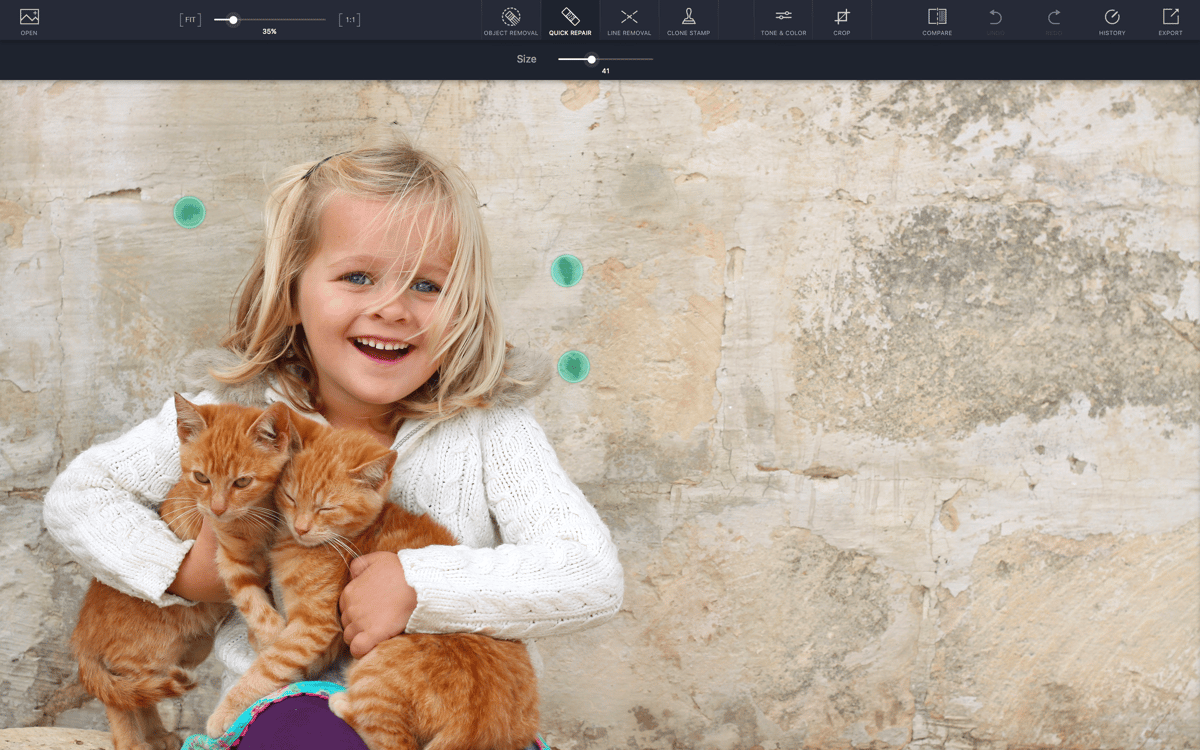
Remove skin blemishes or pimples
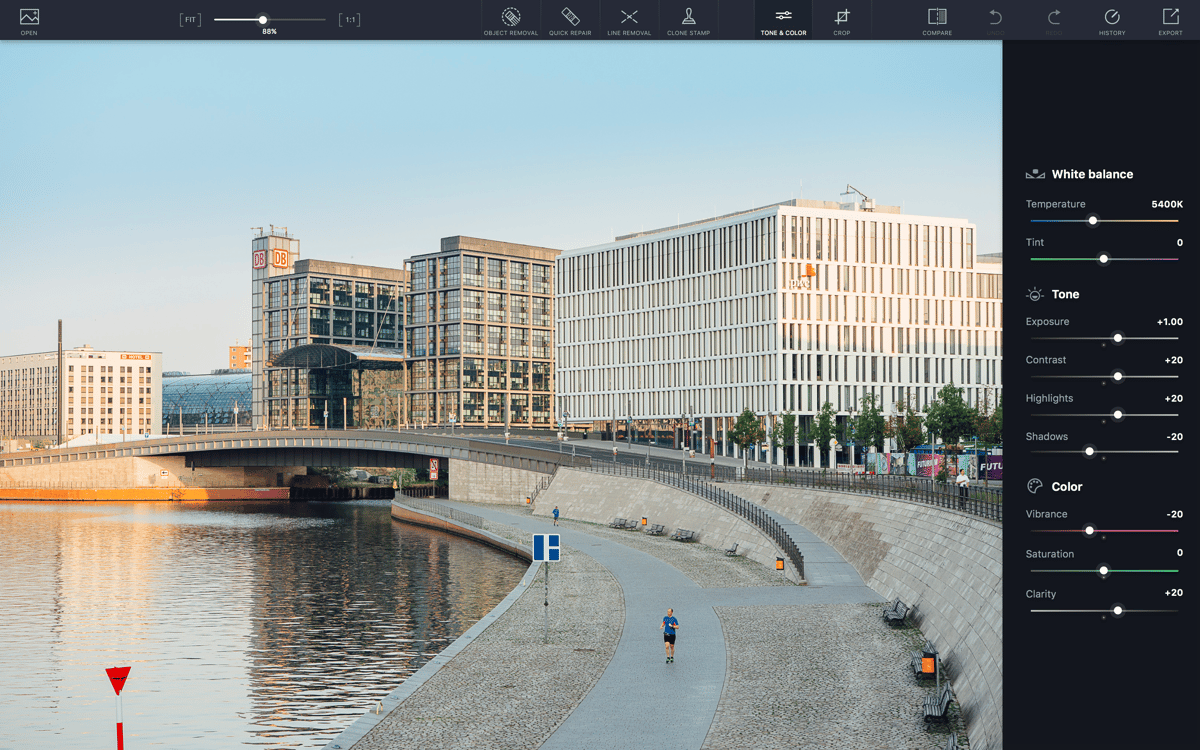
Improve photos with color correction
TouchRetouch features
Remove unwanted objects
Precise object removal in seconds? Easy. Remove or obscure undesired obstructions that ruin a perfect shot. Whether you’re getting rid of eyesores from plain, patterned, or complex backgrounds, the app’s proprietary algorithm helps them fully disappear. Skin blemishes? Dust spots? Photobombers? TouchRetouch removal tools magically erase unwanted items from a pic with just a click.
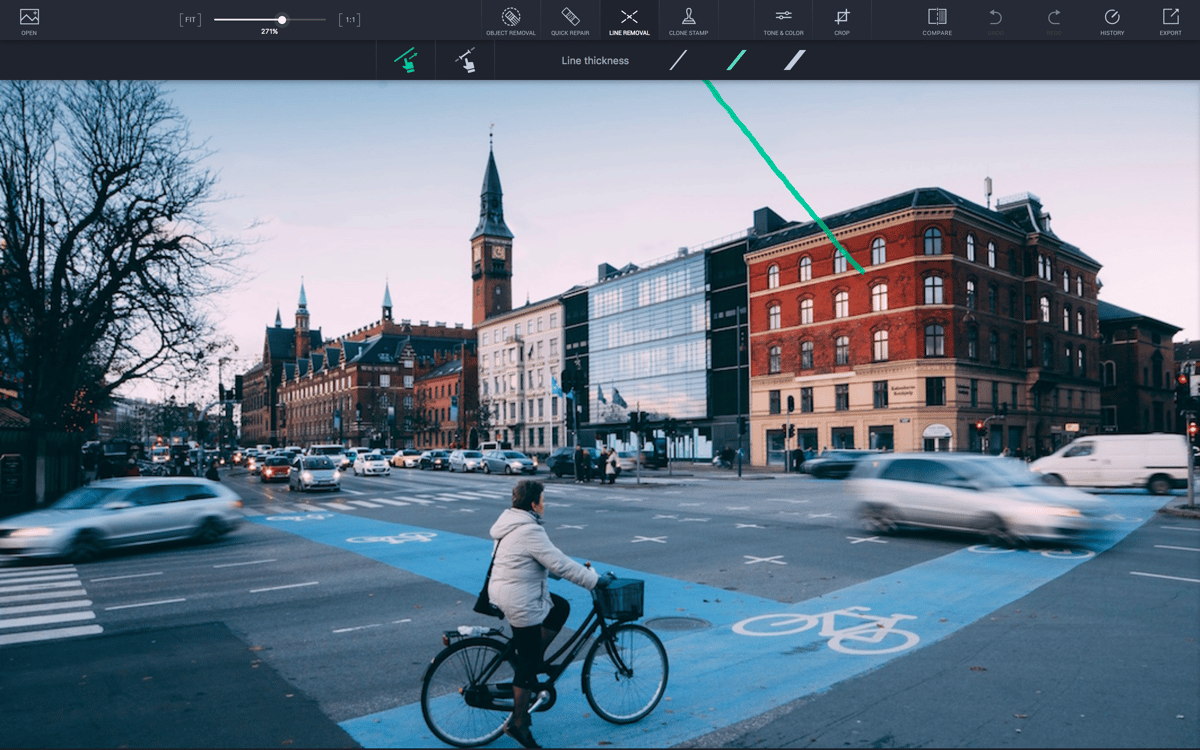
Line removal
Trace a section of a distracting power line, and the TouchRetouch photo editor will spring into action, selecting and removing the entire shape. It’s perfect for removing telephone wires and posts, power lines, and other similar clutter from your photo. The process is so simple that you don’t need any prior photo editing experience to make a good clean-up. With the TouchRetouch app, you spend more time taking photos and less time painstakingly tracing fences.
Photo retouching in a click
Just click to eliminate dots, spots, specks, and flaws. There’s no need to zoom in and do detail work: just tap each problem area with a single click and watch them disappear one by one. For more complex patch jobs, the app’s Clone Stamp feature lets you grab pixels from one area and use them to cover another with a similar background.
Crop and edit photos
Drag and drop with the crop tool to cut out unsightly or unrelated parts of the photo. But also, think of cropping as highlighting the best parts of the image. Make an accent on the part of the photo you like best. And when you're done, adjust the result with preset proportions, so the image looks great wherever you use it.
Magic color correction
Make use of all the necessary tools to retouch photos on Mac and finalize them for printing or posting online. The color-correction feature lets you adjust the palette and range of the image so it looks just as it should. And the color adjustment tool helps to set brightness, contrast, highlights, sharpness, warmth, and saturation just right.
The same retouching flow
Stick to retouching photos on your Mac just the way you used to. TouchRetouch supports all the widely used formats, such as JPG, TIFF, PNG, and even RAW, so you can start editing files straight from your camera. And with an extension support for Photos (a built-in Mac app), you don’t even have to open the TouchRetouch editing app in most cases.
Ratings and reviews
TouchRetouch
•
757 ratings
Amirhossein Moravveji
Sep 8, 2026
App version: 2.4.1
The Desktop app hasn’t been updated since 2023 and appears quite outdated. Additionally, it seems that Setapp subscription isn’t available on iOS. I do not recommend this application.
Tommy
Sep 2, 2026
App version: 2.4.1
really bad results on removing objects
Kev
May 11, 2026
App version: 2.4.1
A great tool you should have in your design box. Does what it says and no glitches…
Get hundreds of apps with Membership
Become Setapp member and use hundreds of stellar apps with one subscription.
Try 7 days free, then pay one simple fee.
Install Setapp on Mac
Explore apps for Mac, iOS, and web. Find easy ways to solve daily tasks.

Get the app you came for
That one shiny app is waiting inside Setapp. Install with a click.

TouchRetouch
Choose your subscription
One app or more with a Setapp membership. Get apps the way you want.

Get hundreds of apps with Membership
Become Setapp member and use hundreds of stellar apps with one subscription.
Try 7 days free, then pay one simple fee.
1
Install Setapp on Mac
Explore apps for Mac, iOS, and web. Find easy ways to solve daily tasks.
2
Get the app you came for
That one shiny app is waiting inside Setapp. Install with a click.
TouchRetouch
3
Choose your subscription
One app or more with a Setapp membership. Get apps the way you want.
Home to the top apps
From planning and routine tasks to creative pursuits and coding, tackle tasks with apps on Setapp.


TouchRetouch
Remove objects from photos