
Due
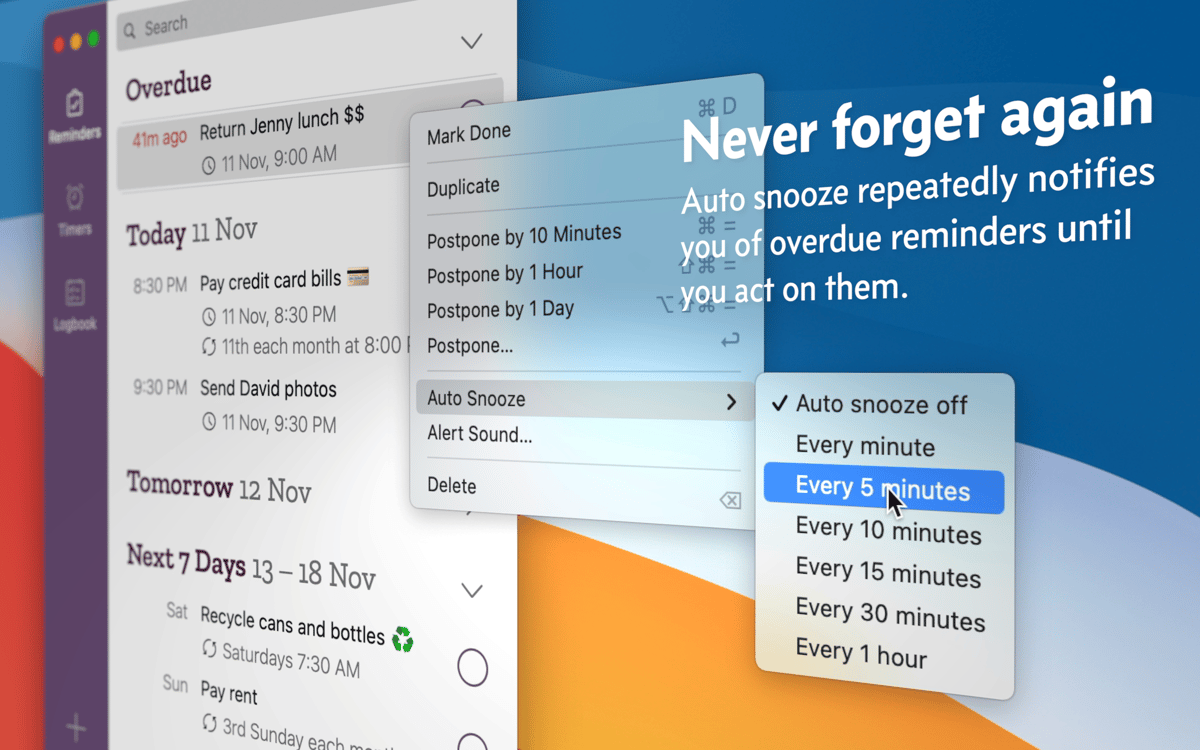
Receive persistent reminders

Mac
Version 26.4.4
macOS 10.14 or later
121.8 MB
4 languages
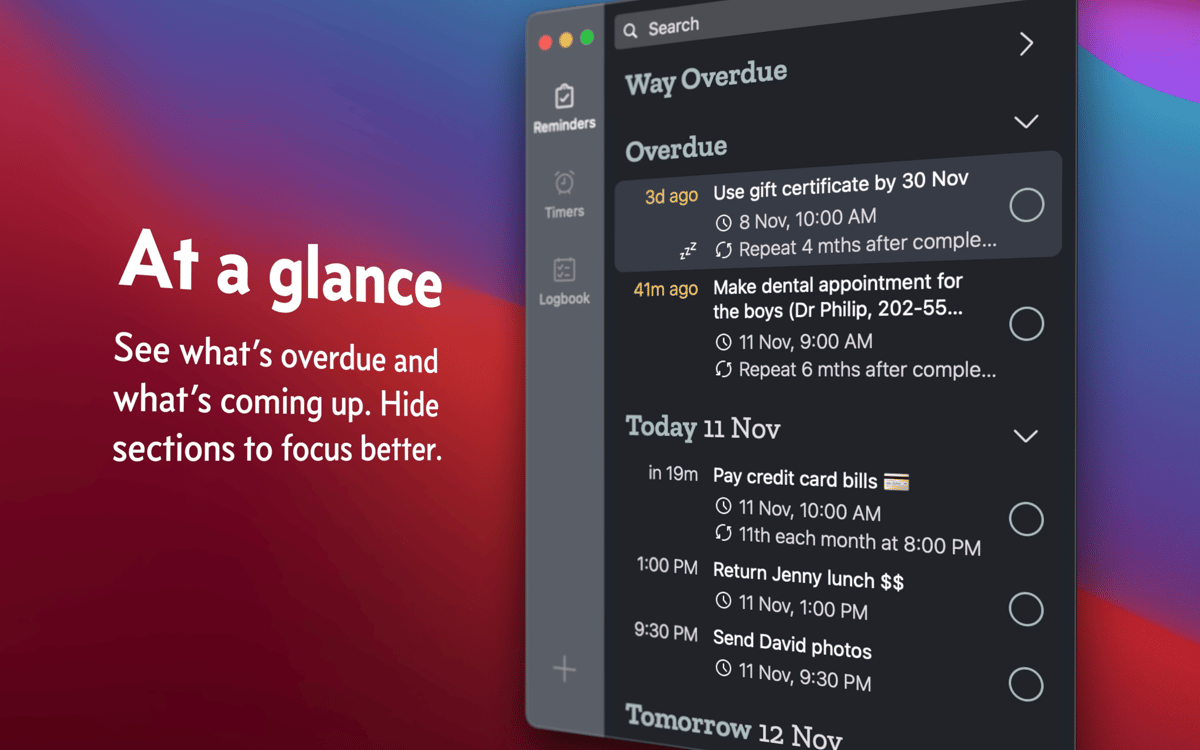
Due helps quickly set up reminders and countdown timers on Mac. Like a caring friend, the app keeps reminding you about things until you mark your task complete, reschedule, or turn off the notification. Best of all, it takes only a few clicks or taps to act on your reminders.
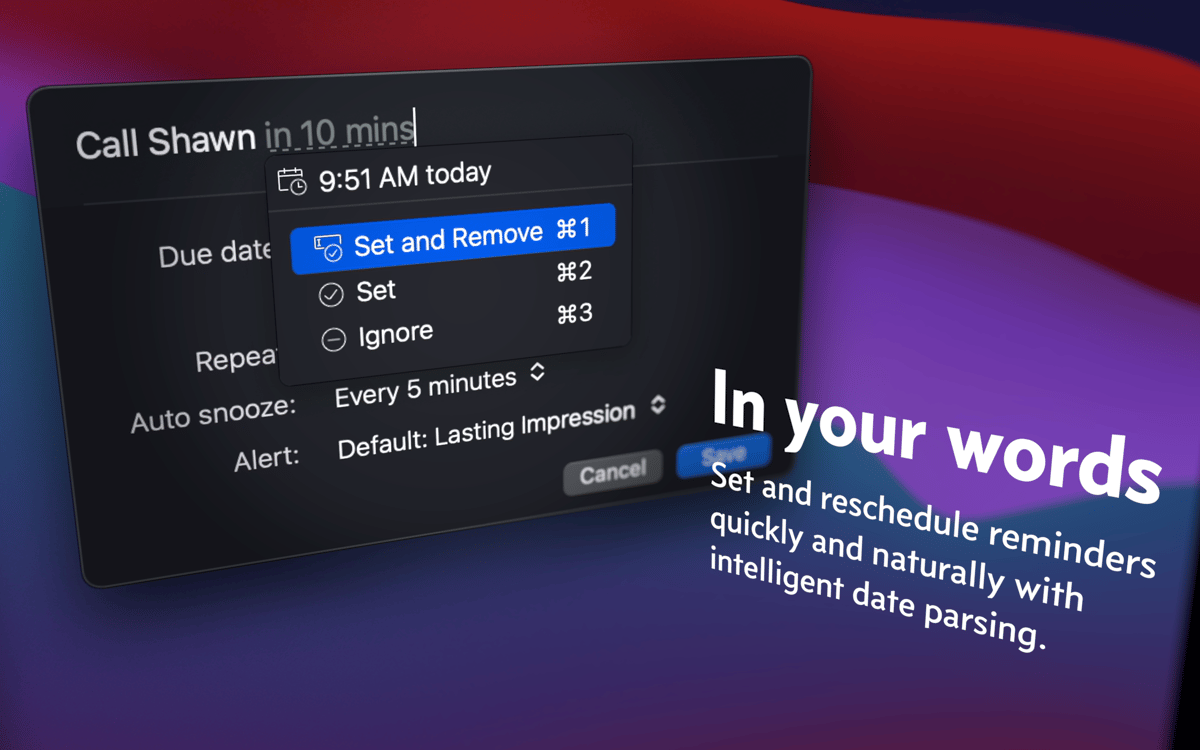
Create quick reminders using plain language
Type “dinner with Jane at 7 p.m. tomorrow”
Get reminded about things that are due
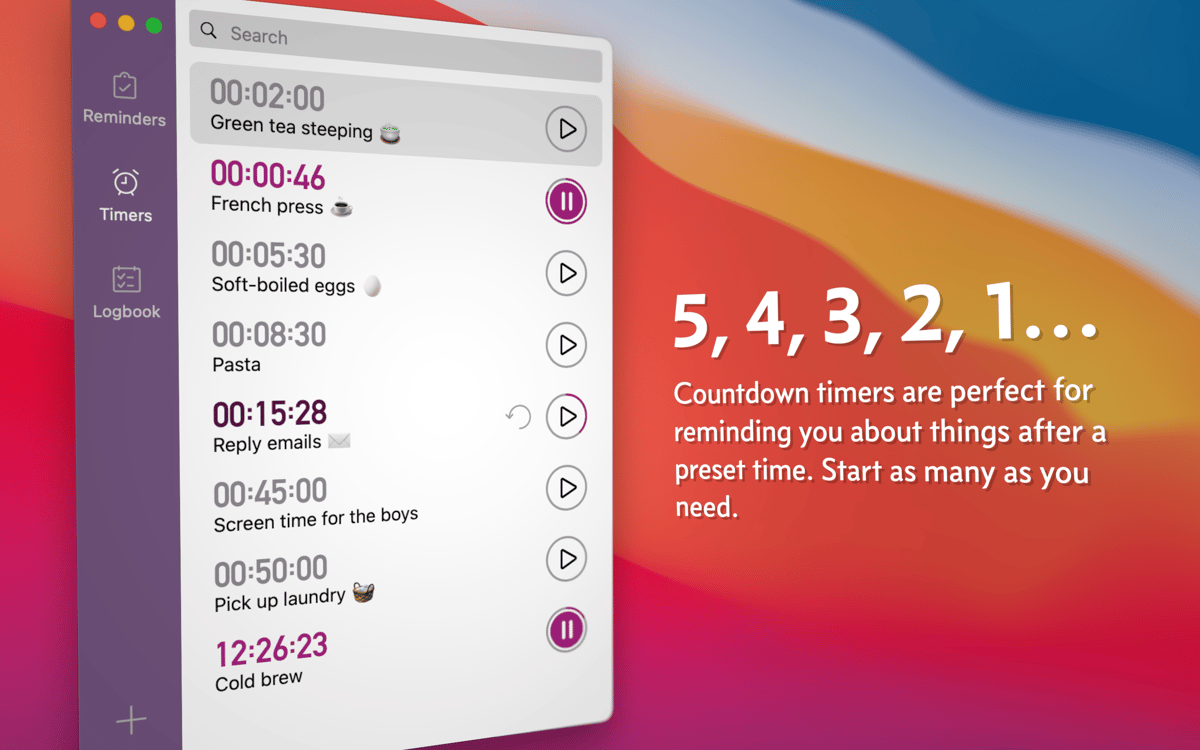
Set up countdown timers for events
Due features
Jot down reminders, instantly
Due doesn’t have an awkward time picker so you don’t have to stick to any format when saving reminders. Instead, use your own words. If you type “call Jane at 9 a.m. tomorrow,” Due will create the reminder automatically. It’s also possible to add and subtract time from the current date.
Receive persistent notifications
Due keeps reminding you of things until you mark them complete, postpone, or disable auto snooze. It’s easy to customize auto snooze intervals (how often you want to be reminded — every 2 minutes, 5 minutes, 60 minutes, etc.) If you want to reschedule, you can do that right from the notification.
Create countdown timers
Save countdown timers you can reuse as many times as you want. A 50-minute yoga training on Tuesday or a 40-minute laundry cycle three times a week, Due keeps all your recurring events under control. You can also run multiple countdown timers simultaneously.
Ratings and reviews
Due
•
442 ratings
Russell Baker
May 24, 2026
App version: 26.2
Does what it says on the tin.
Overheard
Apr 16, 2026
App version: 26.2
Beautiful
David Schopf
Mar 15, 2026
App version: 26.2
I love Due. It keeps me on track.
Get hundreds of apps with Membership
Become Setapp member and use hundreds of stellar apps with one subscription.
Try 7 days free, then pay one simple fee.
Install Setapp on Mac
Explore apps for Mac, iOS, and web. Find easy ways to solve daily tasks.

Get the app you came for
That one shiny app is waiting inside Setapp. Install with a click.

Due
Choose your subscription
One app or more with a Setapp membership. Get apps the way you want.

Get hundreds of apps with Membership
Become Setapp member and use hundreds of stellar apps with one subscription.
Try 7 days free, then pay one simple fee.
1
Install Setapp on Mac
Explore apps for Mac, iOS, and web. Find easy ways to solve daily tasks.
2
Get the app you came for
That one shiny app is waiting inside Setapp. Install with a click.
Due
3
Choose your subscription
One app or more with a Setapp membership. Get apps the way you want.
Home to the top apps
From planning and routine tasks to creative pursuits and coding, tackle tasks with apps on Setapp.


Due
Receive persistent reminders