
Elmedia Player
Versatile media player
Mac
Version 8.24
macOS 10.13 or later
296.1 MB
12 languages
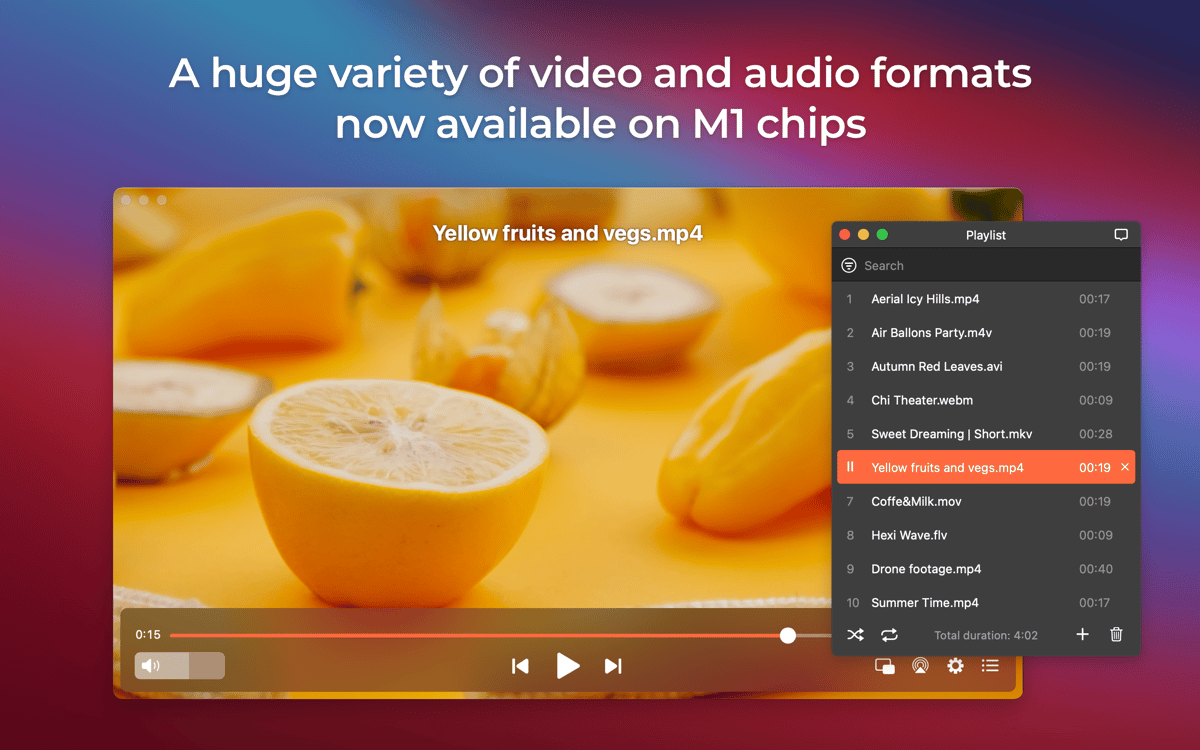
Elmedia Player for Mac is your new video genie — it improves viewing experience, supports multiple video formats, and helps adjust playback exactly to your liking! View online and local videos with Elmedia Player on your Mac or TV, and tweak them exactly how you like. Now with M1 support.
Play MOV, FLV, and many other formats
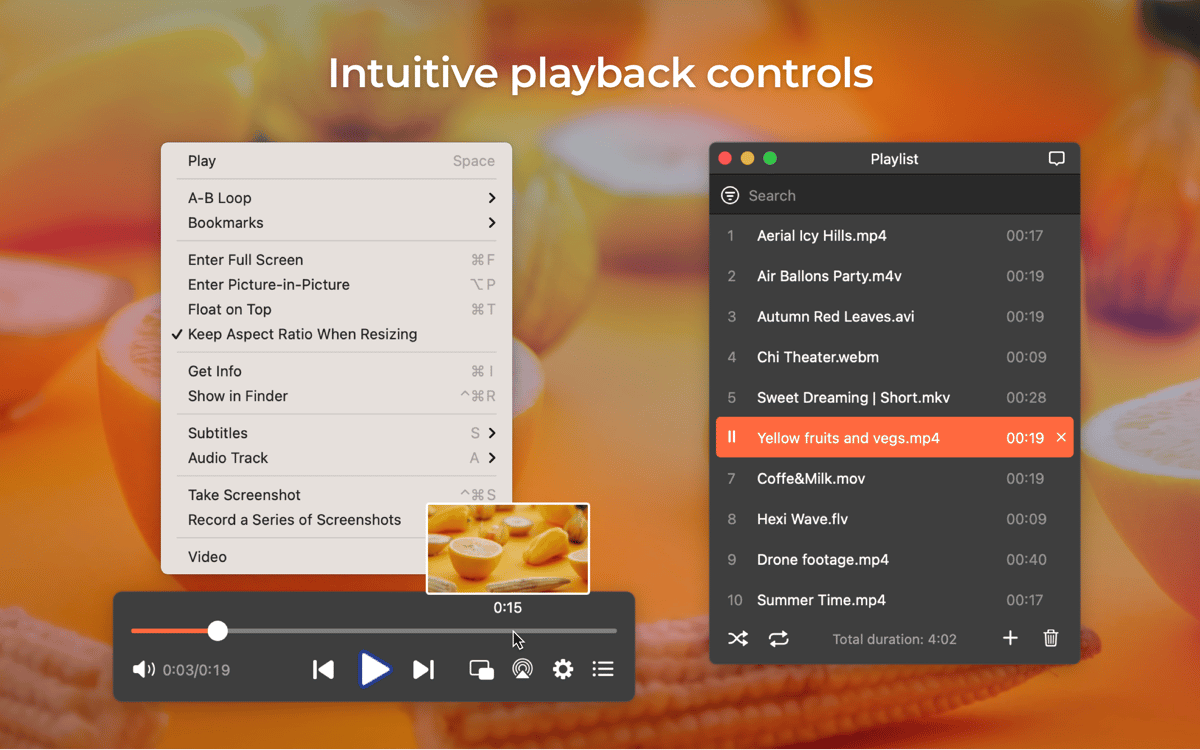
Bookmark, take screenshots, and more
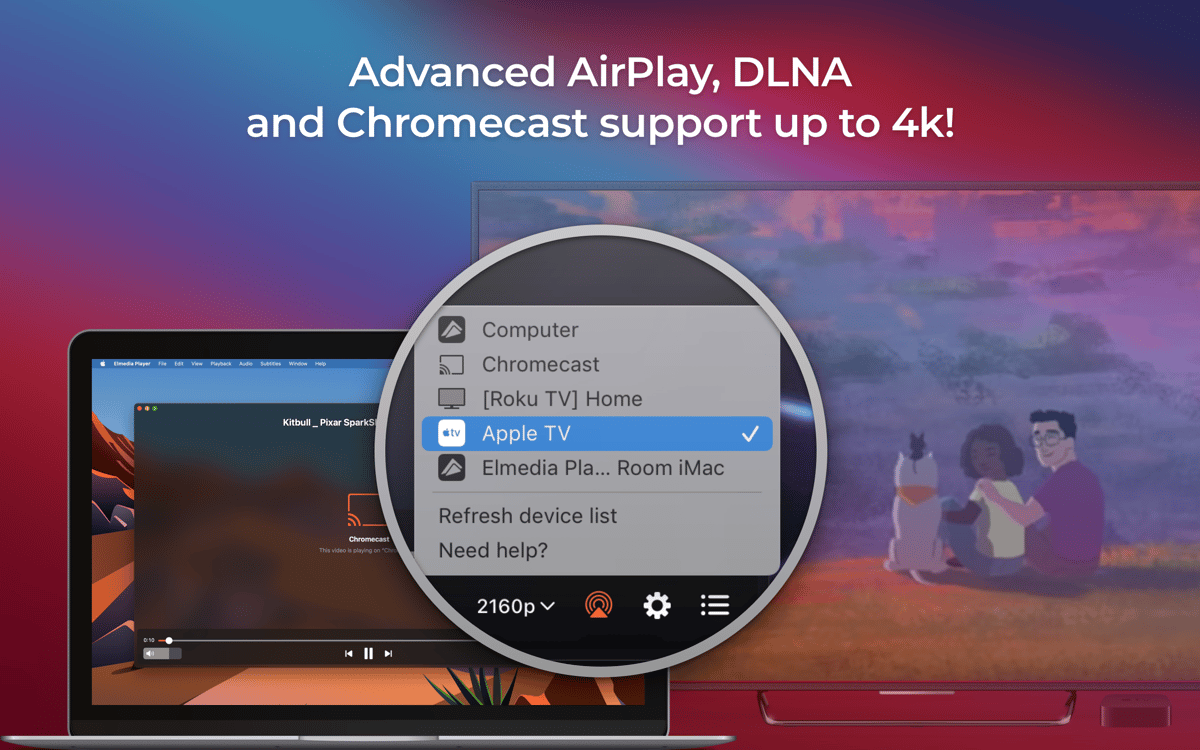
Stream video and audio files
Adjust the quality of video with build-in tuner
Elmedia Player features
Smooth HD and UHD content
Love watching videos in HD and Ultra HD? Elmedia Player is here to enhance the experience, reduce lags or out of sync audio. Broadcast local video files to Apple TV, Chromecast, Roku, Smart TVs, and other AirPlay or DLNA-certified devices. Need subtitle support? Just add subtitle files — SRT, ASS, SMIL, and other formats are supported, and you’re all set. Want to craft your own playlist? No problem.
Video tuning
Go beyond simple brightness adjustment — use Elmedia Player’s integrated video tuner to tweak contrast, saturation, hue, reduce noise, and increase sharpness, even during playback. Change aspect ratio in two clicks. Enjoy the best picture quality at any point in your video consumption experience. Another great feature of this app is its highly adjustable playback speed. You can set it anywhere from 1% to 10,000%, with 100% being normal speed.
Picture-in-picture mode
Multitasking with Elmedia Mac video player is a breeze. Use picture-in-picture to enjoy your video content while you take care of other tasks. The player also has full screen mode. Alternatively, you can also pin your playback on top of other windows with the handy Float on Top feature.
Support for multiple video formats
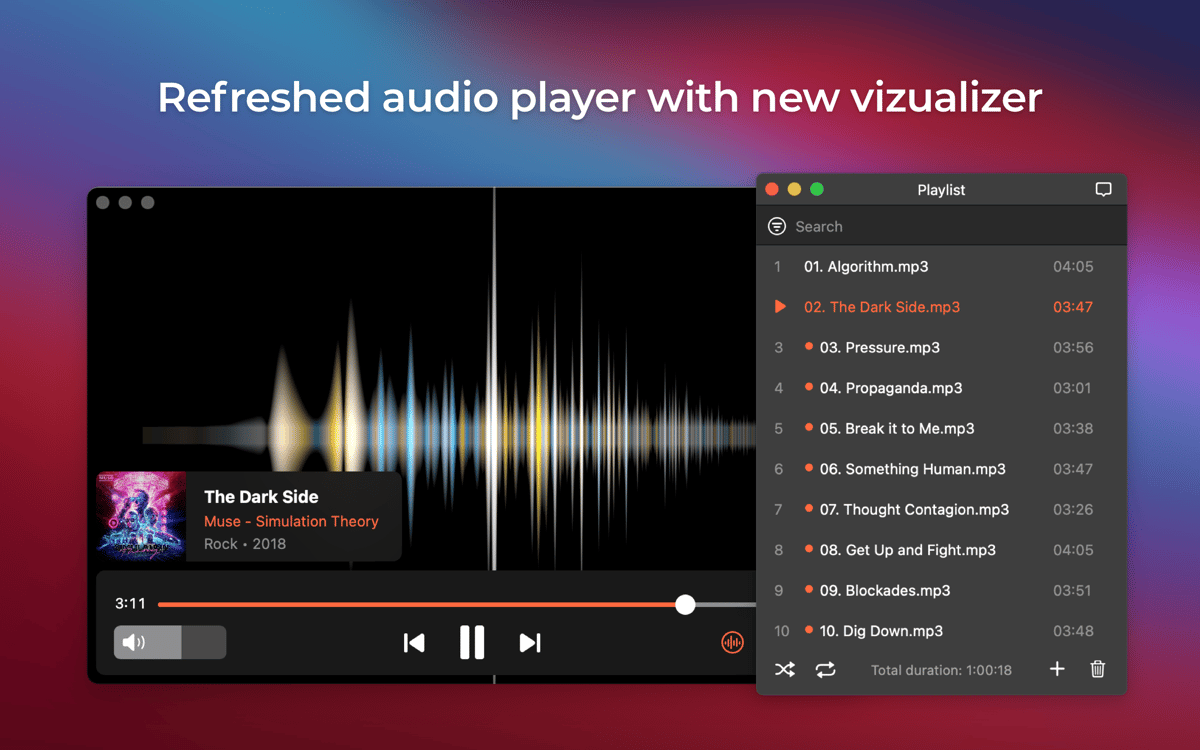
Elmedia video player is a versatile tool that lets you play videos and audio files in a variety of formats, including the most widely used: FLV, SWF, MP4, AVI, MOV, MKV, DAT, MP3, WMV, DivX, and FLAC. In general, the app supports over 70 video and audio formats, ensuring reliable playback every time. No need to install extra codecs. No need for separate players for various multimedia file types! View them all in a single versatile media player that’s always on your MacBook.
Bookmark, adjust audio, and more
Create multiple bookmarks to mark the places in your video you want to come back to later. No more scrolling through the whole thing to find just the right place! Want to rewatch the best part? Create a continuous loop and enjoy the moment for as long as you wish. Audio slightly out of sync? Increase or reduce audio delay to match your picture perfectly. Use 10-band equalizer to further tweak audio quality to your liking or even set up passthrough for hardware decoders – AC3 or DTS for surround audio.
Ratings and reviews
Elmedia Player
•
1454 ratings
artophe
Sep 9, 2026
App version: 8.24
Best video player app on macos!
Akhilesh Kumar
Jul 21, 2026
App version: 8.24
It’s really good and has well made set of features.
Peter Ferenc Mezei
Jun 21, 2026
App version: 8.24
so far so good :)
Get hundreds of apps with Membership
Become Setapp member and use hundreds of stellar apps with one subscription.
Try 7 days free, then pay one simple fee.
Install Setapp on Mac
Explore apps for Mac, iOS, and web. Find easy ways to solve daily tasks.

Get the app you came for
That one shiny app is waiting inside Setapp. Install with a click.

Elmedia Player
Choose your subscription
One app or more with a Setapp membership. Get apps the way you want.

Get hundreds of apps with Membership
Become Setapp member and use hundreds of stellar apps with one subscription.
Try 7 days free, then pay one simple fee.
1
Install Setapp on Mac
Explore apps for Mac, iOS, and web. Find easy ways to solve daily tasks.
2
Get the app you came for
That one shiny app is waiting inside Setapp. Install with a click.
Elmedia Player
3
Choose your subscription
One app or more with a Setapp membership. Get apps the way you want.
Home to the top apps
From planning and routine tasks to creative pursuits and coding, tackle tasks with apps on Setapp.


Elmedia Player
Versatile media player