
Gemini
Find and remove duplicates
Mac
Version 2.10.2
macOS 10.13 or later
87.3 MB
11 languages
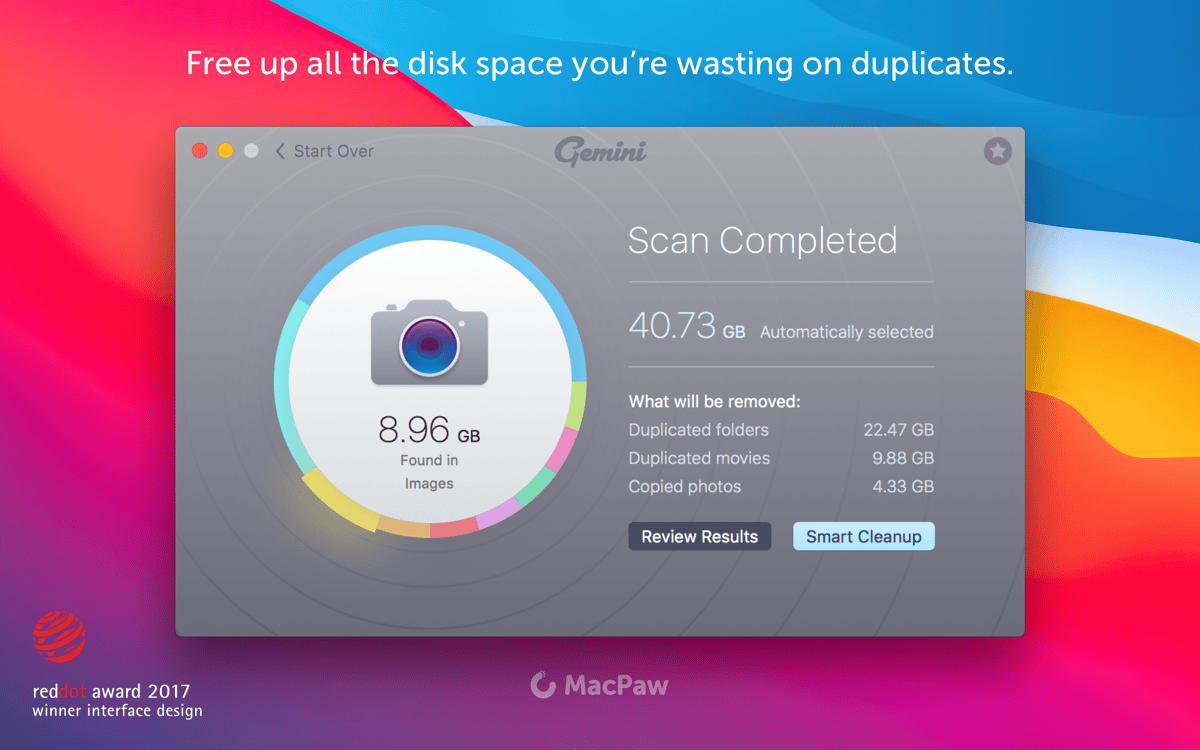
Duplicate files are really good at wasting your disk space. That’s why a duplicate cleaner can free you gigabytes in a single cleanup. Gemini 2 can quickly locate and point both duplicate and similar files, which sometimes take even more space on your drive. All the extra folders and duplicate downloads can be gone in a blink of an eye.
Free up space by removing duplicates
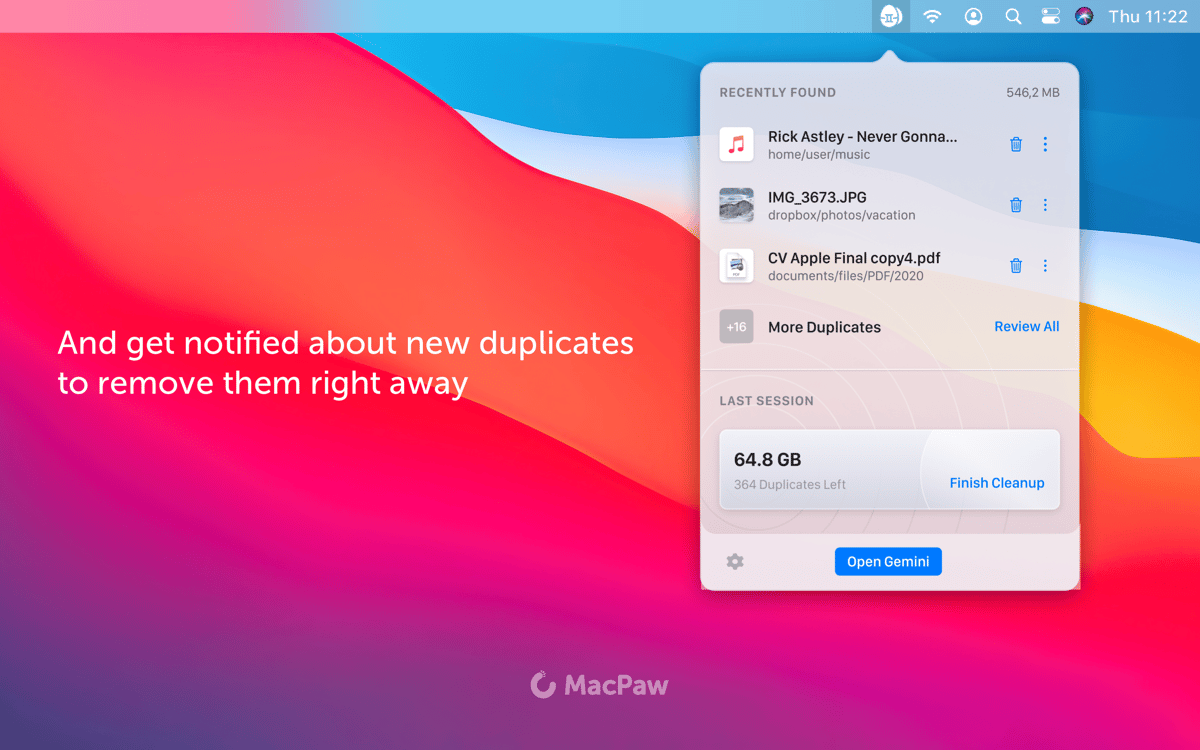
Get notified when there’s a new duplicate
Let Gemini suggest what to delete
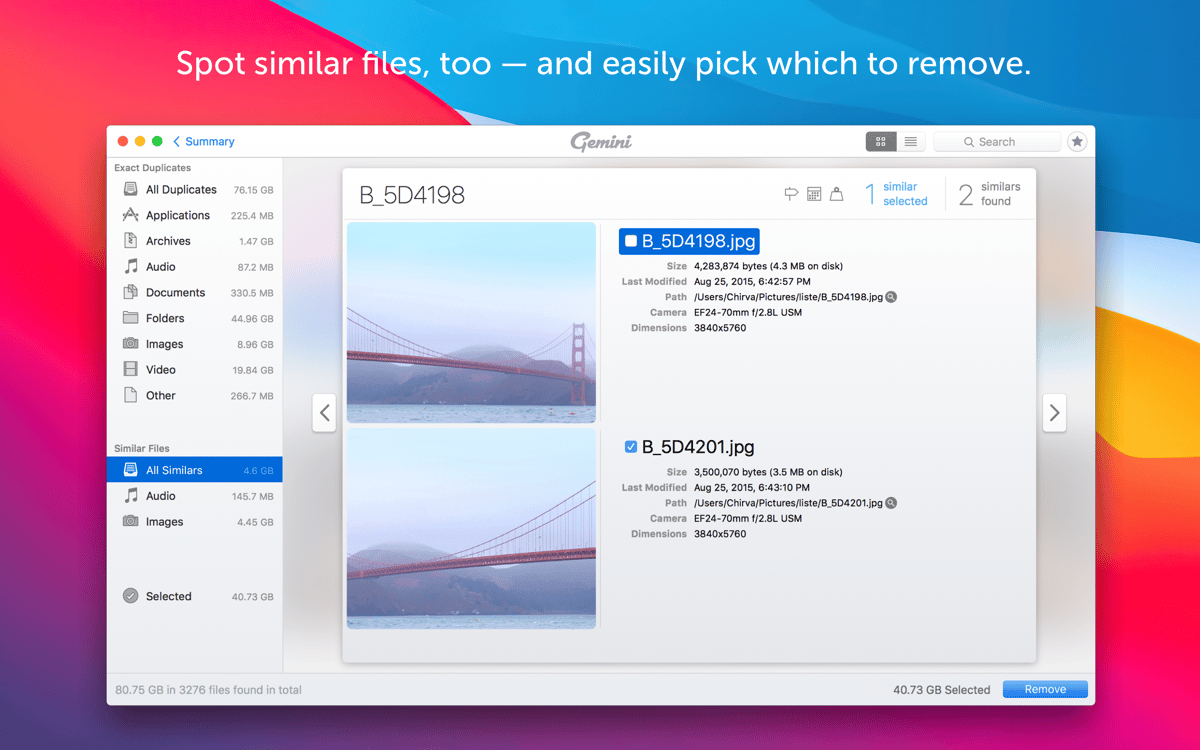
Spot similar photos and delete them
Gemini features
Smart selection
Gemini scans your whole Mac in search of duplicates and pre-selects those that can be deleted safely. The selection is based on a unique smart algorithm and instead of reviewing each file or folder separately, you can just click to remove all duplicates in one move.
Images, music, videos
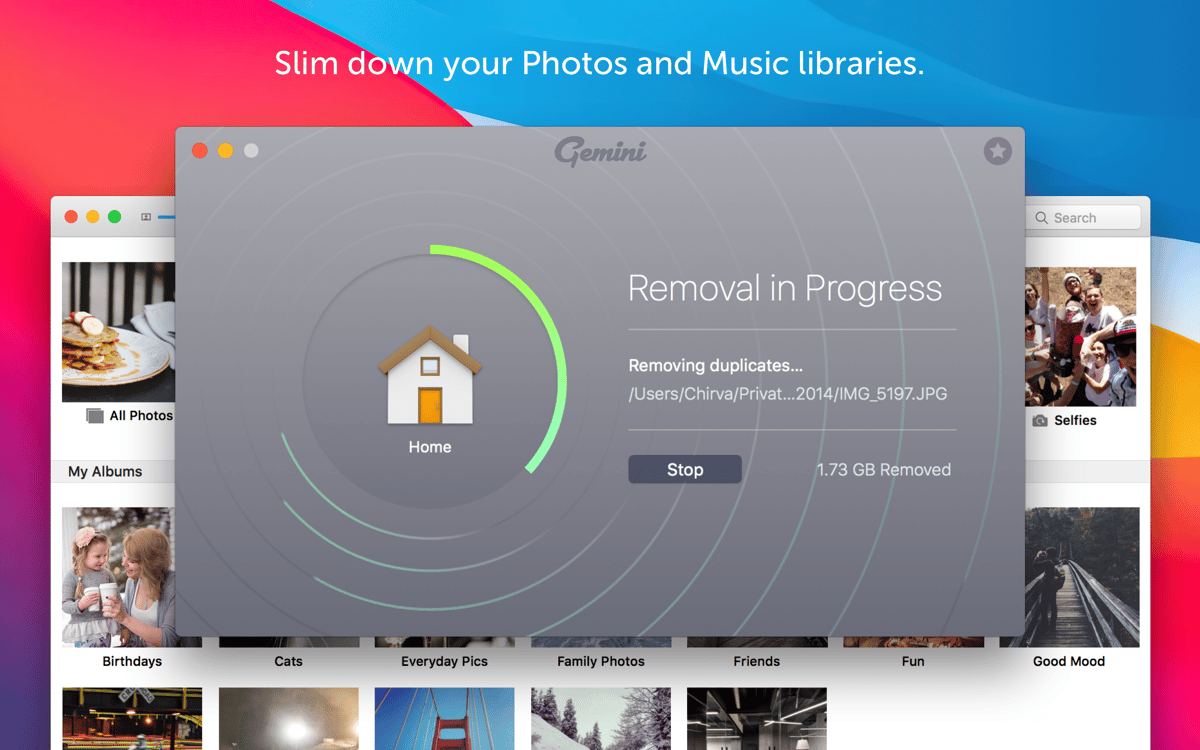
Gemini looks for all kinds of files in all folders and libraries. For instance, it will scan your iTunes, Photos, hard drive, old folders you’ve forgotten about, and any other place on your Mac that might have duplicates. That’s why it only takes one scan to find and delete every extra file.
Not just duplicates
The coolest new feature in Gemini is that it can be also used to find similar files. These are files like images with the same composition in them (shots taken from the similar angle), or files that are almost the same and there’s a possibility you don’t need both of them.
Visual results
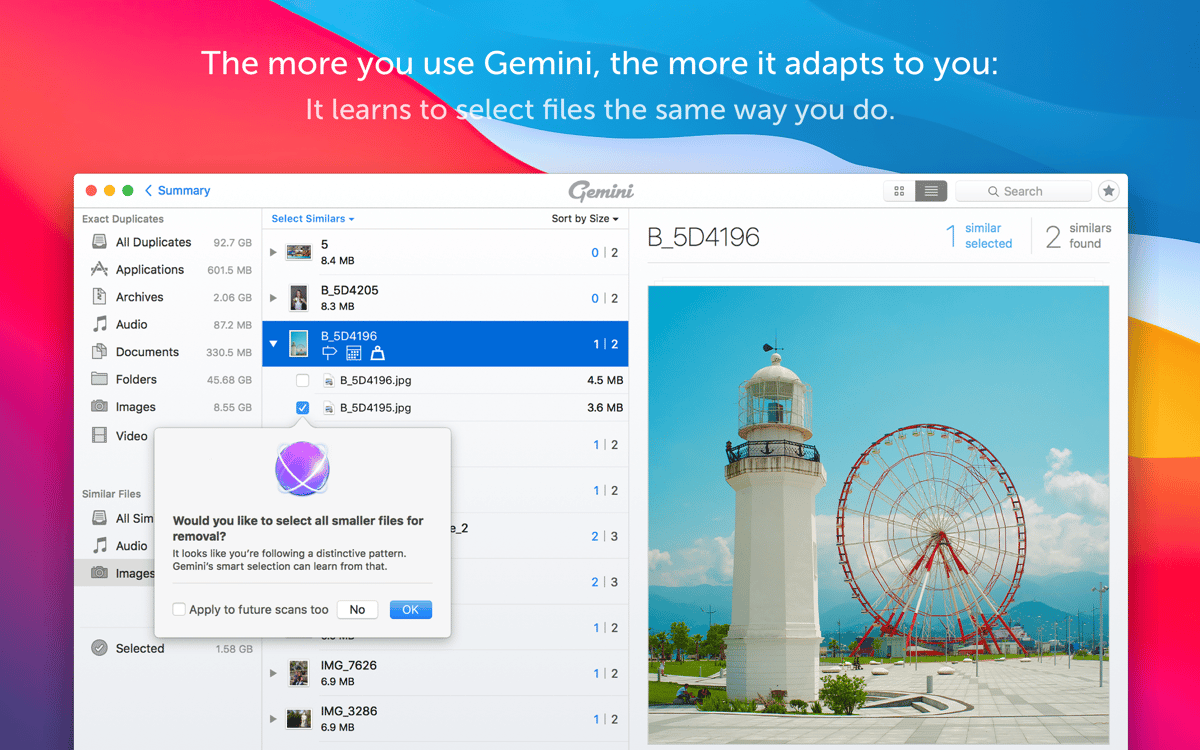
To decide what to get rid of, you need a closer look at each file. In Gemini 2 you have a neat interface with all the files ready to be closely examined with a click. Select, group, and remove duplicates in a few seconds. Plus, it’s easy to switch between duplicates and similars.
AI in charge
The greatest feature of this duplicate file remover is that it has an self-learning algorithm. Gemini knows and remembers what you chose for removal and will suggest it after the next scan to save your time. You can also customize it any way you want.
Safe file recovery
Even in case you accidentally remove a file you still need, it’s not gone. You can view Recently deleted and restore all the accidents back to their original folders in no time. Gemini is error-proof so you can be sure you’ll need none of the files selected in Smart Cleanup.
Ratings and reviews
Gemini
•
2244 ratings
JEAN PIERRE MASCLET
Sep 23, 2026
App version: 2.10.2
Impossible de supprimer les doublons musique sur Mac
Response from Developer
Oct 14, 2026
Merci de nous avoir contactés, nous sommes désolés d’apprendre que vous rencontrez des difficultés avec la suppression des doublons musicaux. Notre équipe serait ravie d’examiner votre cas de plus près afin de résoudre ce problème - n’hésitez pas à nous contacter à l’adresse [email protected].
Robert Mohns
Sep 19, 2026
App version: 2.10.2
Good first impression, but fails to notice when there are several of files with different filenames. Not useful to me.
Response from Developer
Sep 21, 2026
We're sorry to hear the app didn't meet your expectations. Please reach out to our team at [email protected] with more details and we'll be happy to guide you through the available scanning options.
MM
Sep 13, 2026
App version: 2.10.2
Definitely a fan of this app -- it's great at helping identify and manage my photo duplicates. The v2.10.2 update seems to have resolved the crashing issues I was experiencing. Thanks devs! There's some UX improvements that i'd love to see, tht would make this even better -- options to disable confirmation dialogs for things like 'Start over', ability to set preferences for default duplicate/similar pre-selection rules, more consistent button locations (like having Start over in the same place every time), etc. Some buttons don't seem to respond sometimes, or require multiple clicks, etc -- hopefully the devs can fix these. The image duplicate detection is pretty good. Could be a bit better at detecting mirrored images, that are otherwise identical. So as promised -- thanks to the developers patching the instability issues, I've changed my rating to a Thumbs Up. Thanks for listening, and hopefully you can look at a few of these suggested tweaks to make it even better :)
Get hundreds of apps with Membership
Become Setapp member and use hundreds of stellar apps with one subscription.
Try 7 days free, then pay one simple fee.
Install Setapp on Mac
Explore apps for Mac, iOS, and web. Find easy ways to solve daily tasks.

Get the app you came for
That one shiny app is waiting inside Setapp. Install with a click.

Gemini
Choose your subscription
One app or more with a Setapp membership. Get apps the way you want.

Get hundreds of apps with Membership
Become Setapp member and use hundreds of stellar apps with one subscription.
Try 7 days free, then pay one simple fee.
1
Install Setapp on Mac
Explore apps for Mac, iOS, and web. Find easy ways to solve daily tasks.
2
Get the app you came for
That one shiny app is waiting inside Setapp. Install with a click.
Gemini
3
Choose your subscription
One app or more with a Setapp membership. Get apps the way you want.
Home to the top apps
From planning and routine tasks to creative pursuits and coding, tackle tasks with apps on Setapp.


Gemini
Find and remove duplicates