
Gemini
Encontre e remova duplicatas
Mac
Versão 2.10.2
macOS 10.13 ou posterior
87.3 MB
11 idiomas
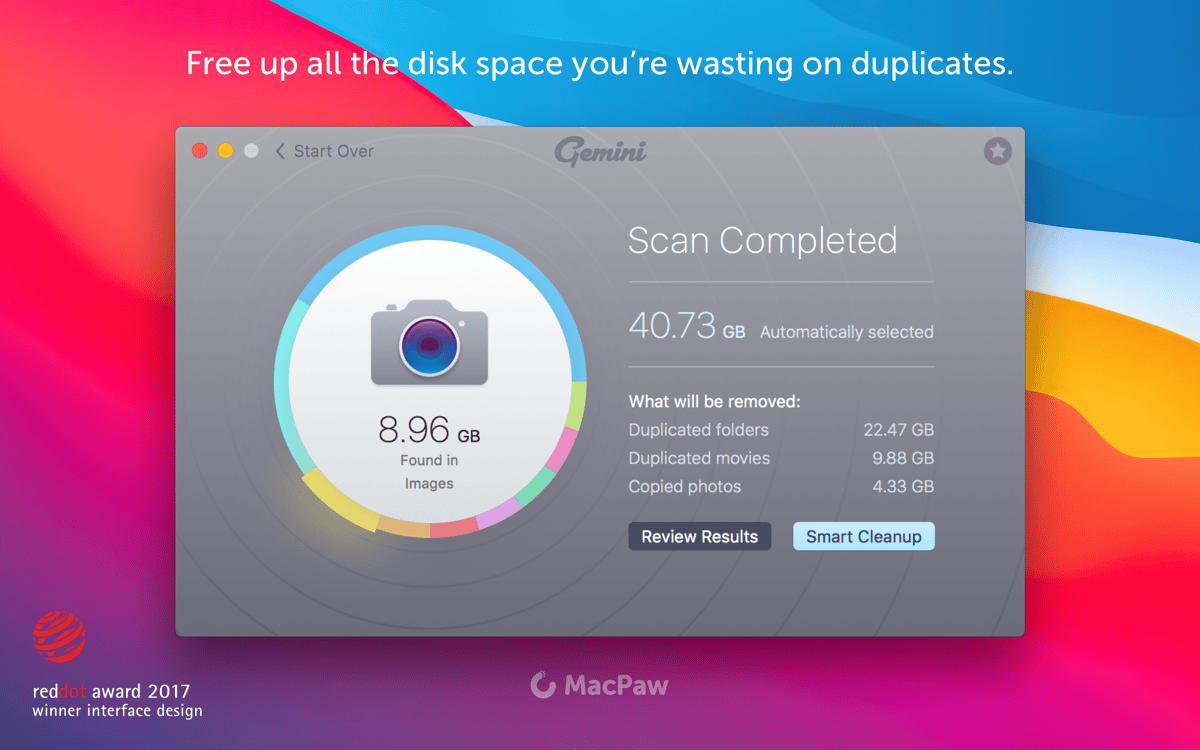
Arquivos duplicados só servem para gastar espaço em disco. Com um descobridor de duplicatas você pode recuperar gigabytes de espaço em uma única limpeza. Além de encontrar arquivos duplicados, o Gemini 2 também indica arquivos similares, que podem ocupar ainda mais espaço em disco. Todas as pastas extras e transferências duplicadas podem ser eliminadas em um piscar de olhos.
Remova duplicatas para liberar espaço
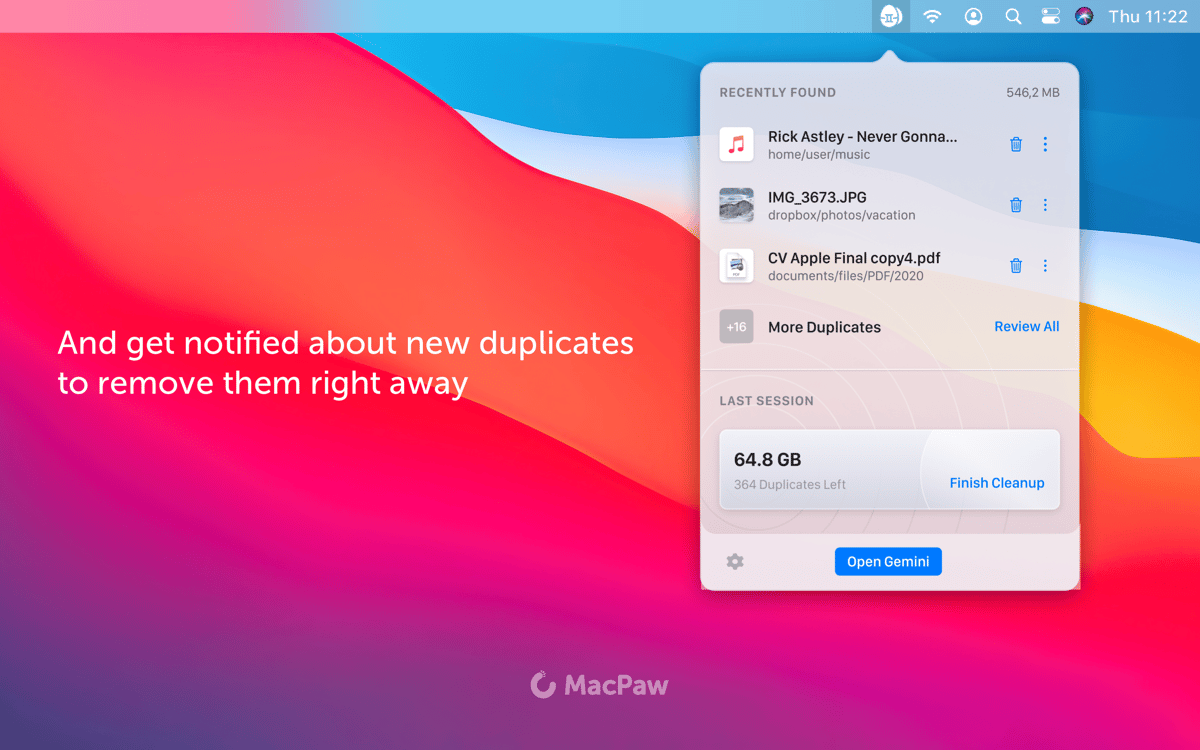
Receba notificações de novas duplicatas
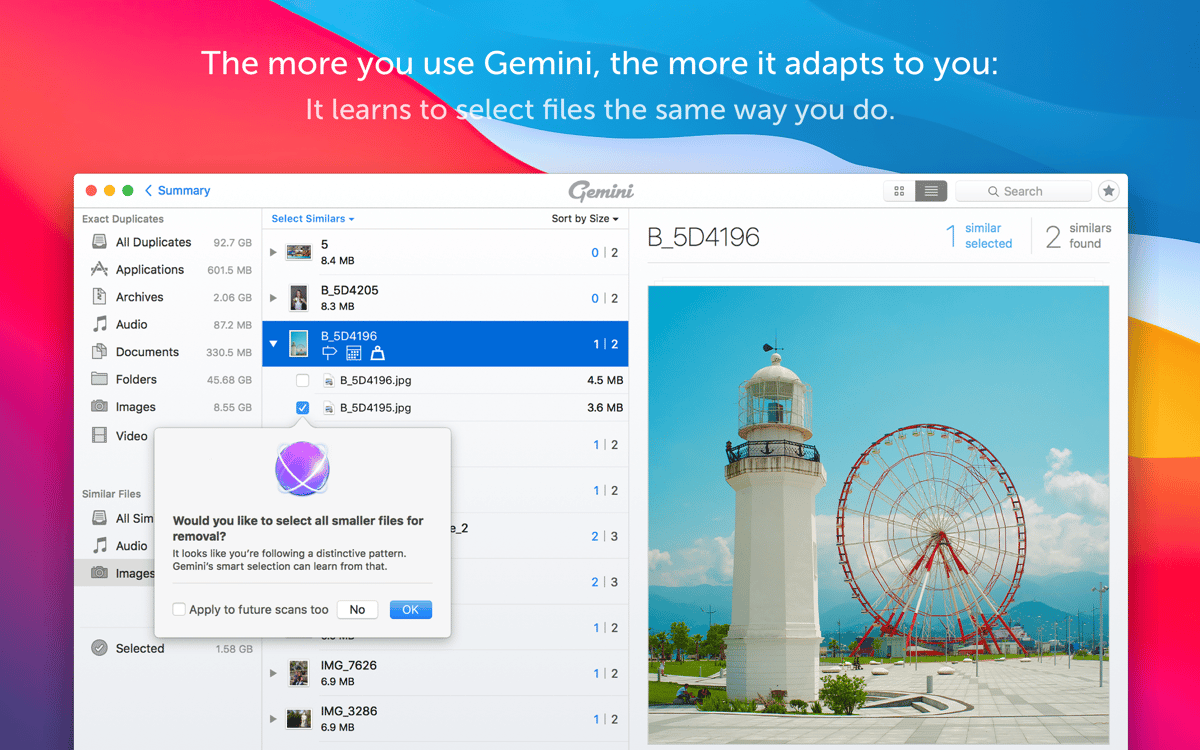
Deixe o Gemini sugerir o que apagar
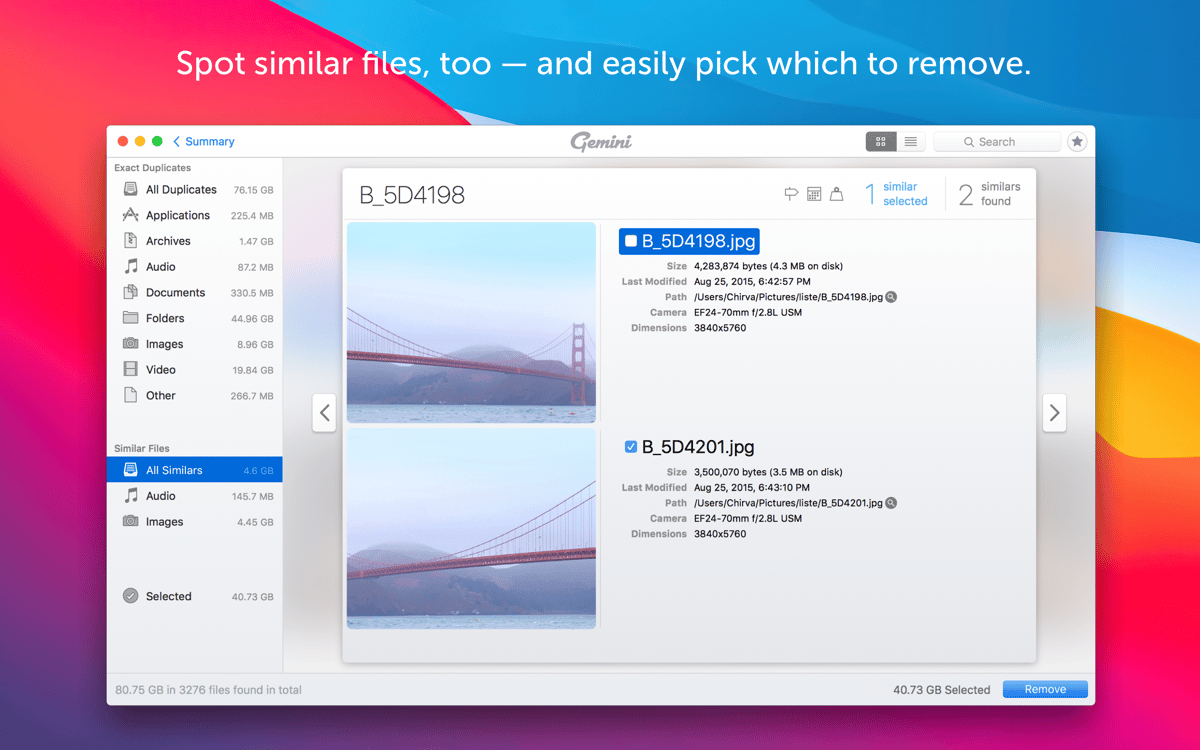
Identifique fotos similares e apague‑as
Recursos do Gemini
Seleção inteligente
O Gemini analisa todo o Mac em busca de duplicatas e pré‑seleciona as que podem ser apagadas com segurança. Graças ao algoritmo inteligente exclusivo usado para isso, você não precisa revisar cada arquivo ou pasta individualmente; basta clicar para remover todas as duplicatas de uma só vez.
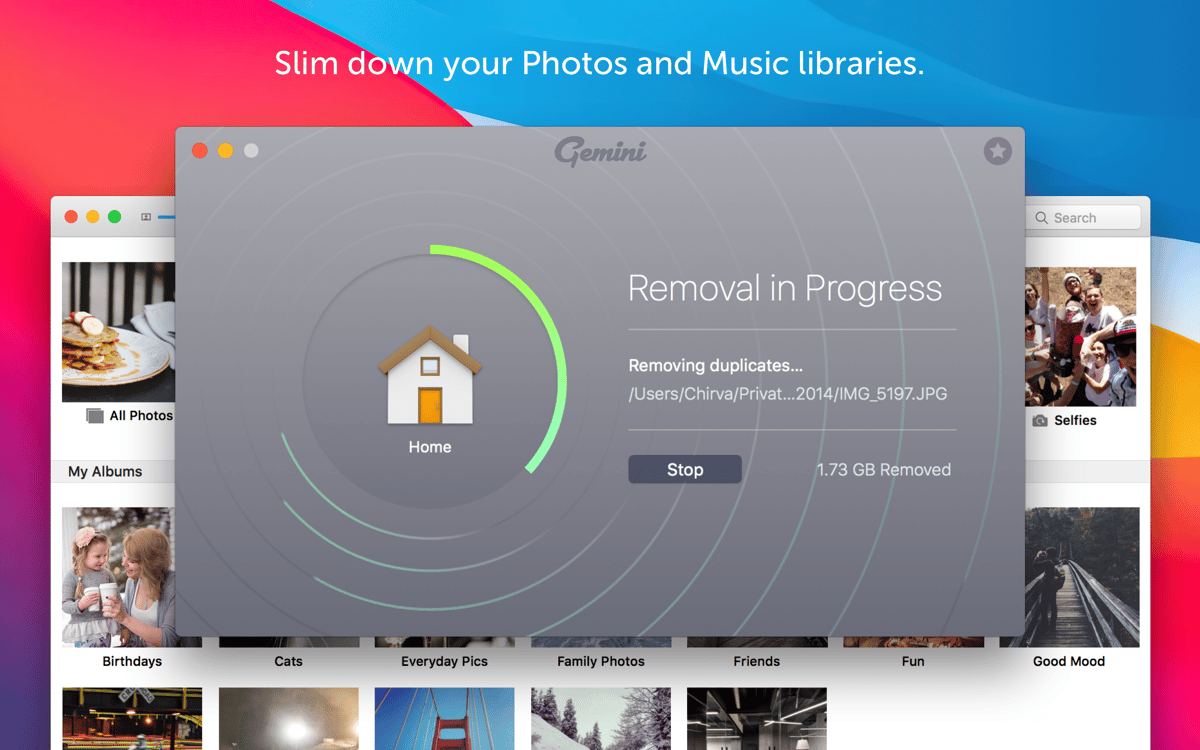
Imagens, músicas, vídeos
O Gemini busca todos os tipos de arquivos em todas as pastas e fototecas. Por exemplo, ele analisa o iTunes, o Fotos, os HDs, as pastas antigas esquecidas e qualquer outro local do Mac que possa ter duplicatas. Com apenas uma análise, você encontra e apaga todos os arquivos extras.
Além das duplicatas
O Gemini também pode ser usado para buscar arquivos similares. Esses arquivos podem ser imagens com um panorama similar (fotos tiradas do mesmo ângulo) ou arquivos praticamente idênticos. E a probabilidade de você precisar de ambos é bem pequena.
Resultados visuais
Para decidir o que eliminar, é preciso ver cada arquivo mais de perto. A interface superorganizada do Gemini 2 apresenta todos os arquivos, prontos para ser examinados com apenas um clique. Selecione, agrupe e remova as duplicatas em segundos. Além disso, é muito fácil alternar entre duplicatas e similares.
IA no comando
O algoritmo de autoaprendizagem é o recurso mais fantástico deste removedor de duplicatas. O Gemini se lembra das escolhas de remoção e sugere o mesmo comportamento na próxima análise, o que economiza tempo. E você pode personalizá‑lo como quiser.
Recuperação segura de arquivos
Mesmo que você remova um arquivo acidentalmente, é possível recuperá‑lo. Você pode revisar e restaurar (para suas pastas originais) arquivos recém‑apagados em um instante. O Gemini é à prova de erros e garante: qualquer arquivo selecionado automaticamente na Limpeza Inteligente pode ser removido sem erro.
Classificações e avaliações
Gemini
•
2241 classificações
JEAN PIERRE MASCLET
23 de set. de 2026
Versão do app: 2.10.2
Impossible de supprimer les doublons musique sur Mac
Robert Mohns
19 de set. de 2026
Versão do app: 2.10.2
Good first impression, but fails to notice when there are several of files with different filenames. Not useful to me.
Resposta do Desenvolvedor
21 de set. de 2026
We're sorry to hear the app didn't meet your expectations. Please reach out to our team at [email protected] with more details and we'll be happy to guide you through the available scanning options.
MM
13 de set. de 2026
Versão do app: 2.10.2
Definitely a fan of this app -- it's great at helping identify and manage my photo duplicates. The v2.10.2 update seems to have resolved the crashing issues I was experiencing. Thanks devs! There's some UX improvements that i'd love to see, tht would make this even better -- options to disable confirmation dialogs for things like 'Start over', ability to set preferences for default duplicate/similar pre-selection rules, more consistent button locations (like having Start over in the same place every time), etc. Some buttons don't seem to respond sometimes, or require multiple clicks, etc -- hopefully the devs can fix these. The image duplicate detection is pretty good. Could be a bit better at detecting mirrored images, that are otherwise identical. So as promised -- thanks to the developers patching the instability issues, I've changed my rating to a Thumbs Up. Thanks for listening, and hopefully you can look at a few of these suggested tweaks to make it even better :)
Obtenha centenas de apps com o Membership
Obtenha um membership do Setapp e use centenas de apps estelares numa única assinatura.
Experimente grátis por 7 dias. Depois, pague um valor único.
Instale o Setapp no Mac
Explore apps para Mac, iOS e web. Encontre formas fáceis de lidar com as tarefas do dia a dia.

Obtenha o app que chamou sua atenção
Aquele app especial está esperando você no Setapp. Instale‑o com um clique.

Gemini
Escolha uma assinatura
Um ou mais apps com um membership do Setapp. Obtenha os apps que você quer.

Obtenha centenas de apps com o Membership
Obtenha um membership do Setapp e use centenas de apps estelares numa única assinatura.
Experimente grátis por 7 dias. Depois, pague um valor único.
1
Instale o Setapp no Mac
Explore apps para Mac, iOS e web. Encontre formas fáceis de lidar com as tarefas do dia a dia.
2
Obtenha o app que chamou sua atenção
Aquele app especial está esperando você no Setapp. Instale‑o com um clique.
Gemini
3
Escolha uma assinatura
Um ou mais apps com um membership do Setapp. Obtenha os apps que você quer.
A casa dos melhores apps
Desde tarefas rotineiras e de planejamento a atividades criativas e de programação, encare suas tarefas com os apps do Setapp.

TypingMind
IU alternativa para conversar com IA
gere ou resuma textos
use uma biblioteca de ações
IA

Spark Mail
Gerencie e‑mails
IA

CleanMyMac
Limpe os detritos

Bartender
Personalize a barra de menus

CleanShot X
Capturas de tela versáteis

Luminar Neo
Edite suas fotos
IA

ClearVPN
Conecte‑se com mais segurança

Craft
Trabalhe com documentos
IA
Gemini
Encontre e remova duplicatas