Get Backup Pro
Back up only essential files
Mac
Version 3.7.3
macOS 10.10 or later
32.1 MB
1 languages
You've got a lot of data stored on your computer, right? How about a reliable backup utility for your Mac to be able to resist any kind of data-loss catastrophes? Try Get Backup Pro. It’s a good mix of backup methods, coming with four varying ways of backups: simple copy, clone, incremental and versioned. Plus, it’s used once you need to recover data that has been accidentally deleted from your Mac. What is also good that to get your data back to any other computer, it’s not necessary to install the app on this machine.
Back up only essential files and folders
Get your Mac ready for macOS update
Move your data to a new disk from a clone
Schedule and compress backups
Get Backup Pro features
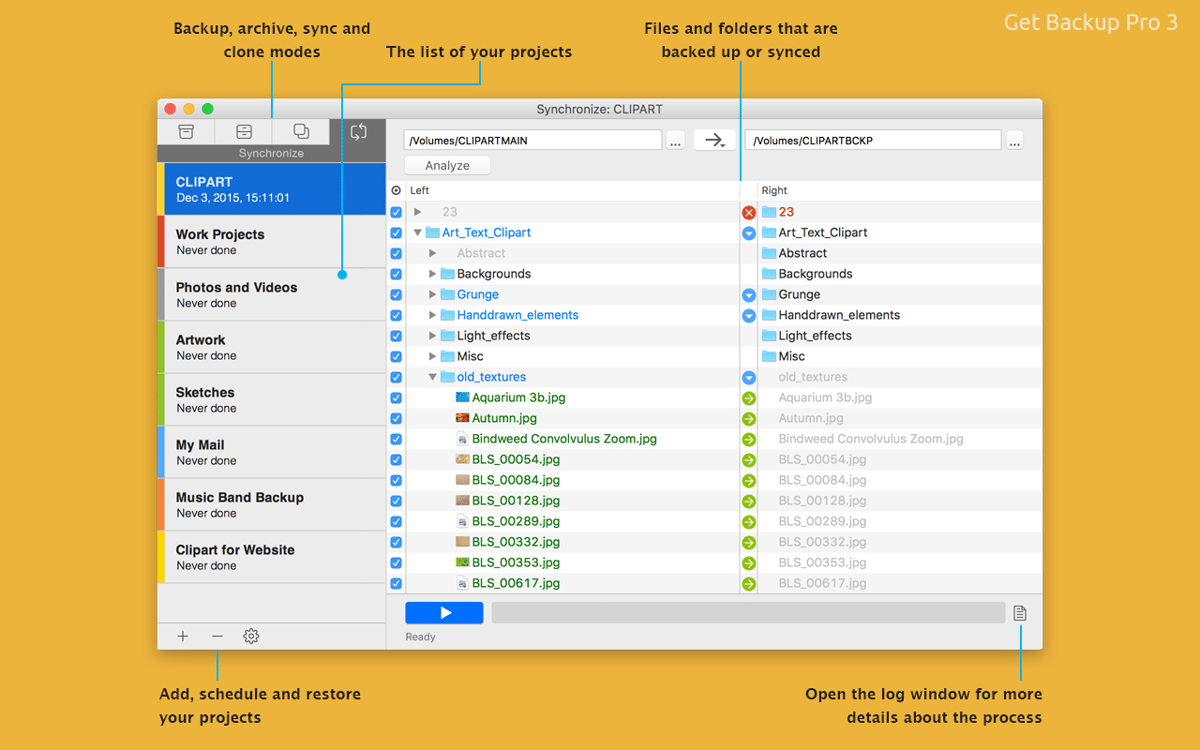
Backup only those units you want
There are cases when you wish to be able to backup only some folders or files, but not all the stuff, which is located on your Mac. Use this smart application to back up only the folders you specify.
Incremental and compressed backups
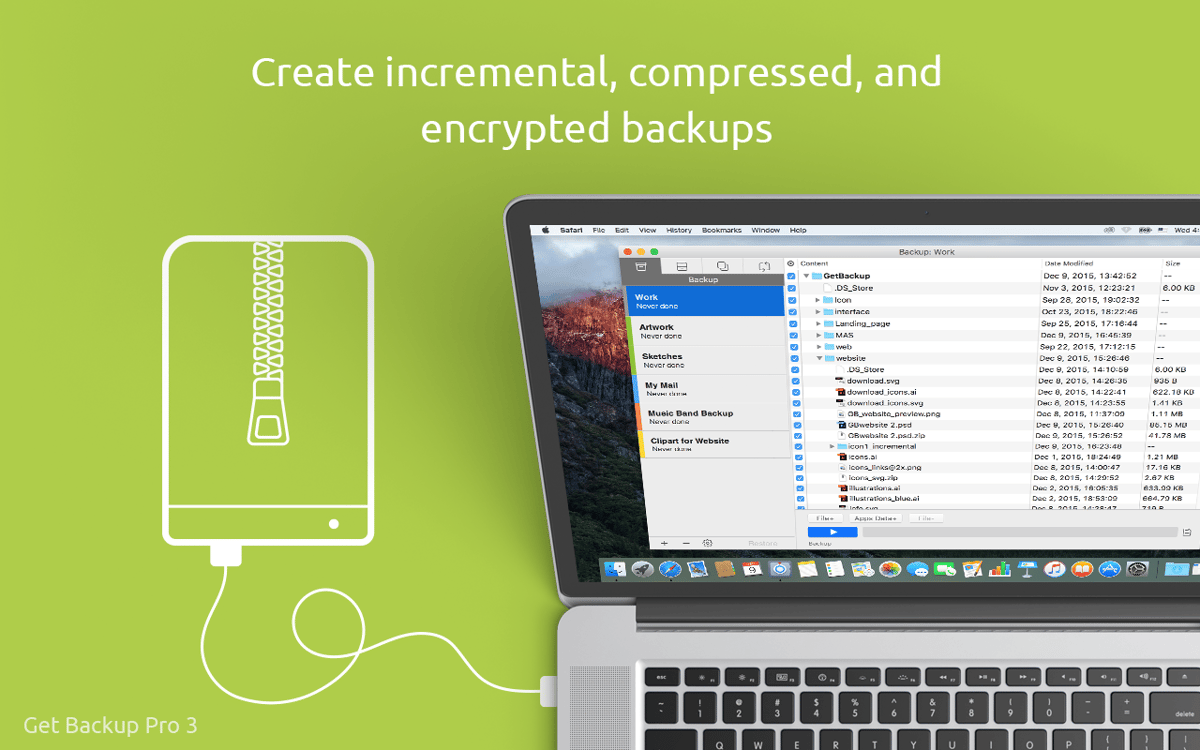
Get yourself even more space by conducting full and incremental backups. Commonly, the compressed backups of this elegant backup utility’s cut the size of the archives you get in more than half, up to 60% to be precise.
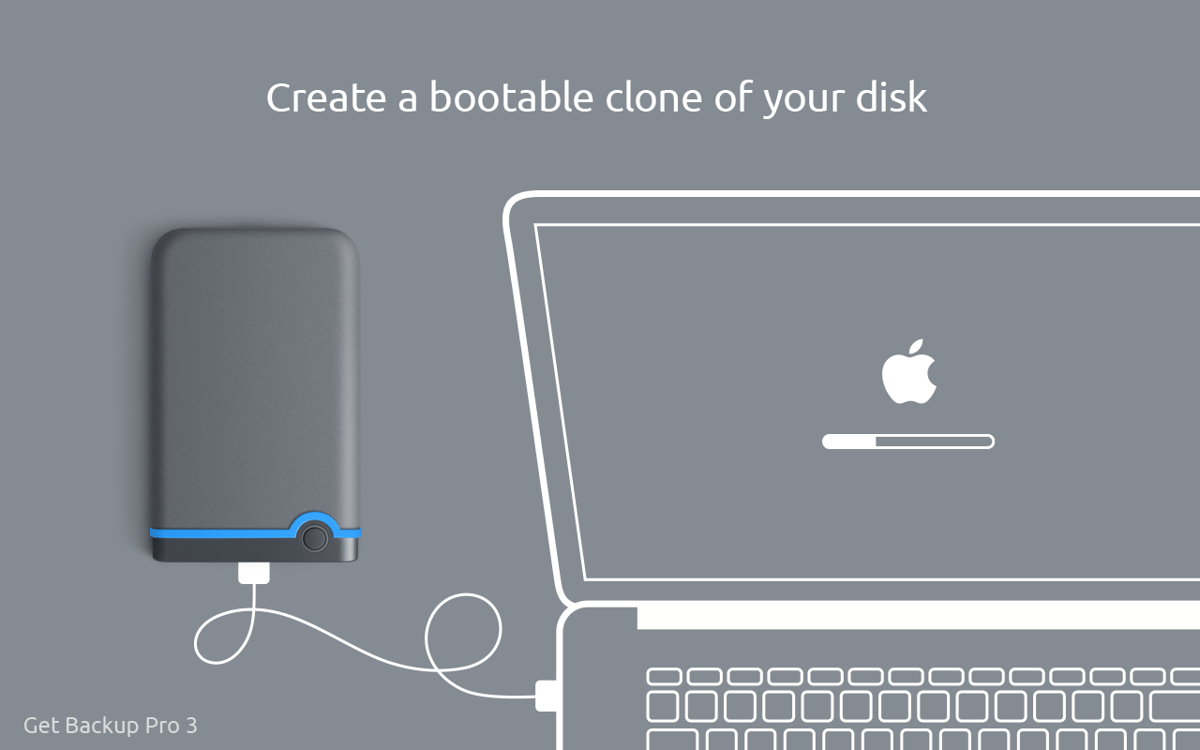
Bootable backups via cloning
It’s already a past century when it comes to long, tedious restoring processes! Effortlessly migrate your data to a new disk. Indeed, it’s easy and snap to get a backup disk, simply clone your volume. Boot it up when needed.
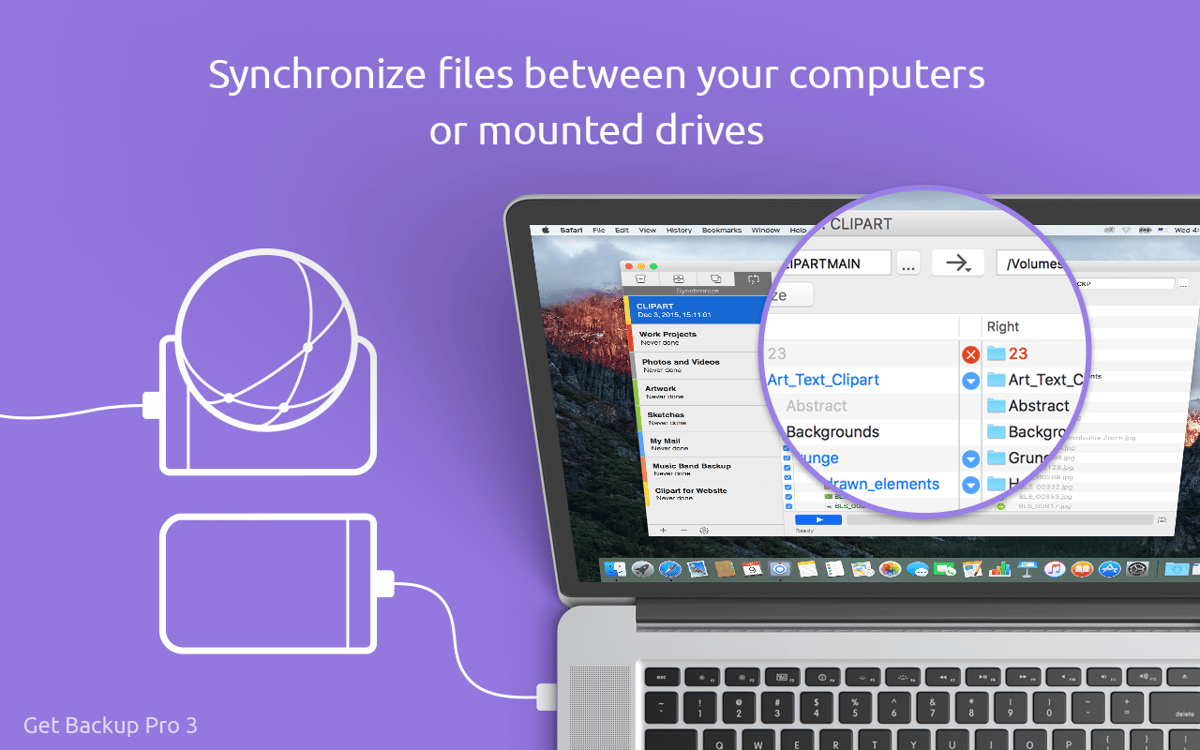
Folder synchronization
It’s easy to have your folders synchronized with another Mac. Everything is pretty simple: you sync in one place. If you prefer the bidirectional synchronization, your data will be updated in both places.
Scheduled backups with Stealth mode
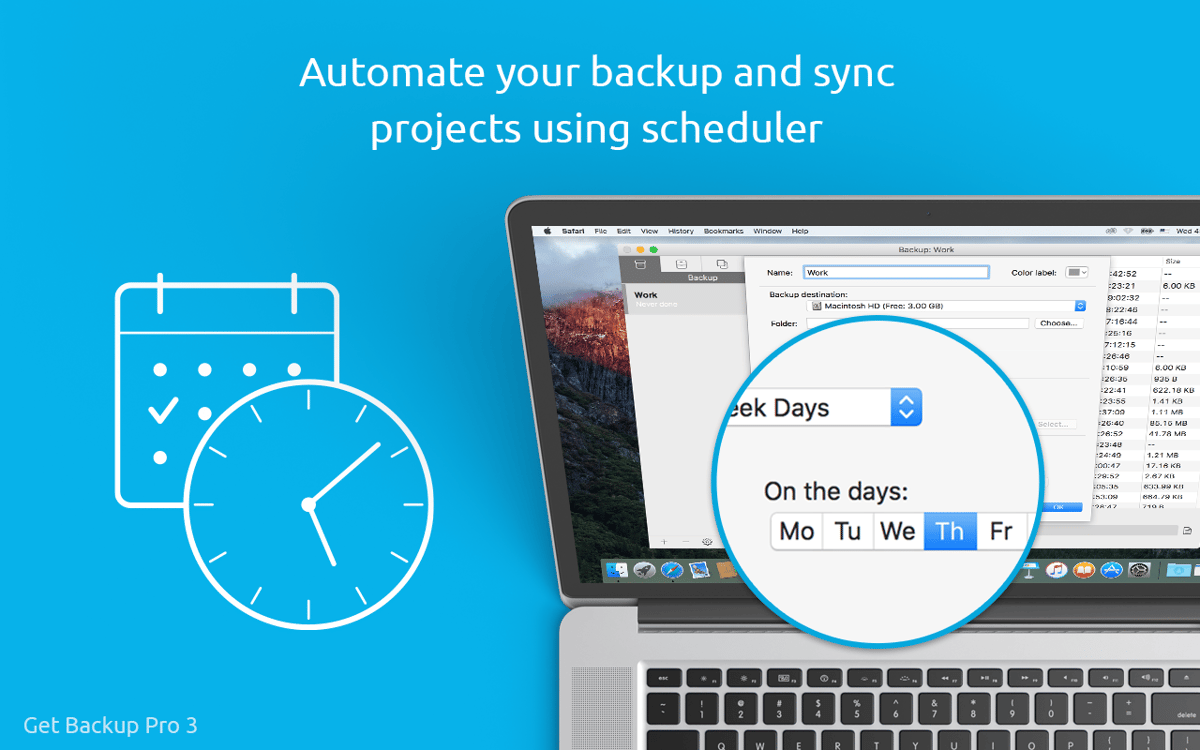
It’s easy to set the time for this Mac backup software to conduct backups. Enable the Stealth mode and once all scheduled processes are finished, the app will automatically close, so you won’t get distracted in any way.
Recover to any computer
If any disaster strikes, this handy data backup software will effortlessly recover your backups to any Macs, even once the app is not installed on those machines. So, literally speaking, use this A-level compressed backup app to withstand any catastrophe.
Ratings and reviews
Get Backup Pro
•
316 ratings
Nikubu
Jun 29, 2026
App version: 3.7.3
Setappの前から使っている、優秀なアプリ。これが無いと、外付けSSDとの同期とか、バックアップとか、成立しない。
Response from Developer
Jun 29, 2026
「ありがとうございます!アプリをお楽しみいただけて嬉しいです。」
Gerhard
Mar 23, 2026
App version: 3.7.3
From the getgo, the app quit unexpectedly in the middle of a clone session. I will try to find an alternative.
Response from Developer
Mar 24, 2026
Hi, thank you for reaching out. We're sorry to hear the app crashed during your cloning session — that's definitely not the experience we want you to have. Unexpected quits during cloning can happen for a few different reasons, such as file system issues on the source or destination drive, permission conflicts, or a compatibility hiccup with your current macOS version. Before switching to another tool, we'd love to help you get to the bottom of it. Could you please send us a crash report? After an unexpected quit, macOS usually offers to reopen the app and shows a crash dialog — if you still have that report, you can copy and paste it to [email protected]. It also helps to know which version of macOS you're running and what kind of drive you were cloning to (external HDD, SSD, etc.). In the meantime,it might be worth opening Disk Utility and running First Aid on both your source and destination volumes before trying again, as file system errors can sometimes interrupt the process
Andrew McCulloch
Feb 23, 2026
App version: 3.7.3
Awesome little app to take accurate clones of hard drives and restore to re-boot again.
Response from Developer
Feb 27, 2026
Thanks for your review, it means a lot to us!
Get hundreds of apps with Membership
Become Setapp member and use hundreds of stellar apps with one subscription.
Try 7 days free, then pay one simple fee.
Install Setapp on Mac
Explore apps for Mac, iOS, and web. Find easy ways to solve daily tasks.

Get the app you came for
That one shiny app is waiting inside Setapp. Install with a click.

Get Backup Pro
Choose your subscription
One app or more with a Setapp membership. Get apps the way you want.

Get hundreds of apps with Membership
Become Setapp member and use hundreds of stellar apps with one subscription.
Try 7 days free, then pay one simple fee.
1
Install Setapp on Mac
Explore apps for Mac, iOS, and web. Find easy ways to solve daily tasks.
2
Get the app you came for
That one shiny app is waiting inside Setapp. Install with a click.
Get Backup Pro
3
Choose your subscription
One app or more with a Setapp membership. Get apps the way you want.
Home to the top apps
From planning and routine tasks to creative pursuits and coding, tackle tasks with apps on Setapp.


Get Backup Pro
Back up only essential files