
Mosaic
Automatically organize windows

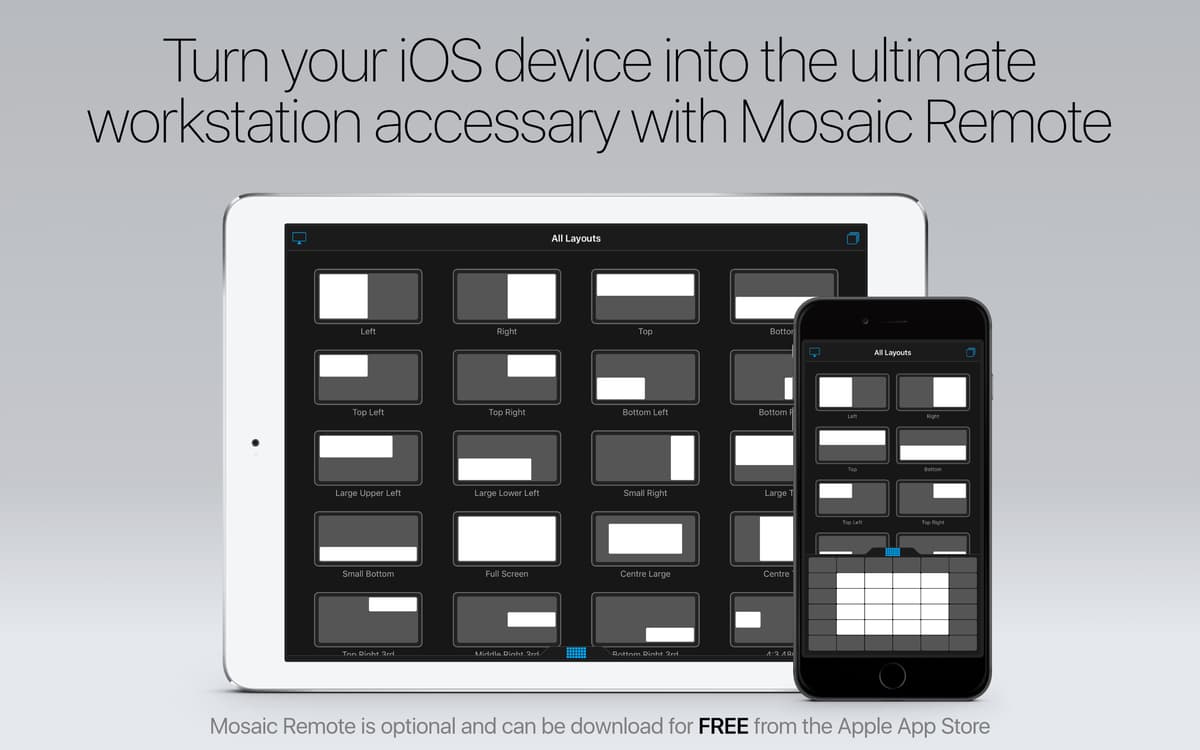
Mac
Version 1.5.1
macOS 10.13 or later
132.9 MB
2 languages
Some apps should be a swipe away. Mosaic is a helpful Mac window manager, which makes it a breeze to resize and organize windows, view multiple documents alongside, thus improving your productivity. This application boasts a number of powerful windows management tools, which bring the whole Mac world to your fingertips, organizing it in a preferable way. Enjoy keeping your workspace neatly arranged to your specific requirements!
Snap windows your own way
Get a super flexible window resizer
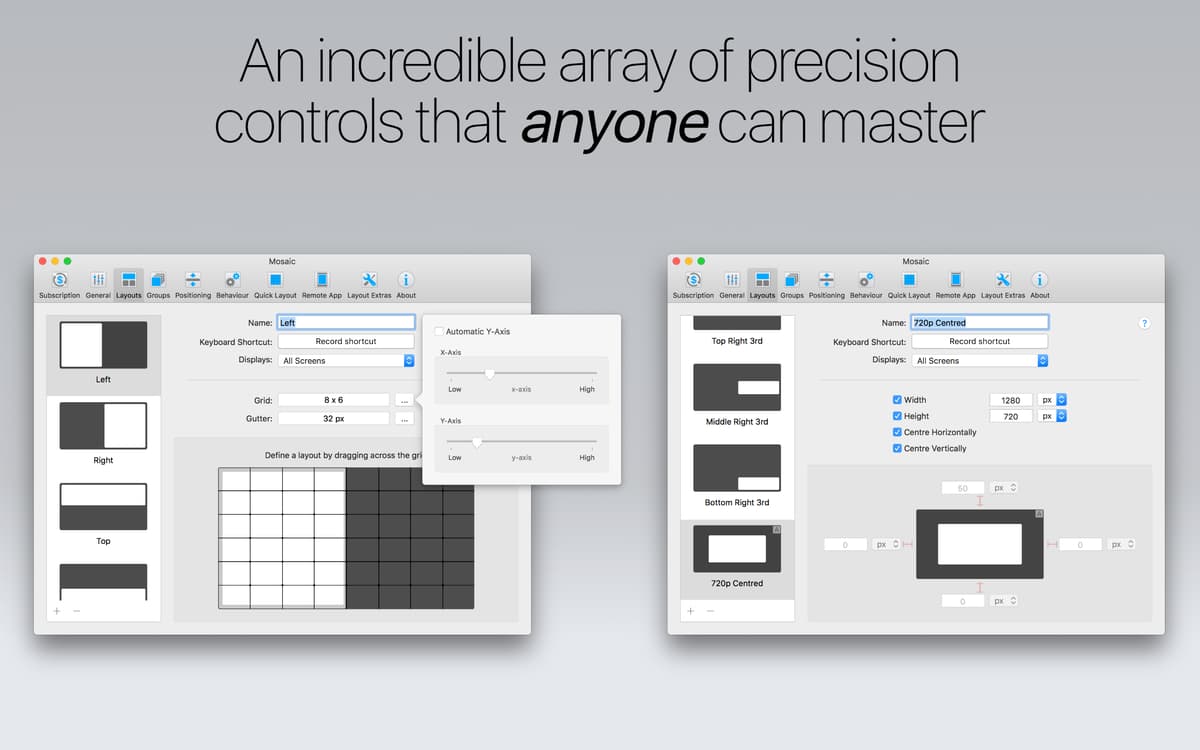
Create personal window layouts
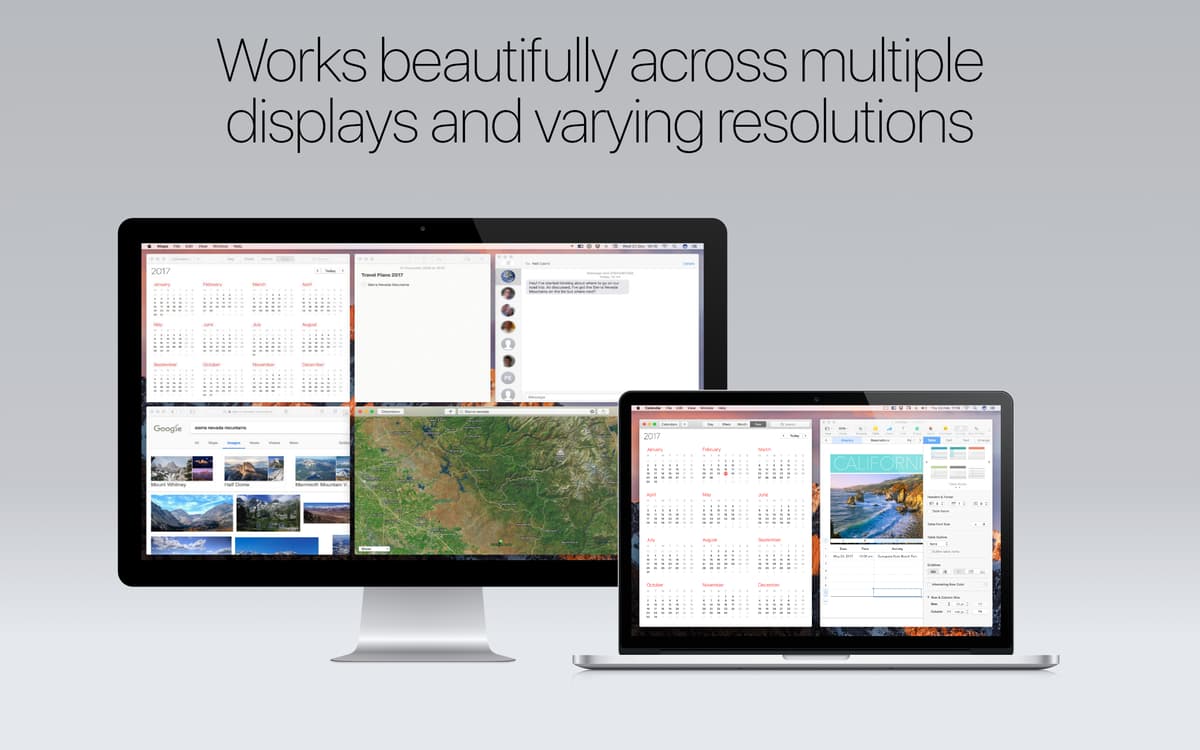
Apply the same layout across displays
Mosaic features
Smart and simple window snapping
Effortlessly arrange all the applications you use just the way you need them with this windows organizer. Move or resize windows with ease, determine their best place and find their perfect size. Snap numerous windows together fitting on screen, no matter which size they have.
Imagine windows are tiles
Looking for a great tool to tile apps windows on your Mac? Have to work in multiple windows at once, right? Now it’s not a problem! Mosaic lets you tile all the needed apps and documents just in a few clicks. Enjoy using the app that is specially crafted to significantly improve multitasking!
Ideal window resizer for Mac
Mosaic provides seamless experience to all Mac users. It is so well carefully thought and designed that it gives you the feeling that it comes already inbuilt with your macOS. Feels perfectly familiar from the start to all Mac enthusiasts.
Layouts tailored to your specific needs
Create as many layouts in Mosaic as you require, organize all of them to fit your ultimate workflows. Simply switch between layouts and extract the unnecessary ones within seconds. Get the work done with this window snapping utility!
Multi-screen compatibility
This Mac window snap program was designed with screen compatibility in mind. It works beautifully both with multiple screens and varying resolutions, proving that there’s hardly a better snap tool available.
Fun and intuitive experience
It’s a comprehensive and speedy app to be used on a daily basis. One more thing to enjoy: each of its features has a video tutorial, so you could fully take advantage of using all of them. Watch the videos on how to snap windows on your Mac with Mosaic to get to know everything this utility has to offer.
Ratings and reviews
Mosaic
•
2600 ratings
Steve
Sep 15, 2026
App version: 1.5.1
I want to love it, but it’s impossible to figure out how to use it. Just display all my apps in a 4x4 grid please!! It’s just way too complicated…
Jimmy
Aug 19, 2026
App version: 1.5.1
me falta organizarlo
Jacob
Jul 16, 2026
App version: 1.5.1
This app has been a lifesaver. I always had dozens of windows floating around, and trying to manage them was a nightmare - a lot of clicking and dragging and resizing. I have multiple screens with multitple resolution sizes and being able to drag a window and just hold down “option” and drop into the right location and size (either preset or on the fly) is amazing!
Get hundreds of apps with Membership
Become Setapp member and use hundreds of stellar apps with one subscription.
Try 7 days free, then pay one simple fee.
Install Setapp on Mac
Explore apps for Mac, iOS, and web. Find easy ways to solve daily tasks.

Get the app you came for
That one shiny app is waiting inside Setapp. Install with a click.

Mosaic
Choose your subscription
One app or more with a Setapp membership. Get apps the way you want.

Get hundreds of apps with Membership
Become Setapp member and use hundreds of stellar apps with one subscription.
Try 7 days free, then pay one simple fee.
1
Install Setapp on Mac
Explore apps for Mac, iOS, and web. Find easy ways to solve daily tasks.
2
Get the app you came for
That one shiny app is waiting inside Setapp. Install with a click.
Mosaic
3
Choose your subscription
One app or more with a Setapp membership. Get apps the way you want.
Home to the top apps
From planning and routine tasks to creative pursuits and coding, tackle tasks with apps on Setapp.


Mosaic
Automatically organize windows