
Mosaic
Organize janelas automaticamente
Mac
Versão 1.5.1
macOS 10.13 ou posterior
132.9 MB
2 idiomas
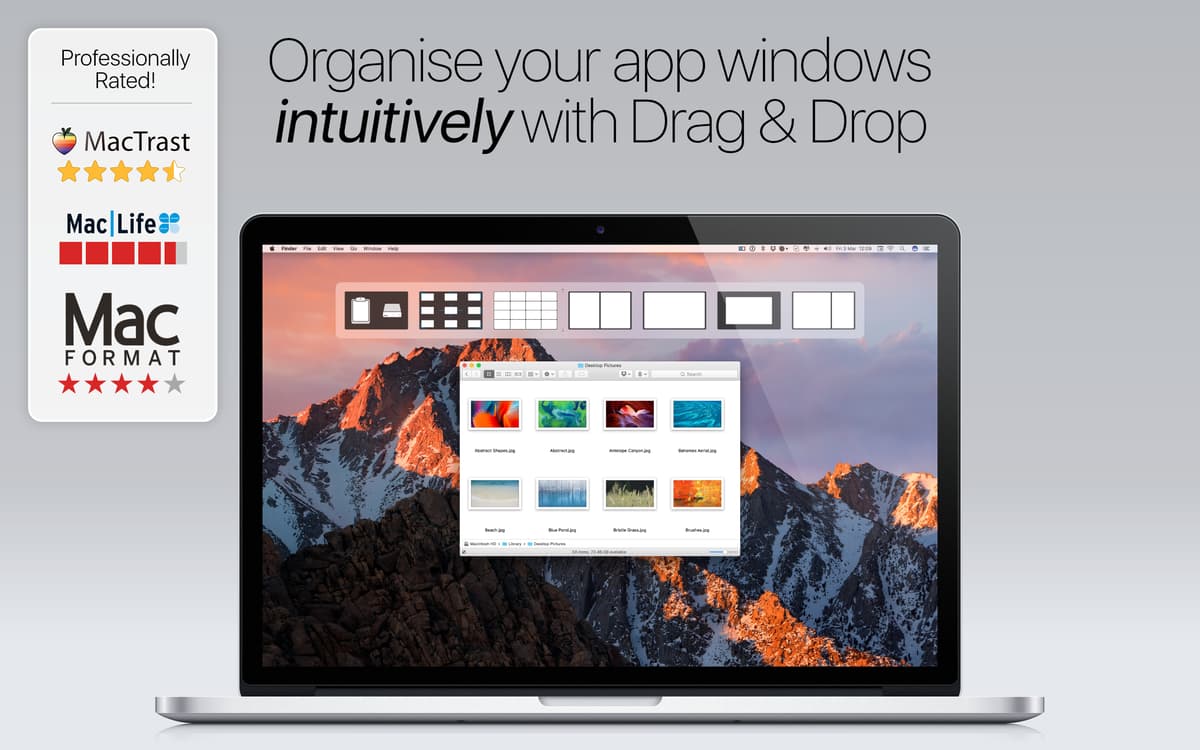
Alguns apps devem estar sempre à mão. O Mosaic é um desses apps: redimensione e organize janelas, veja vários documentos lado a lado e aumente a sua produtividade com este gerenciador de janelas superfácil de usar. Com diversas ferramentas poderosas para gerenciar janelas, o Mosaic faz com que qualquer ambiente de trabalho fique sob o seu controle. Tudo arrumado e da maneira exata que você prefere.
Organize janelas do seu jeito
Redimensione janelas com flexibilidade
Crie layouts de janelas personalizados
Aplique o mesmo layout em telas diferentes
Recursos do Mosaic
Alinhamento simples e inteligente
Use o Mosaic para organizar facilmente todos os apps que você costuma usar ao mesmo tempo. Mova ou redimensione janelas, determine o melhor posicionamento e encontre o tamanho perfeito de cada uma. Alinhe diversas janelas ao mesmo tempo para ajustá‑las na tela, independentemente do tamanho de cada uma.
Janelas em mosaico
Buscando uma ferramenta para posicionar janelas em mosaico no Mac? Precisa trabalhar com várias janelas ao mesmo tempo? Não tem problema. O Mosaic possibilita posicionar todos os apps e documentos necessários com apenas alguns cliques. Tire proveito de um app feito especialmente para ajudar em situações multitarefa.
Feito para o Mac
O Mosaic oferece uma experiência harmonizada para os usuários de Mac. Ele é tão bem pensado e desenvolvido que dá a impressão de que seus recursos sempre fizeram parte do macOS. Intuitivo desde o primeiro uso para quem já usa um Mac.
Layouts prontos para o que vier
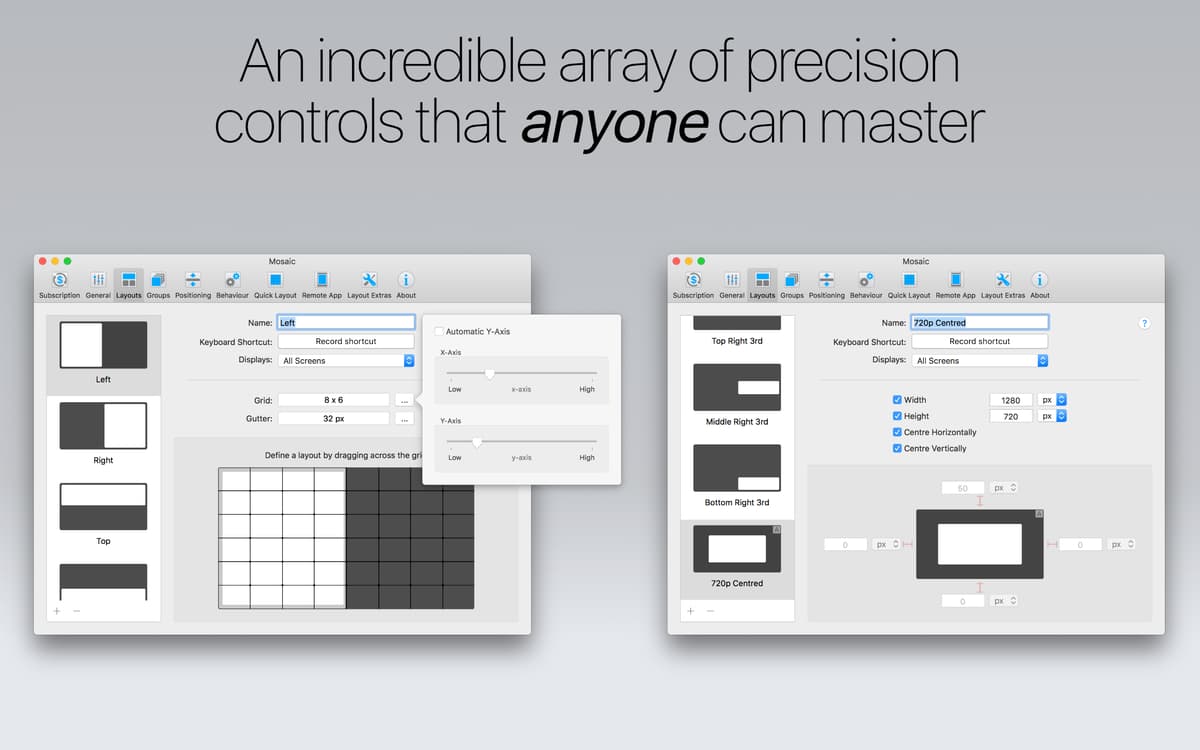
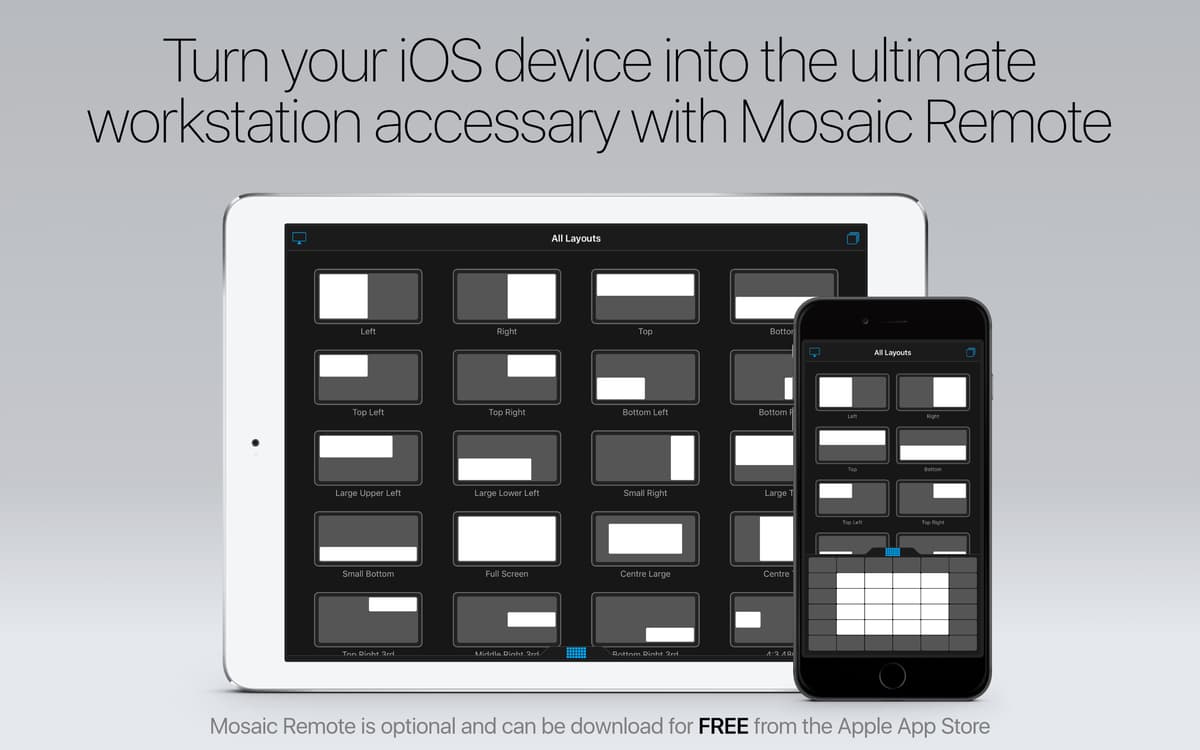
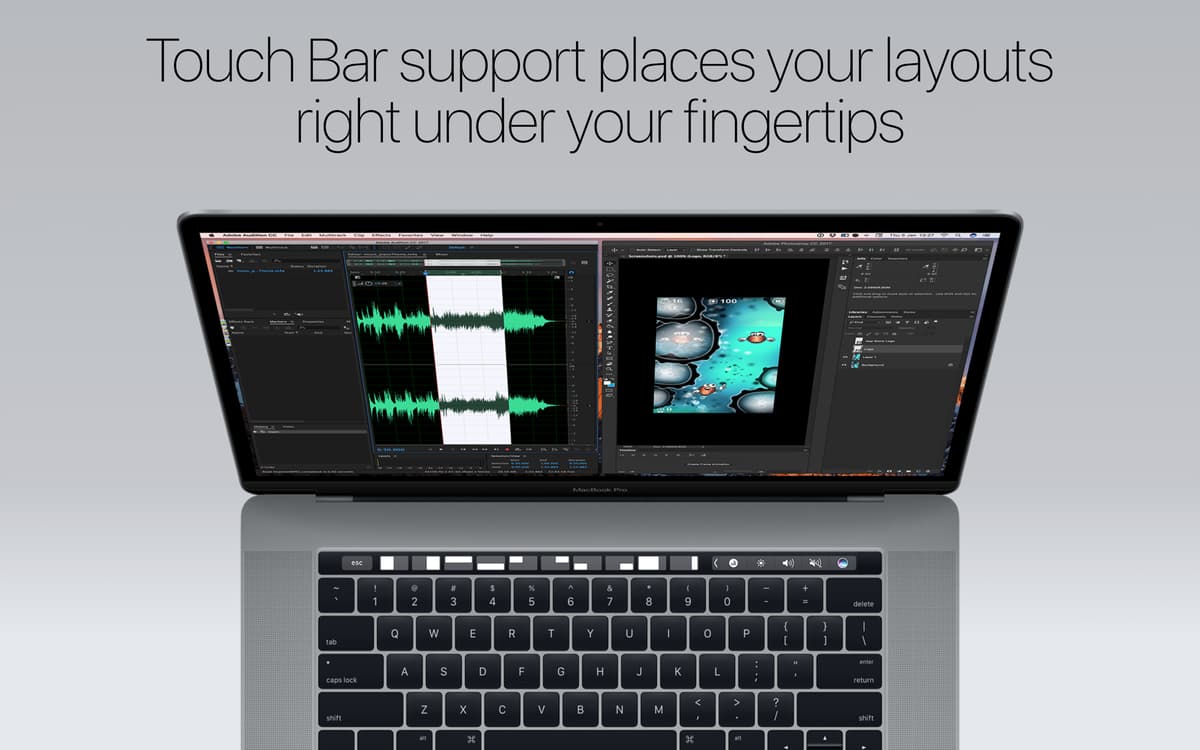
Crie quantos layouts precisar e organize‑os perfeitamente para adequá‑los aos seus fluxos de trabalho. Alterne entre vários layouts facilmente e elimine os desnecessários em segundos. Com janelas organizadas, seu trabalho fica pronto mais rápido.
Compatibilidade multimonitor
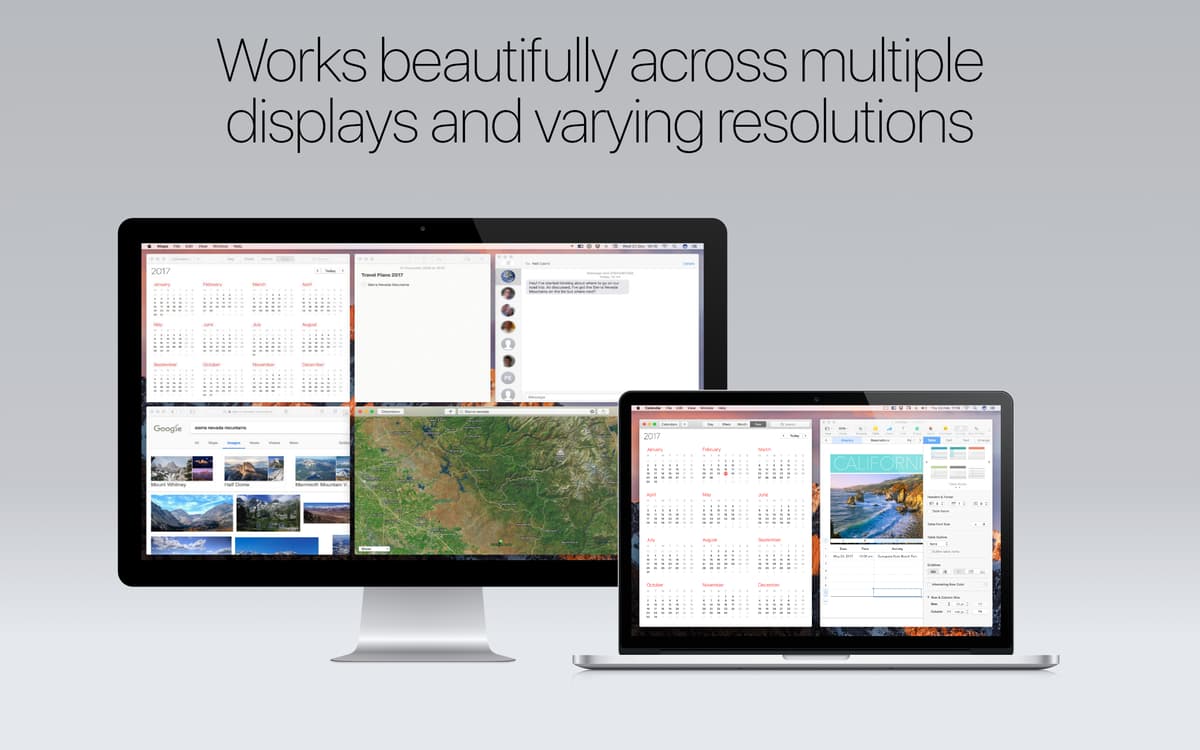
Ao desenvolver o Mosaic, a compatibilidade com vários monitores foi levada em consideração. Ele funciona perfeitamente com mais de um monitor e com resoluções diferentes – fato que talvez faça do Mosaic a melhor ferramenta da categoria.
Experiência divertida e intuitiva
Um app completo e veloz para ser usado diariamente. Cada recurso do Mosaic tem um tutorial em vídeo para que você possa aproveitá‑lo ao máximo. Assista aos vídeos e fique por dentro de tudo o que este utilitário tem a oferecer no gerenciamento de janelas para Mac.
Classificações e avaliações
Mosaic
•
2600 classificações
Steve
15 de set. de 2026
Versão do app: 1.5.1
I want to love it, but it’s impossible to figure out how to use it. Just display all my apps in a 4x4 grid please!! It’s just way too complicated…
Jimmy
19 de ago. de 2026
Versão do app: 1.5.1
me falta organizarlo
Jacob
16 de jul. de 2026
Versão do app: 1.5.1
This app has been a lifesaver. I always had dozens of windows floating around, and trying to manage them was a nightmare - a lot of clicking and dragging and resizing. I have multiple screens with multitple resolution sizes and being able to drag a window and just hold down “option” and drop into the right location and size (either preset or on the fly) is amazing!
Obtenha centenas de apps com o Membership
Obtenha um membership do Setapp e use centenas de apps estelares numa única assinatura.
Experimente grátis por 7 dias. Depois, pague um valor único.
Instale o Setapp no Mac
Explore apps para Mac, iOS e web. Encontre formas fáceis de lidar com as tarefas do dia a dia.

Obtenha o app que chamou sua atenção
Aquele app especial está esperando você no Setapp. Instale‑o com um clique.

Mosaic
Escolha uma assinatura
Um ou mais apps com um membership do Setapp. Obtenha os apps que você quer.

Obtenha centenas de apps com o Membership
Obtenha um membership do Setapp e use centenas de apps estelares numa única assinatura.
Experimente grátis por 7 dias. Depois, pague um valor único.
1
Instale o Setapp no Mac
Explore apps para Mac, iOS e web. Encontre formas fáceis de lidar com as tarefas do dia a dia.
2
Obtenha o app que chamou sua atenção
Aquele app especial está esperando você no Setapp. Instale‑o com um clique.
Mosaic
3
Escolha uma assinatura
Um ou mais apps com um membership do Setapp. Obtenha os apps que você quer.
A casa dos melhores apps
Desde tarefas rotineiras e de planejamento a atividades criativas e de programação, encare suas tarefas com os apps do Setapp.

TypingMind
IU alternativa para conversar com IA
gere ou resuma textos
use uma biblioteca de ações
IA

Spark Mail
Gerencie e‑mails
IA

CleanMyMac
Limpe os detritos

Bartender
Personalize a barra de menus

CleanShot X
Capturas de tela versáteis

Luminar Neo
Edite suas fotos
IA

ClearVPN
Conecte‑se com mais segurança

Craft
Trabalhe com documentos
IA
Mosaic
Organize janelas automaticamente