Prizmo
Scan and OCR any document
Mac, iOS
Version 5.0.2
macOS 14.0 or later
75.7 MB
23 languages
Struggling to digitize old, blurry, and even damaged scans? Or just want to get searchable, editable text from physical documents without wasting hours correcting errors? Prizmo automates the whole process from capturing to editing so you never miss a detail. Just import your document from any scanner or photo, and the app will do the rest with precision. It can even handle cropping and perspective correction!
Extract data from old and damaged scans
Turn an image or scan into searchable PDF
Find and fix errors in scanned documents
Use text-to-speech to read your documents
Prizmo features
Convert images or scans to searchable text
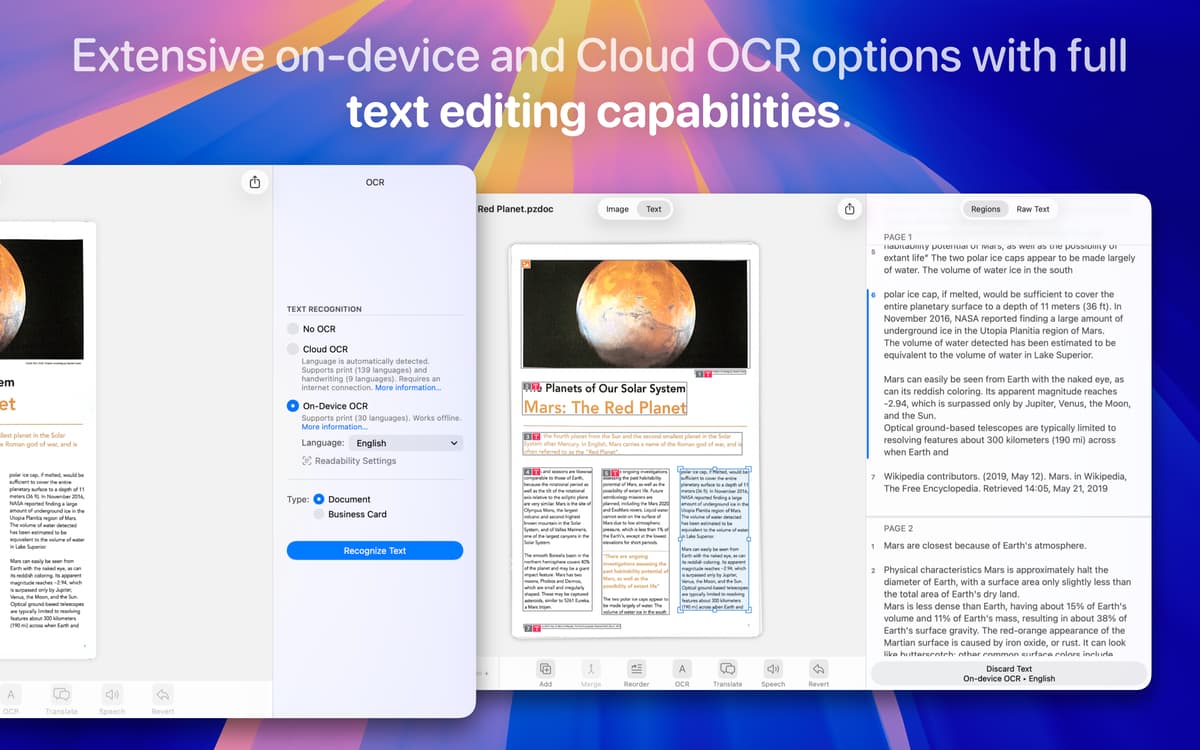
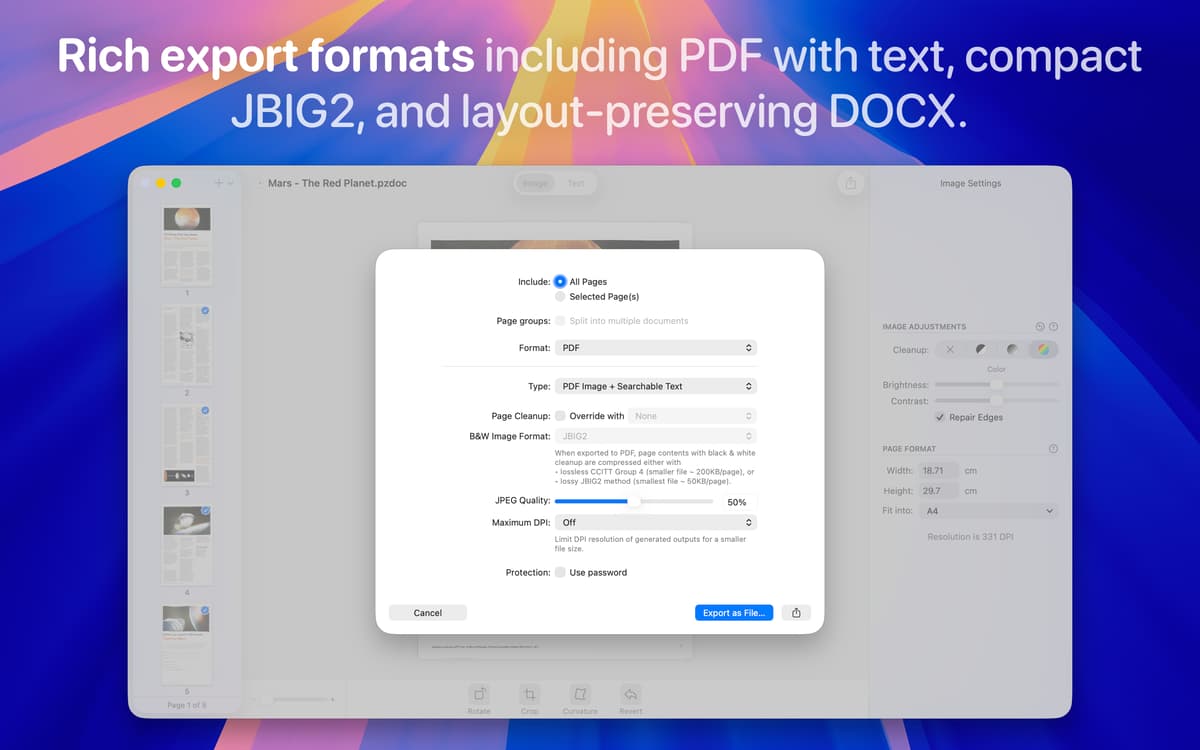
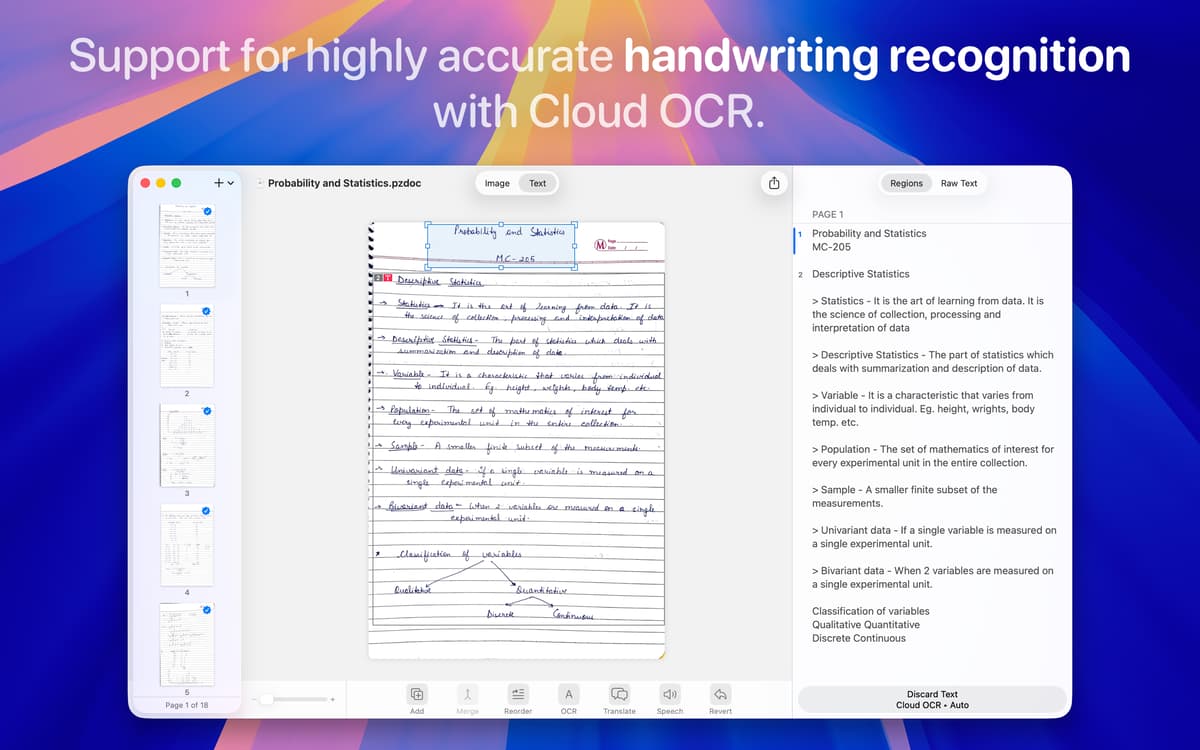
No matter how you capture your documents — photos from your iPhone, iPad, or camera, scans from scanners, or even screenshots — Prizmo turns them into accurate, editable PDF or Word/DOCX files. Its advanced OCR supports over 100 languages and automatically handles invoices, receipts, handwritten notes, posters, ads, business cards, and more, helping you digitize any paper material quickly and effortlessly.
Fix errors in recognized text
OCR isn’t always perfect, especially with complex layouts or unusual fonts in magazines and books. Luckily, Prizmo makes it easy to clean up any mistakes. You can fix the recognized text by adding or deleting regions, merging or splitting paragraphs, and reordering sections. Then let the app automatically reprocess OCR on your edits.
Auto-correct images and scans
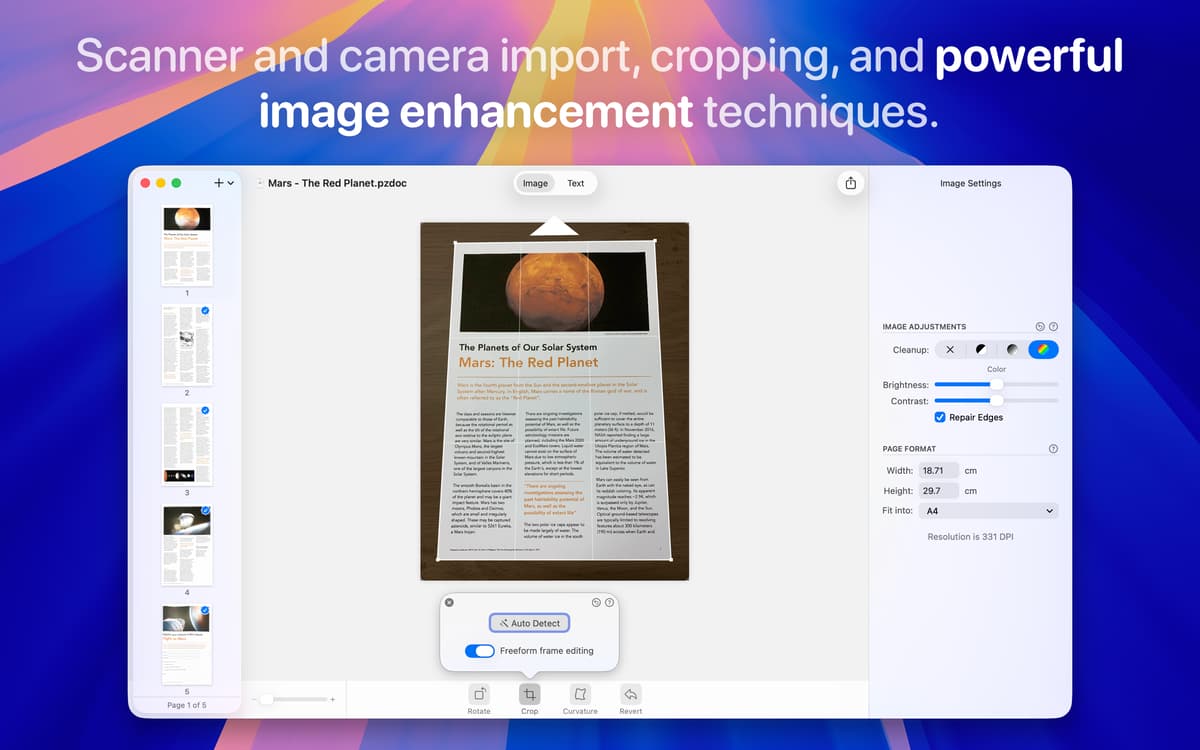
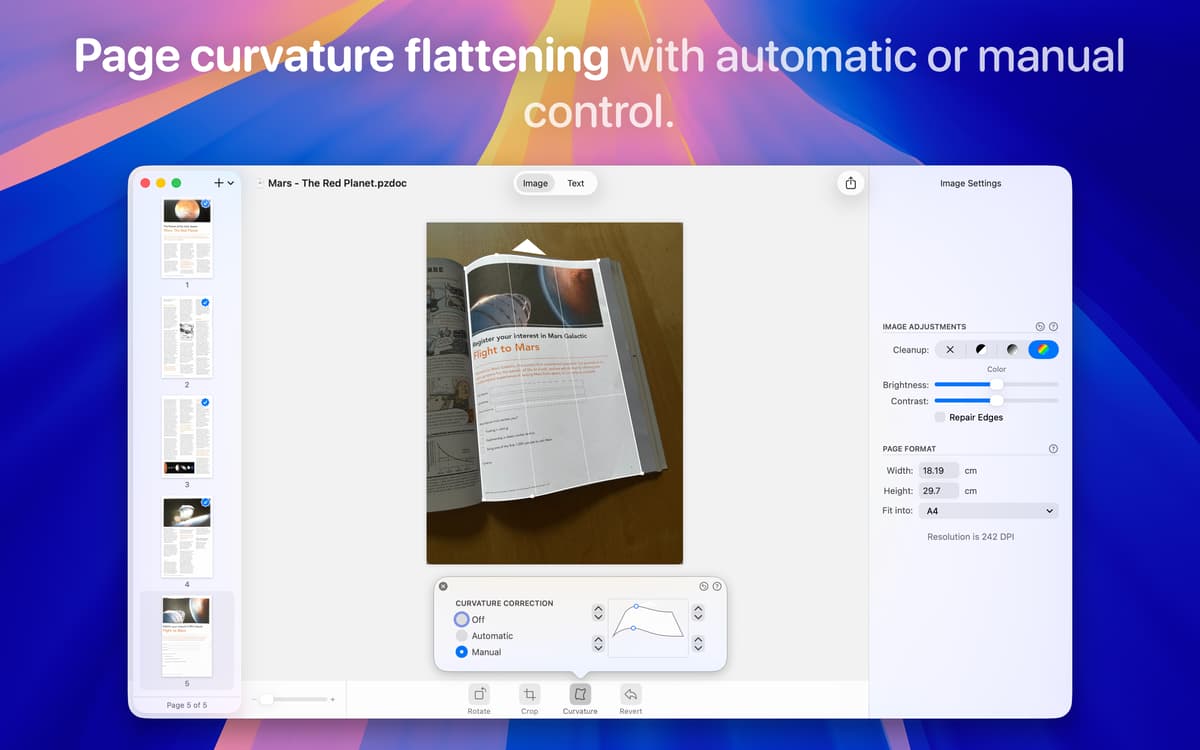
When you take a picture of a document, lighting, angles, and alignment are rarely perfect. Prizmo automatically fixes these issues — straightening pages, correcting perspective, and removing curvature — so your scans look professional without extra effort. Just import the image and let the app do the work.
Access and sync your scans across devices
Prizmo works on both macOS and iOS, with the iOS version optimized for quick mobile scanning — perfect for capturing documents, receipts, or images and extracting the text on the go. It automatically syncs with iCloud, so your scans are always accessible whether you’re on your Mac or iPhone. Plus, it supports popular cloud storage services like Dropbox, Box, Google Drive, and WebDAV.
Listen and translate your documents
Prizmo can read your scanned text aloud in 26 languages with over 90 male and female voices, making it easy to review lengthy or complex content hands-free. It also translates extracted text into more than 59 languages, allowing you to understand, communicate, and share content globally.
Ratings and reviews
Prizmo
•
432 ratings
Jonas
Aug 13, 2026
App version: 5.0.2
I would love the app if there wasn’t the problem that each time I want to open it it’s getting stuck. The only workaround i found is uninstalling and reinstalling each time i want to use it.
Lee
Feb 18, 2026
App version: 5.0.2
Good app, works well for OCR
Klaus Zellweger
Jan 12, 2026
App version: 5.0.1
What a terrible App! No way for an automated workflow, just a bunch of more or less useful OCR functions.
Get hundreds of apps with Membership
Become Setapp member and use hundreds of stellar apps with one subscription.
Try 7 days free, then pay one simple fee.
Install Setapp on Mac
Explore apps for Mac, iOS, and web. Find easy ways to solve daily tasks.

Get the app you came for
That one shiny app is waiting inside Setapp. Install with a click.

Prizmo
Choose your subscription
One app or more with a Setapp membership. Get apps the way you want.

Get hundreds of apps with Membership
Become Setapp member and use hundreds of stellar apps with one subscription.
Try 7 days free, then pay one simple fee.
1
Install Setapp on Mac
Explore apps for Mac, iOS, and web. Find easy ways to solve daily tasks.
2
Get the app you came for
That one shiny app is waiting inside Setapp. Install with a click.
Prizmo
3
Choose your subscription
One app or more with a Setapp membership. Get apps the way you want.
Home to the top apps
From planning and routine tasks to creative pursuits and coding, tackle tasks with apps on Setapp.


Prizmo
Scan and OCR any document