
Sip
Pick colors for your designs
Mac
Version 5.1
macOS 14.0 or later
39.9 MB
1 languages
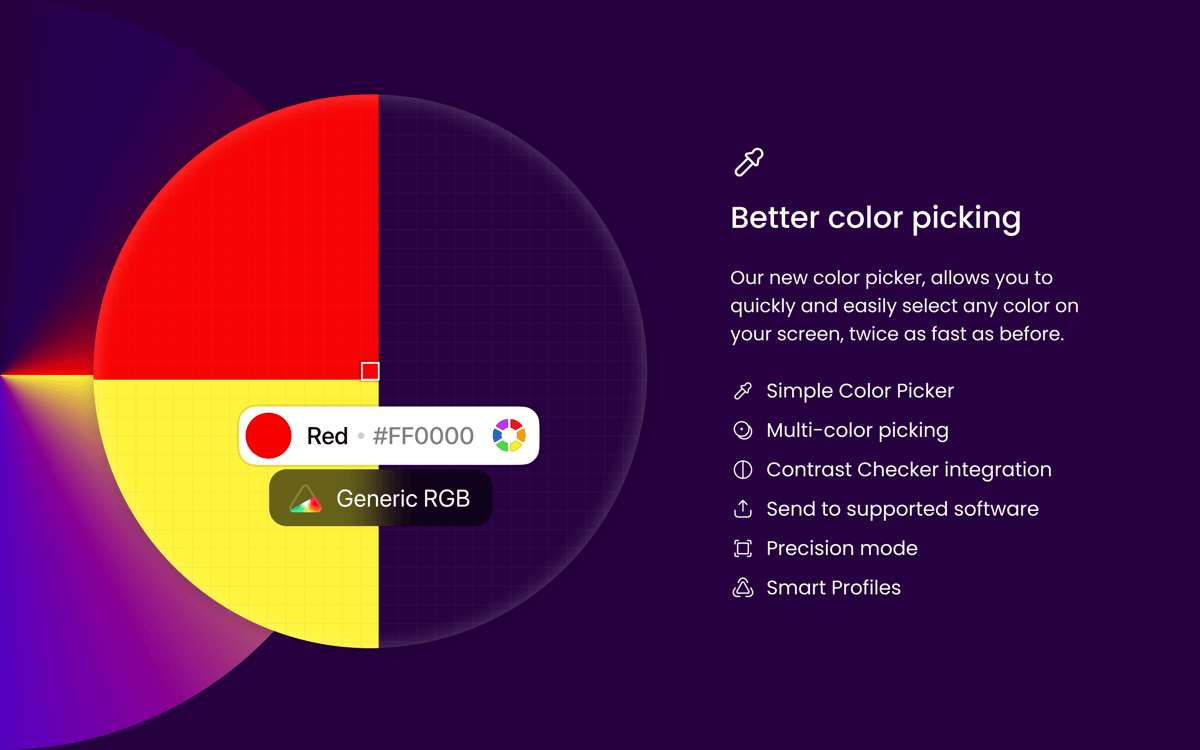
Finding that perfect color made easy with Sip. Use this robust color detector to determine, isolate and identify specific colors. Get the exact color you need and use smart formats aligned with your software. Interact with your colors directly from the touch bar. This color picker makes a wonderful solution for those who interact with different colors on a regular basis. Discovering beautiful colors and managing them is easy and fun with Sip.
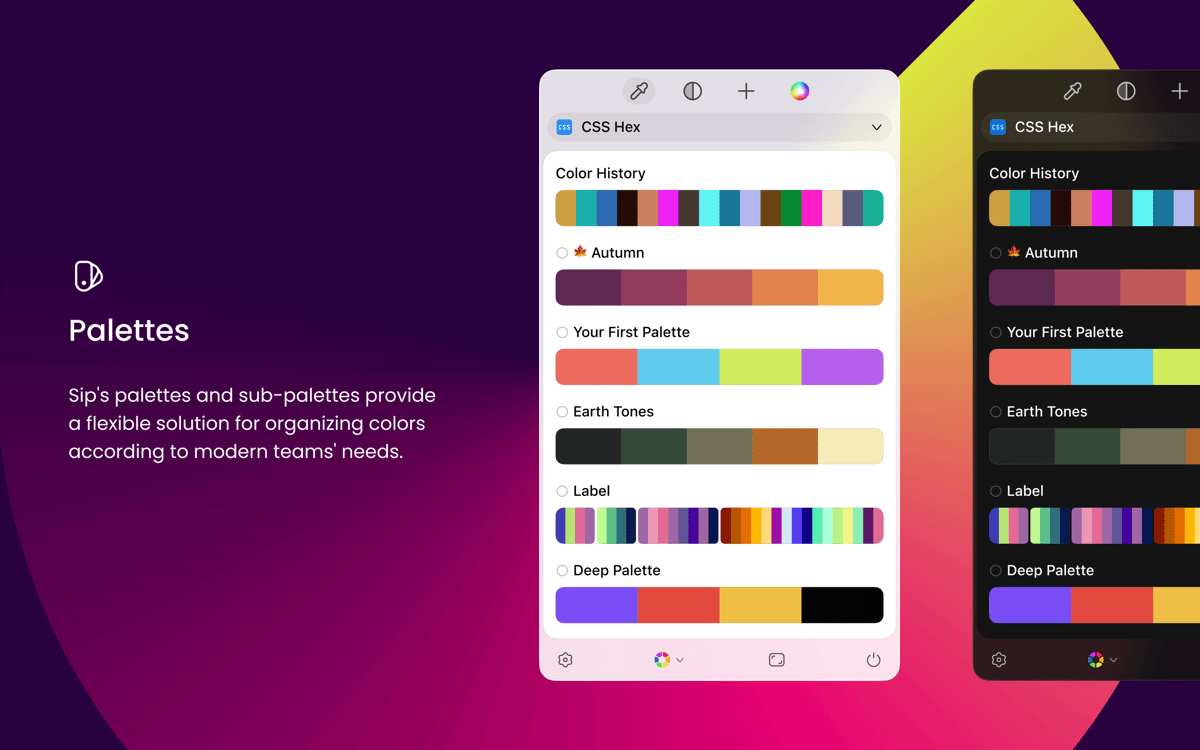
Get your colors organized by palettes
Detect new colors and put them into palettes
Unify your color formats for convenience
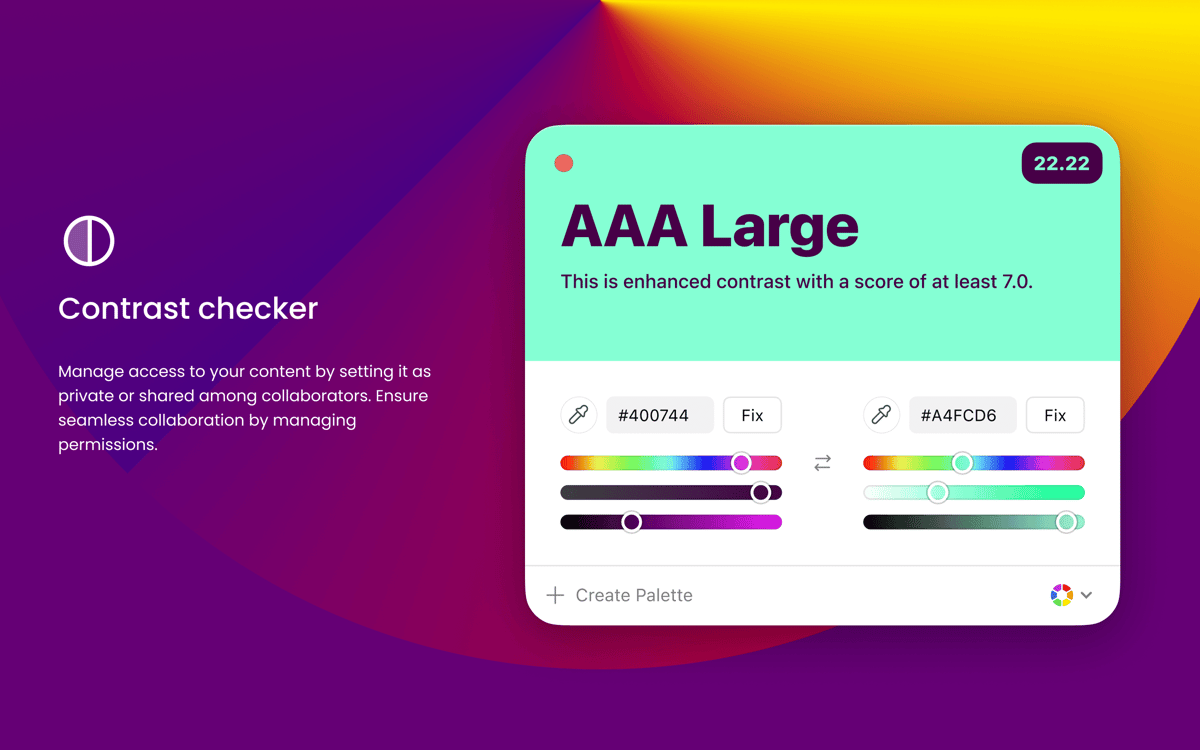
Check contrast between text and background
Sip features
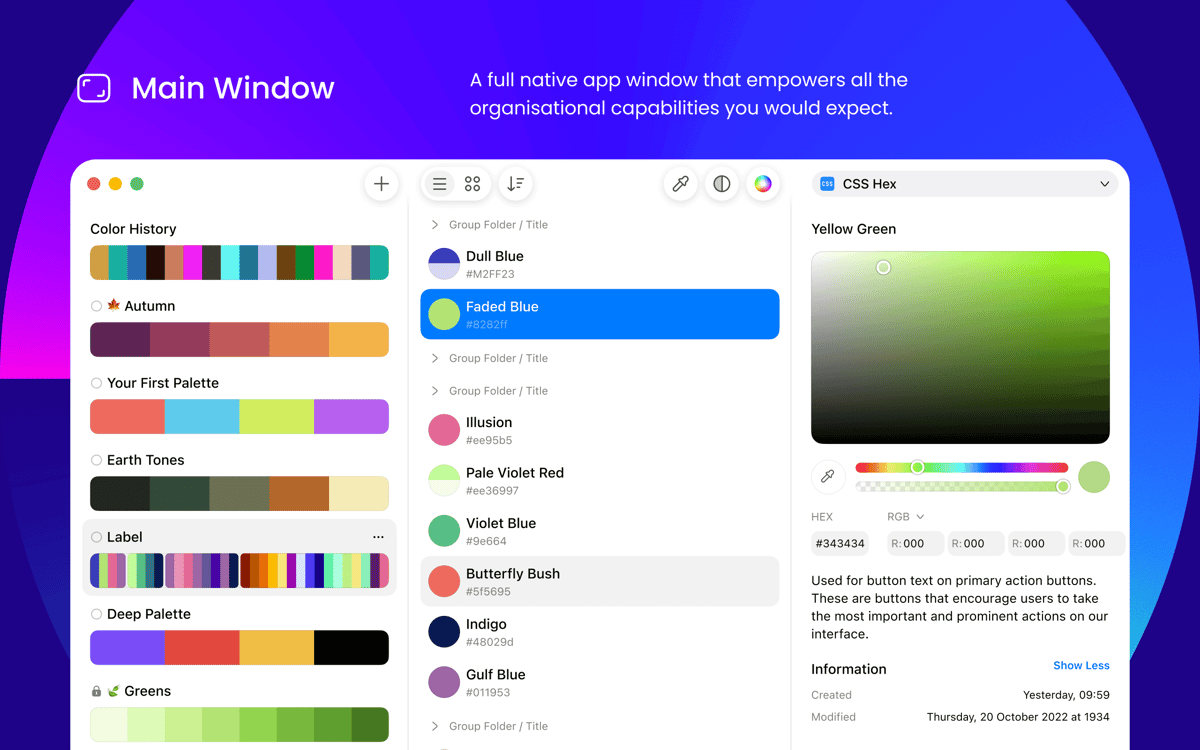
Сlever palettes management
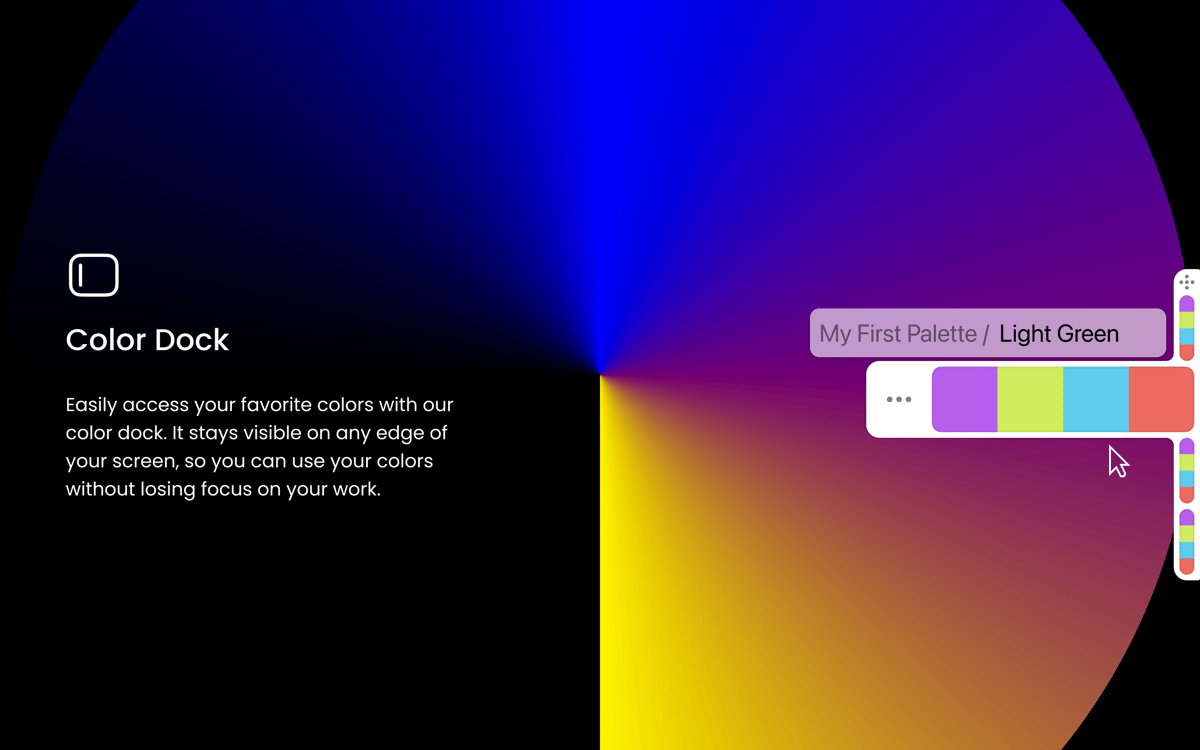
Try this revolutionizing way to create, manage and share colors. Use multiple colors that are neatly organized by palettes in the main view. You can duplicate a palette by dragging it and edit instantly. There are many ways to share palettes, in particular via email. Attach Color dock to any screen and screen side you want to make palettes even more handy.
Effortless multiple colors picking
Use an action icon in the picker for an easy access to creating a palette or choosing multiple colors. To duplicate a color to another palette, press Option while dragging it. Once you have your perfect palette, move a color dock to any area of your screen for convenience.
Smooth and snap snapshots creation
Use snapshots to remember the colors you need when such a necessity occurs. Choose when you want this fancy color grabber to create a snapshot for you. Create a snapshot any time you need. Needless to add, it’s easy and fast to go back to any snapshot. One click and you are done.
Smart formats + custom and new
Any color formats are at your fingertips with Sip. What’s more, the app automatically detects and aligns color formats with the software you use. Customize the already given color formats with ease and effortlessly create the new ones. With a default color format as a base, create any new color format, edit it to your preferences, and share.
Shortcuts easy added to any software
Hit Cmd as you pick a color from Sip and it will be added to the working app. With a basic Universal Shortcut, you can add the color to Fill and Border. Send colors from any software with a handy shortcut. It brilliantly runs with the major design, graphical and code edit apps, in particular, Photoshop, Sketch, Illustrator, Xcode, and etc!
Check and fix contrast
Ensure your text and background colors are always in a perfect sync. With Sip’s contrast checker, you achieve the best color combinations. Pick Check Contrast in the top menu bar, let the app scan the combination, and see the result. You can use the fix button to change contrast automatically or improve it by adjusting brightness, hue, and saturation.
Ratings and reviews
Sip
•
1636 ratings
Daniel Masters
Aug 15, 2026
App version: 5.0.2
Extremely useful – an app I consistently return to and rely upon
Saaelon
Jul 24, 2026
App version: 5.0.1
Im liking it very much.
KP
Jul 9, 2026
App version: 4.1.4
This app's been working great for me, considering it's all part of the subscription. I would like the ability to import palettes. Also, not sure I love that the names are generated for each of the colors. I came across a light pink that was labeled "Underage Pink" and felt pretty uncomfortable with that.
Get hundreds of apps with Membership
Become Setapp member and use hundreds of stellar apps with one subscription.
Try 7 days free, then pay one simple fee.
Install Setapp on Mac
Explore apps for Mac, iOS, and web. Find easy ways to solve daily tasks.

Get the app you came for
That one shiny app is waiting inside Setapp. Install with a click.

Sip
Choose your subscription
One app or more with a Setapp membership. Get apps the way you want.

Get hundreds of apps with Membership
Become Setapp member and use hundreds of stellar apps with one subscription.
Try 7 days free, then pay one simple fee.
1
Install Setapp on Mac
Explore apps for Mac, iOS, and web. Find easy ways to solve daily tasks.
2
Get the app you came for
That one shiny app is waiting inside Setapp. Install with a click.
Sip
3
Choose your subscription
One app or more with a Setapp membership. Get apps the way you want.
Home to the top apps
From planning and routine tasks to creative pursuits and coding, tackle tasks with apps on Setapp.


Sip
Pick colors for your designs