
Spotless
Auto-hide files and clean up
Mac
Version 1.2
macOS 10.12 or later
94 MB
6 languages
Spotless is a powerful auto-tidy app that sorts your files so you can clear your desktop and clear your mind. Show Spotless once how you want your files and folders to be organized, and it will never forget. Be as obsessive as you like with its simple task manager that allows you to create completely customizable rules. Never lose a file again or waste time searching because Spotless works automatically — helping you put everything in place.
Declutter your desktop in seconds
Pair with CleanMyMac X for great results
Automatically put files into right folders
Schedule regular cleanups and backups
Spotless features
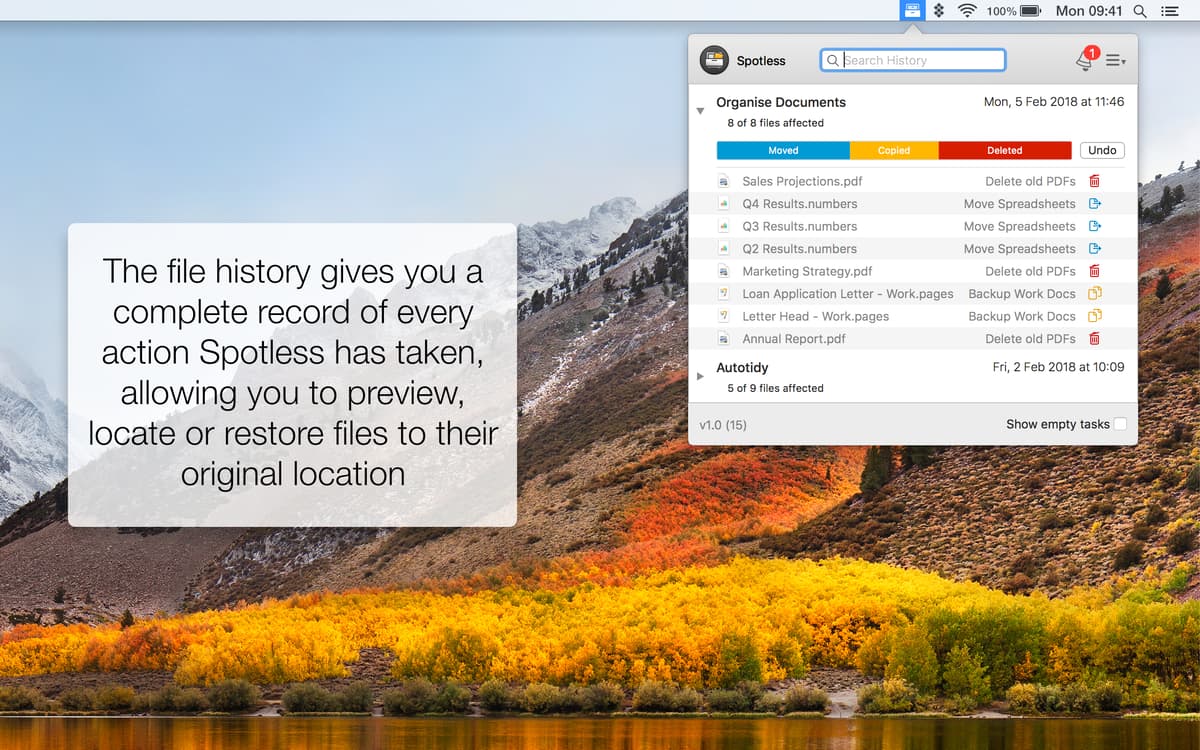
Locate or restore any file
Spotless saves you from hair-brained searching for files and folders. When you drop a file into the app, its automatic sorting will find the correct shelf in your computer library. Then, when you need to find it, you can use Finder to reveal its location. If you want to move the file again or even put it back, that’s easy too.
Create customizable rules
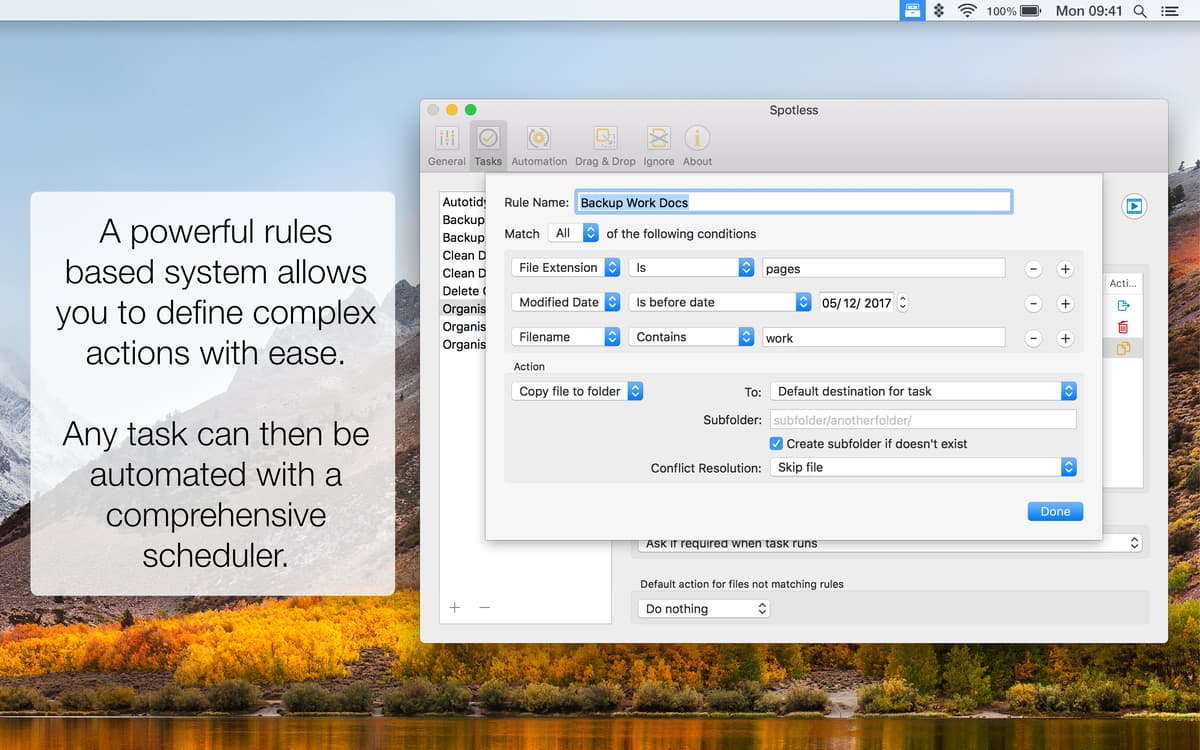
The simple setup window helps you create rules that make sense to you. Choose from a list of actions, set the specifics, and then let Spotless do the rest. Copy? Send? Move? The possibilities are endless and the tasks are unlimited. You can even create actions with multiple steps by grouping rules together to keep all the files and folders organized.
Drag and drop files
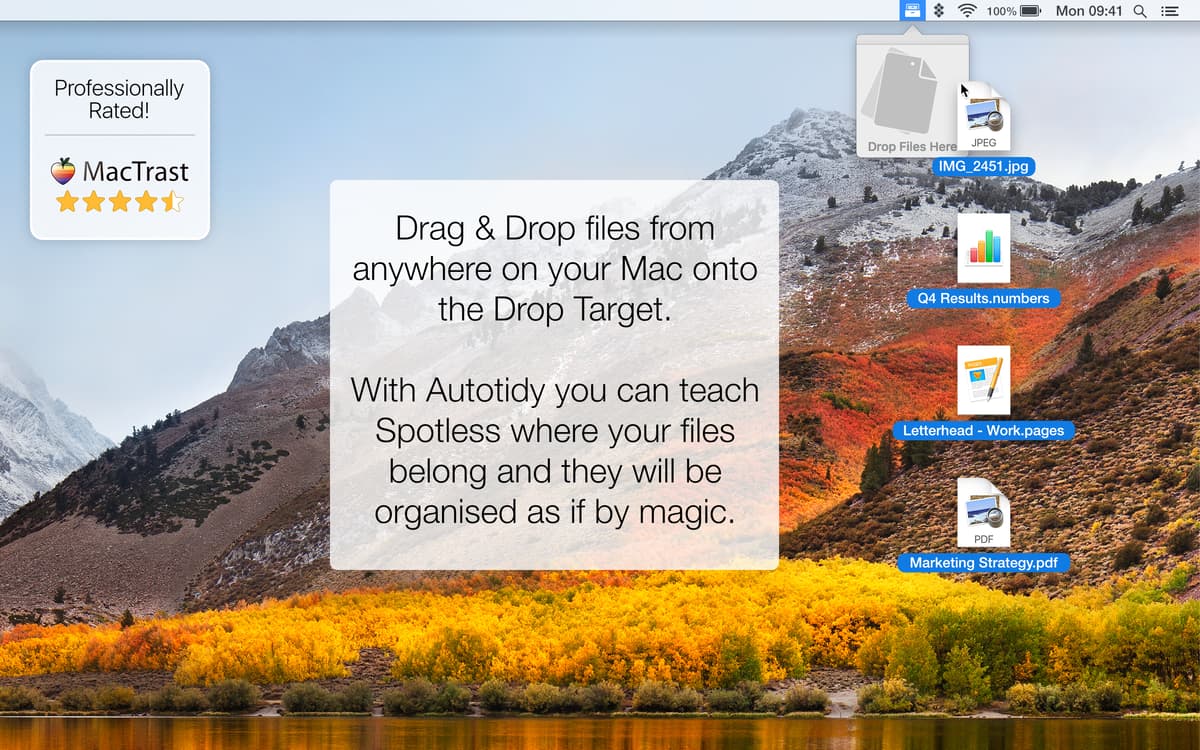
The Spotless drag-and-drop feature is the simplest way to get your bits and bobs in order. Just add the native extension to your desktop so you always have the app on hand. No matter the file type, size, or how buried it is in your drives, drag a file to the Drop Target icon in your menu bar and let Spotless get to work.
Schedule a cleanup
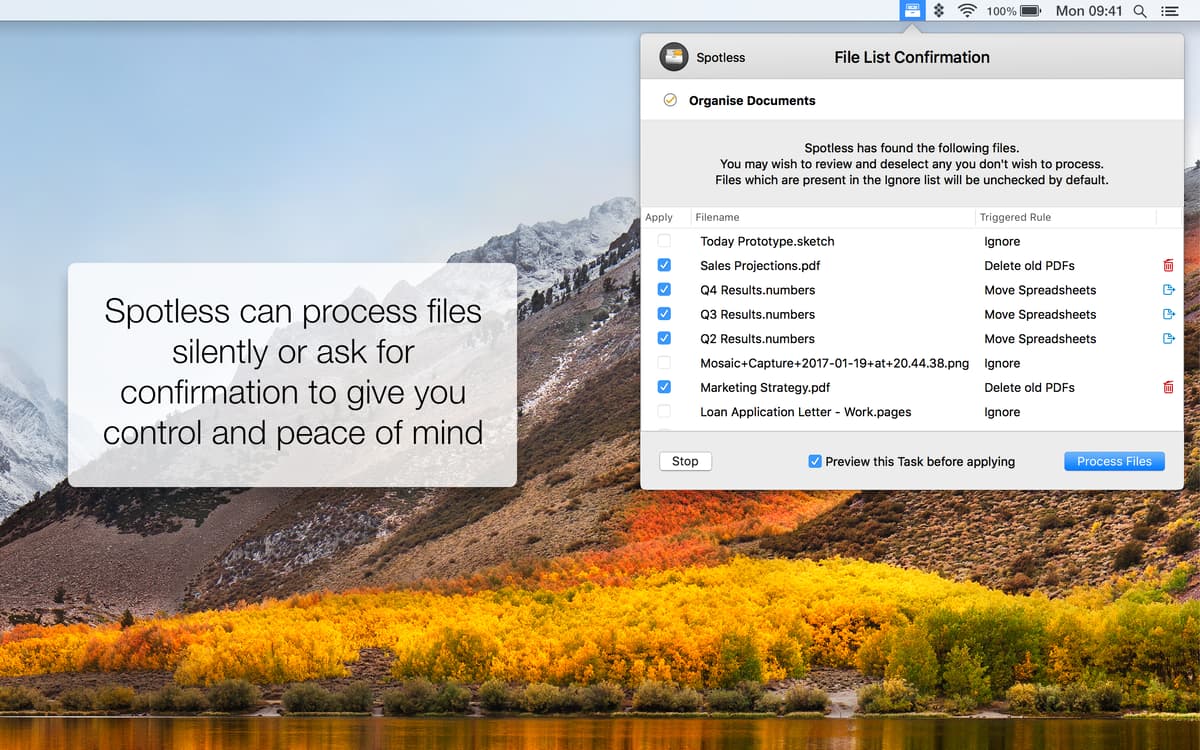
Discover the life-changing magic of scheduled tidying. Tuesdays at 2 am or Sundays at 8 pm? You decide. Set up organizer app to run in the background so you can get on with your day. Prefer to be notified? You can ask Spotless to alert you when it's about to run a process and choose to preview the task before applying.
Back up automatically
Create an archive a librarian would be proud of. When you copy files, you can choose to organize them into folders based on type, date, or size. Spotless will save you memory and space by not duplicating full backups or individual items. Make sure you schedule a regular backup to an external drive so you never forget to save your files again.
Manage conflict resolutions
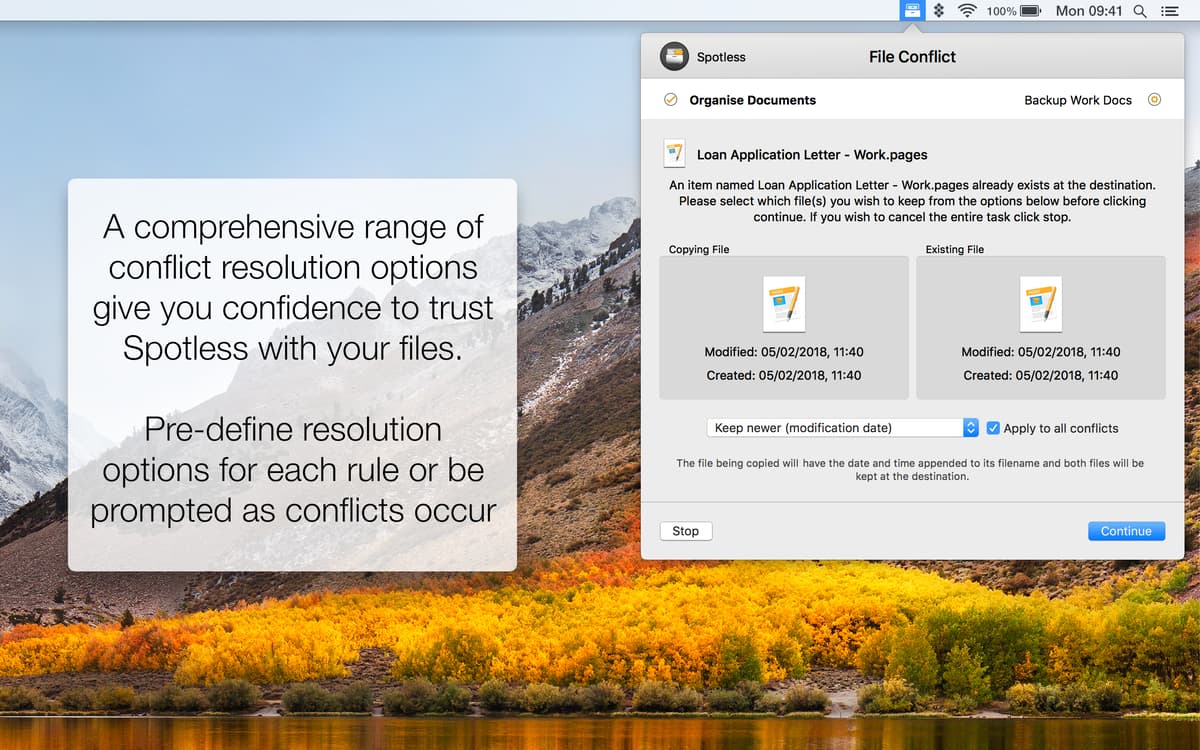
Take charge of conflict resolutions in your folders and your drives. Default actions allow you to decide what to do with files that aren’t handled by the rules. There’s a preview option so you can review the changes before they are applied. The process manager gives you control of what goes where and that means nothing is unintentionally deleted.
Ratings and reviews
Spotless
•
84 ratings
john manjiro
Nov 20, 2025
App version: 1.2
Wasted 20 minutes of my life trying to get this to work on Sequoia. Eventually got the drag and drop icon to appear from the menu bar. Dragged a file into it, but all I got was an endless animated icon. Instructions are minimal and unintuitive. Don’t waste your time.
Jillian Weiss
May 25, 2025
App version: 1.1.2
It doesn't seem to open. I've clicked, double clicked, triple clicked, on the menu bar and in the doc and nothing much seems to happen. I have Sequoia 15.5, is it incompatible?
Mike Rudge
Feb 28, 2025
App version: 1.1.2
Never shows any UI
Get hundreds of apps with Membership
Become Setapp member and use hundreds of stellar apps with one subscription.
Try 7 days free, then pay one simple fee.
Install Setapp on Mac
Explore apps for Mac, iOS, and web. Find easy ways to solve daily tasks.

Get the app you came for
That one shiny app is waiting inside Setapp. Install with a click.

Spotless
Choose your subscription
One app or more with a Setapp membership. Get apps the way you want.

Get hundreds of apps with Membership
Become Setapp member and use hundreds of stellar apps with one subscription.
Try 7 days free, then pay one simple fee.
1
Install Setapp on Mac
Explore apps for Mac, iOS, and web. Find easy ways to solve daily tasks.
2
Get the app you came for
That one shiny app is waiting inside Setapp. Install with a click.
Spotless
3
Choose your subscription
One app or more with a Setapp membership. Get apps the way you want.
Home to the top apps
From planning and routine tasks to creative pursuits and coding, tackle tasks with apps on Setapp.


Spotless
Auto-hide files and clean up