
Swift Publisher
Self-publish books or booklets
Mac
Version 5.7.6
macOS 10.12 or later
754.3 MB
6 languages
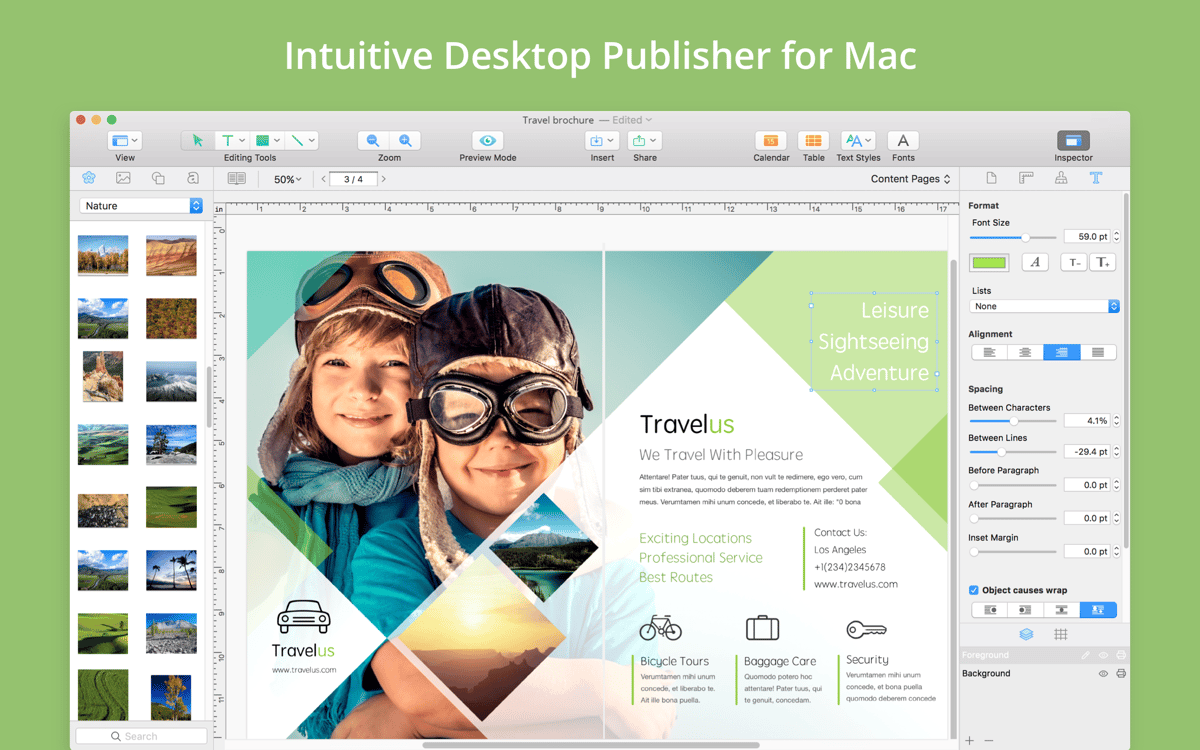
Swift Publisher is a desktop publisher for Mac that’s easy enough for beginners to use but delivers professional-looking results. Whether you’re putting together holiday cards, self-publishing a book or magazine, or creating custom brochures, this app can help. With an intuitive interface, a great library of themes and clipart, and a robust set of design tools, you’ll have everything you need to lay out your work exactly as you’d like it. Plus, it makes publishing online or in print a snap. There’s no need to master a whole creative suite: with Swift Publisher, it’s so easy it almost feels like cheating.
Self-publish a book, magazine, etc.
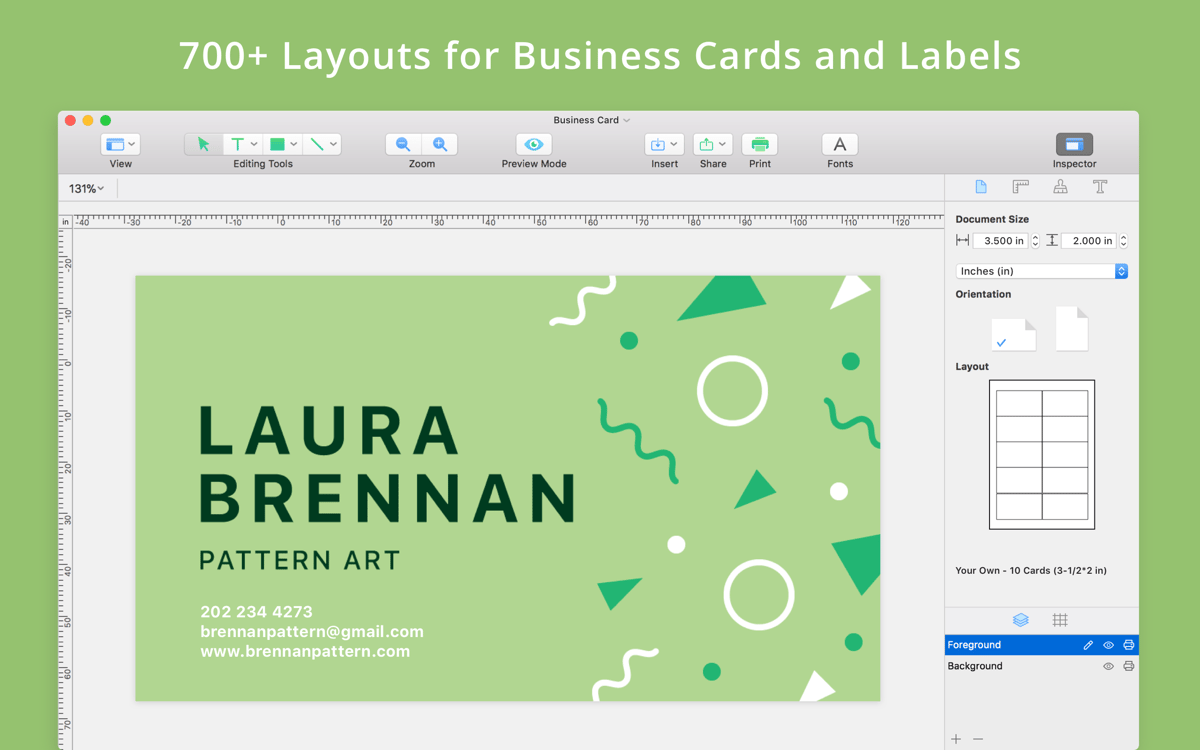
Create business cards with QR codes
Put together a marketing brochure
Design holiday cards for loved ones
Swift Publisher features
Smart Layouts
In a simple, uncluttered interface, you get everything you need to make an attractive layout. You can lay out single pages, spreads, and even master pages to be used again in the future. The program handles finicky stuff like page order, so you don’t have to worry about it, while supporting you with grids and smart guides.
Handling text
There’s nothing worse than a beautiful piece of writing ruined or stilted by a formatting error. Swift Publisher supports all kinds of text arrangements, from multiple-column spreads to image captions. It’s easy to make text flow across page breaks and wrap around images and other inserts.
Design tools
The graphic effects you can produce may surprise you. The app lets you apply gradients, draw freehand shapes, and control the transparency of the different elements of your layout, to name just a few. Plus, if you’re publishing photos or artwork, you can use its inbuilt image editor to ensure that everything you include looks its best.
Graphic library
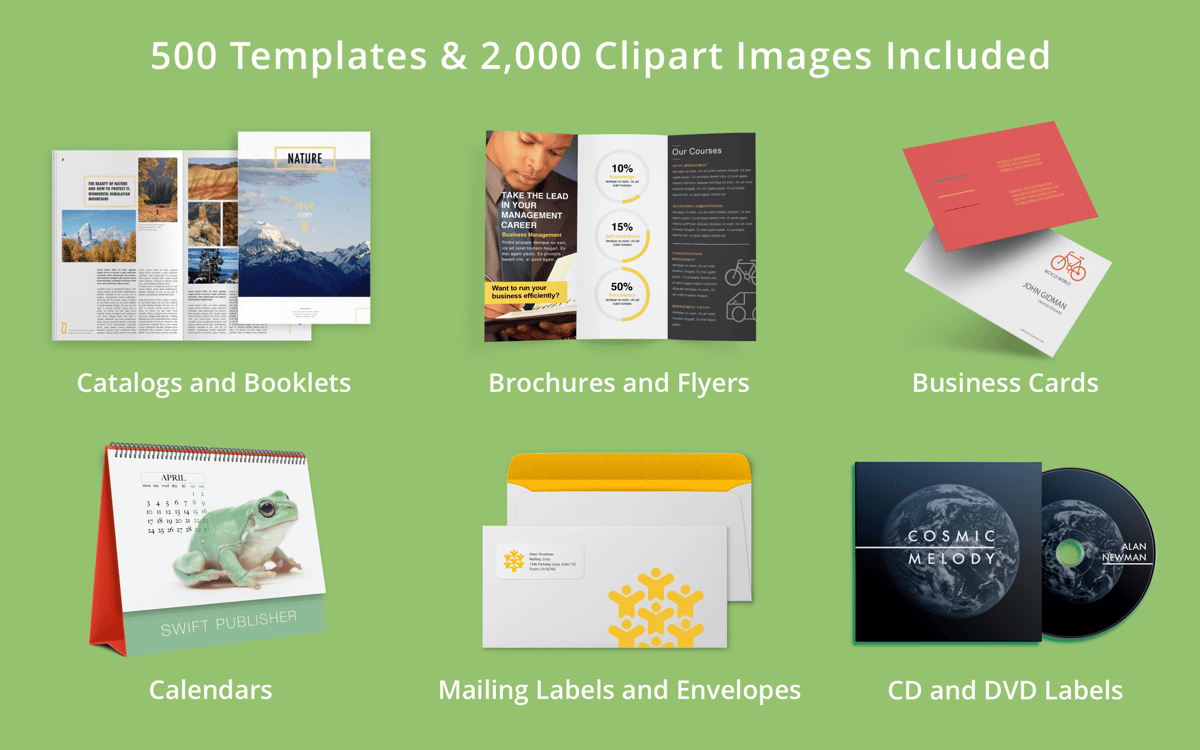
Need a little visual flair? Look no further than Swift Publisher’s extensive graphic library. With over 2,000 pieces of clip art and 100 image masks, you’re bound to find something that fits. In addition, the app supports more than 300 pre-designed templates, which you can tweak as needed until they produce exactly the effect you’re going for.
Pro-level printing and sharing
The app’s advantages don’t stop on the layout page. No publishing app would be complete without making the publication process easier. Swift Publisher does it right by supporting exports to a variety of digital formats, letting you set up bleeds for professional printing, and making social sharing as easy as a couple of clicks. You can even convert text to curves so that missing fonts don’t stop your readers from enjoying your work.
Ratings and reviews
Swift Publisher
•
186 ratings
Glenn Joseph
Sep 25, 2026
App version: 5.7.6
A very intuitive interface, easy to learn and use with exceptional features.
Response from Developer
Sep 25, 2026
Glad you like it! We appreciate your feedback.
David Bylund
Dec 2, 2025
App version: 5.7.4
So far so good. Pleased!
Response from Developer
Dec 2, 2025
Thanks for sharing your feedback! We are happy to hear you like the app.
Babajide Ajayi
Sep 5, 2025
App version: 5.7.2
Nice
Response from Developer
Sep 5, 2025
Glad you like it! We appreciate your feedback.
Get hundreds of apps with Membership
Become Setapp member and use hundreds of stellar apps with one subscription.
Try 7 days free, then pay one simple fee.
Install Setapp on Mac
Explore apps for Mac, iOS, and web. Find easy ways to solve daily tasks.

Get the app you came for
That one shiny app is waiting inside Setapp. Install with a click.

Swift Publisher
Choose your subscription
One app or more with a Setapp membership. Get apps the way you want.

Get hundreds of apps with Membership
Become Setapp member and use hundreds of stellar apps with one subscription.
Try 7 days free, then pay one simple fee.
1
Install Setapp on Mac
Explore apps for Mac, iOS, and web. Find easy ways to solve daily tasks.
2
Get the app you came for
That one shiny app is waiting inside Setapp. Install with a click.
Swift Publisher
3
Choose your subscription
One app or more with a Setapp membership. Get apps the way you want.
Home to the top apps
From planning and routine tasks to creative pursuits and coding, tackle tasks with apps on Setapp.


Swift Publisher
Self-publish books or booklets