
Swift Publisher
Publique livros ou folhetos
Mac
Versão 5.7.6
macOS 10.12 ou posterior
754.3 MB
6 idiomas
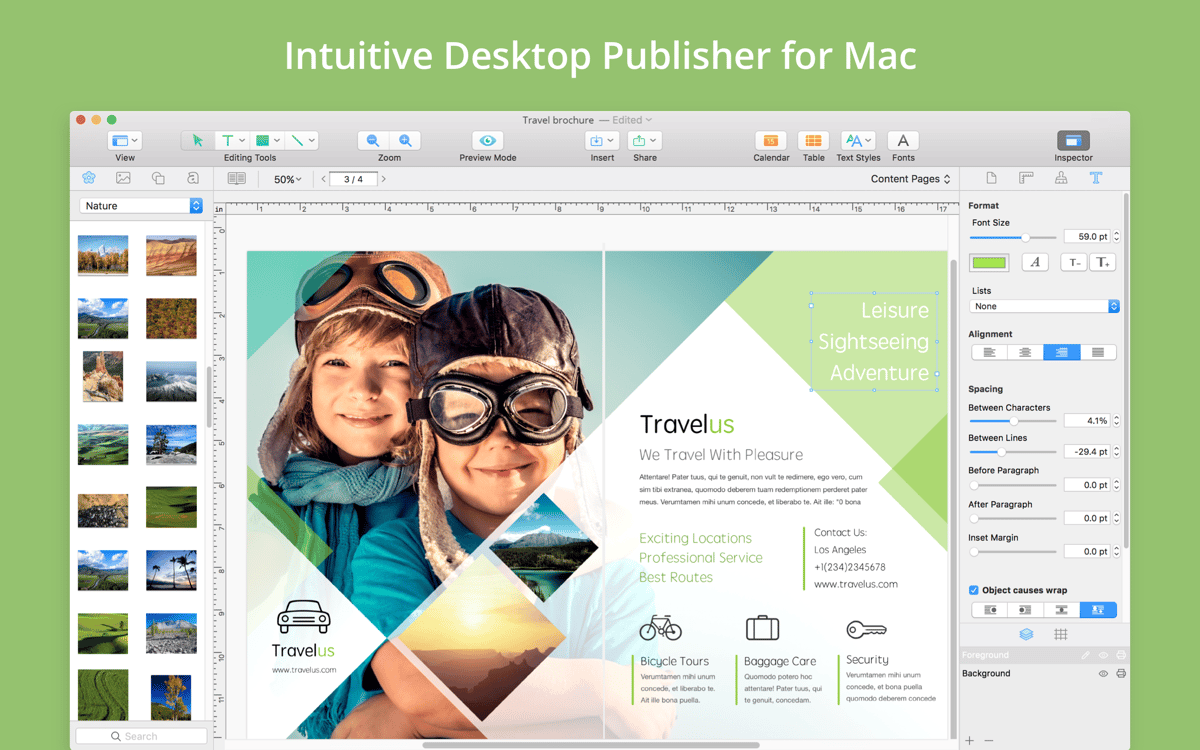
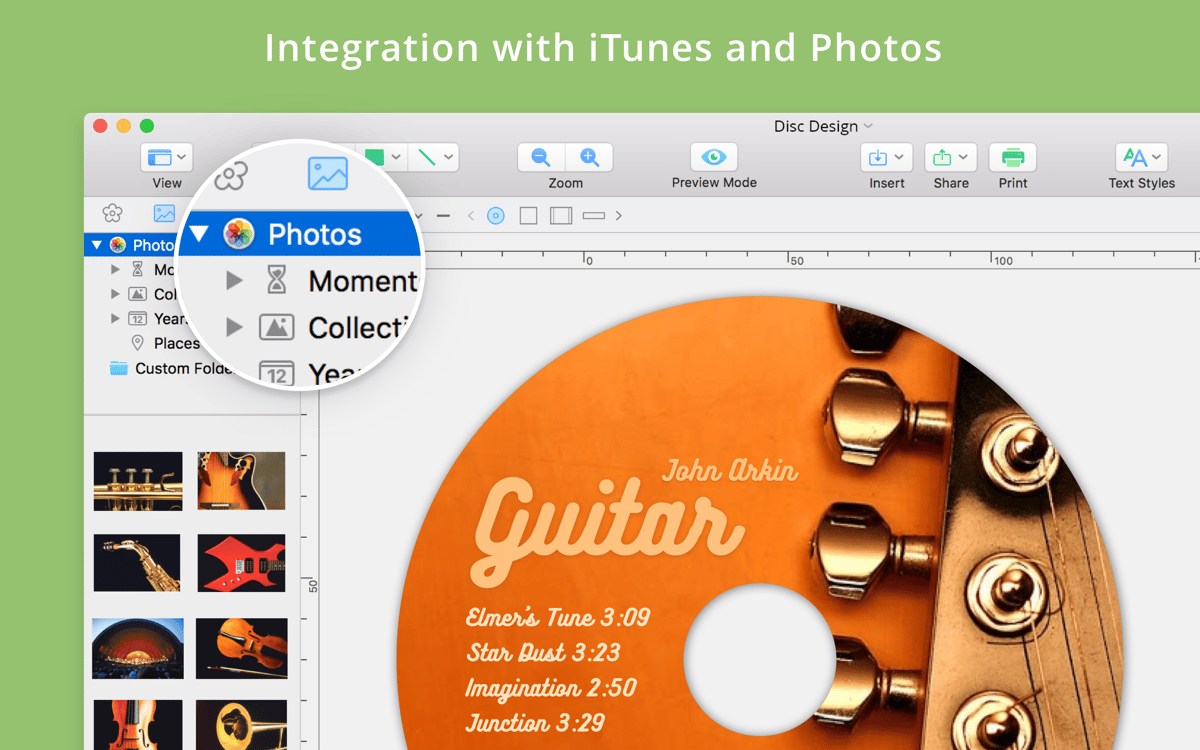
O Swift Publisher é um app de editoração eletrônica para Mac — fácil o suficiente para iniciantes, mas com resultados realmente profissionais. Seja para montar cartões de festas, publicar um livro ou revista, ou criar um panfleto totalmente personalizado, ele é uma excelente opção. Com uma interface intuitiva, uma grande biblioteca de temas e clip arts, e um conjunto completo de ferramentas de design, você tem tudo o que precisa para deixar o seu projeto exatamente como você quer. Além disso, ele acelera a editoração on‑line e a impressão de projetos. Tudo sem que seja preciso se tornar PhD em “suítes criativas”: o Swift Publisher é bem mais fácil e rápido.
Publique por conta própria um livro, revista, etc.
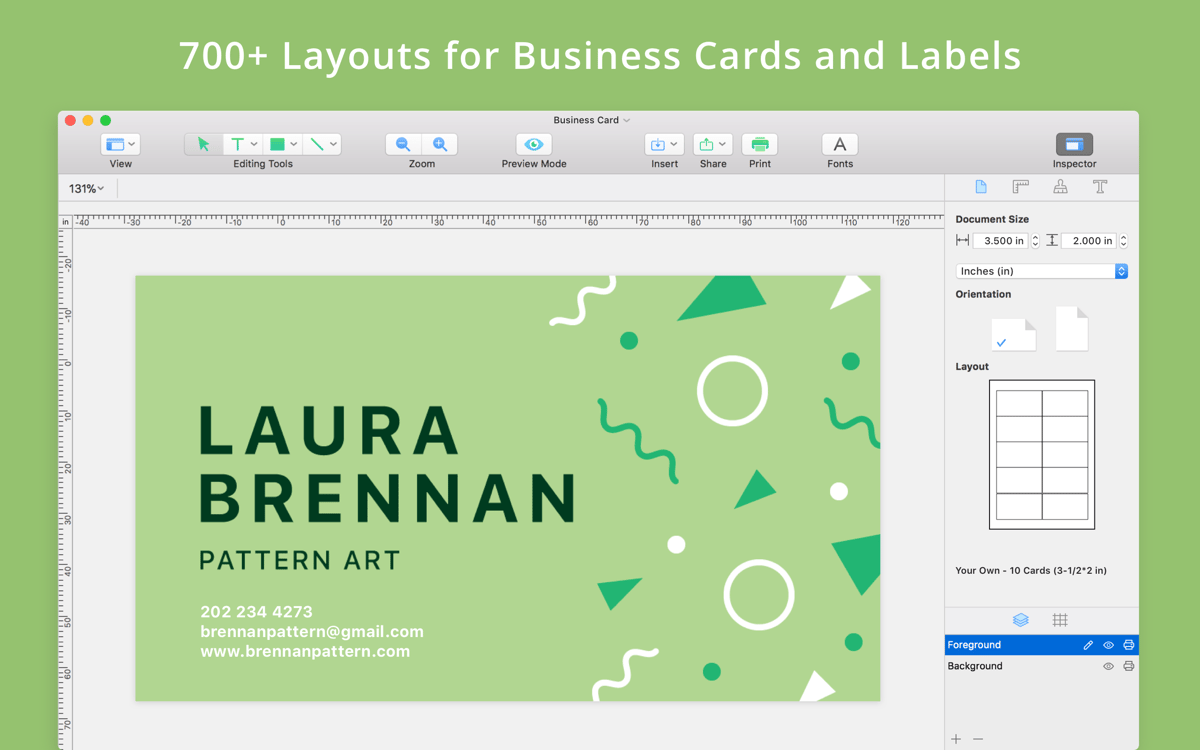
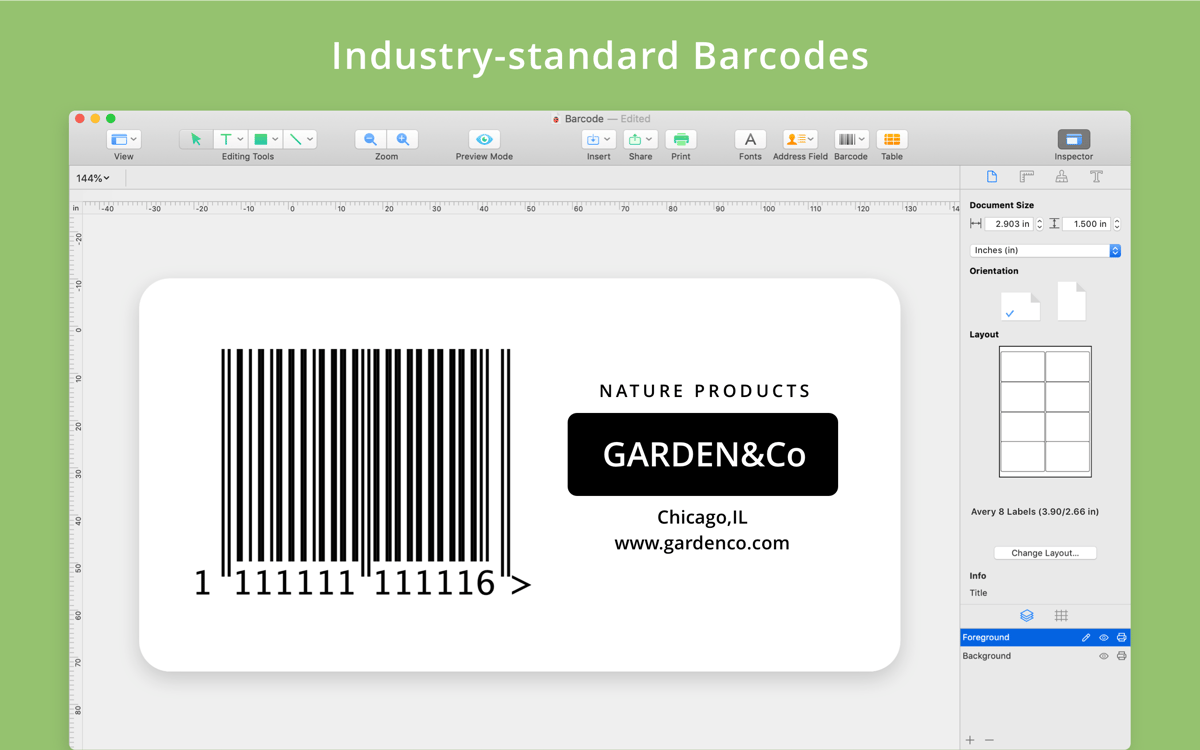
Crie cartões de visita com códigos QR
Monte um folheto de marketing
Crie cartões de festas para a família
Recursos do Swift Publisher
Layout inteligente
Em uma interface simples e descomplicada, você tem tudo o que precisa para criar um layout atraente. Crie páginas simples, duplas e até mestres para usar novamente no futuro. O Swift Publisher lida com detalhes tediosos, como ordem de páginas, para que você se concentre nas grades com guias inteligentes e capriche no layout.
Manipulação de texto
Não há nada pior do que um texto magnífico maltratado por erros de formatação. O Swift Publisher oferece suporte a todos os tipos de organização de texto, desde folhas duplas com várias colunas a legendas de imagens. É fácil fazer com que o texto flua pelas quebras de página e se ajuste ao redor de imagens e outras inserções.
Ferramentas de design
Os efeitos gráficos que você pode produzir são surpreendentes. O Swift Publisher permite que você aplique gradientes, desenhe formas livres e controle a transparência de vários elementos do layout, dentre outras coisas. Além disso, se estiver lidando com fotos ou trabalhos de arte, você pode usar o editor de imagens integrado para garantir o melhor resultado possível.
Biblioteca gráfica
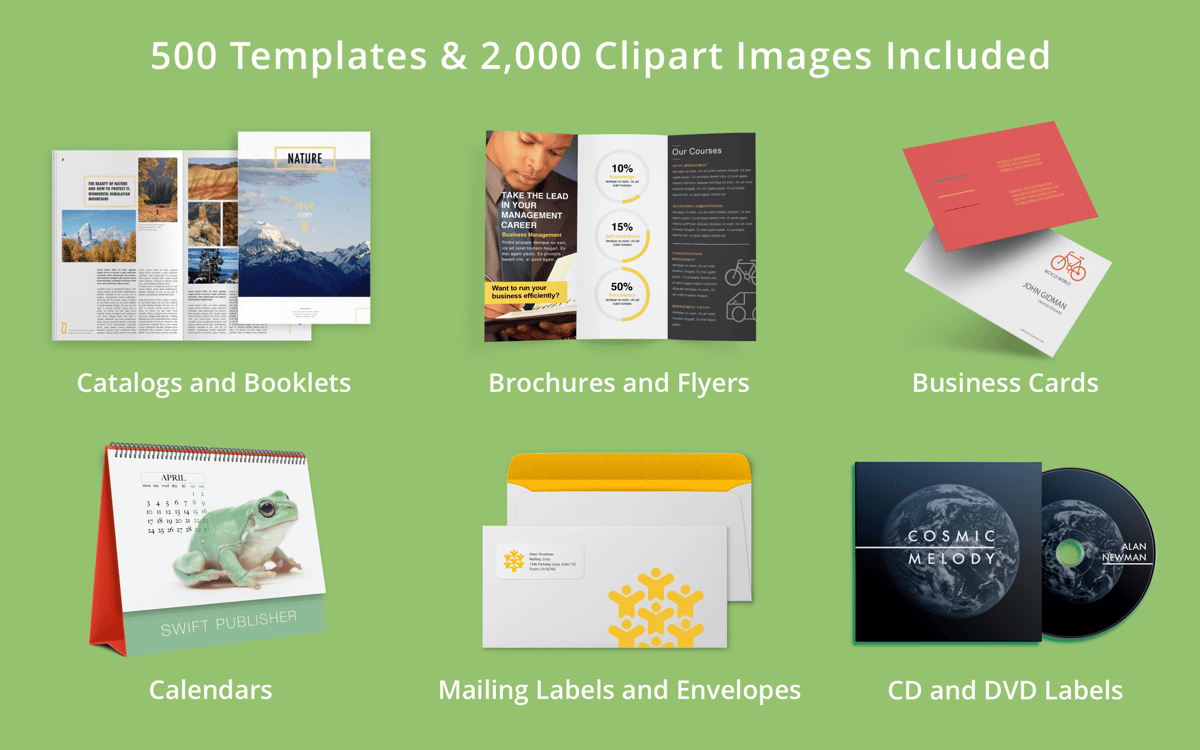
Precisa caprichar no visual? A biblioteca gráfica do Swift Publisher tem de tudo. Com mais de 2.000 clip arts e 100 máscaras de imagem, é certo encontrar aquilo que você precisa. E com mais de 300 modelos prontos que podem ser ajustados livremente, não há como não obter o efeito exato que você procura.
Impressão e compartilhamento profissionais
As vantagens do Swift Publisher não se limitam ao layout de páginas. Nenhum app de editoração estaria completo sem que facilitasse o processo de editoração. O Swift Publisher faz isso da maneira certa, oferecendo exportação em diversos formatos digitais, permitindo que você configure sangrias para impressão profissional e tornando o compartilhamento social em uma ação de dois cliques. Você pode até converter o texto em curvas para que qualquer fonte ausente não impeça que leitores curtam o seu trabalho.
Classificações e avaliações
Swift Publisher
•
186 classificações
Glenn Joseph
25 de set. de 2026
Versão do app: 5.7.6
A very intuitive interface, easy to learn and use with exceptional features.
Resposta do Desenvolvedor
25 de set. de 2026
Glad you like it! We appreciate your feedback.
David Bylund
2 de dez. de 2025
Versão do app: 5.7.4
So far so good. Pleased!
Resposta do Desenvolvedor
2 de dez. de 2025
Thanks for sharing your feedback! We are happy to hear you like the app.
Babajide Ajayi
5 de set. de 2025
Versão do app: 5.7.2
Nice
Resposta do Desenvolvedor
5 de set. de 2025
Glad you like it! We appreciate your feedback.
Obtenha centenas de apps com o Membership
Obtenha um membership do Setapp e use centenas de apps estelares numa única assinatura.
Experimente grátis por 7 dias. Depois, pague um valor único.
Instale o Setapp no Mac
Explore apps para Mac, iOS e web. Encontre formas fáceis de lidar com as tarefas do dia a dia.

Obtenha o app que chamou sua atenção
Aquele app especial está esperando você no Setapp. Instale‑o com um clique.

Swift Publisher
Escolha uma assinatura
Um ou mais apps com um membership do Setapp. Obtenha os apps que você quer.

Obtenha centenas de apps com o Membership
Obtenha um membership do Setapp e use centenas de apps estelares numa única assinatura.
Experimente grátis por 7 dias. Depois, pague um valor único.
1
Instale o Setapp no Mac
Explore apps para Mac, iOS e web. Encontre formas fáceis de lidar com as tarefas do dia a dia.
2
Obtenha o app que chamou sua atenção
Aquele app especial está esperando você no Setapp. Instale‑o com um clique.
Swift Publisher
3
Escolha uma assinatura
Um ou mais apps com um membership do Setapp. Obtenha os apps que você quer.
A casa dos melhores apps
Desde tarefas rotineiras e de planejamento a atividades criativas e de programação, encare suas tarefas com os apps do Setapp.

TypingMind
IU alternativa para conversar com IA
gere ou resuma textos
use uma biblioteca de ações
IA

Spark Mail
Gerencie e‑mails
IA

CleanMyMac
Limpe os detritos

Bartender
Personalize a barra de menus

CleanShot X
Capturas de tela versáteis

Luminar Neo
Edite suas fotos
IA

ClearVPN
Conecte‑se com mais segurança

Craft
Trabalhe com documentos
IA
Swift Publisher
Publique livros ou folhetos