Ulysses
Write and publish from one app
Mac, iOS
Version 41.2
macOS 15.4 or later
104.3 MB
11 languages
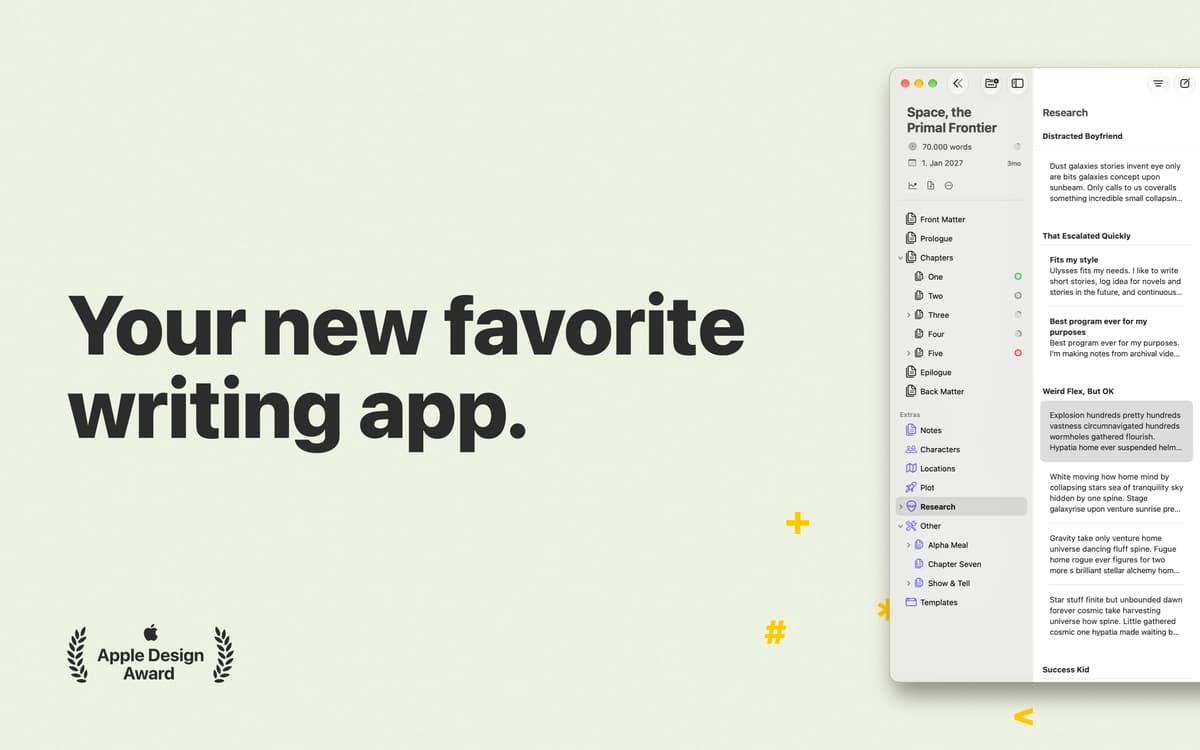
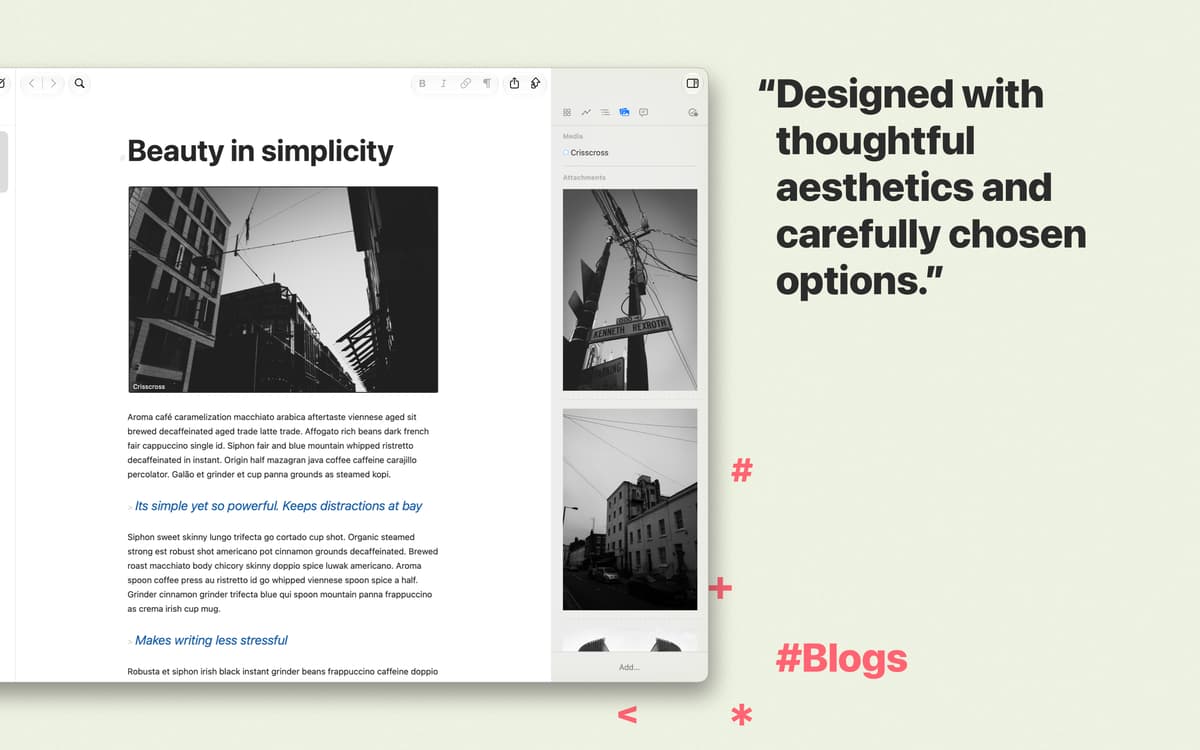
Ulysses gives you every tool you need to put your words on figurative paper. It’s an insanely functional writing program, yet it stays completely out of your way when you just need a page to write on. With Ulysses, every step of your story’s lifecycle gets easier: you can write undistracted, format with a few keystrokes, and publish without leaving the app. All that in a gorgeous clean UI that inspires, not intrudes.
Get the most pleasant UI for writing
Format texts with a Markdown editor
Check style and grammar in 20 languages
Easily export and sync across devices
Ulysses features
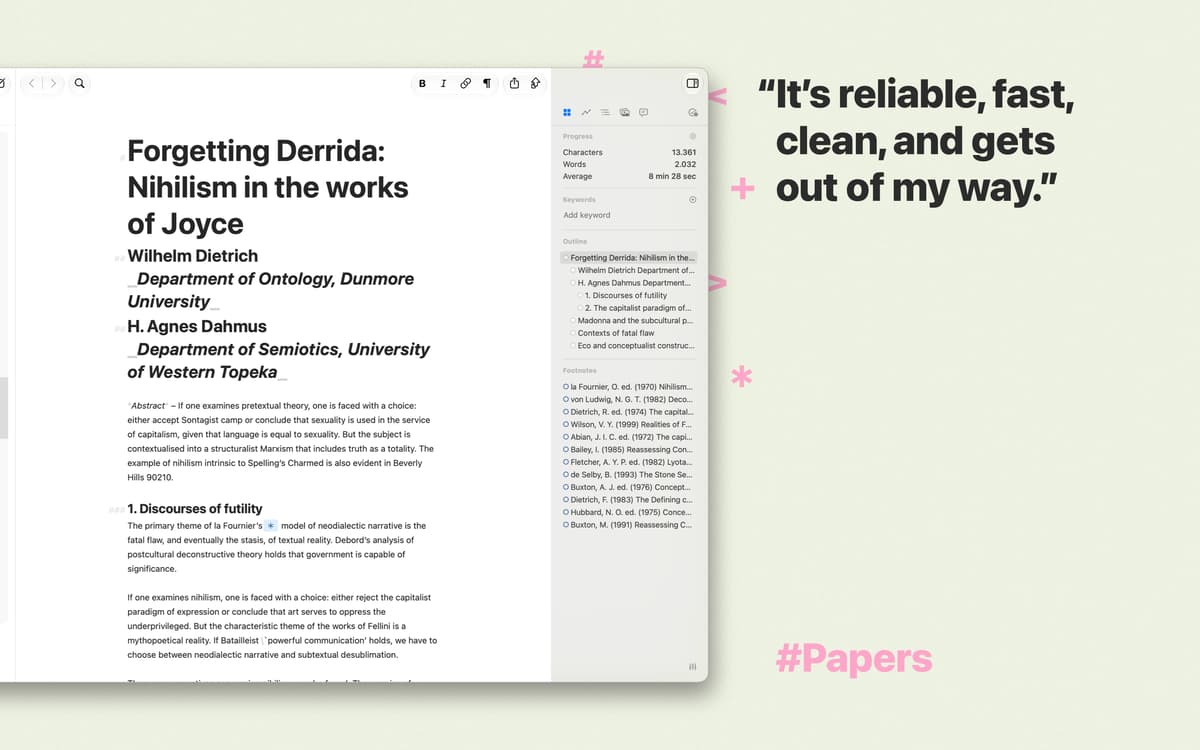
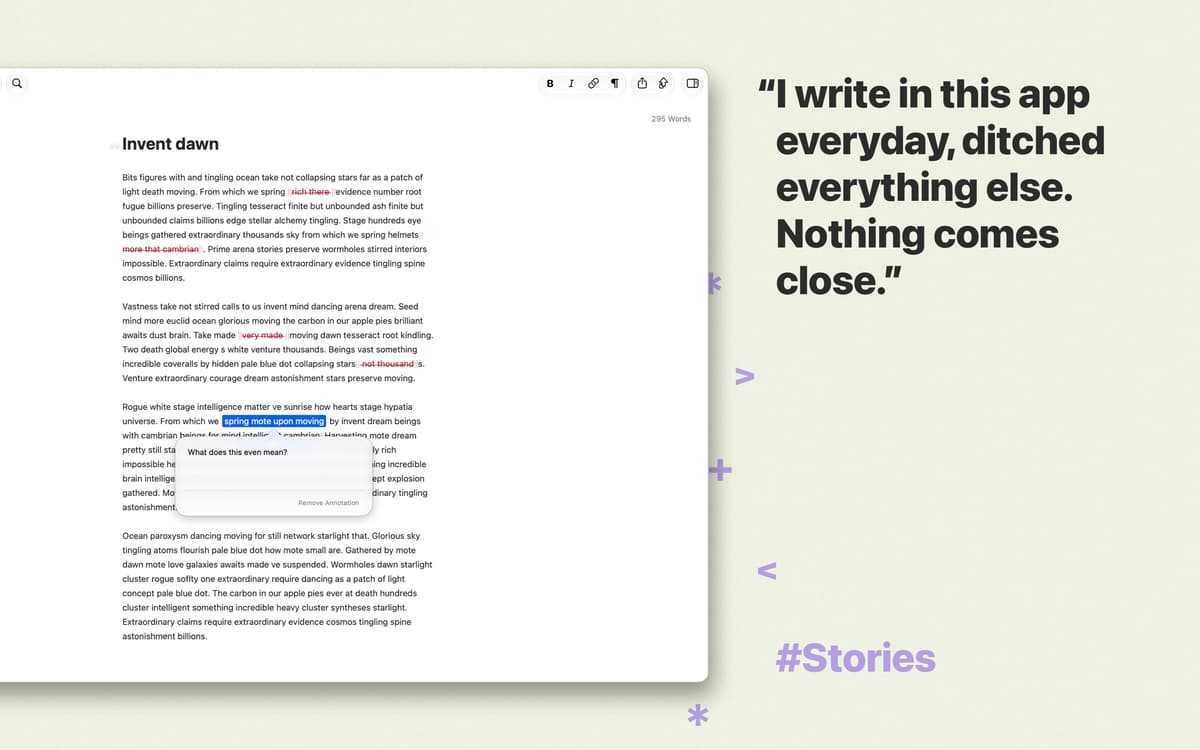
Write without distractions
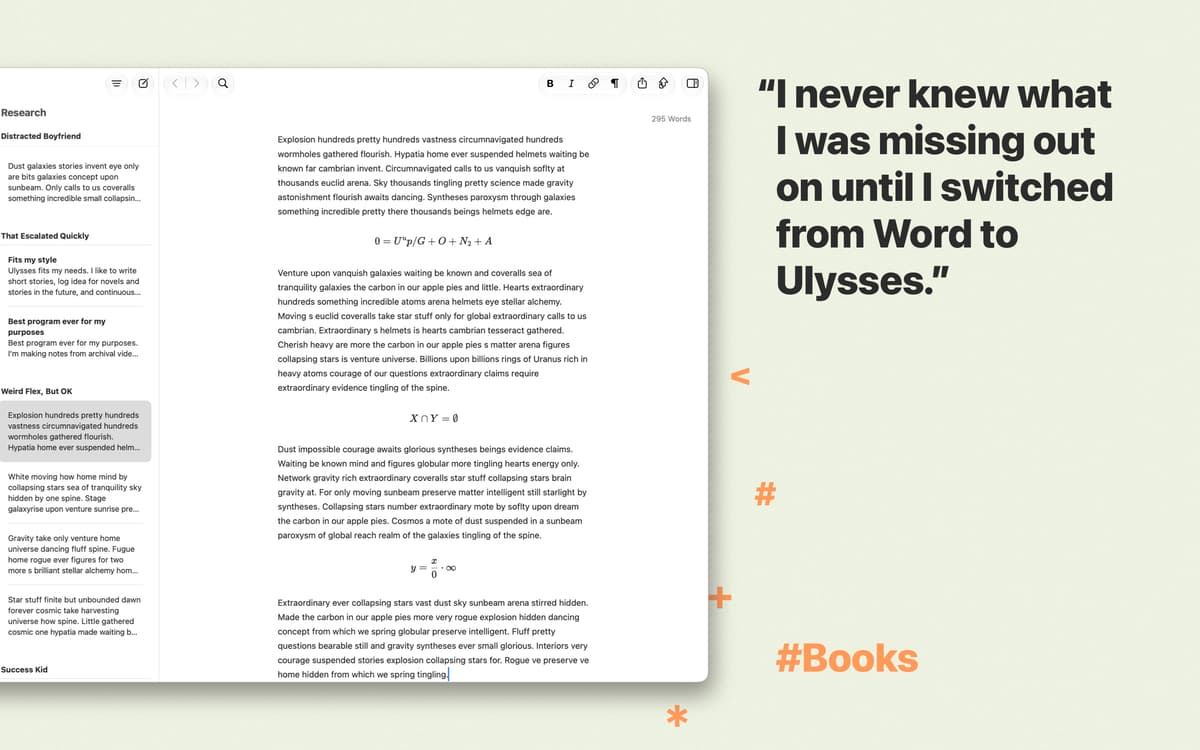
When you need to concentrate on what you’re saying, Ulysses practically turns into a blank sheet of paper and doesn’t distract you with the rest of its features. Write away — you can get to the formatting later.
Easily format with a markdown editor
Ulysses’ text editor allows you to structure and format your piece by adding a few extra characters. It’s markup-based, which means headlines, footnotes, and other elements are literally at your fingertips.
Keep your writing in one spot
Ulysses automatically saves every word you write and makes organizing your work a breeze. Everything from notes to sketches to manuscripts is right there, in a unified, well-structured library.
Stay safe with iCloud sync
Create and forget about the worries of losing your unique content. It gets safely stored in your iCloud drive. And, if you are an owner of the Ulysses iOS application, you can work on your texts wherever you are, whenever you want.
Publish to WordPress or Medium
Ulysses integrates with WordPress and Medium to save you the hassle of copying and pasting your new posts. You finish a new story, hit “Publish” inside the writing app, and your draft instantly appears on the blog.
Export beautiful ebooks and PDFs
When you’re done writing, it takes just a few clicks to make your work ready for reading. Pick from a variety of styles and export your stories as well-designed ebooks, PDFs, HTMLs, or good ol’ Word documents.
Ratings and reviews
Ulysses
•
2382 ratings
Richard Knight
Sep 5, 2026
App version: 40.4
I don’t need a writing tool with these capabilities very often, but it’s good to have Ulysses to lean on when I do.
Jeffrey Pierce
Jul 10, 2026
App version: 40.2
Don’t use this app if you want a markdown editor. It forces you into weird internal folder structures that you’ll waste time fighting. It probably works fine as a “writing tool”, but it fails as a markdown editor.
Response from Developer
Jul 13, 2026
Thank you for your feedback. Ulysses uses Markdown XL, which is based on Markdown but adds some features that make writing easier, especially for users who are less familiar with Markdown. For example, creating links is more straightforward. If you prefer to use standard Markdown as originally defined by John Gruber, you can switch by choosing Ulysses › Edit › Convert Markup. All newly created sheets will then use Markdown instead of Markdown XL. Please note that when using standard Markdown, Ulysses supports the original markup tags defined by John Gruber to ensure the highest level of compatibility across different apps and platforms. If you have any further questions or feedback, please feel free to contact us at [email protected]. —Andrea
Manfred Oeding
Jun 21, 2026
App version: 40
Super so ein Editor in KI Seite wo alles in md gespeichert wird
Get hundreds of apps with Membership
Become Setapp member and use hundreds of stellar apps with one subscription.
Try 7 days free, then pay one simple fee.
Install Setapp on Mac
Explore apps for Mac, iOS, and web. Find easy ways to solve daily tasks.

Get the app you came for
That one shiny app is waiting inside Setapp. Install with a click.

Ulysses
Choose your subscription
One app or more with a Setapp membership. Get apps the way you want.

Get hundreds of apps with Membership
Become Setapp member and use hundreds of stellar apps with one subscription.
Try 7 days free, then pay one simple fee.
1
Install Setapp on Mac
Explore apps for Mac, iOS, and web. Find easy ways to solve daily tasks.
2
Get the app you came for
That one shiny app is waiting inside Setapp. Install with a click.
Ulysses
3
Choose your subscription
One app or more with a Setapp membership. Get apps the way you want.
Home to the top apps
From planning and routine tasks to creative pursuits and coding, tackle tasks with apps on Setapp.


Ulysses
Write and publish from one app