Ulysses
Escreva e publique de um único app
Mac, iOS
Versão 41.2
macOS 15.4 ou posterior
104.3 MB
11 idiomas
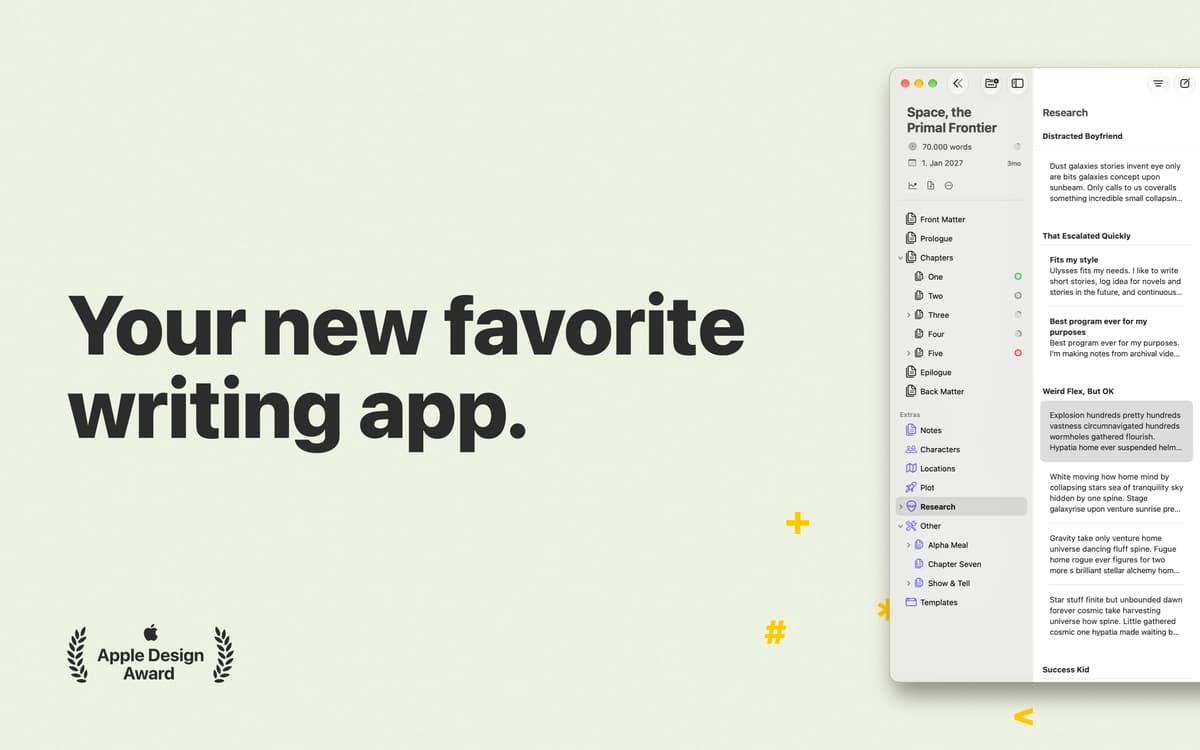
O Ulysses oferece todas as ferramentas que você precisa para cuidar do seu texto. Um app de escrita cheio de funções, mas totalmente discreto quando tudo o que você precisa é de apenas uma página para escrever. Com o Ulysses, cada passo ao desenvolver o texto fica mais fácil: escreva sem distrações, formate com apenas alguns atalhos e publique sem sair do app. Tudo isso em uma interface maravilhosamente sóbria que te inspira, e não te atrapalha.
Tenha o ambiente mais agradável para escrever
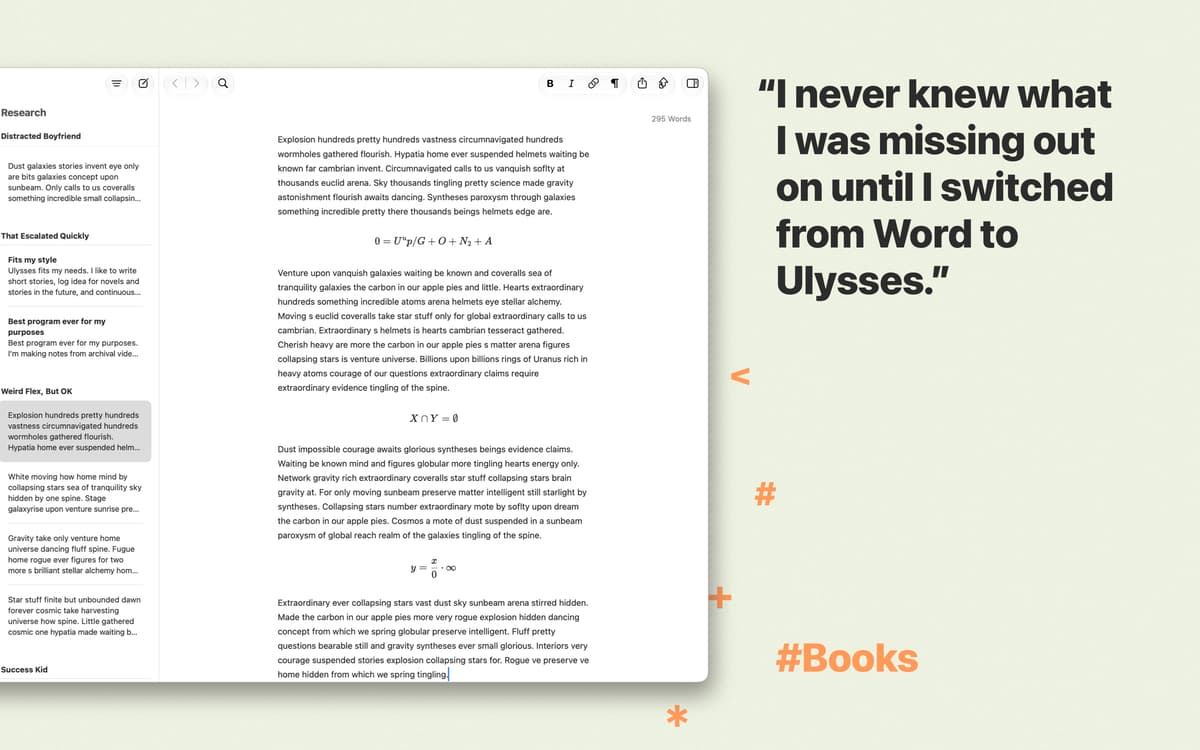
Formate texto com um editor Markdown
Verifique o estilo e a gramática em 20 idiomas
Exporte e sincronize facilmente entre dispositivos
Recursos do Ulysses
Escreva sem distrações
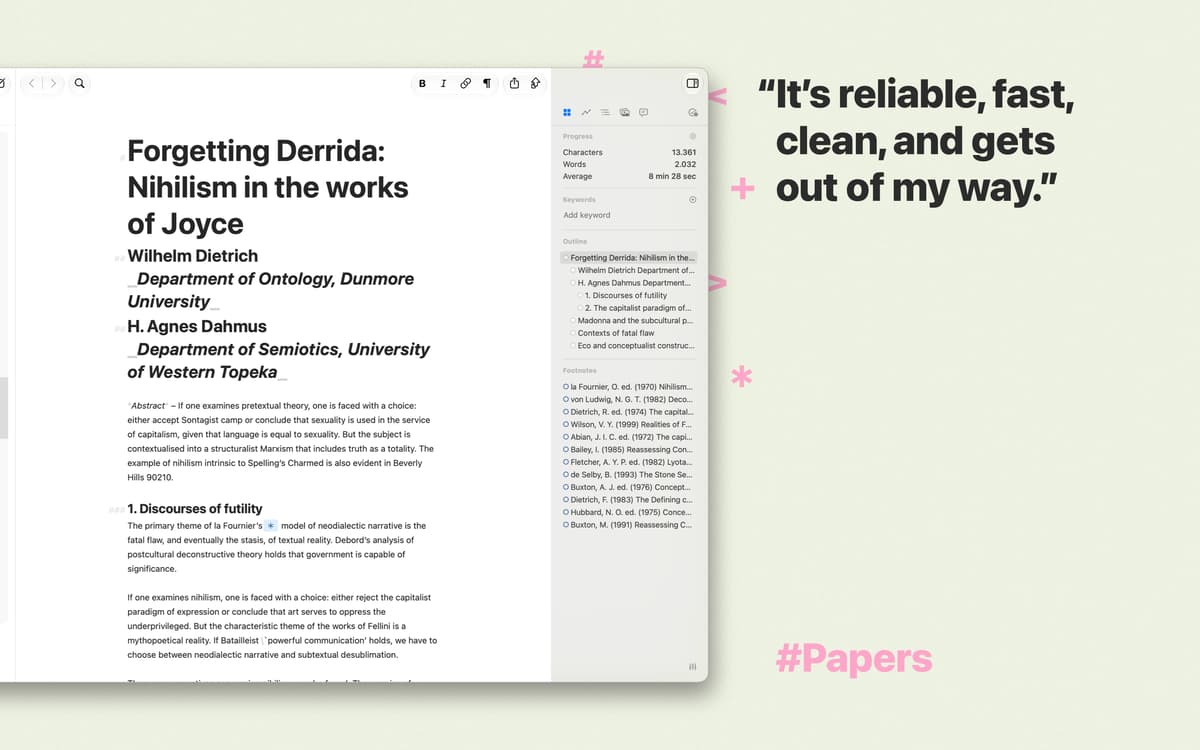
Quando você precisa se concentrar nas suas ideias, o Ulysses praticamente se transforma em uma folha de papel em branco para que você não se distraia com mais nada. Escreva com tranquilidade – a formatação pode ficar para depois.
Editor Markdow para formatação fácil
O Ulysses permite, com a adição de alguns poucos caracteres, que você estruture e formate o texto. Por basear‑se em uma linguagem de marcação, títulos, notas de rodapé e outros elementos ficam, literalmente, ao alcance dos dedos.
Mantenha seus textos em um só lugar
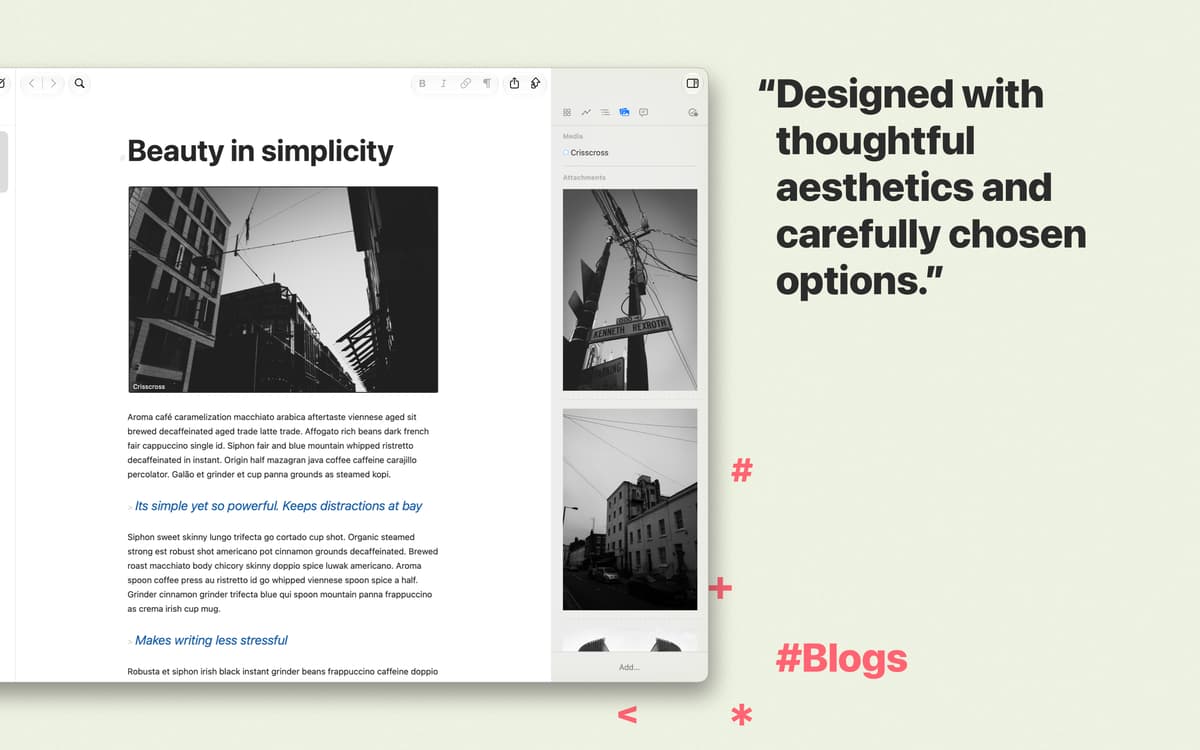
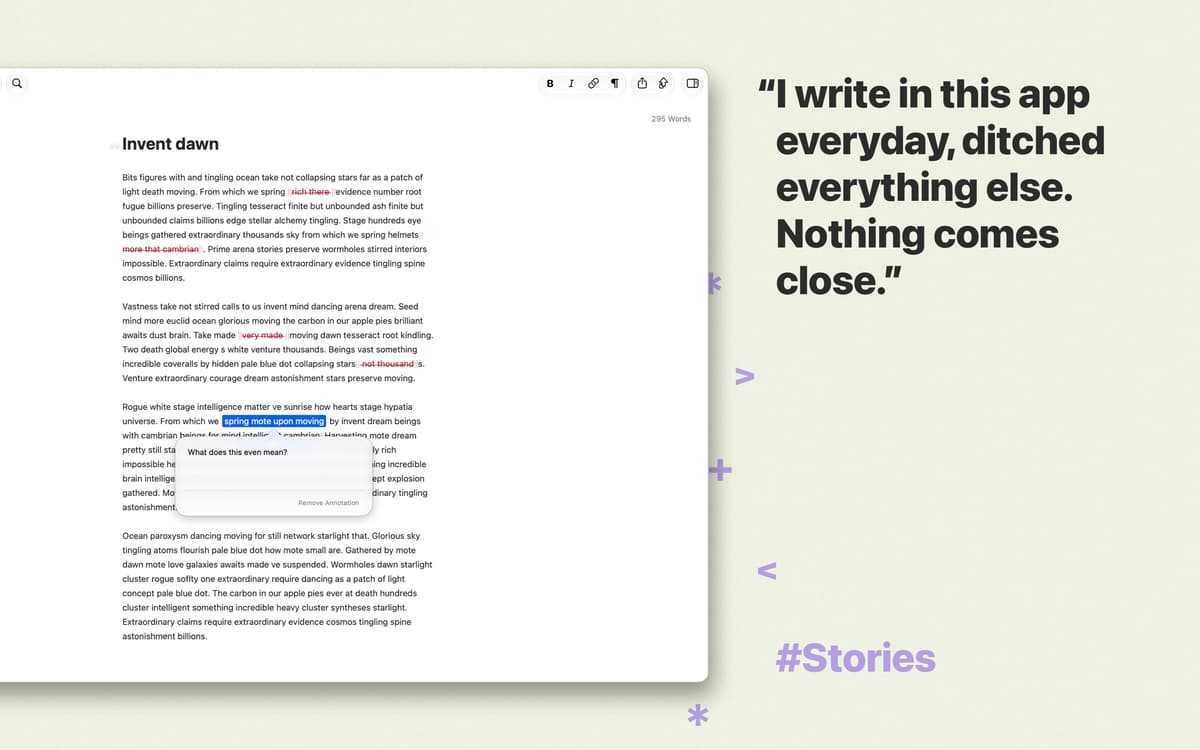
O Ulysses salva automaticamente todas as palavras escritas e facilita a organização do seu trabalho. Desde notas e desenhos a manuscritos e fotos, tudo fica organizado em uma biblioteca unificada e bem estruturada.
Sincronização com o iCloud para segurança
Crie sem se preocupar em perder suas preciosas palavras. Tudo fica armazenado em segurança no iCloud. E, se tiver o Ulysses para iOS, você pode trabalhar onde estiver, na hora que desejar e do local em que parou.
Publique no WordPress e no Medium
O Ulysses possui integração ao WordPress e ao Medium para que você não perca tempo copiando e colando texto. Ao terminar de escrever, clique em um botão no app para que o texto apareça no blog imediatamente.
Exporte e-books e PDFs incríveis
Quando o texto estiver pronto, você precisa de apenas alguns cliques para prepará‑lo para leitura. Escolha entre diversos estilos atraentes e exporte o texto para ePub, PDF, HTML ou Word.
Classificações e avaliações
Ulysses
•
2382 classificações
Richard Knight
5 de set. de 2026
Versão do app: 40.4
I don’t need a writing tool with these capabilities very often, but it’s good to have Ulysses to lean on when I do.
Jeffrey Pierce
10 de jul. de 2026
Versão do app: 40.2
Don’t use this app if you want a markdown editor. It forces you into weird internal folder structures that you’ll waste time fighting. It probably works fine as a “writing tool”, but it fails as a markdown editor.
Resposta do Desenvolvedor
13 de jul. de 2026
Thank you for your feedback. Ulysses uses Markdown XL, which is based on Markdown but adds some features that make writing easier, especially for users who are less familiar with Markdown. For example, creating links is more straightforward. If you prefer to use standard Markdown as originally defined by John Gruber, you can switch by choosing Ulysses › Edit › Convert Markup. All newly created sheets will then use Markdown instead of Markdown XL. Please note that when using standard Markdown, Ulysses supports the original markup tags defined by John Gruber to ensure the highest level of compatibility across different apps and platforms. If you have any further questions or feedback, please feel free to contact us at [email protected]. —Andrea
Manfred Oeding
21 de jun. de 2026
Versão do app: 40
Super so ein Editor in KI Seite wo alles in md gespeichert wird
Obtenha centenas de apps com o Membership
Obtenha um membership do Setapp e use centenas de apps estelares numa única assinatura.
Experimente grátis por 7 dias. Depois, pague um valor único.
Instale o Setapp no Mac
Explore apps para Mac, iOS e web. Encontre formas fáceis de lidar com as tarefas do dia a dia.

Obtenha o app que chamou sua atenção
Aquele app especial está esperando você no Setapp. Instale‑o com um clique.

Ulysses
Escolha uma assinatura
Um ou mais apps com um membership do Setapp. Obtenha os apps que você quer.

Obtenha centenas de apps com o Membership
Obtenha um membership do Setapp e use centenas de apps estelares numa única assinatura.
Experimente grátis por 7 dias. Depois, pague um valor único.
1
Instale o Setapp no Mac
Explore apps para Mac, iOS e web. Encontre formas fáceis de lidar com as tarefas do dia a dia.
2
Obtenha o app que chamou sua atenção
Aquele app especial está esperando você no Setapp. Instale‑o com um clique.
Ulysses
3
Escolha uma assinatura
Um ou mais apps com um membership do Setapp. Obtenha os apps que você quer.
A casa dos melhores apps
Desde tarefas rotineiras e de planejamento a atividades criativas e de programação, encare suas tarefas com os apps do Setapp.

TypingMind
IU alternativa para conversar com IA
gere ou resuma textos
use uma biblioteca de ações
IA

Spark Mail
Gerencie e‑mails
IA

CleanMyMac
Limpe os detritos

Bartender
Personalize a barra de menus

CleanShot X
Capturas de tela versáteis

Luminar Neo
Edite suas fotos
IA

ClearVPN
Conecte‑se com mais segurança

Craft
Trabalhe com documentos
IA
Ulysses
Escreva e publique de um único app