
GlueMotion
Turn photos into time lapses
Mac
Version 2.4.0
macOS 26.0 or later
18.7 MB
7 languages
It can be tricky to create a great looking time lapse video because of unexpected interruptions and weather changes. GlueMotion is designed to reduce the stress associated with creating time lapse movies by automating image correction and deflickering as it works to create an end result that’s smooth as silk and looks exactly how you imagined it in your head. Plus, this tile lapse tool is compatible with a range of different formats that will suit any photographer, amateur or professional alike.
Create professional time-lapse photography
Remove the flickering effect in a click
Create a time lapse from up to 100k images
Showcase your photography in a creative way
GlueMotion features
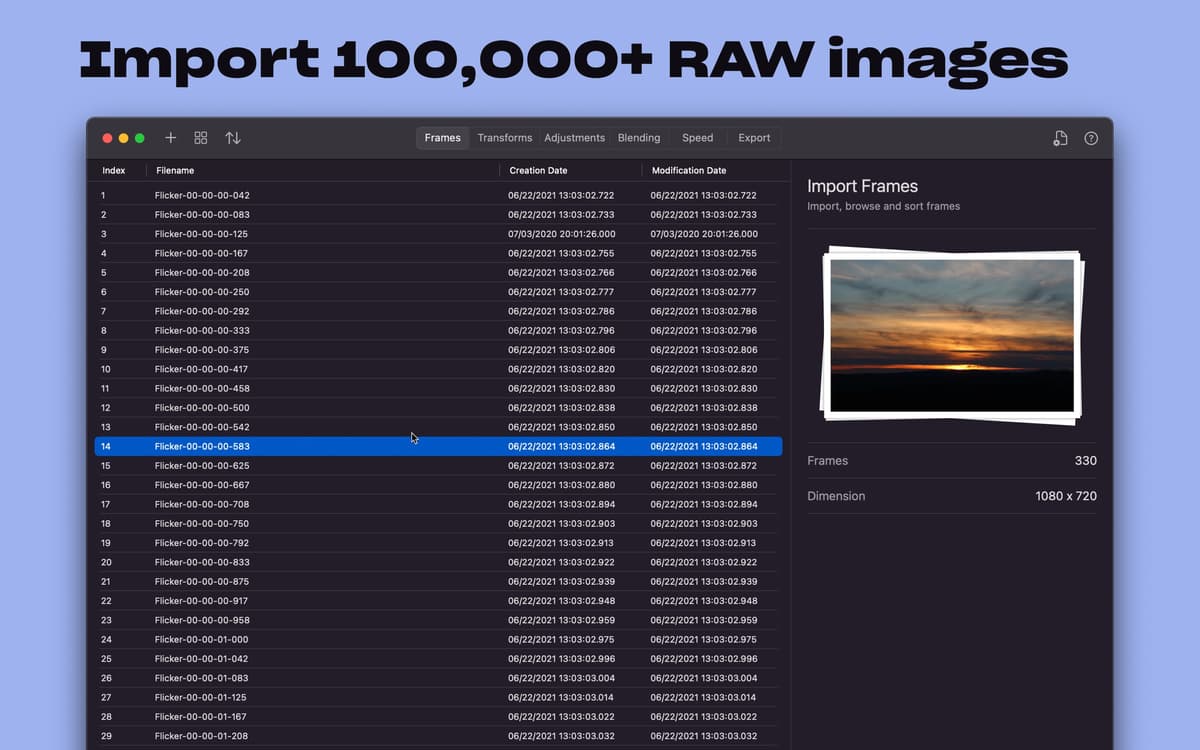
Import 100,000+ images
Although it’s easy enough for casual photography fans to use, GlueMotion was created with the professional photographer in mind. The app is powerful enough to handle tens, or even hundreds, of thousands of images in just about any image format you can throw at it: JPEG, PNG, and all RAW formats supported by macOS.
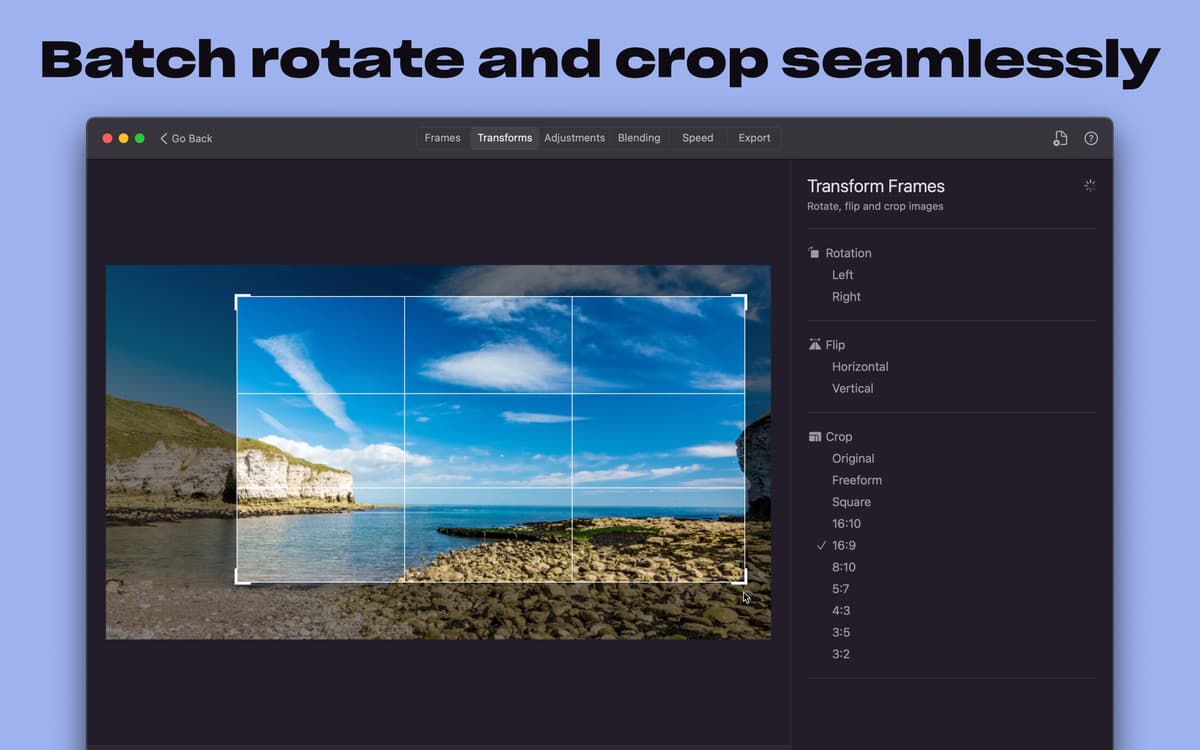
Batch edit images seamlessly
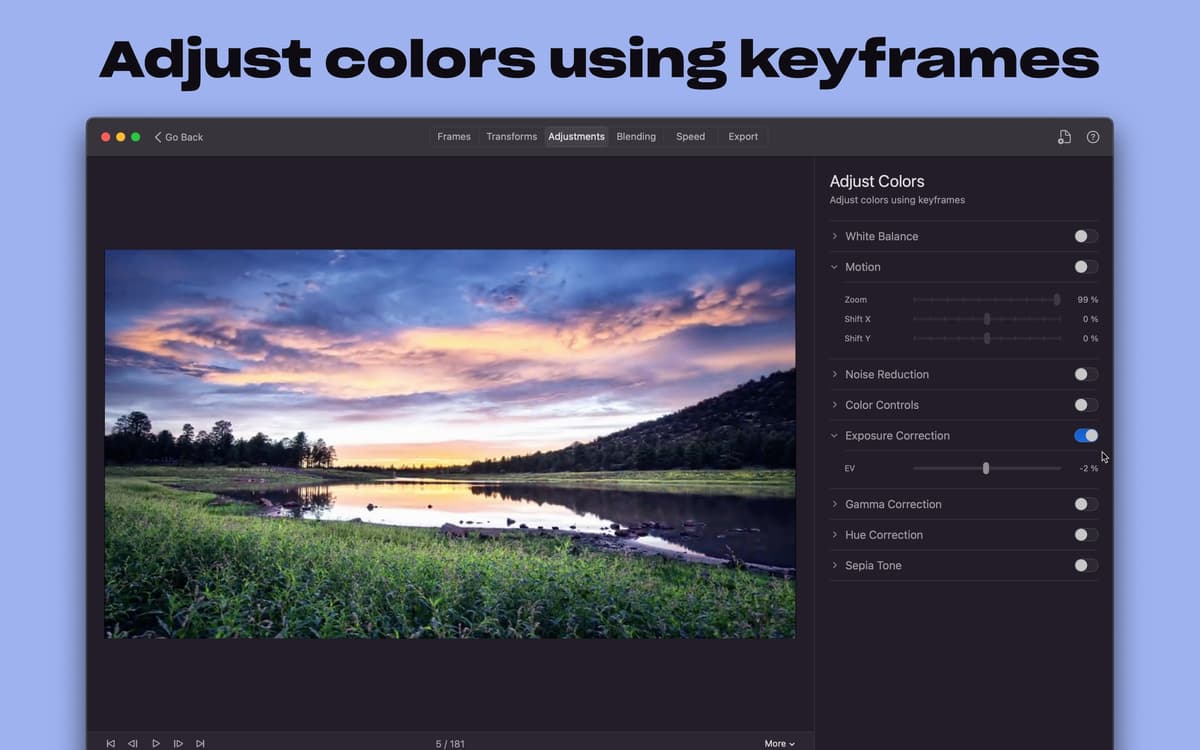
From cropping and rotating through to exposure, saturation, and highlights or shadows, the app allows you to batch edit your images in a way that improves your end product without the need to spend hours tweaking individual photos or the risk of missing some images out of the correction process.
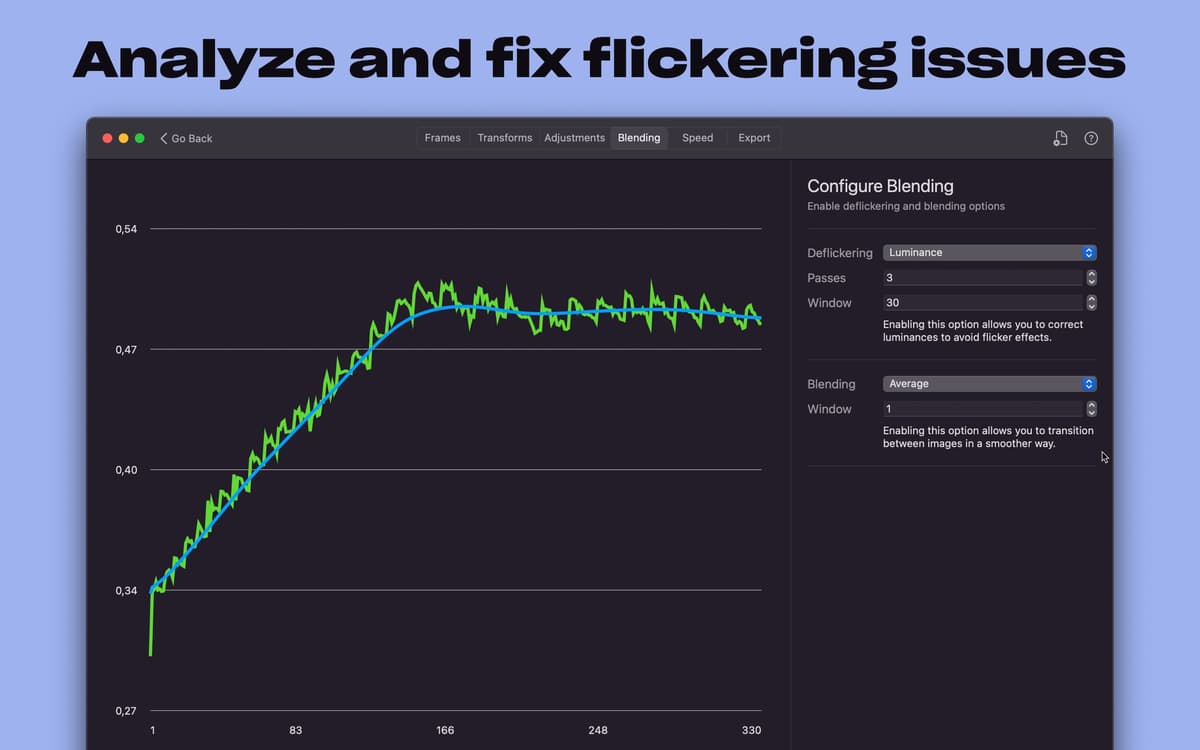
Automate corrections and deflickering
Inconsistent brightness levels, caused by clouds or the position of the sun, can spoil an otherwise beautiful time lapse video. GlueMotion’s dual deflickering engines work to analyze your images and apply the appropriate brightness correction automatically, so you can avoid that unpleasant flickering effect.
Choose any format and container
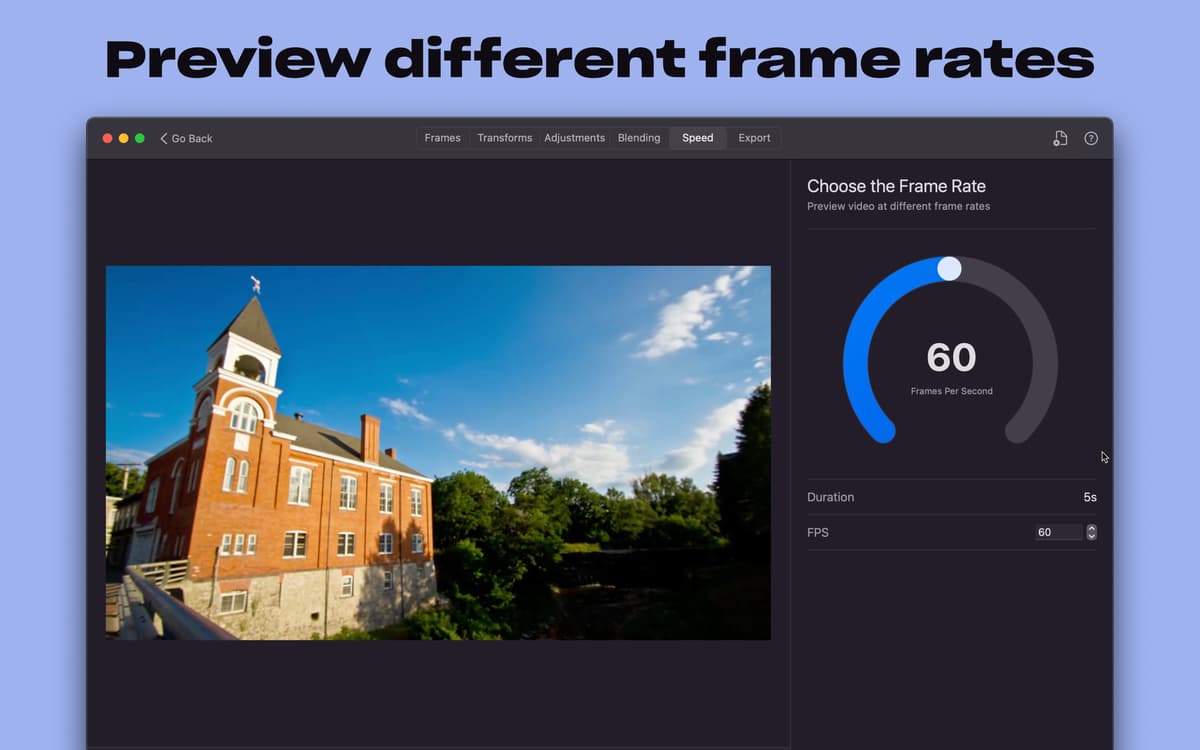
When the time comes to create your time lapse, GlueMotion offers a range of containers, including MOV, MP4, and M4V. You can also set your desired FPS and get an estimation of your video’s length before you start encoding. As a result, there’s rarely any need to use additional software to switch between formats or framerate.
Export high-quality time lapse videos
Even though GlueMotion does a lot of the hard work for you, you don’t want to risk messing up the time invested in your time lapse video by putting out a grainy or fuzzy final product. Thankfully, that’s not a problem — you can export high-quality time lapse videos using H264, ProRes, or HEVC codecs without sitting around for countless hours.
Get help within time-lapse app
GlueMotion is designed in such a way that just about anyone can pick it up and use it, particularly if they have even a rudimentary knowledge of photography or video editing software. However, if something isn’t clear, you can submit feedback or ask questions (including a system profile and console) if required from within the app itself.
Ratings and reviews
GlueMotion
•
72 ratings
Sebastien S
Sep 17, 2025
App version: 2.2.4
resolution management is poor
Istvan
Sep 8, 2025
App version: 2.2.4
Brilliant app!! I work in the visual industry and often need to create videos from image sequences (rendered frames at custom unique resolutions, etc.). It’s usually an unnecessarily complicated process — but this app makes it simple and gets the job done perfectly in no time.
Cody Abram
Jul 16, 2025
App version: 2.2.3
Quick and handy way to adjust time lapse sequences
Get hundreds of apps with Membership
Become Setapp member and use hundreds of stellar apps with one subscription.
Try 7 days free, then pay one simple fee.
Install Setapp on Mac
Explore apps for Mac, iOS, and web. Find easy ways to solve daily tasks.

Get the app you came for
That one shiny app is waiting inside Setapp. Install with a click.

GlueMotion
Choose your subscription
One app or more with a Setapp membership. Get apps the way you want.

Get hundreds of apps with Membership
Become Setapp member and use hundreds of stellar apps with one subscription.
Try 7 days free, then pay one simple fee.
1
Install Setapp on Mac
Explore apps for Mac, iOS, and web. Find easy ways to solve daily tasks.
2
Get the app you came for
That one shiny app is waiting inside Setapp. Install with a click.
GlueMotion
3
Choose your subscription
One app or more with a Setapp membership. Get apps the way you want.
Home to the top apps
From planning and routine tasks to creative pursuits and coding, tackle tasks with apps on Setapp.


GlueMotion
Turn photos into time lapses