Boom
Record and present like a pro
Mac
Version 2.4.0
macOS 13.0 or later
195.4 MB
1 languages
Boom is the app you open when you need to teach, pitch, demo, or record something that must look professional. Use it for live meetings, recorded lessons, product demos, or quick updates. Boom gives you the layout, camera controls, and recording tools so your message comes across clearly.
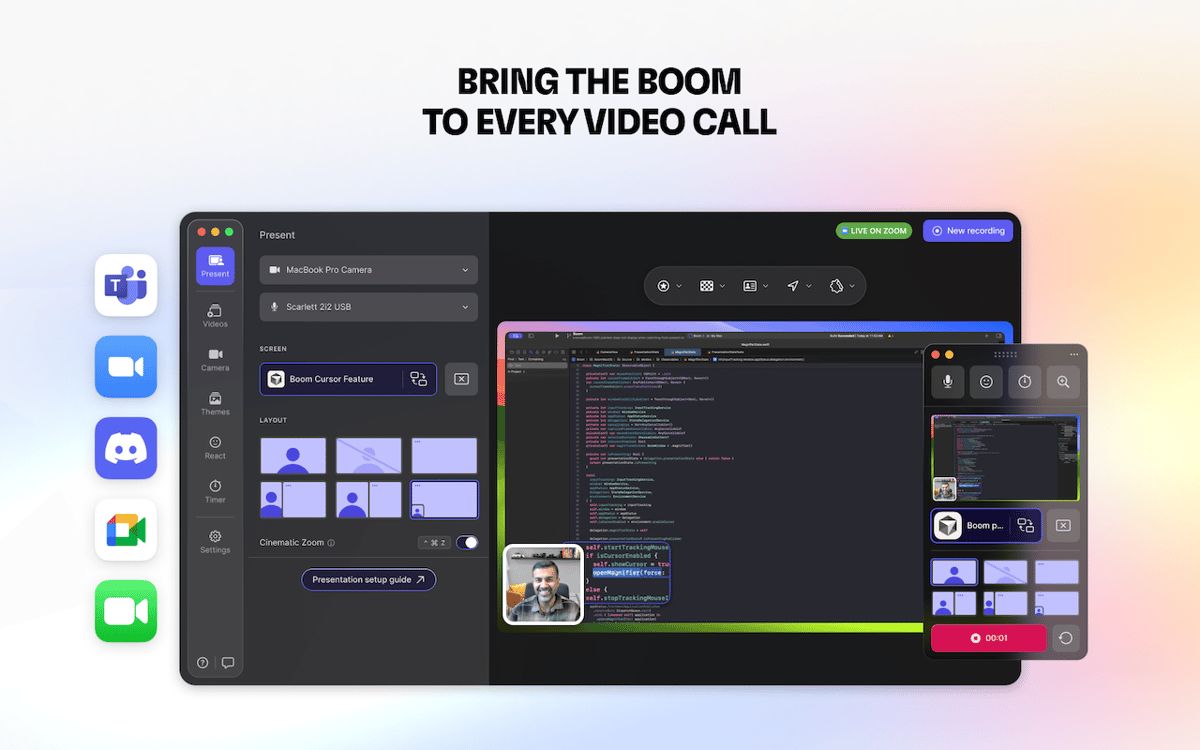
Present live with professional polish
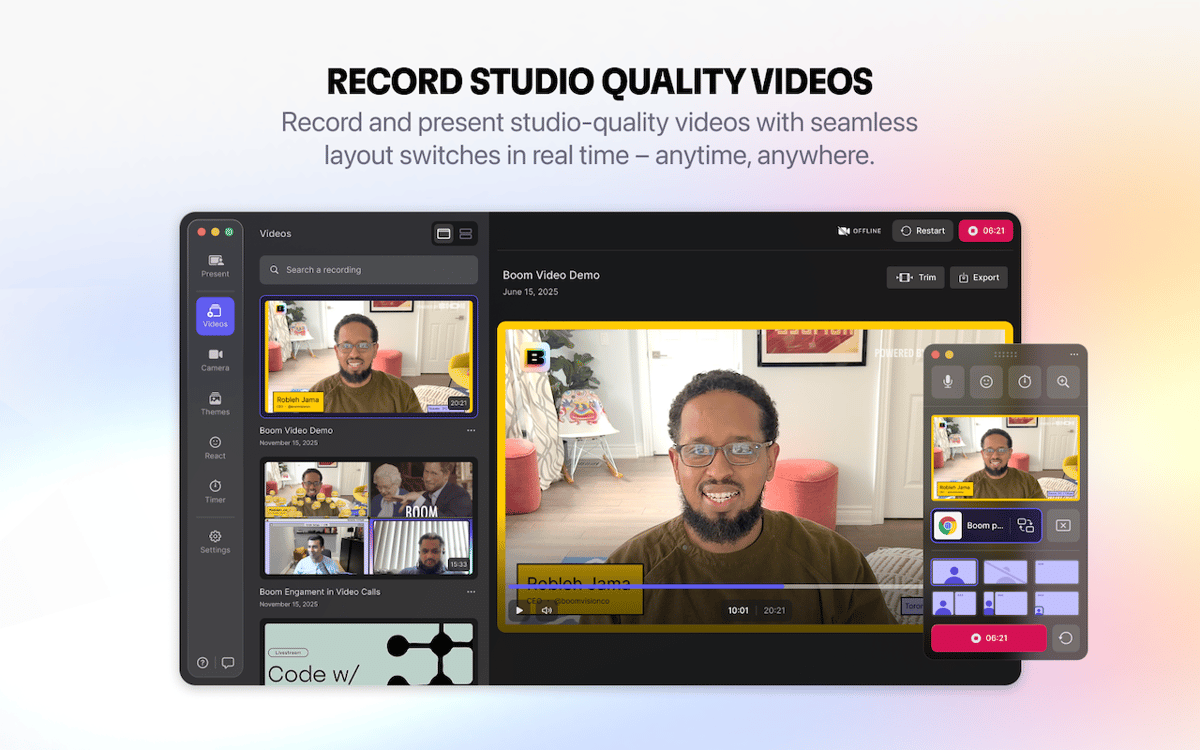
Record YouTube videos and tutorials
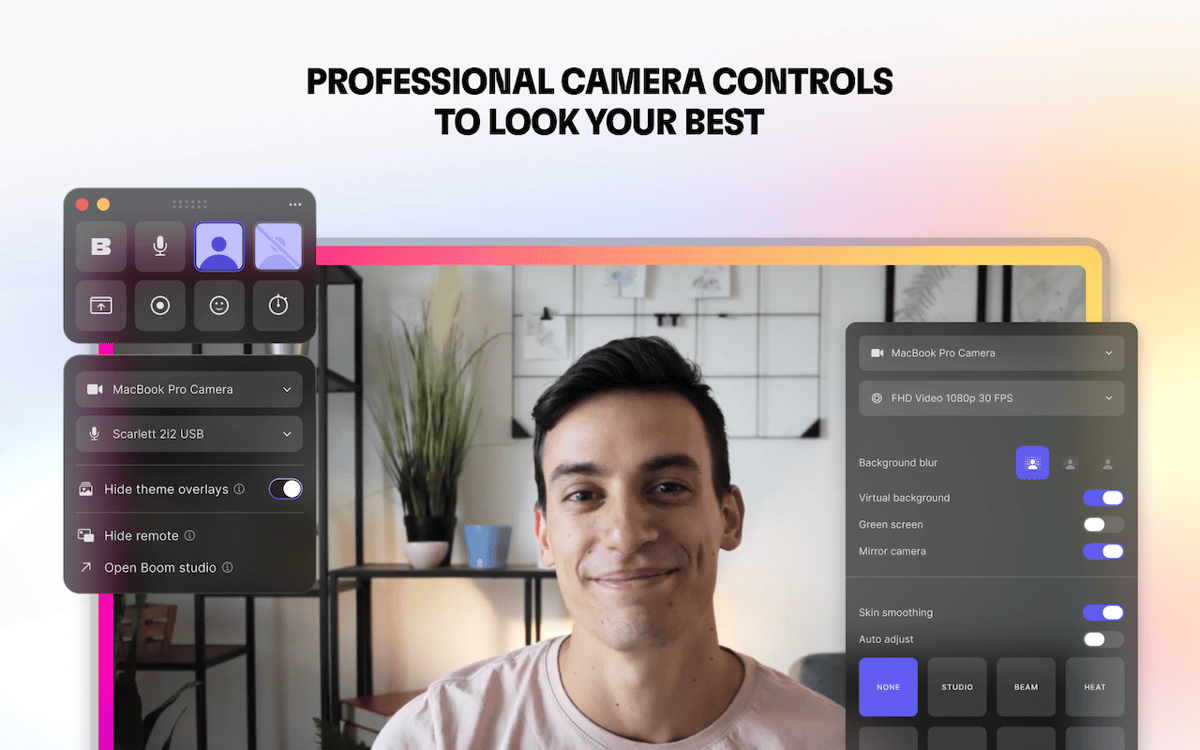
Improve your camera look with controls
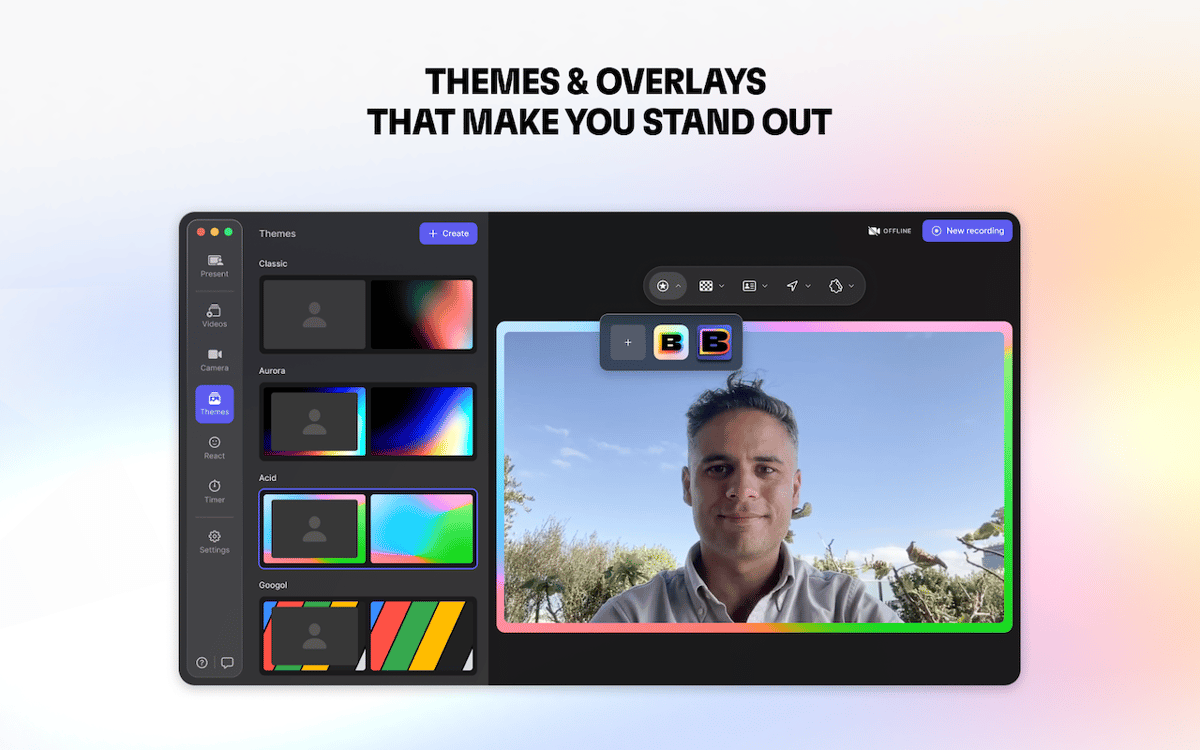
Brand and customize your recordings
Boom features
Present live with professional polish
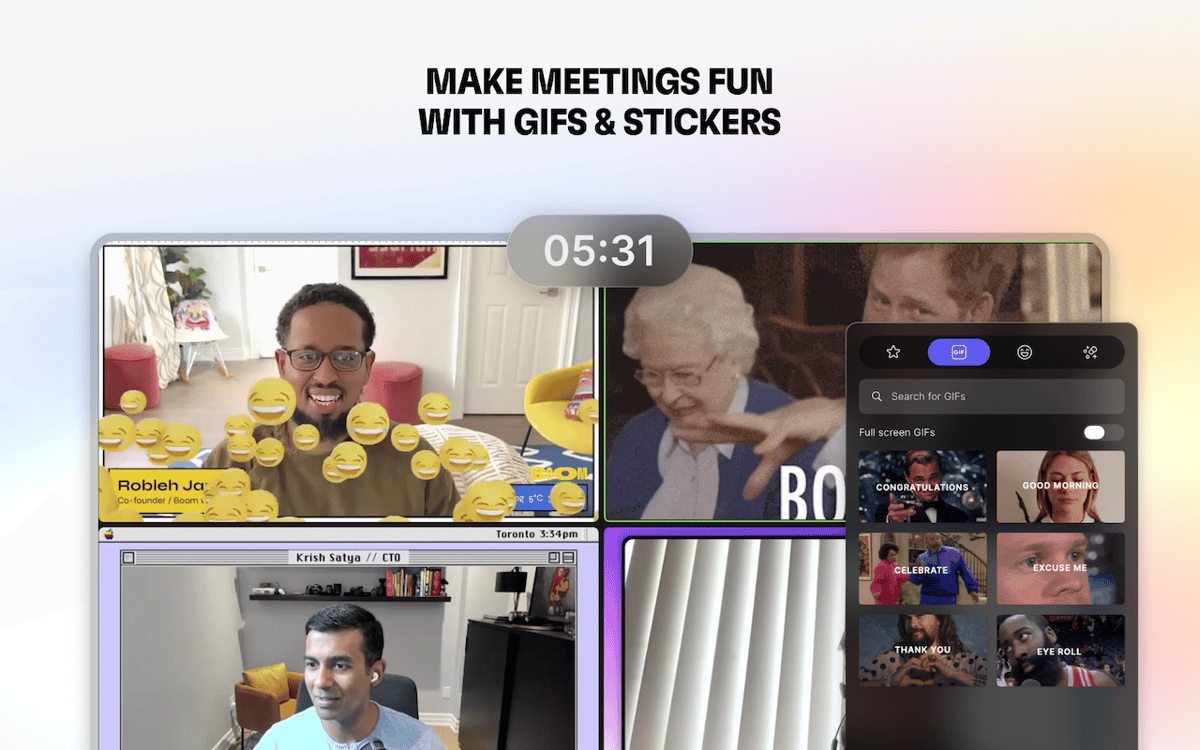
Connect Boom to your video calling app such as Zoom, Google Meet, or Teams. Boom will help you enhance your video and screen share with custom backgrounds, stickers, color presets, timers, and overlays. Choose from 6 layouts and switch them in real time, while cinematic zooming keeps the focus on what matters. Your slides and camera appear dynamic and professional, helping you hold attention effortlessly.
Record lessons, tutorials, and step-by-step guides
If you create courses, tutorials, or YouTube videos, Boom captures your screen and camera in the layout you choose. Switch between different views on the fly, add timers, overlays, and effects to keep your content polished and engaging. You can even connect your iPhone or iPad to present its screen in a clean device frame.
Fix your camera look without fuss
Don’t have professional lighting but still want to look your best? Boom makes your existing webcam look noticeably sharper and more polished. Take full control with easy-to-use sliders to adjust brightness, contrast, saturation, highlights, shadows, hue, exposure, and temperature. Mirror your camera, adjust distortion, add a virtual background, and enhance your appearance with subtle skin smoothing.
Edit and export without leaving Boom
Quickly polish your recordings without interrupting your workflow. Trim the start and end of clips, restart a take if needed, or duplicate recordings to get the perfect version. When you’re ready, export in the quality you need: full HD for YouTube, courses, or clients, optimized for social media, web, or even small files for sharing via email. Everything happens inside Boom, so you stay in the flow from recording to ready-to-use video.
Ratings and reviews
Boom
•
216 ratings
Gabriel Barreto Abdala
Oct 7, 2026
App version: 2.4.0
excelente app
Doug Harris
Jul 21, 2026
App version: 2.4.0
The feature I use most, by far, is the ability to zoom my webcam’s view and adjust the frame. This allows me to hide the messier parts of my workspace when on Zoom meetings. Boom’s background blurring tech is also superior to Zoom’s blurring for those of us with thinning hair. Zoom’s blur algorithm makes me look bald (I’m not there yet, thankyouverymuch). My wish list item is for Boom to add something like “location presets.” I work a hybrid home/office schedule and have different camera setups in each location. When I change locations, I have to manually re-adjust camera settings. It’d be really nice to click a button or hotkey to change to a pre-set collection of camera settings.
ST
Jul 4, 2026
App version: 2.4.0
Not bad but the themes are really old school, not modern professional looking. Also, when sharing the screen there are two mouse pointers at the same time which makes it inaccurate to navigate on the screen that needs to be shared. Doesn’t come with any annotation and drawing tools.
Get hundreds of apps with Membership
Become Setapp member and use hundreds of stellar apps with one subscription.
Try 7 days free, then pay one simple fee.
Install Setapp on Mac
Explore apps for Mac, iOS, and web. Find easy ways to solve daily tasks.

Get the app you came for
That one shiny app is waiting inside Setapp. Install with a click.

Boom
Choose your subscription
One app or more with a Setapp membership. Get apps the way you want.

Get hundreds of apps with Membership
Become Setapp member and use hundreds of stellar apps with one subscription.
Try 7 days free, then pay one simple fee.
1
Install Setapp on Mac
Explore apps for Mac, iOS, and web. Find easy ways to solve daily tasks.
2
Get the app you came for
That one shiny app is waiting inside Setapp. Install with a click.
Boom
3
Choose your subscription
One app or more with a Setapp membership. Get apps the way you want.
Home to the top apps
From planning and routine tasks to creative pursuits and coding, tackle tasks with apps on Setapp.


Boom
Record and present like a pro