
SwiftyLaunch
Build iOS apps faster
Mac
Version 2.0.1
macOS 14.0 or later
115.9 MB
1 languages
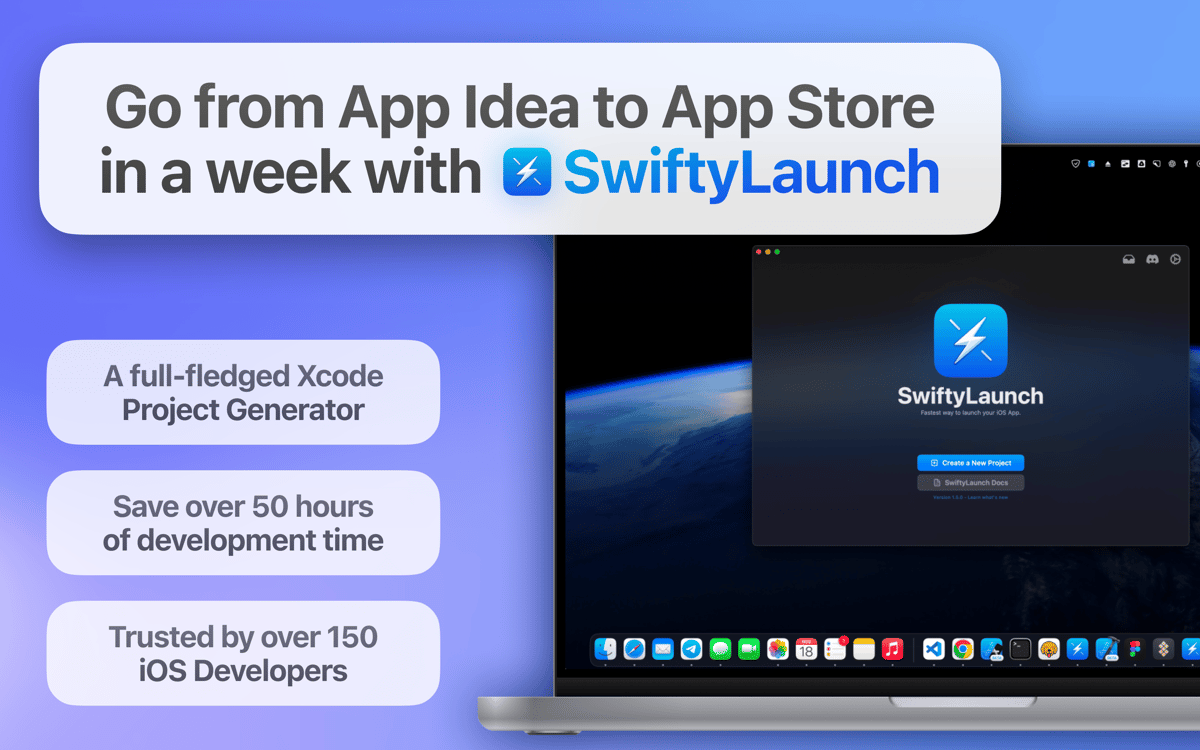
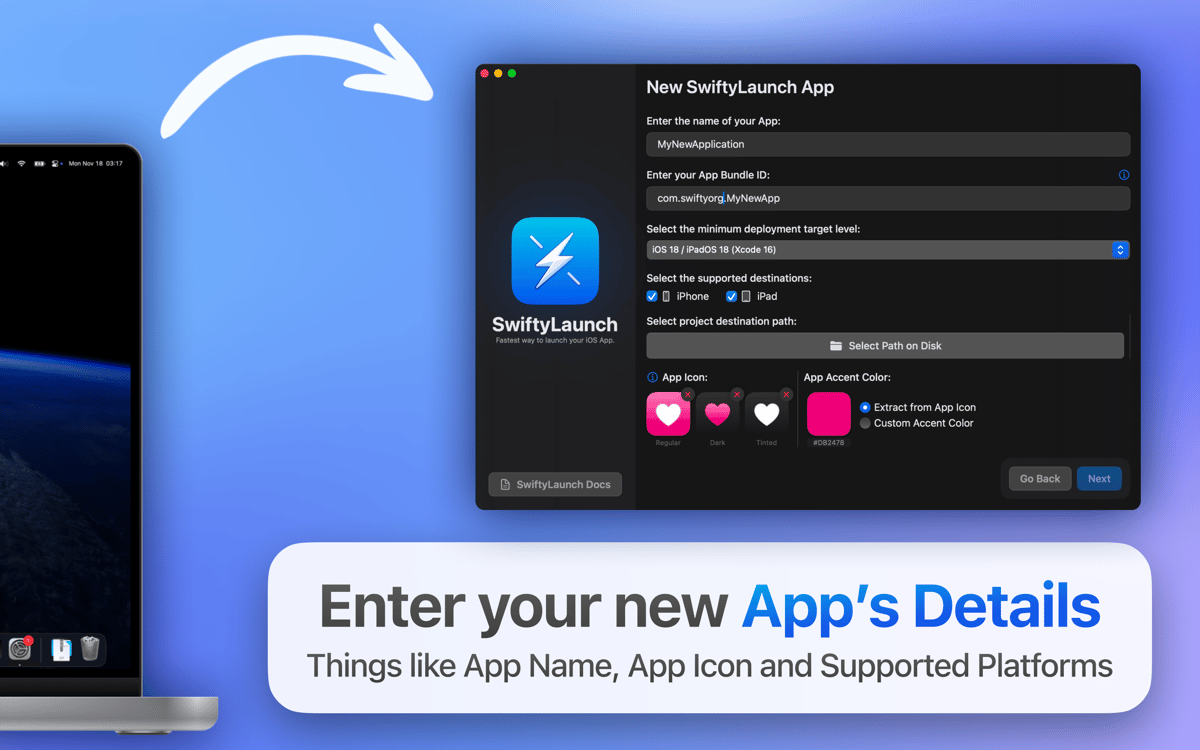
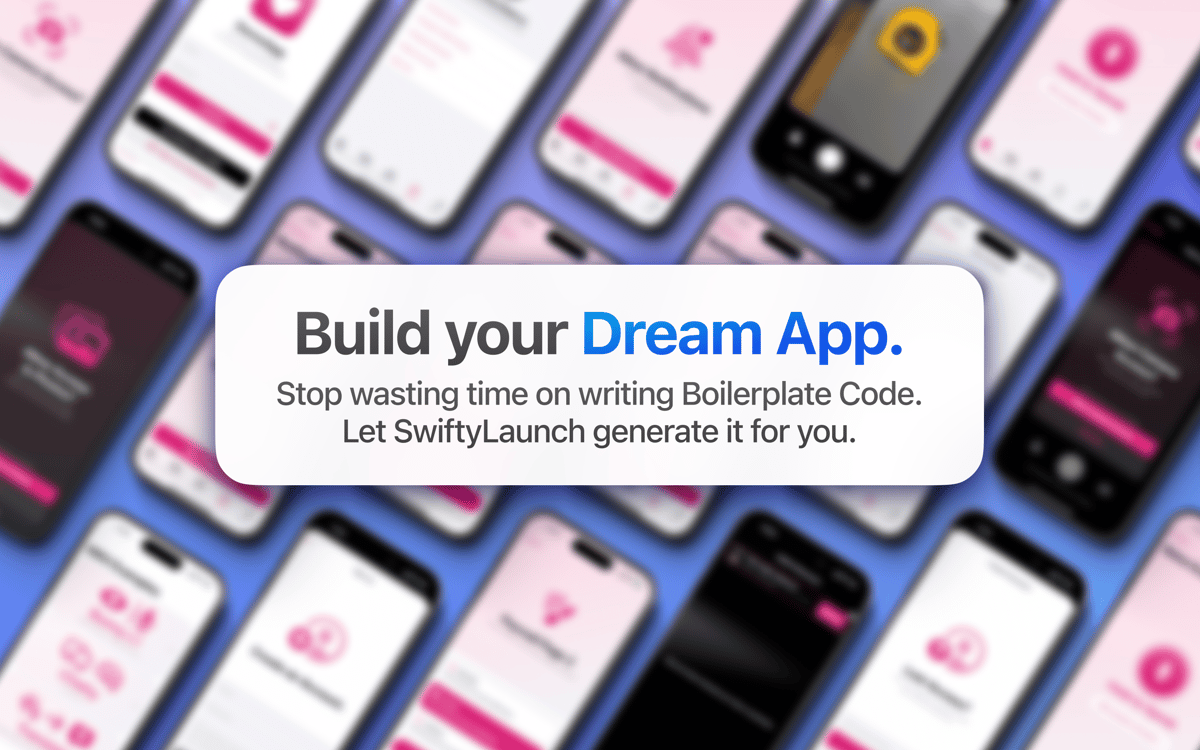
Have you ever thought about creating a successful iOS app in a weekend? With SwiftyLaunch, it’s possible! Just input your app’s details, choose the features you want, and hit Generate App. SwiftyLaunch will save you countless hours of development, letting you concentrate on making your unique vision a reality.
Generate complete Xcode projects
Select pre-built features for your app
Use essential development modules
Generate provider API keys
SwiftyLaunch features
Generate projects faster
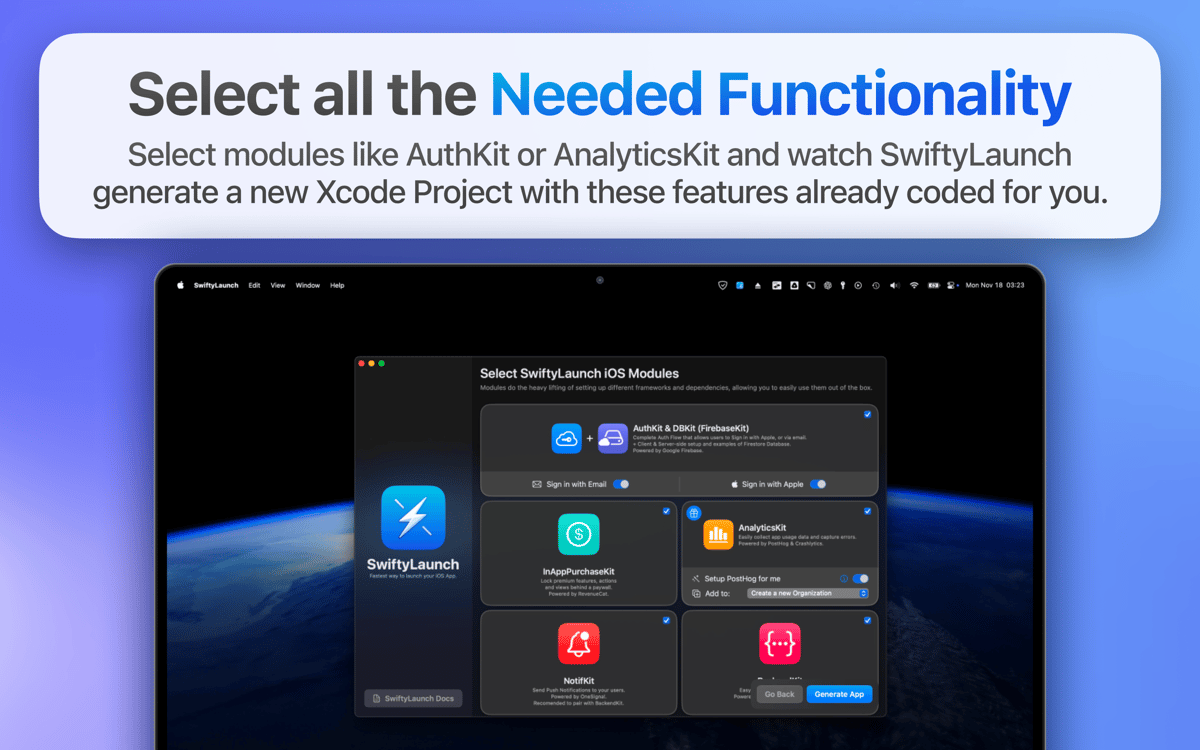
Imagine being able to create full Xcode projects in minutes. With SwiftyLaunch, you can easily choose the features you want — such as the complete authentication flow, protecting features behind a paywall, and tracking app usage — and see SwiftyLaunch generate the required code for you. This allows you to spend less time on setup and more time on developing the core features of your app.
Use powerful kits
Take advantage of essential kits included in SwiftyLaunch to enhance your app’s functionality: DatabaseKit for easy database setup; AuthKit for secure user authentication; InAppPurchaseKit for managing in-app purchases; NotifKit for sending push notifications; AnalyticsKit for tracking user behavior and errors; and more.
Leverage AI capabilities
Use AIKit to add intelligent capabilities to your app. Create, modify, and get inspired by sample mini apps that showcase AI integrations. This feature enables you to easily add advanced capabilities to your app, such as AI vision or to leverage the power of Large Language Models like GPT.
Generate provider API keys
Create your provider API keys directly in SwiftyLaunch for a smoother integration process. Save time by eliminating the need to visit multiple websites, and easily link your app to crucial services such as authentication and payment processing. This minimizes errors, allowing you to concentrate on developing your app.
Ratings and reviews
SwiftyLaunch
•
55 ratings
Sergey
May 2, 2026
App version: 2.0.1
no support for creating active Mac apps
Nauris
Jun 9, 2025
App version: 2.0.1
Stuck in intro animation
Anonymous
May 5, 2025
App version: 2.0
first, there is no way to exit the onboarding. or at least skip through each step. Second, there is a whole bunch of config things the app does before I can use it. why are frameworks and kits preperared if the user never specifed wanting to use it? its very possible a developer would want in app purchasaes but not firebase!
Response from Developer
May 6, 2025
Hello, let me address these issues you’re facing: - There is a way to skip the onboarding. Simply press enter. But thanks for your feedback, we may see that some may find it unintuitive and will add an explicit indicator that the onboarding can be skipped. - The preparation step is only making sure that the available modules are correctly initialized. After that, during the setup process, you can pick and choose what exact Modules you need in your application and toggle them (press the checkmark on the Module Selection screen).
Get hundreds of apps with Membership
Become Setapp member and use hundreds of stellar apps with one subscription.
Try 7 days free, then pay one simple fee.
Install Setapp on Mac
Explore apps for Mac, iOS, and web. Find easy ways to solve daily tasks.

Get the app you came for
That one shiny app is waiting inside Setapp. Install with a click.

SwiftyLaunch
Choose your subscription
One app or more with a Setapp membership. Get apps the way you want.

Get hundreds of apps with Membership
Become Setapp member and use hundreds of stellar apps with one subscription.
Try 7 days free, then pay one simple fee.
1
Install Setapp on Mac
Explore apps for Mac, iOS, and web. Find easy ways to solve daily tasks.
2
Get the app you came for
That one shiny app is waiting inside Setapp. Install with a click.
SwiftyLaunch
3
Choose your subscription
One app or more with a Setapp membership. Get apps the way you want.
Home to the top apps
From planning and routine tasks to creative pursuits and coding, tackle tasks with apps on Setapp.


SwiftyLaunch
Build iOS apps faster