
SwiftyLaunch
Crie apps para iOS velozmente
Mac
Versão 2.0.1
macOS 14.0 ou posterior
115.9 MB
1 idiomas
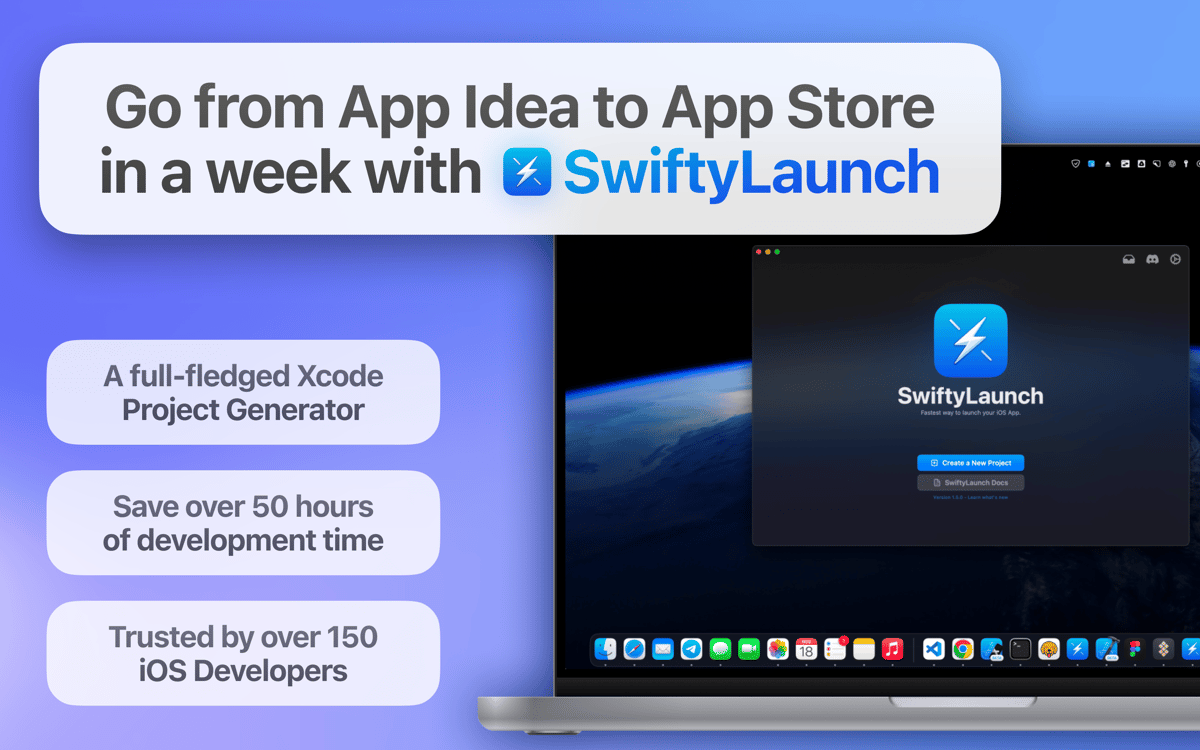
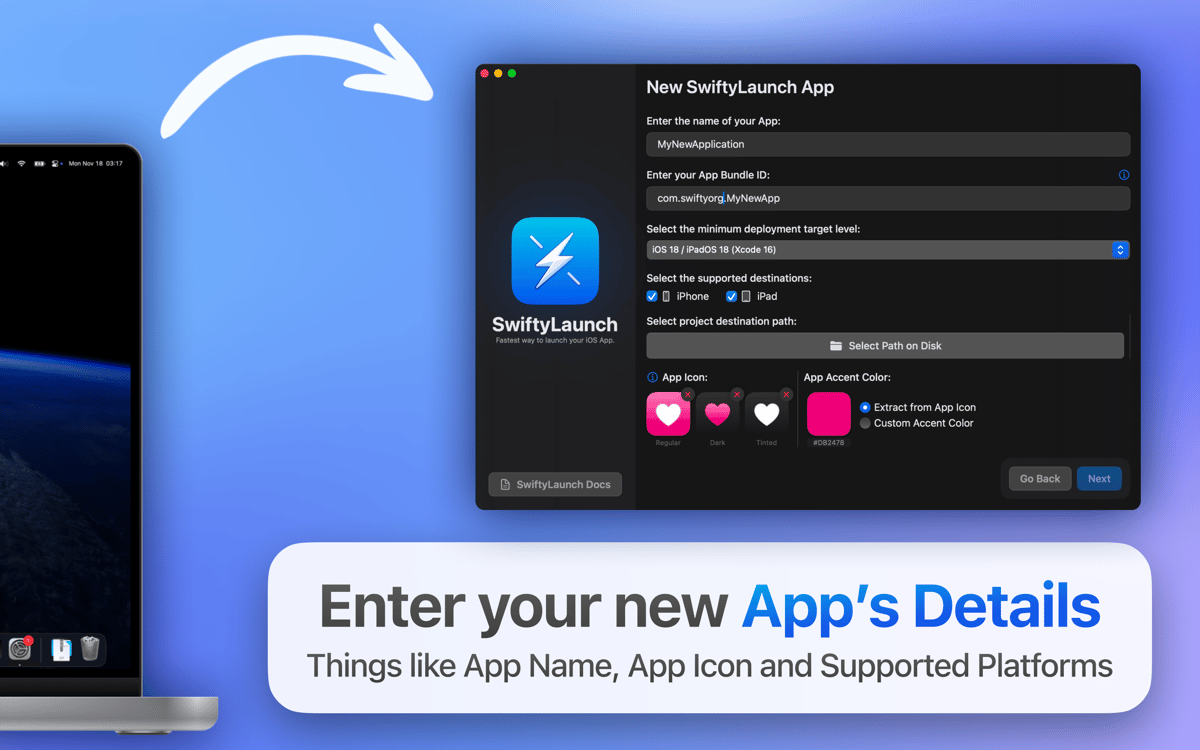
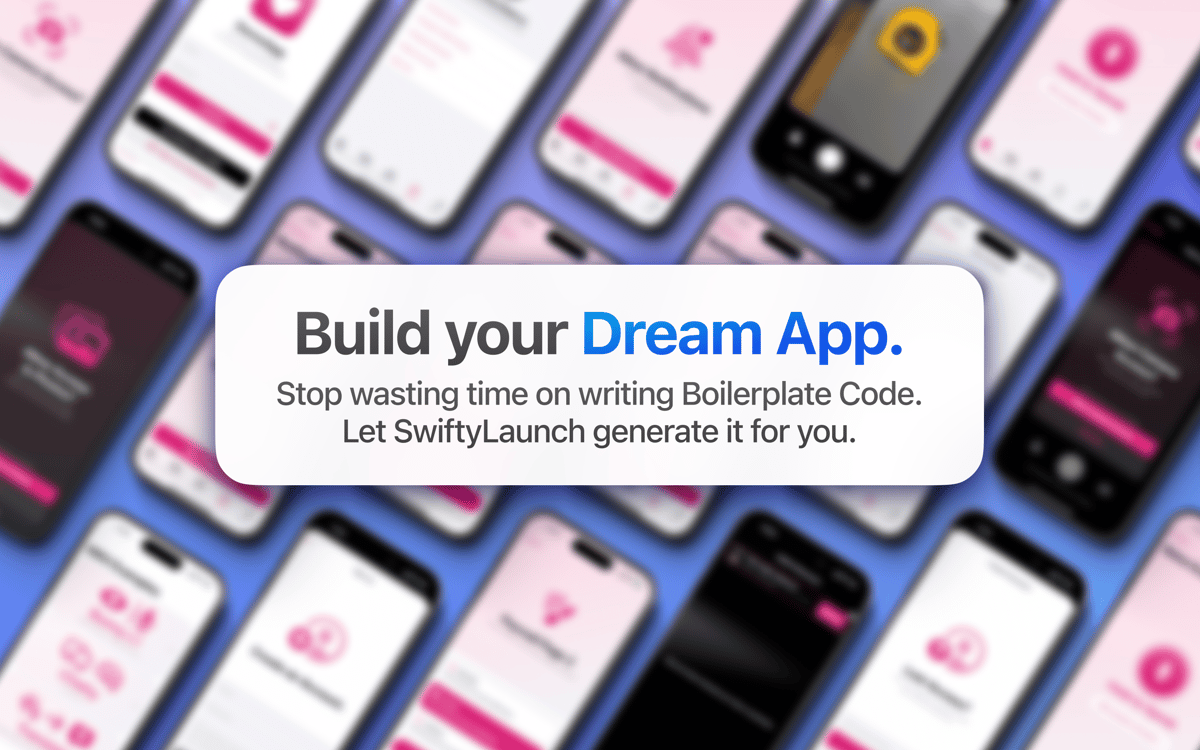
Já pensou na possibilidade de criar um app para iOS bem‑sucedido em um fim de semana? Com o SwiftyLaunch, isso é possível! Basta inserir os detalhes do app, escolher os recursos que você quer e clicar no botão para gerar o app. Com o SwiftyLaunch, você economiza incontáveis horas de desenvolvimento e se concentra em transformar sua visão única em realidade.
Gere projetos completos no Xcode
Selecione recursos pré‑desenvolvidos
Use módulos essenciais de desenvolvimento
Gere chaves de APIs de provedores
Recursos do SwiftyLaunch
Gere projetos mais rápido
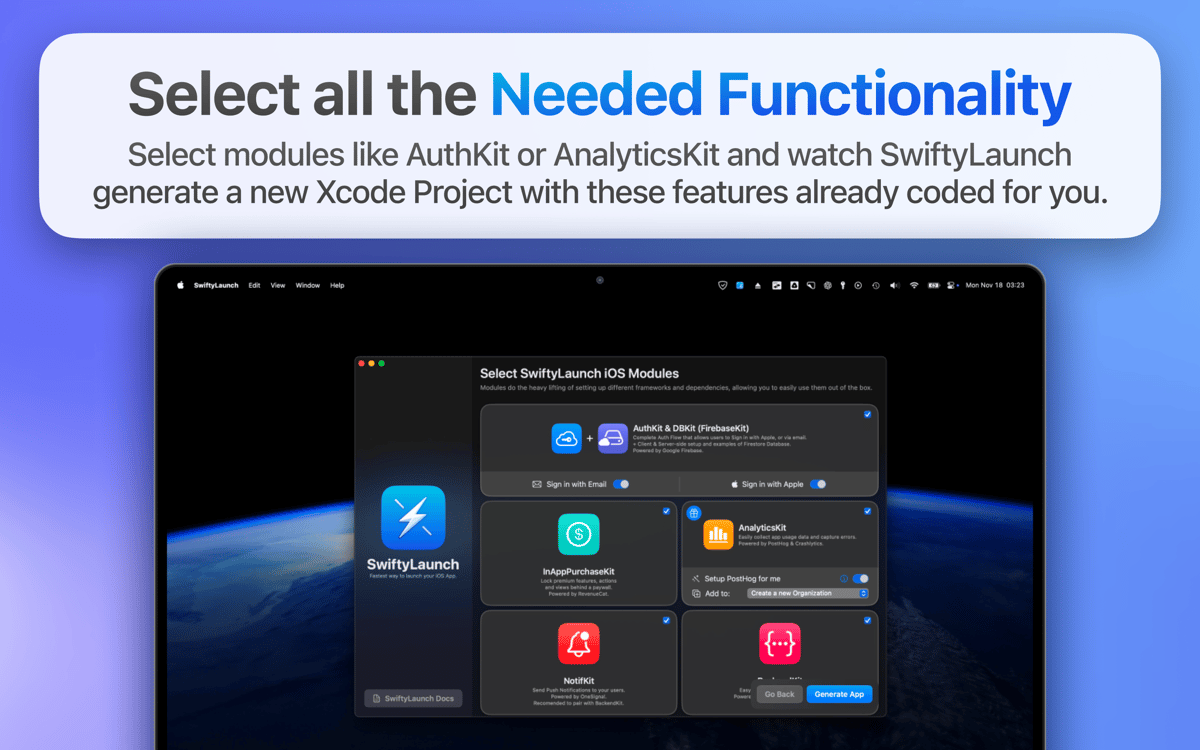
Imagine criar projetos poderosos do Xcode em minutos. Com o SwiftyLaunch, você escolhe facilmente os recursos necessários (como fluxo de autenticação completo, proteção de recursos atrás de paywall e rastreamento de uso do app) e assiste ao SwiftyLaunch gerá‑los. Com isso, você gasta menos tempo preparando e mais tempo desenvolvendo os recursos principais do seu app.
Use kits poderosos
Tire proveito dos kits essenciais incluídos no SwiftyLaunch para aprimorar a funcionalidade do seu app: DatabaseKit para configurar facilmente bancos de dados, AuthKit para autenticar usuários com segurança, InAppPurchaseKit para gerenciar compras dentro do app, NotifKit para enviar notificações push e AnalyticsKit para rastrear comportamentos e erros, entre outros.
Use capacidades de IA
Use o AIKit para adicionar capacidades inteligentes ao seu app. Crie, modifique e se inspire com amostras de miniapps que exemplificam as integrações com IA. Com esse recurso, você adiciona facilmente capacidades avançadas, como visão de IA, ou aproveita modelos de linguagem de grande escala, como o GPT.
Gere chaves de APIs de provedores
Crie chaves de APIs dos seus provedores diretamente no SwiftyLaunch para ter um processo de integração mais fluido. Poupe o tempo desperdiçado na visita a diversos sites e vincule facilmente seu app a serviços cruciais, como de autenticação e processamento de pagamentos. Com isso, você minimiza os erros e se concentra em desenvolver seu app.
Classificações e avaliações
SwiftyLaunch
•
55 classificações
Sergey
2 de mai. de 2026
Versão do app: 2.0.1
no support for creating active Mac apps
Nauris
9 de jun. de 2025
Versão do app: 2.0.1
Stuck in intro animation
Anonymous
5 de mai. de 2025
Versão do app: 2.0
first, there is no way to exit the onboarding. or at least skip through each step. Second, there is a whole bunch of config things the app does before I can use it. why are frameworks and kits preperared if the user never specifed wanting to use it? its very possible a developer would want in app purchasaes but not firebase!
Resposta do Desenvolvedor
6 de mai. de 2025
Hello, let me address these issues you’re facing: - There is a way to skip the onboarding. Simply press enter. But thanks for your feedback, we may see that some may find it unintuitive and will add an explicit indicator that the onboarding can be skipped. - The preparation step is only making sure that the available modules are correctly initialized. After that, during the setup process, you can pick and choose what exact Modules you need in your application and toggle them (press the checkmark on the Module Selection screen).
Obtenha centenas de apps com o Membership
Obtenha um membership do Setapp e use centenas de apps estelares numa única assinatura.
Experimente grátis por 7 dias. Depois, pague um valor único.
Instale o Setapp no Mac
Explore apps para Mac, iOS e web. Encontre formas fáceis de lidar com as tarefas do dia a dia.

Obtenha o app que chamou sua atenção
Aquele app especial está esperando você no Setapp. Instale‑o com um clique.

SwiftyLaunch
Escolha uma assinatura
Um ou mais apps com um membership do Setapp. Obtenha os apps que você quer.

Obtenha centenas de apps com o Membership
Obtenha um membership do Setapp e use centenas de apps estelares numa única assinatura.
Experimente grátis por 7 dias. Depois, pague um valor único.
1
Instale o Setapp no Mac
Explore apps para Mac, iOS e web. Encontre formas fáceis de lidar com as tarefas do dia a dia.
2
Obtenha o app que chamou sua atenção
Aquele app especial está esperando você no Setapp. Instale‑o com um clique.
SwiftyLaunch
3
Escolha uma assinatura
Um ou mais apps com um membership do Setapp. Obtenha os apps que você quer.
A casa dos melhores apps
Desde tarefas rotineiras e de planejamento a atividades criativas e de programação, encare suas tarefas com os apps do Setapp.

TypingMind
IU alternativa para conversar com IA
gere ou resuma textos
use uma biblioteca de ações
IA

Spark Mail
Gerencie e‑mails
IA

CleanMyMac
Limpe os detritos

Bartender
Personalize a barra de menus

CleanShot X
Capturas de tela versáteis

Luminar Neo
Edite suas fotos
IA

ClearVPN
Conecte‑se com mais segurança

Craft
Trabalhe com documentos
IA
SwiftyLaunch
Crie apps para iOS velozmente