
Spark Mail
Manage emails easier
Mac, iOS
Version 3.30.12
macOS 12.0.0 or later
868.3 MB
10 languages
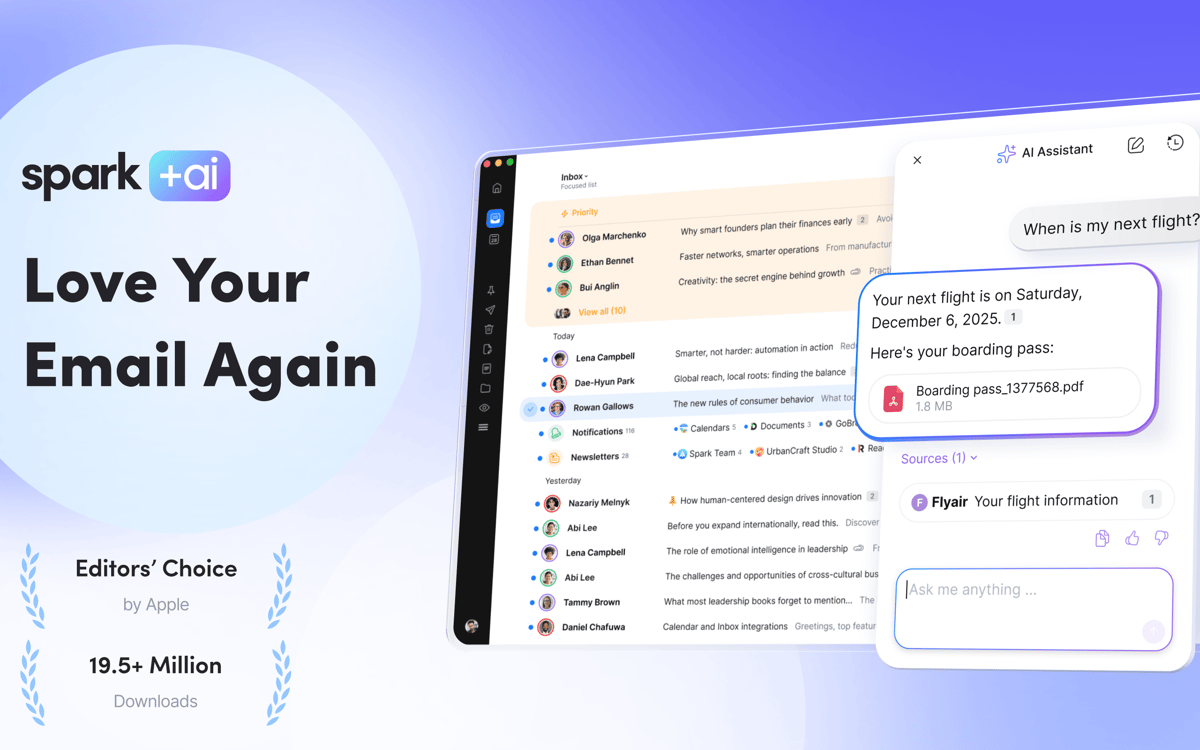
With Setapp, you get the Spark Plus version. Ever open your inbox and instantly regret it? Too many threads, too much noise, no clear to-dos. Spark brings all your inboxes into one focused, organized space — and uses AI where it’s genuinely helpful: surfacing details, drafting replies, summarizing long threads, and capturing meeting notes. It’s the kind of email app you can’t believe you ever lived without.
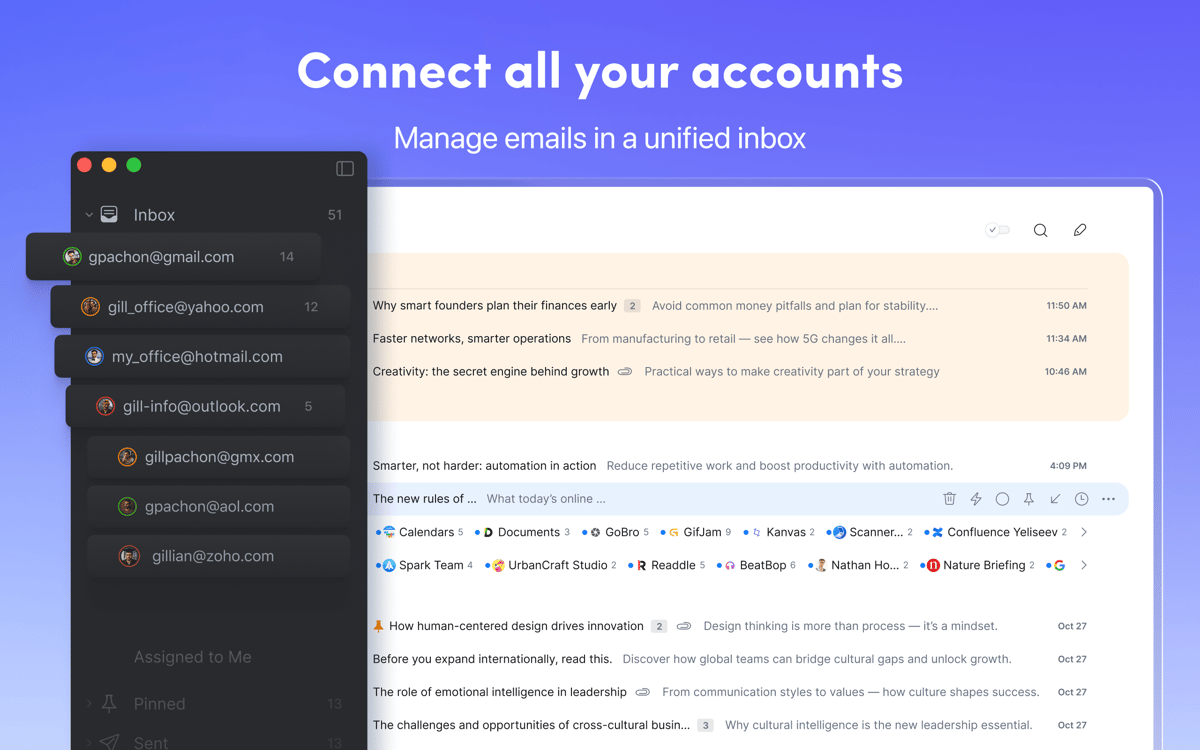
Manage emails from multiple inboxes
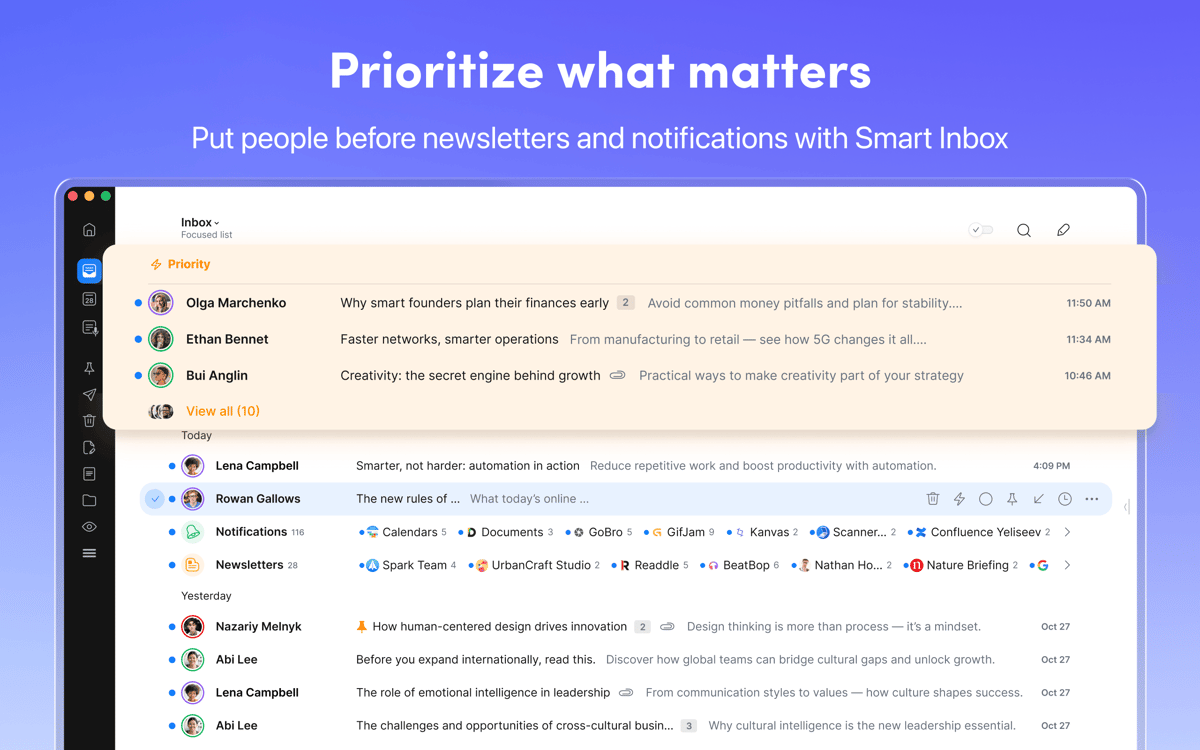
Keep priority messages at the top
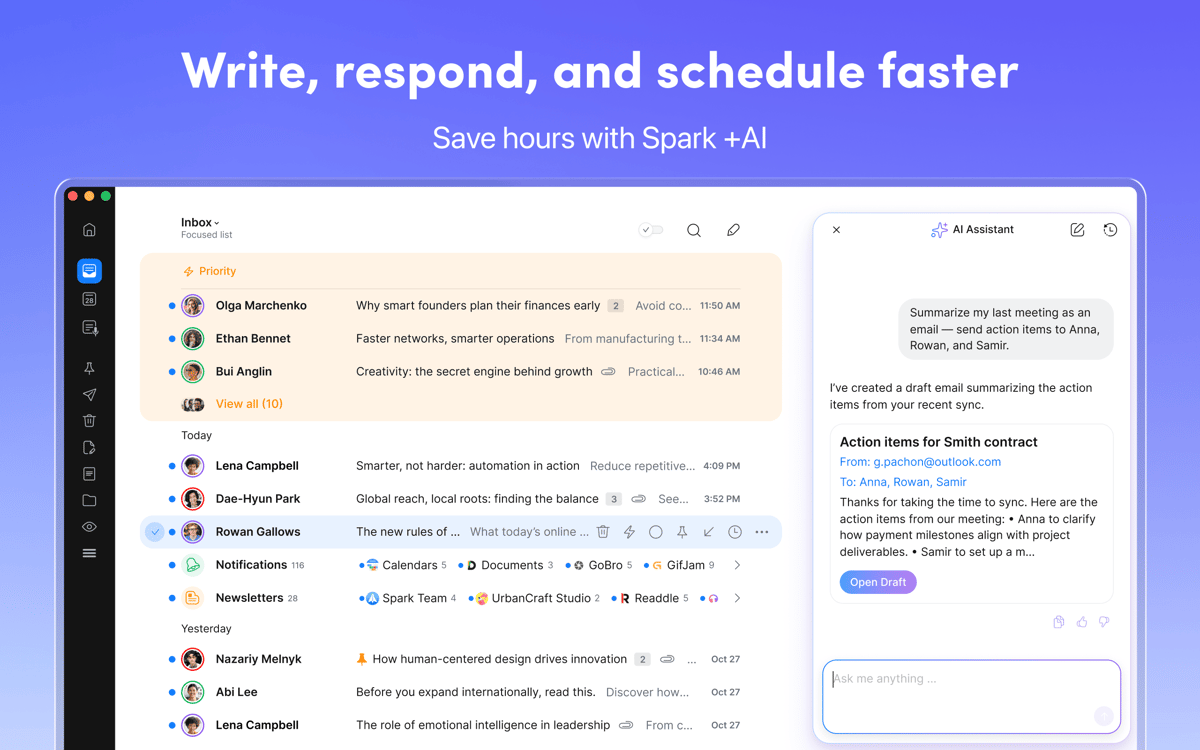
Draft, summarize, and polish emails with Al
Collaborate on emails with your team
Spark Mail features
Take control of your inbox
See all your emails from every account in one clean, unified view. Spark automatically highlights important messages, bundles non-essential threads, and helps you find anything in seconds with Smart Search. No more endless scrolling or inbox chaos! Finally, your email feels manageable and under control.
Filter out the email noise
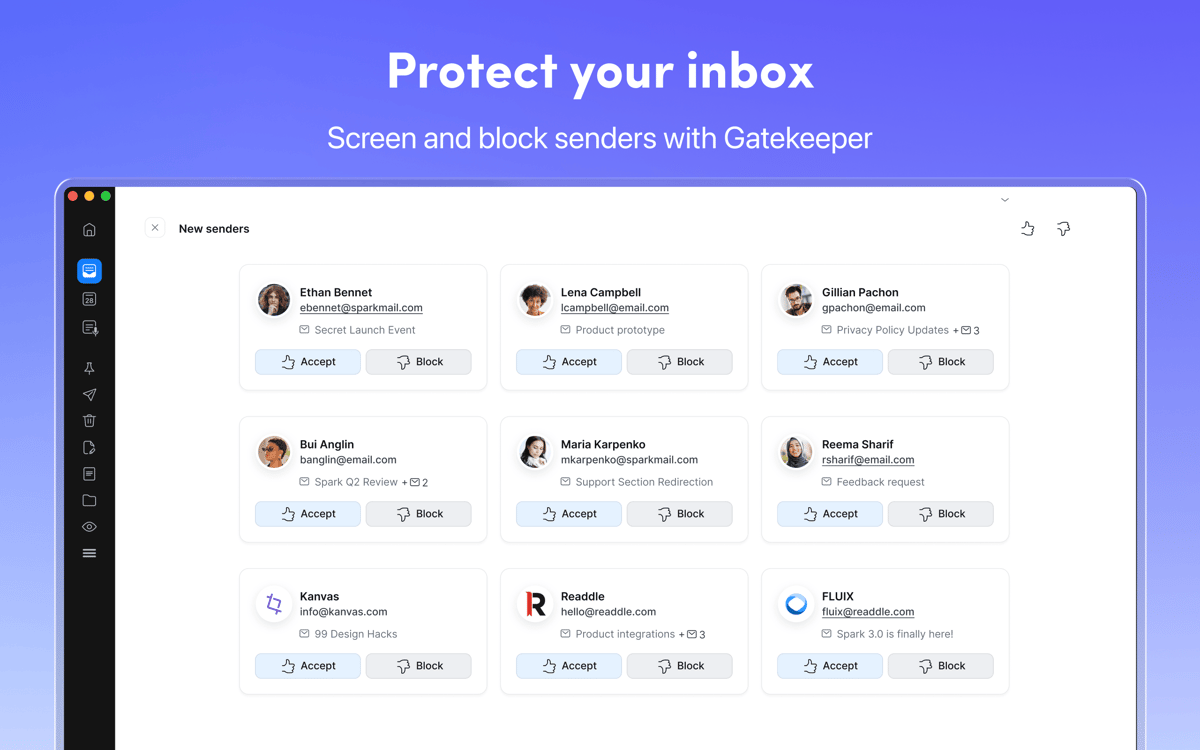
Avalanche of emails ruining your focus? Spark helps you separate the messages that matter from the ones that don’t. Use Gatekeeper to protect your inbox and Priority Senders to make sure your VIPs are always up top. You can also group messages by sender, pin important emails, mute threads that have lost relevance, and block unwanted contacts.
Supercharge your emails with AI Assistant
Your AI Assistant helps you sift through your inbox, attachments, calendar events, and meeting notes — surfacing exactly what matters so you can move work forward. Just ask and it can summarize key details, identify next steps, create calendar events, and help organize your inbox. It’s also a writing partner, helping you draft, refine, or translate messages in seconds.
Power up your workflow with integrations
Spark isn’t just an email client. It supercharges your productivity in every way. Connect your favorite apps like Todoist, 2Do, Asana, Dropbox, Evernote, Google Drive, Microsoft Teams, Notion, OmniFocus, Slack, Zoom, Trello, and more to turn emails into tasks, attach files, and move information exactly where it belongs.
Collaborate on emails with your team
Spark enables your team to work together directly in the inbox. Collaborate on drafts, add context or document decisions with comments, attach files when needed, and use shared templates to keep communication fast and consistent.
Ratings and reviews
Spark Mail
•
3062 ratings
Gavin Brooks
Oct 3, 2026
App version: 3.30.12
The app now requires additional payment outside of what I pay through setapp - for a feature that does not cost them any more (connecting my own llm to their app via a cli). Not a fan of gating features behind another payment.
Response from Developer
Oct 6, 2026
Hi! Thank you for sharing your feedback. The Setapp version of Spark doesn't include the Spark Pro plan. If you'd like to use the Pro features, including the advanced CLI functionality, you'll need to upgrade to Spark Pro directly through our website. We apologize for the inconvenience and appreciate you taking the time to share your concerns. Mariana
Randy Wallin
Oct 2, 2026
App version: 3.30.12
Awesome app!
Response from Developer
Oct 6, 2026
Hello Randy! We're thrilled to hear that you're enjoying the app. If you have any questions or feedback, don't hesitate to reach out to us at [email protected]. Mariana
Matthias
Sep 29, 2026
App version: 3.30.12
Repeatedly reports that I would not have an active SetApp subscription (but I have). It refuses to even start – so no way to just sign out and in again. Ridiculous that I cannot use my email and properly have to reinstall the entire app and accounts again.
Response from Developer
Oct 6, 2026
Hi! We're sorry for the frustration. To help us get to the bottom of this, could you please send a quick note to [email protected]? We'd love to take a closer look at what's happening on your device. Mariana
Get hundreds of apps with Membership
Become Setapp member and use hundreds of stellar apps with one subscription.
Try 7 days free, then pay one simple fee.
Install Setapp on Mac
Explore apps for Mac, iOS, and web. Find easy ways to solve daily tasks.

Get the app you came for
That one shiny app is waiting inside Setapp. Install with a click.

Spark Mail
Choose your subscription
One app or more with a Setapp membership. Get apps the way you want.

Get hundreds of apps with Membership
Become Setapp member and use hundreds of stellar apps with one subscription.
Try 7 days free, then pay one simple fee.
1
Install Setapp on Mac
Explore apps for Mac, iOS, and web. Find easy ways to solve daily tasks.
2
Get the app you came for
That one shiny app is waiting inside Setapp. Install with a click.
Spark Mail
3
Choose your subscription
One app or more with a Setapp membership. Get apps the way you want.
Home to the top apps
From planning and routine tasks to creative pursuits and coding, tackle tasks with apps on Setapp.


Spark Mail
Manage emails easier