
Backtrack
Record audio from the past

Mac
Version 2.6.0
macOS 13.0 or later
85.5 MB
1 languages
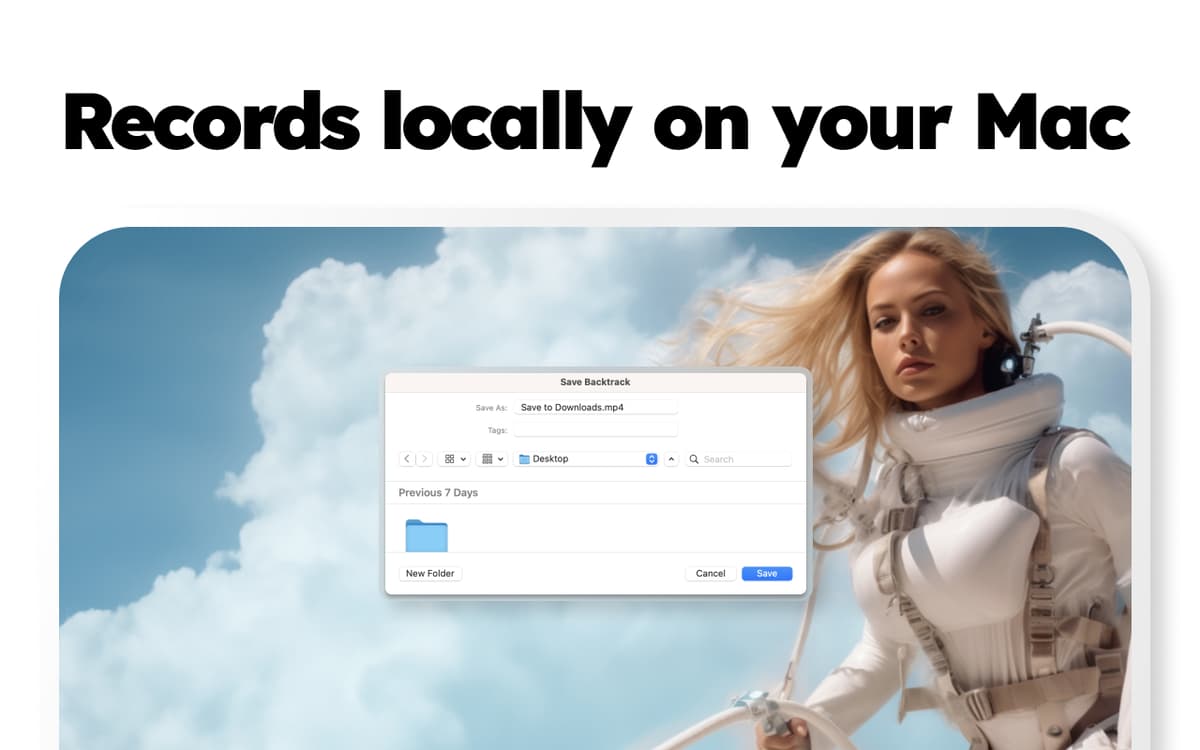
How many times have you walked out of the meeting thinking you should have recorded the conversation? Backtrack makes sure you don’t have to worry about remembering opportunities, taking notes, or tasks assignments. This Mac app is listening, recording, and overwriting audio throughout the day. Everything is stored locally on your Mac so that you can backtrack whatever recording you need at any time, up to 5 hours in the past, without worrying about the government listening in.
Listen to meetings you forgot to record
Set your Mac to record audio non-stop
Save recorded audio locally on Mac
Get back to your past conversations
Backtrack features
Reviving your meetings
The app is a perfect tool for teams that have lots of meetings and brainstorming sessions worth recording. Just decide who on your team will be using the app, (only one team member needs to have Backtrack on their Mac) so that everything you discuss is always captured.
Never forget to hit the record button
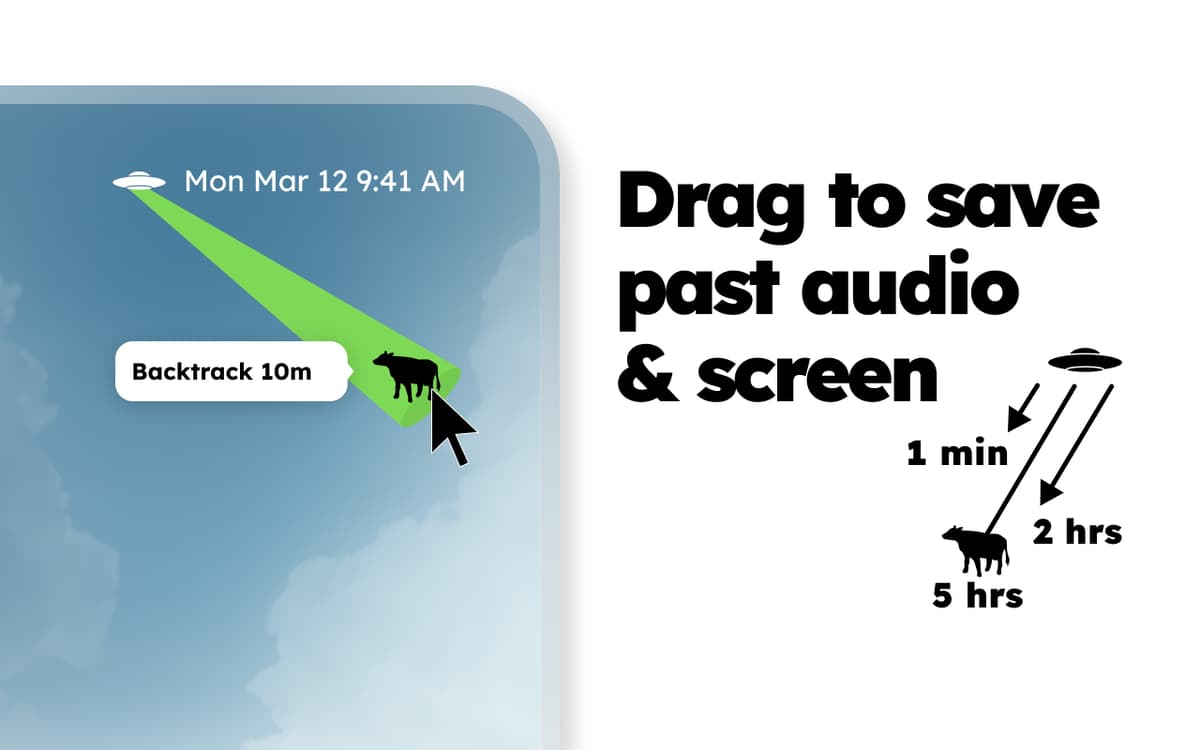
You don’t have to start or stop recording with Backtrack. Simply pull down from the icon in the menu bar and backtrack the amount of audio you need once your meeting is over. Just want the tail end of the conversation when you talked about next steps? Simply drag back say, 5 minutes, and save the audio file on your Mac. You just recorded the past! Many good conversations are flowing around your office — that’s for sure. Why not have a backup plan in case someone forgets to hit record? Backtrack is the utility that helps capture these conversations naturally.
Unnoticeable on your Mac until needed
Once you install Backtrack, it sits quietly in your menu bar — requiring barely any of your attention. Clicking on the icon lets you quickly set the backtrack limit, pause and resume recording manually (for privacy reasons) as well as swap the input device.
Up to 5 hours of audio backtracked
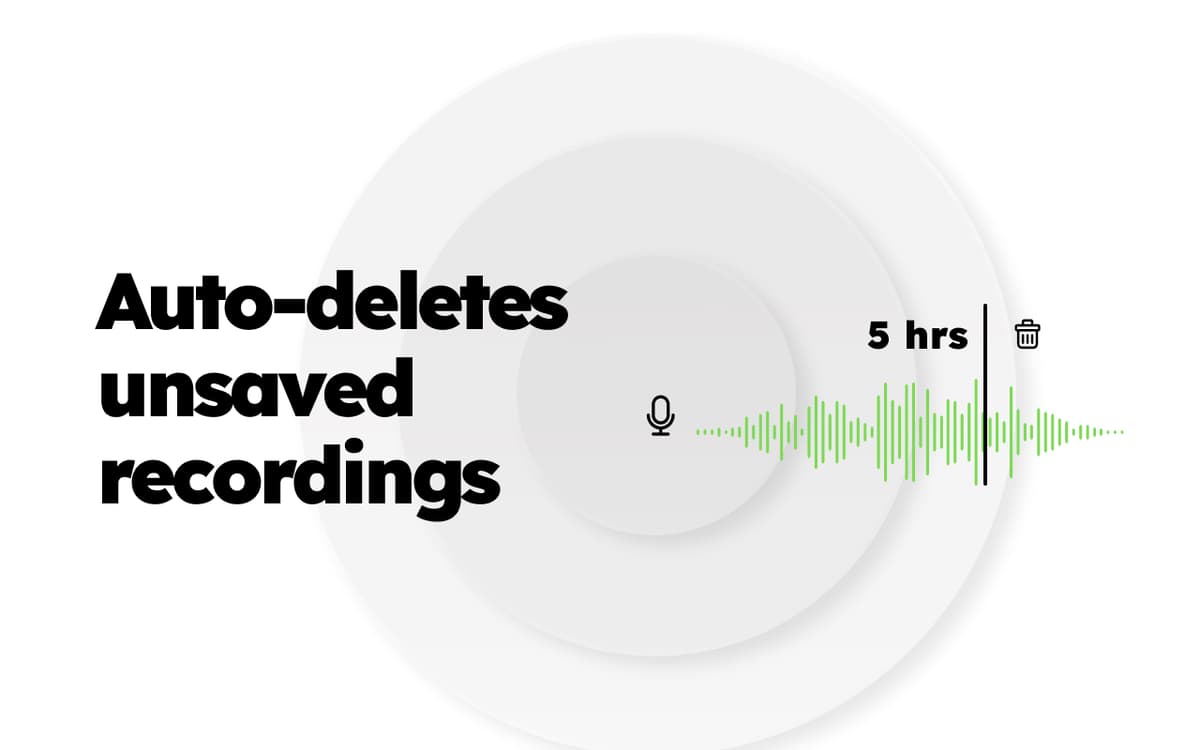
By default, Backtrack records every 60 minutes of audio and overwrites it over and over again — unless you save it. You can extend the time of overwritten recording up to 5 hours, which enables you to record those longer meetings or sales calls without saving audio every hour.
Ratings and reviews
Backtrack
•
515 ratings
Howe Timms
Sep 16, 2026
App version: 2.5.6
Fantastic app 99% of the reason I have Setapp subscription
JL Sheldon
Sep 2, 2026
App version: 2.6.0
Unable to use application, authentication step fails completely.
minhnh
Jun 8, 2026
App version: 2.5.6
never knew i needed
Get hundreds of apps with Membership
Become Setapp member and use hundreds of stellar apps with one subscription.
Try 7 days free, then pay one simple fee.
Install Setapp on Mac
Explore apps for Mac, iOS, and web. Find easy ways to solve daily tasks.

Get the app you came for
That one shiny app is waiting inside Setapp. Install with a click.

Backtrack
Choose your subscription
One app or more with a Setapp membership. Get apps the way you want.

Get hundreds of apps with Membership
Become Setapp member and use hundreds of stellar apps with one subscription.
Try 7 days free, then pay one simple fee.
1
Install Setapp on Mac
Explore apps for Mac, iOS, and web. Find easy ways to solve daily tasks.
2
Get the app you came for
That one shiny app is waiting inside Setapp. Install with a click.
Backtrack
3
Choose your subscription
One app or more with a Setapp membership. Get apps the way you want.
Home to the top apps
From planning and routine tasks to creative pursuits and coding, tackle tasks with apps on Setapp.


Backtrack
Record audio from the past