
Backtrack
Grave áudio do passado

Mac
Versão 2.6.0
macOS 13.0 ou posterior
85.5 MB
1 idiomas
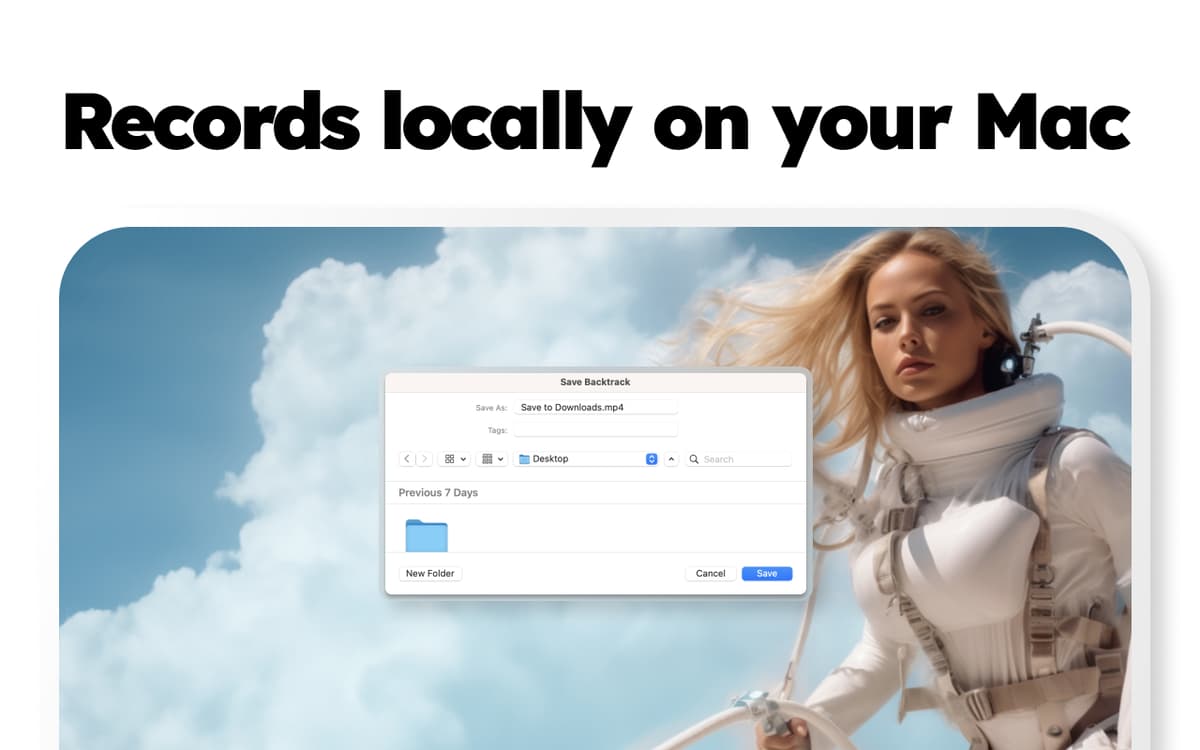
Quantas vezes você saiu de uma reunião pensando que deveria ter gravado a conversa? Com o Backtrack, você não precisa se lembrar disso, nem tomar notas ou lembrar de tarefas. Este app para Mac escuta, grava e regrava áudio durante o dia inteiro. Tudo é armazenado localmente no Mac para que você recupere qualquer gravação quando precisar, até cinco horas no passado, sem se preocupar com que o governo esteja ouvindo. Estávamos em uma reunião com investidores que fizeram ótimas perguntas. Perguntas dignas de se escrever ou, no mínimo, gravar para ouvir mais tarde. Foi assim que o Backtrack nasceu. Em um voo de São Francisco para Orlando, desenvolvemos o Backtrack para ajudar pessoas como nós, que estamos sempre conversando algo interessante que merece ser gravado, mas sempre esquecemos. Agora não nos preocupamos mais com apertar o botão para gravar!
Ouça reuniões que você se esqueceu de gravar
Configure o Mac e grave áudio ininterruptamente
Salve o áudio gravado no Mac localmente
Consulte conversas anteriores
Recursos do Backtrack
Reviva suas reuniões
O Backtrack é uma ferramenta perfeita para equipes que têm muitas reuniões ou sessões de brainstorming que valem a pena gravar. Basta decidir quem usará o app na equipe (apenas um membro precisa ter o Backtrack no Mac) para que tudo aquilo discutido seja sempre capturado.
Não se preocupe em gravar
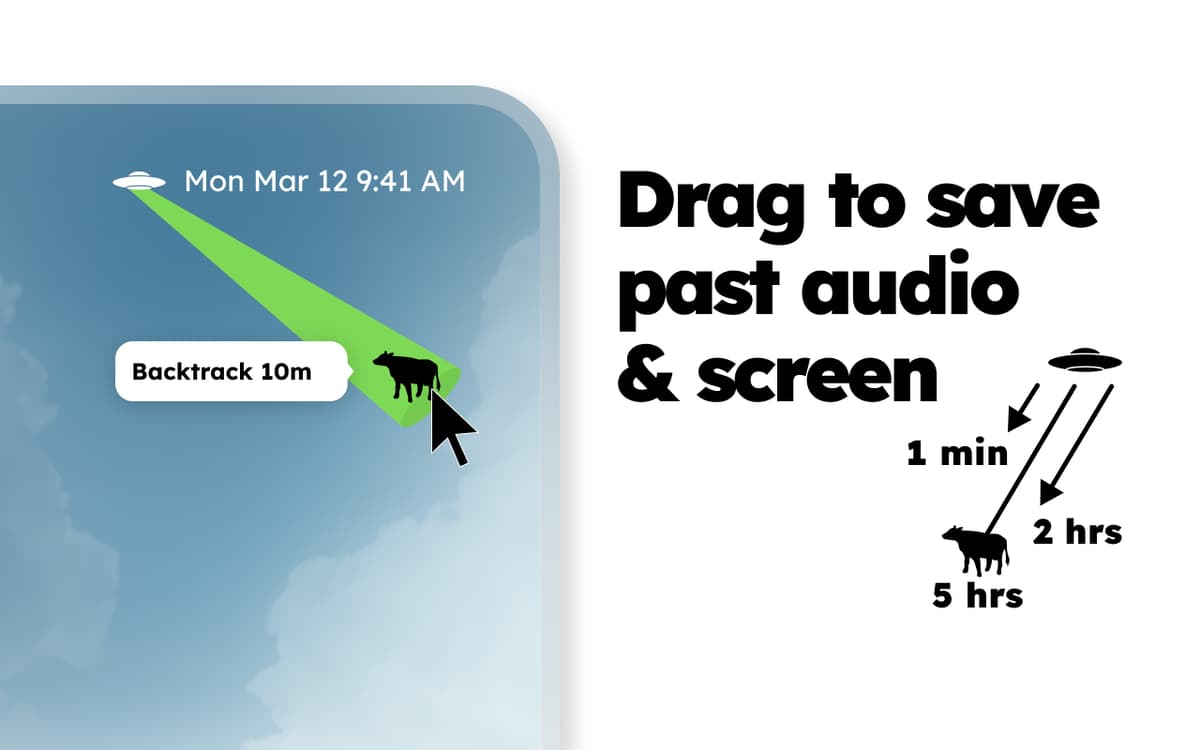
Você não precisa começar ou parar de gravar no Backtrack. Basta puxar o ícone na barra de menus para baixo e voltar até encontrar o áudio desejado quando a reunião acabar. Precisa apenas do final da conversa sobre os próximos passos a tomar? Basta voltar, digamos, cinco minutos e salvar o arquivo de áudio no Mac. Você acaba de salvar o passado! Muitas conversas interessantes acontecem no escritório, sem dúvida. Por que não ter um plano B caso alguém se esqueça de gravar? O Backtrack é o utilitário que ajuda a capturar essas conversas com naturalidade.
Imperceptível até que você precise dele
Depois de instalar o Backtrack, ele permanece estático na barra de menus sem chamar a sua atenção. Ao clicar no ícone, você pode definir rapidamente o limite de tempo que pode ser voltado, pausar e retomar a gravação manualmente (por motivos de privacidade), e mudar o dispositivo de entrada.
Até cinco horas de áudio para voltar no tempo
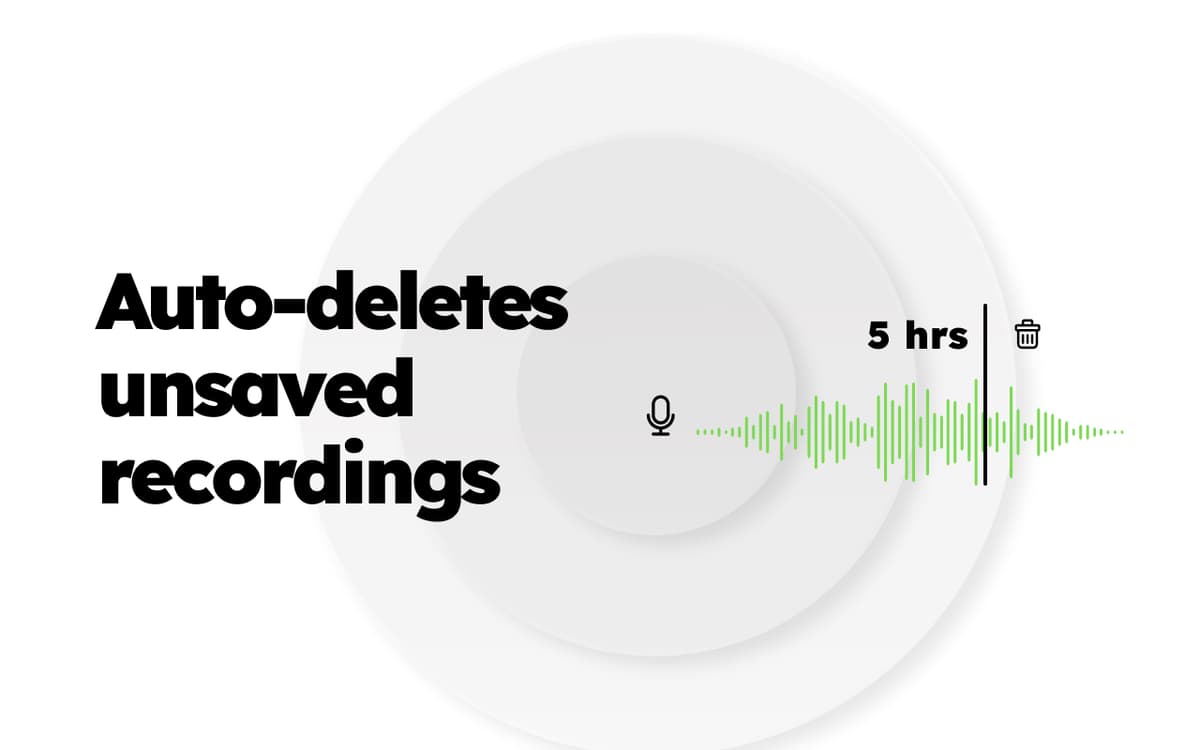
Por padrão, o Backtrack grava 60 minutos de áudio e os regrava por cima, a não ser que você os salve. Você pode aumentar o tempo do áudio regravado em até cinco horas, o que permite gravar reuniões maiores ou ligações de vendas sem salvar o áudio de hora em hora.
Classificações e avaliações
Backtrack
•
515 classificações
Howe Timms
16 de set. de 2026
Versão do app: 2.5.6
Fantastic app 99% of the reason I have Setapp subscription
JL Sheldon
2 de set. de 2026
Versão do app: 2.6.0
Unable to use application, authentication step fails completely.
minhnh
8 de jun. de 2026
Versão do app: 2.5.6
never knew i needed
Obtenha centenas de apps com o Membership
Obtenha um membership do Setapp e use centenas de apps estelares numa única assinatura.
Experimente grátis por 7 dias. Depois, pague um valor único.
Instale o Setapp no Mac
Explore apps para Mac, iOS e web. Encontre formas fáceis de lidar com as tarefas do dia a dia.

Obtenha o app que chamou sua atenção
Aquele app especial está esperando você no Setapp. Instale‑o com um clique.

Backtrack
Escolha uma assinatura
Um ou mais apps com um membership do Setapp. Obtenha os apps que você quer.

Obtenha centenas de apps com o Membership
Obtenha um membership do Setapp e use centenas de apps estelares numa única assinatura.
Experimente grátis por 7 dias. Depois, pague um valor único.
1
Instale o Setapp no Mac
Explore apps para Mac, iOS e web. Encontre formas fáceis de lidar com as tarefas do dia a dia.
2
Obtenha o app que chamou sua atenção
Aquele app especial está esperando você no Setapp. Instale‑o com um clique.
Backtrack
3
Escolha uma assinatura
Um ou mais apps com um membership do Setapp. Obtenha os apps que você quer.
A casa dos melhores apps
Desde tarefas rotineiras e de planejamento a atividades criativas e de programação, encare suas tarefas com os apps do Setapp.

TypingMind
IU alternativa para conversar com IA
gere ou resuma textos
use uma biblioteca de ações
IA

Spark Mail
Gerencie e‑mails
IA

CleanMyMac
Limpe os detritos

Bartender
Personalize a barra de menus

CleanShot X
Capturas de tela versáteis

Luminar Neo
Edite suas fotos
IA

ClearVPN
Conecte‑se com mais segurança

Craft
Trabalhe com documentos
IA
Backtrack
Grave áudio do passado