Lost in the sea of music players for Mac? Let me help you find the right MP3 player for Mac for your needs and preferences. I've scoured the popular options and am ready to share my top picks with you.
The best music players for MacBook: Quick comparison
So many choices, so many features – but I bet there's only one right choice for you! Below is a quick comparison of the best Mac audio players. Scroll down for a detailed breakdown.
Seamless streaming to AirPlay, Chromecast, and DLNA
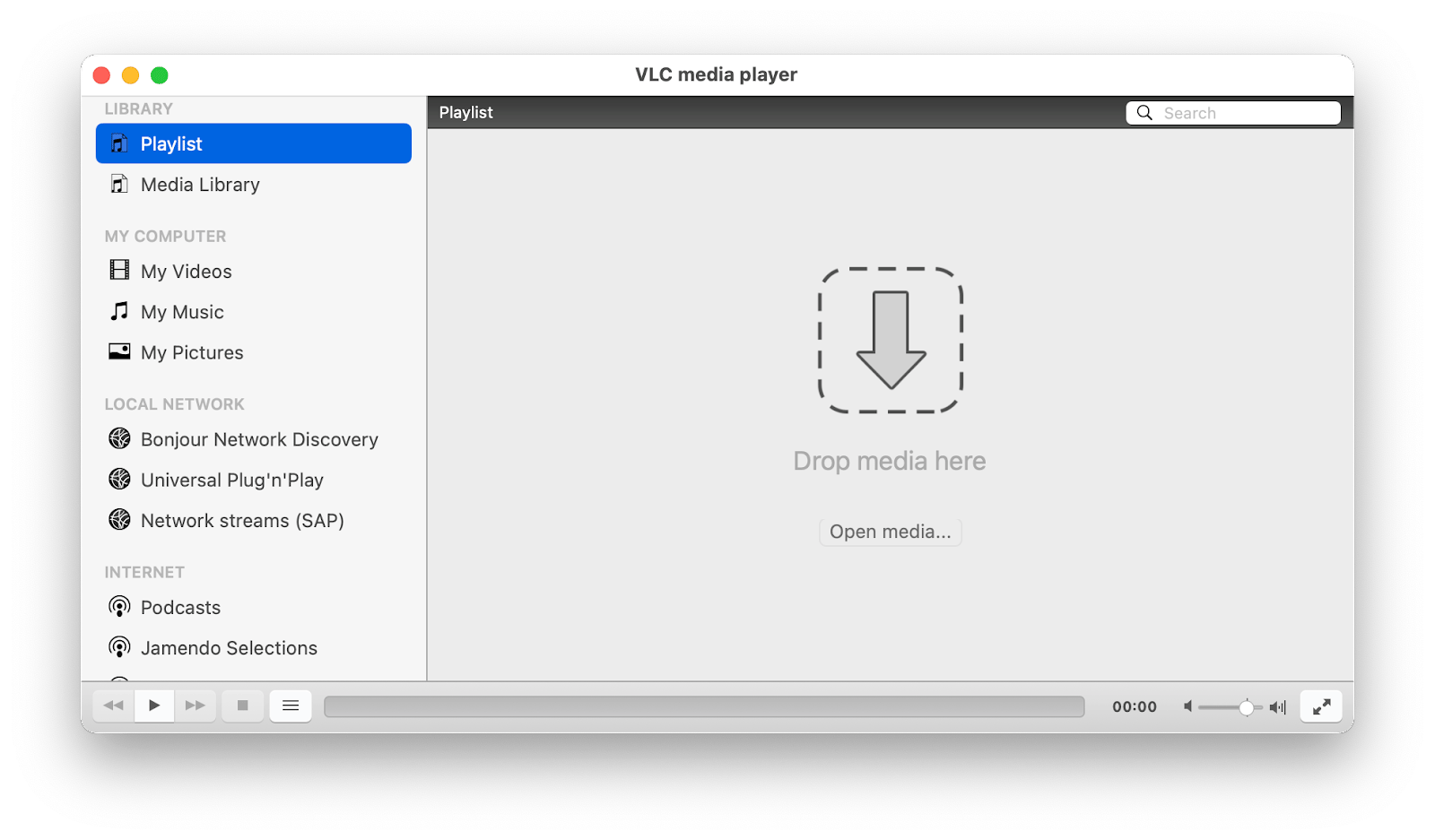
VLC Media Player
Free
Universal playback for obscure or difficult formats
Cross-platform reliability and open-source trust
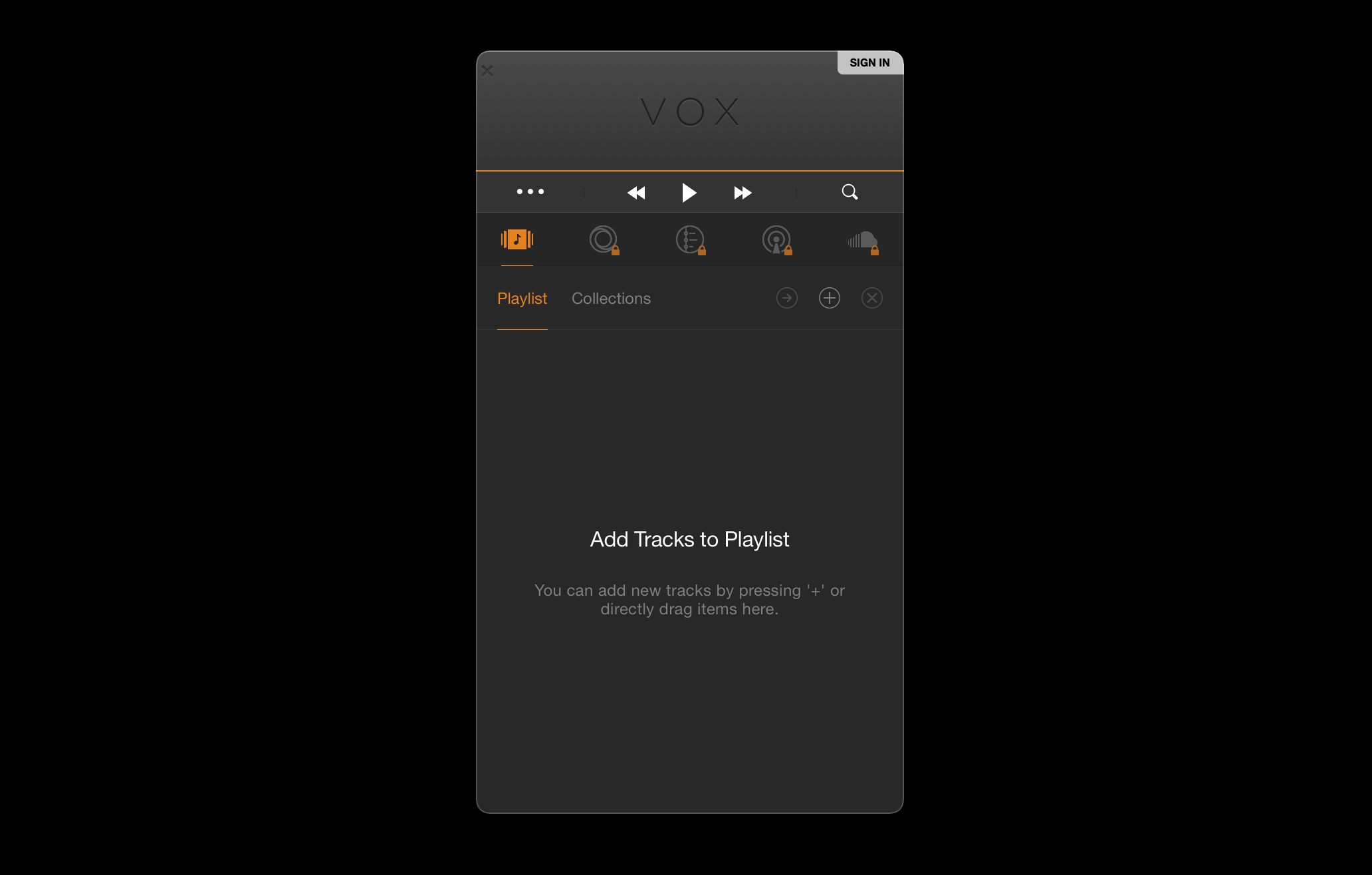
Vox
Free; Premium from $4.99/mo
High-resolution audio and cloud library sync
Advanced BASS audio engine and unlimited cloud storage
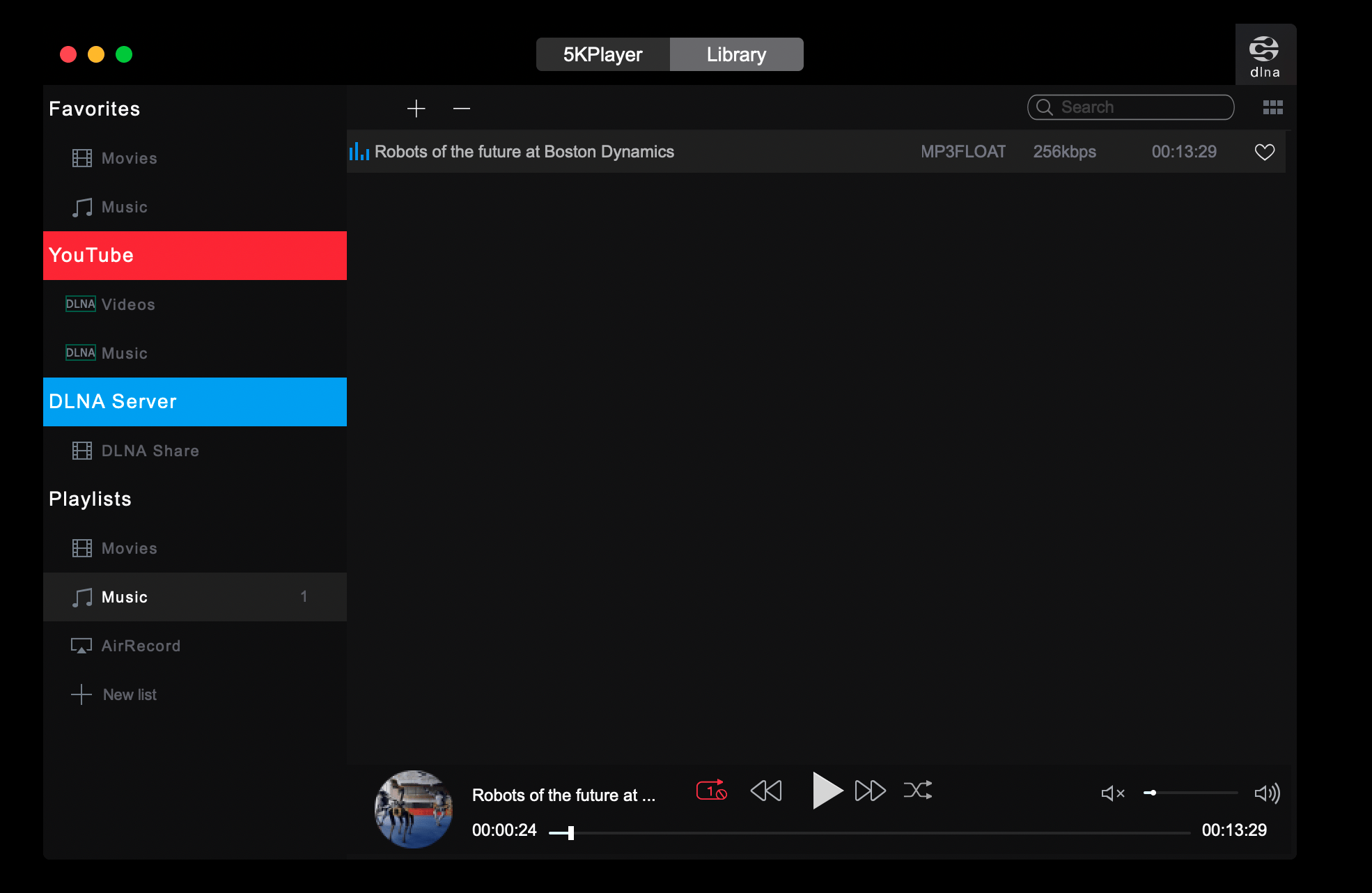
5KPlayer
Free
All-in-one playback, streaming, and downloading
Built-in video downloader and AirPlay receiver
Musique
Free
Organizing and browsing large local music libraries
Clean, music-focused library view with lyrics
IINA
Free
A modern, Mac-native media playback experience
Polished macOS interface powered by the mpv engine
A complete guide to the top 6 music players for Mac
Here's a closer look at the Mac apps that will transform how you listen to music on your laptop.
Elmedia Player for versatile media playback
Widely viewed as one of – if not the – best music players for Mac, Elmedia Player has a feature set that is almost guaranteed to please everyone. I like how one Reddit user describes the app's functionality: "If you don't want your Mac to have an existential crisis trying to play MKV HDR, Elmedia Player does the job." It's my go-to for playing any files, including those that other apps struggle with.
Elmedia Player is best for
Mac users who need one reliable player for any audio and video format — and anyone who needs streaming features to play music directly on Apple TV, Chromecast, or other devices.
Problems Elmedia Player solves
Format incompatibility: Elmedia supports just about every file type you can think of, including MP3, FLAC, AVI, AAC, OGG, MKV, and even the archaic SWF format, so you rarely encounter a file it can't play.
Streaming friction: The app simplifies casting your music or videos to Apple TV, Chromecast, DLNA devices, or any Smart TV directly from the playback window.
Poor audio control: Its 10-band graphic equalizer and audio delay settings give you precise control over your sound. Great for fixing sync issues or just tuning the audio to your liking.
Elmedia Player feature benefits
Supports over 70 audio and video formats. No extra codecs needed.
Allows wireless streaming to Chromecast, AirPlay, Roku, and DLNA-enabled devices.
The built-in video tuner lets you adjust brightness, contrast, and saturation during playback.
Elmedia Player strengths
Really macOS-y interface.
Supports FLAC, WAV, and other high-resolution lossless audio file formats.
Offers A-B loop, customizable playback speed, and other advanced playback controls.
Has an audio visualizer.
Supports a custom subtitle delay — great when you need to sync them with video or audio.
Elmedia Player limitations
Can be CPU-intensive when handling 4K or 8K video files, especially on older Macs.
Advanced features, including unlimited streaming, are part of the Pro version.
Using Elmedia Player in your workflow
I set Elmedia Player as the default player on my Mac — and haven't had a playback issue since. But if I had to pick the best use case for this player, it would be high-quality audio + streaming. Imagine you have a FLAC album and want to hear it on your main sound system via Apple TV. You just open it in the player and stream — no extra steps needed.
Pricing info on Elmedia Player
Elmedia Player is available on Setapp with a 7-day free trial.
VLC for universal cross-platform playback
As a straight-up media player, VLC is a great option. It supports a similarly wide range of file types compared to Elmedia Player, has a solid in-app library manager feature, and is completely free. Many users keep it installed as a reliable fallback for files that other players can't handle.
VLC is best for
Budget-conscious Mac users who need a universal Mac player.
Problems VLC solves
Cross-platform inconsistency: VLC works on macOS, iOS, Windows, Linux, and Android.
Basic playback limitations: VLC offers advanced controls that many free players lack, such as audio and subtitle sync adjustments, video effects, and a file converter.
Input format limitations: Plays basically everything — from files and discs to webcams and more.
VLC feature benefits
Offers VLsub extension to automatically find and download subtitles for movies and shows.
Lets you convert media files into different file formats directly from the menu.
You can define start and stop intervals for playback, which is great for looping a specific section of a song or video.
VLC strengths
Free and open-source with no ads.
Shrinks down to a minimal menu bar controller.
Supports a wide range of extensions.
VLC limitations
The interface feels outdated.
Tagging and library management can be tricky, so this app is not ideal for organizing a large music collection.
Skins are not available for Mac, so you're stuck with the original interface.
Does not natively support AirPlay or DLNA streaming.
Using VLC in your workflow
VLC shines when you need a quick, reliable solution for a one-off task. For instance, if you receive a video file with out-of-sync audio, you can use VLC's keyboard shortcuts to manually adjust the audio delay until it matches. Or, if you need to quickly convert a WMA file to MP3 for a different device, you can use its built-in converter without needing another app.
Pricing info on VLC
VLC Media Player is completely free.
Problems Vox solves
Compromised audio quality: Vox uses its own advanced audio engine (BASS) to deliver bit-perfect playback. You hear your music exactly as the artist intended.
Limited cloud storage: The premium subscription offers unlimited cloud storage specifically for music files.
Generic EQ presets: Enjoy a 10-band equalizer and over 30 presets, plus advanced settings like Hog Mode.
Vox feature benefits
Supports a wide range of high-resolution and lossless file formats, including FLAC, ALAC, DSD, WAV, and AIFF.
VOX Cloud (paid feature) provides unlimited storage for your music library, which syncs across your devices.
Provides access to over 30,000 internet radio stations worldwide (Premium feature).
Can add a pause between tracks or remove them for gapless playback.
Supports adding 200% volume.
Vox strengths
Its audio engine is specifically designed for high-resolution music playback.
The minimalist interface.
Integrates with music apps, such as SoundCloud and Last.fm, and premium users can connect their Qobuz account.
Vox limitations
Core audio features like the advanced equalizer are paid.
The app can be resource-intensive when playing back very high-resolution files.
Using Vox in your workflow
If you're a music enthusiast who buys albums in FLAC from Bandcamp, Vox is a perfect fit. You can add your files to Vox, and they'll automatically sync to your VOX Cloud account. Then, you can stream your entire lossless library to your iPhone during your commute. Its menu bar control also makes it a great background player while you work.
Pricing info on Vox
Vox is free to download. The Premium subscription, which unlocks advanced audio settings and unlimited cloud storage, costs $4.99/month.
5KPlayer for all-in-one media handling
5KPlayer describes itself as an all-in-one tool: it plays music and video, supports AirPlay and DLNA streaming, and even lets you download videos from sites like Vimeo. To me, this feels like one of the most generous free tools I've come across, though it comes with some trade-offs.
5KPlayer is best for
Users looking for a free, jack-of-all-trades media tool that combines playback, streaming, and online video downloading in a single app, especially if video features are as important as audio.
Problems 5KPlayer solves
Needing multiple media tools: 5KPlayer combines a player, streamer, and downloader.
Receiving AirPlay streams: It can turn your Mac into an AirPlay receiver, allowing you to stream content from your iPhone or iPad to your Mac's screen.
Basic offline viewing: The built-in downloader lets you save videos from over 300 websites.
5KPlayer feature benefits
Natively detects and plays Dolby, RStereo, and DTS multi-channel surround sound.
Allows you to wirelessly stream audio and video from your Mac via AirPlay and DLNA.
Includes a built-in radio player.
Playlists sync seamlessly across your devices.
5KPlayer strengths
Supports nearly every audio format, including lossless WMA, FLAC, and ALAC.
Free for both Mac and Windows.
Downloads videos from over 300 websites (make sure you're not violating copyright laws).
5KPlayer limitations
The interface feels more video-focused than music-friendly.
Users have reported security concerns and intrusive behavior, including difficult uninstalls and ads in the free version.
Using 5KPlayer in your workflow
5KPlayer is most useful when your needs are broad. For example, you could use it to download a lecture from YouTube, then stream it to your Apple TV for viewing on a larger screen. For music, you might use it to listen to an online radio station while working. However, for a dedicated music library, its interface isn't as refined as other options.
Pricing info on 5KPlayer
5KPlayer is free.
Musique for clean playback and organized music libraries
Musique is designed specifically for music playback — and that's clear from both its interface and feature set. It automatically scans your local music folders and organizes everything for you, creating a clean, browsable library with a strong focus on album art and lyrics.
Musique is best for
Mac users with large, locally-stored music collections who want a simple and free player that automatically organizes their library.
Problems Musique solves
Messy music folders: Musique scans your music and presents it in a clean view sorted by Artists, Albums, Genres, and Folders.
Missing context: The app automatically finds and displays lyrics, artist photos, and album art.
Complex interfaces: Its interface is minimal and entirely focused on music.
Musique feature benefits
Automatically organizes your library into clear, browsable tabs.
Finetune feature cleans up the library, fixes song information and metadata, adds cover art and lyrics, and removes duplicates.
The immersive "Info View" displays lyrics and artist/album details during playback.
Supports a wide range of formats, including niche lossless types like APE, MPC, and TTA.
Musique strengths
The interface is incredibly clean and music-focused.
Works on macOS, Windows, and Linux.
Folder-based view is great for users who prefer to organize their music by directory.
Musique limitations
It offers no support for streaming to other devices like AirPlay or Chromecast.
The app sometimes promotes a separate, third-party tool called Finetune for library cleanup, which can be confusing.
Using Musique in your workflow
If you have folders full of albums downloaded from various sources, Musique is perfect. You can point it to your main music directory, and it will build a clean, browsable library for you. While a song is playing, you can switch to the Info View to read the lyrics.
Pricing info on Musique
Musique is free.
IINA for a modern, Mac-native experience
IINA always comes up when people talk about the best media players for Mac on various forums — and for good reason. It's free, open-source, and built on the powerful mpv engine, but wrapped in a beautiful, modern interface that feels perfectly at home on macOS. For many, it strikes the ideal balance between VLC's power and Apple's design aesthetic.
IINA is best for
Mac users who want a free, powerful, and modern-feeling media player for local files. It's an excellent replacement for VLC if you value a polished, native macOS interface.
Problems IINA solves
Outdated player interfaces: IINA provides a clean, minimalist UI that supports Dark Mode, trackpad gestures, and the Touch Bar.
Limited subtitle control: Automatically searches for and downloads subtitles online, and gives you great control over subtitle positioning and timing.
Generic playback experience: When IINA detects music, it automatically enters "Music Mode," an optimized UI that shows album art and track details.
IINA feature benefits
"Music Mode" provides a dedicated interface for audio-only playback.
Supports Picture-in-Picture, customizable keyboard shortcuts, and trackpad gestures.
Offers browser extensions for Safari, Chrome and Firefox to open online streams directly in IINA.
IINA strengths
The interface feels native to macOS.
It's built on the highly capable MPV engine, so it can play almost any media file you throw at it.
Free, open-source, and actively maintained by its community.
IINA limitations
Doesn't support AirPlay streaming or have native iCloud integration.
Plugin system requires JavaScript knowledge (at least basic)
Using IINA in your workflow
IINA is a fantastic daily driver for local media. You can use its customizable trackpad gestures to quickly scrub through a lecture video or a podcast. For music, you can drop a folder of MP3s or FLACs into the app, and its Music Mode provides a great listening experience. Its ability to play online streams also means you can paste a YouTube URL and watch it without browser distractions.
Pricing info on IINA
IINA is completely free.
Bonus Tip: How to boost sound on a Mac?
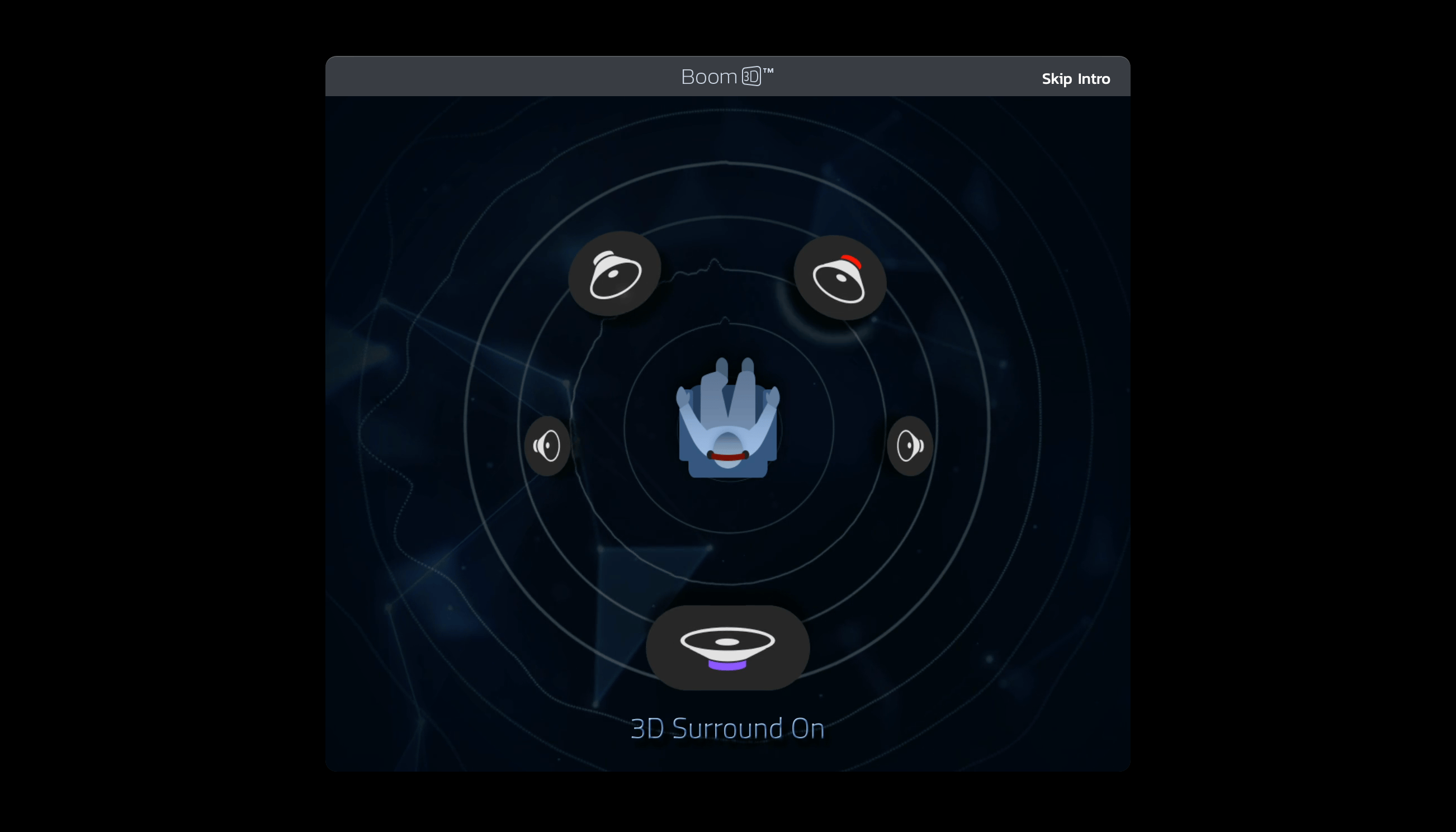
So your favorite music player does everything you want, but you don't think the sound is as good as it should be. It's not the app, and it's not your Mac – you just don't have Boom 3D from Setapp.
Boom 3D is the equalizer and sound booster your Mac has always wanted. The app lets you curate a surround sound experience without adding tons of speakers to your space or buying incredibly expensive equipment.
If you want to keep things simple, Boom 3D has an incredible Audio Boost feature that amplifies the sound your Mac already puts out. The app lets you amplify sound without compromising quality. It's the perfect scenario: more volume, less distortion, and an amazing experience all around. As one user said, "I have a pair of Mackie CR4 powered speakers and the sound quality from my Mac Studio with Boom is very enjoyable."
Though it's a dedicated equalizer, Boom 3D also has a handy music player built right in. If you are looking for a simple music player with an incredible equalizer, Boom 3D may be right for you.
How to choose a music player for you?
Still undecided? Here are a few questions to ask yourself to find the right Mac music player for your workflow.
Do you primarily listen to local files or stream? If you have a large library of MP3s and FLACs, a player with strong library management like Musique or Vox is ideal. If you just need to play occasional files, a versatile player like Elmedia or IINA is better.
How important is sound quality? For audiophiles who listen to lossless formats, a player with a high-quality audio engine like Vox is non-negotiable. For casual listening, most players on this list will sound great.
Do you need to stream to other devices? If you want to cast music to your Apple TV, Chromecast, or smart speakers, choose a player with built-in streaming capabilities like Elmedia Player or 5KPlayer.
What's your budget? Free, open-source options like IINA and VLC offer incredible power at no cost. Paid options like Vox or Elmedia Player on Setapp often provide more polished features, cloud services, or better support.
Try the best Mac audio player apps for free
For the best all around experience, there's just no beating Elmedia Player. The app can do it all, and doesn't compromise on audio playback.
Note that Boom 3D, Elmedia Player, and Eter mentioned in this article are available for free during a seven-day trial of Setapp, a suite of over 250 incredible Mac, iOS, and web apps. Throughout your free week with Setapp, you can download and enjoy as many apps as you like, and use them completely uninhibited.
FAQ
What media players are as good as VLC and compatible with Mac?
Elmedia Player from Setapp, free for 7 days, is the strongest VLC alternative for Mac. It plays virtually every format (MP4, MKV, AVI, FLAC, WMV, OGG) with hardware-accelerated decoding, a built-in equalizer, AirPlay and DLNA streaming, and a far cleaner interface than VLC.
Movist Pro from Setapp, free for 7 days, is the pick for cinephiles. It uses multiple decoding engines (FFmpeg + QuickTime), supports precise subtitle timing, and handles high-bitrate 4K content exceptionally well.
Both are Mac-native, actively maintained, and handle everything VLC does without VLC's dated interface. See how much Setapp costs.
What are the best music apps for a MacBook Air?
On a MacBook Air, you want music apps that don't drain the battery or push the CPU:
Boom 3D from Setapp, free for 7 days, is a system-wide equalizer and volume booster with 20,000+ built-in radio stations, genre presets, and virtual surround sound.
SmashTunes from Setapp lets you control music playback from the menu bar without switching windows.
FreeYourMusic from Setapp, free for 7 days, transfers your playlists between streaming services: Spotify, Apple Music, Tidal, etc.
Elmedia Player from Setapp, free for 7 days, handles local music files in virtually any format — FLAC, WAV, AAC, OGG — without the resource overhead of heavier players.
All four run comfortably on Apple Silicon with minimal battery impact.
What are the best offline music apps for MacBooks?
For playing music offline, use StreamWriter Studio from Setapp — it lets you record and schedule internet radio streams for offline listening.






 Best solution
 Best solution