
Swish
Set up quick trackpad actions


Mac
Version 1.13.3
macOS 12 or later
7.1 MB
1 languages
Swish is a gesture-based windows controller that expands the abilities of your trackpad. Manage windows and applications, using intuitive two-finger moves across a multi-screen setup. Swipe, pinch, tap, and hold to make the most out of your trackpad. It’s like your Mac finally feels complete.
Snap windows with Trackpad swipes
Save time switching between windows
Manage windows across monitors
Avoid time-consuming window resizing
Swish features
Control windows with just two fingers
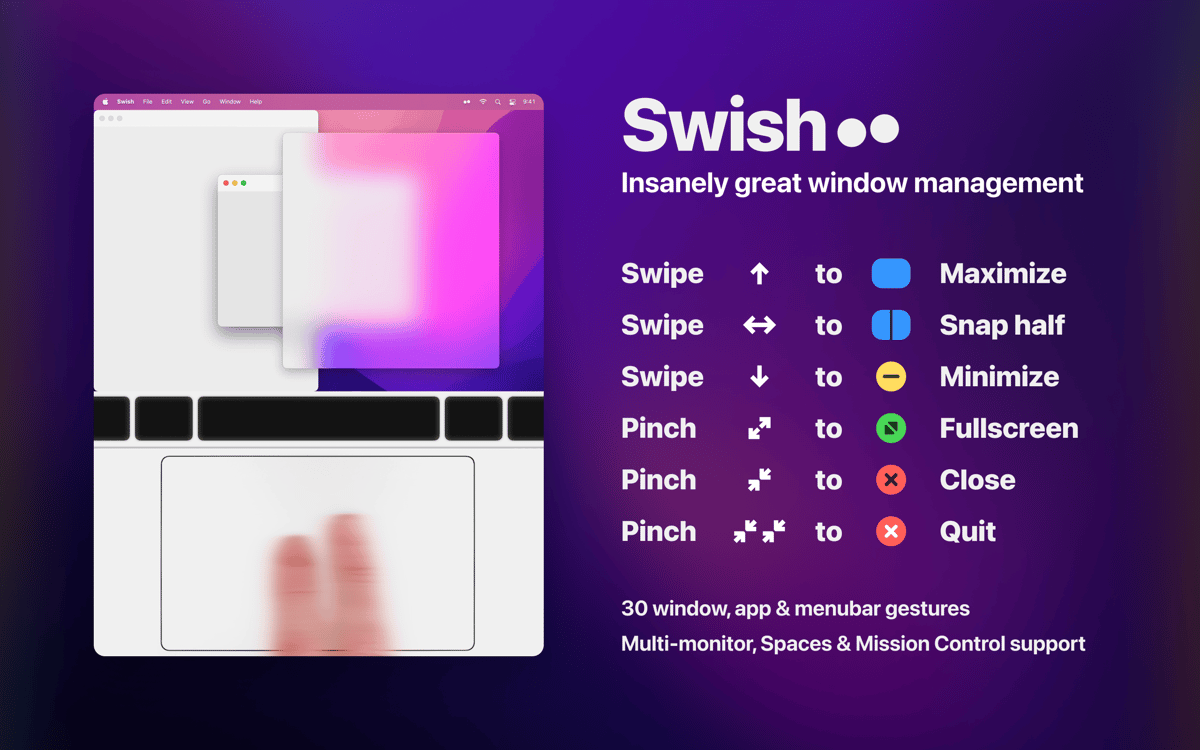
Swish offers 28 intuitive gestures that will supercharge your workflow and make you a trackpad power user. Pinch in to quit, swipe down to minimize, pinch out to go fullscreen, double-tap to hide, and more. No more clicks and buttons — you handle everything with simple moves.
Enjoy perfectly aligned windows
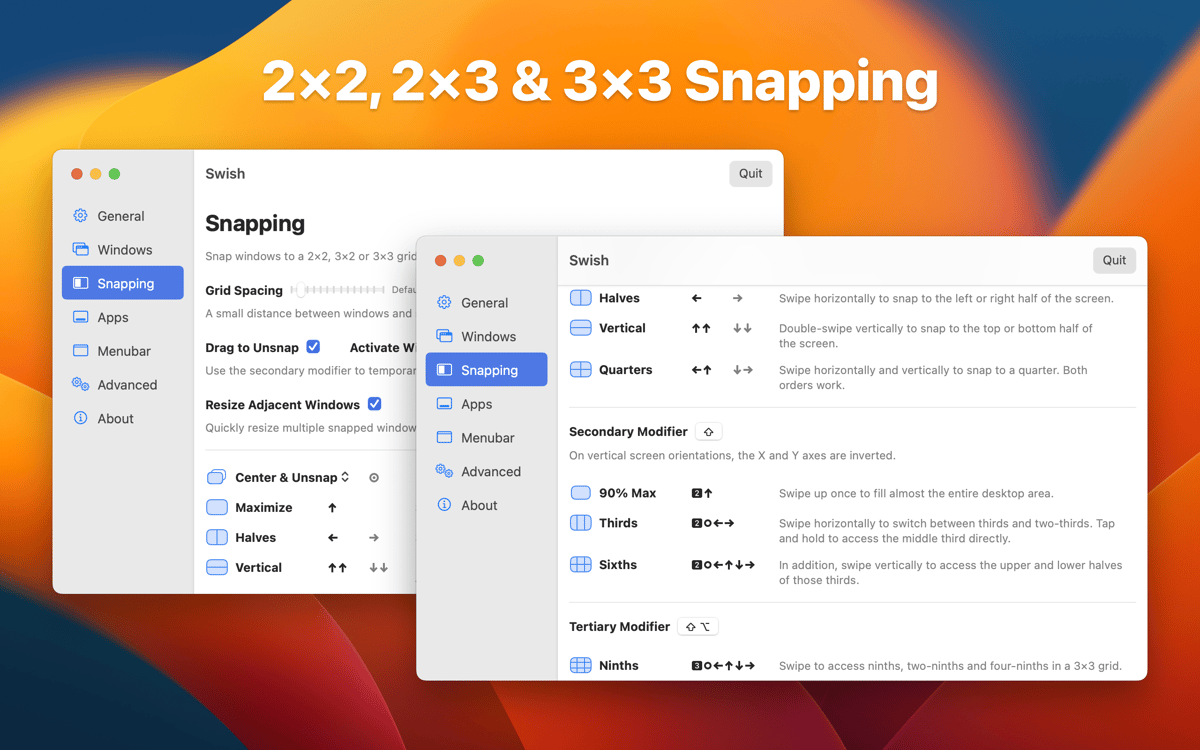
Swish allows you to bring two or more windows into one perfect grid. Swish automatically aligns your windows so that they look perfect together, while also decluttering the workspace. Work across as many apps and folders as you like. Nothing's off the screen.
Save time swiping
Swiping is the new dragging. Arrange tabs or windows without clicking. All you need to do is a few intuitive gestures. Want to position a window in the lower right corner? That becomes so easy with Swish — just swipe down and right. It flies, magically.
Have a perfect multi-monitor setup
Boost your productivity by working across two or more screens. You can move a window across different workspaces and control them with lightweight gestures. Just swipe in the needed direction, that's it.
Works with the Magic Mouse
If you prefer a good old mouse to a trackpad, Swish has a solution for this, too. All the functions (except tap and hold) work with the Magic Mouse. It's all about your own way of doing things on the Mac.
Take control
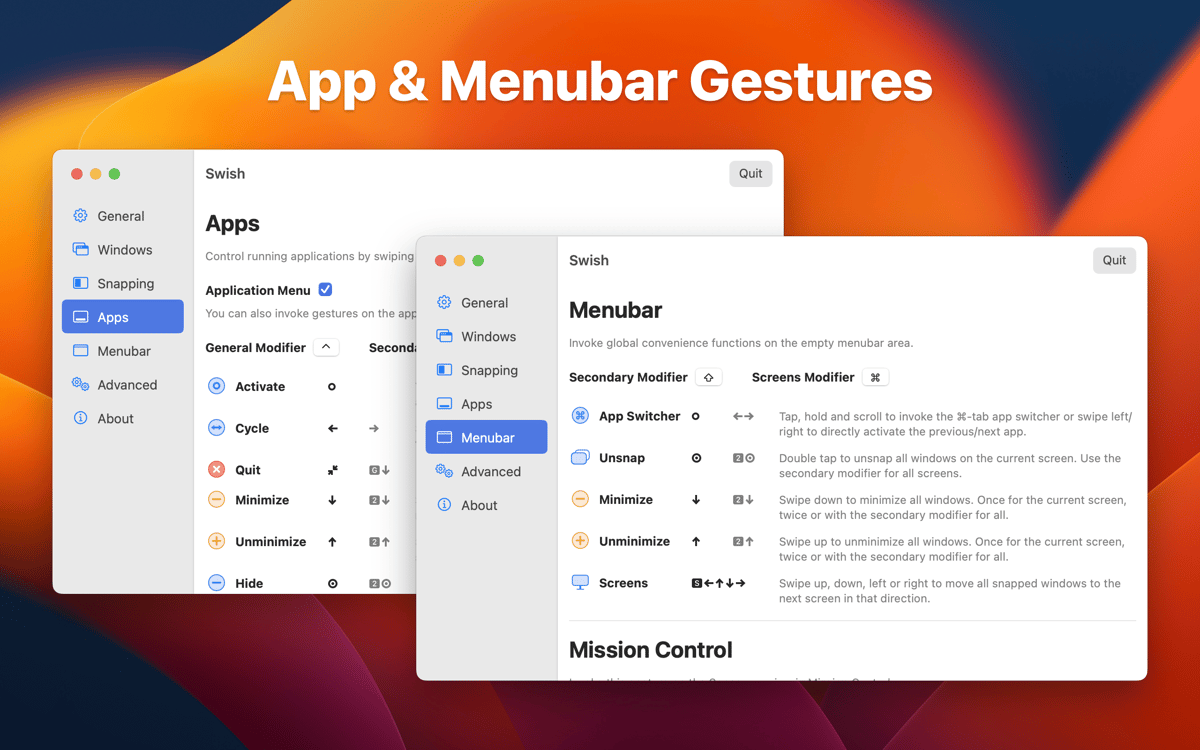
Feel free to change the preferences at any time. You'll find a detailed range of possible actions in the settings. Adjust the app according to your needs and enhance the great trackpad experience with Swish.
Ratings and reviews
Swish
•
1038 ratings
Maksym Zaselian
Sep 18, 2026
App version: 1.13.2
Super usefull
Daniel Masters
Aug 4, 2026
App version: 1.13.2
Very intuitive and useful functionality. It’d be awesome if we could also three-finger-tap links to middle-click/open in new tab (means I can avoid needing to run Middle as well)
Kay
Jul 10, 2026
App version: 1.13.2
Love this!
Get hundreds of apps with Membership
Become Setapp member and use hundreds of stellar apps with one subscription.
Try 7 days free, then pay one simple fee.
Install Setapp on Mac
Explore apps for Mac, iOS, and web. Find easy ways to solve daily tasks.

Get the app you came for
That one shiny app is waiting inside Setapp. Install with a click.

Swish
Choose your subscription
One app or more with a Setapp membership. Get apps the way you want.

Get hundreds of apps with Membership
Become Setapp member and use hundreds of stellar apps with one subscription.
Try 7 days free, then pay one simple fee.
1
Install Setapp on Mac
Explore apps for Mac, iOS, and web. Find easy ways to solve daily tasks.
2
Get the app you came for
That one shiny app is waiting inside Setapp. Install with a click.
Swish
3
Choose your subscription
One app or more with a Setapp membership. Get apps the way you want.
Home to the top apps
From planning and routine tasks to creative pursuits and coding, tackle tasks with apps on Setapp.


Swish
Set up quick trackpad actions