

Movist Pro
Regardez tous les formats vidéo
Mac
Version 2.13.1
macOS 10.13 ou version supérieure
122.8 MB
5 langues
Regardez vos films dans un confort absolu. Movist prend soin de votre expérience en mettant le contrôle entre vos mains. Lises vos vidéos favorites avec des sous-titres, personnalisez les paramètres pendant que vous regardez, et laissez l'application créer automatiquement des listes de lecture pour vous. Vous bénéficiez également d'une extension Safari pour regarder des vidéos sur le Web, avec toutes les fonctionnalités de Movist incluses.
Regardez des vidéos 4K sans vider votre batterie
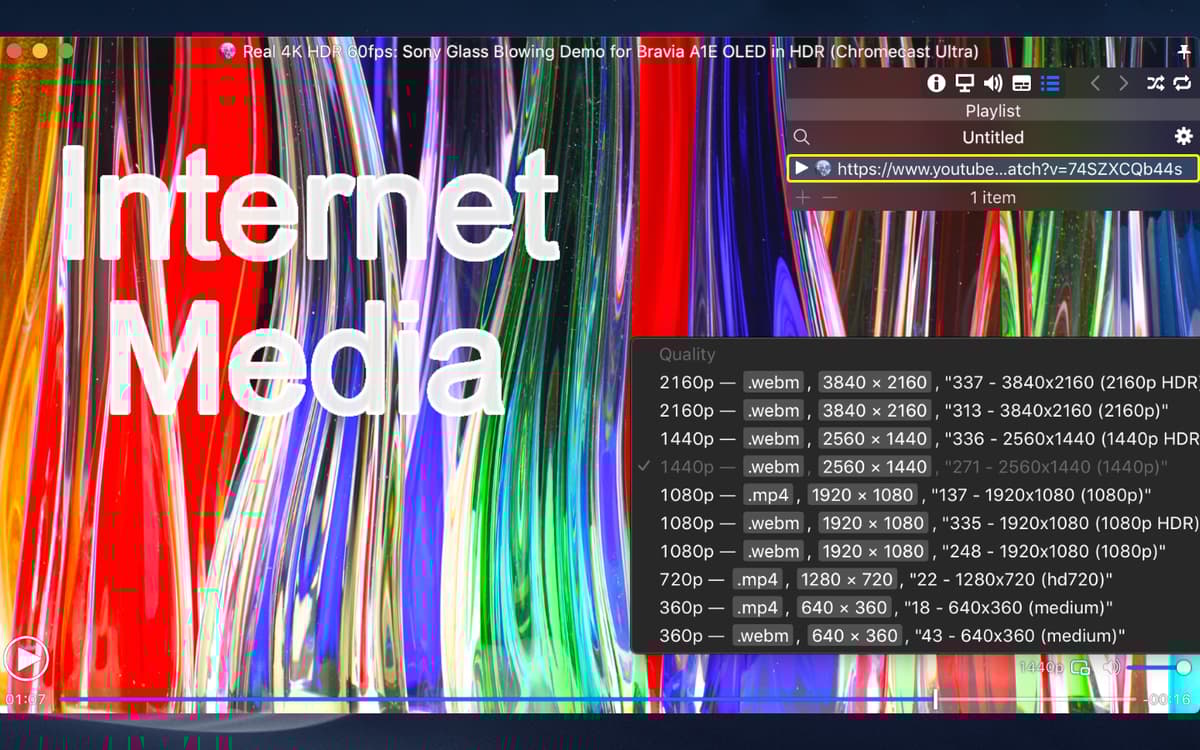
Choisissez votre qualité vidéo et votre langue
Organisez automatiquement les films par playlist
Améliorez la vidéo pour les écrans non-HDR
Fonctionnalités de Movist Pro
Décodage sans effort
Lisez des vidéos sans effort avec Movist, en utilisant le décodeur FFmpeg ou QuickTime. Vous pouvez rouvrir un film avec un autre décodeur à tout moment. L'application intègre la prise en charge du décodage accéléré par matériel de H.265/HEVC. Ainsi, vous aurez un accès à vos films à la vitesse de l'éclair.
Définissez votre flux
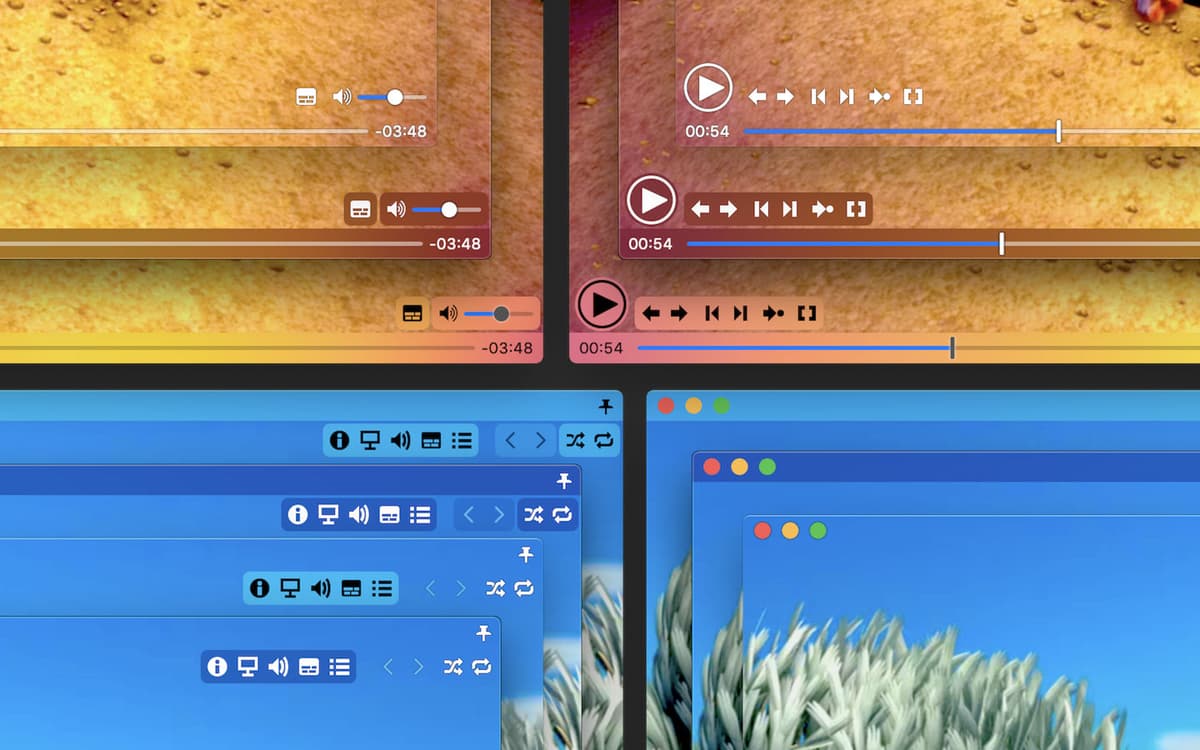
Grâce aux préférences entièrement personnalisables, vous pouvez régler l'application pour afficher des sous-titres, spécifier la qualité de la vidéo et sa taille, ou même appliquer des filtres à vos fichiers multimédias. Basculez entre les thèmes sombre et clair pour faire plaisir à votre œil. Avec le panneau de commande sur l'écran, vous pouvez également modifier les préférences pendant que vous regardez vos vidéos.
Prise en charge étendue des sous-titres
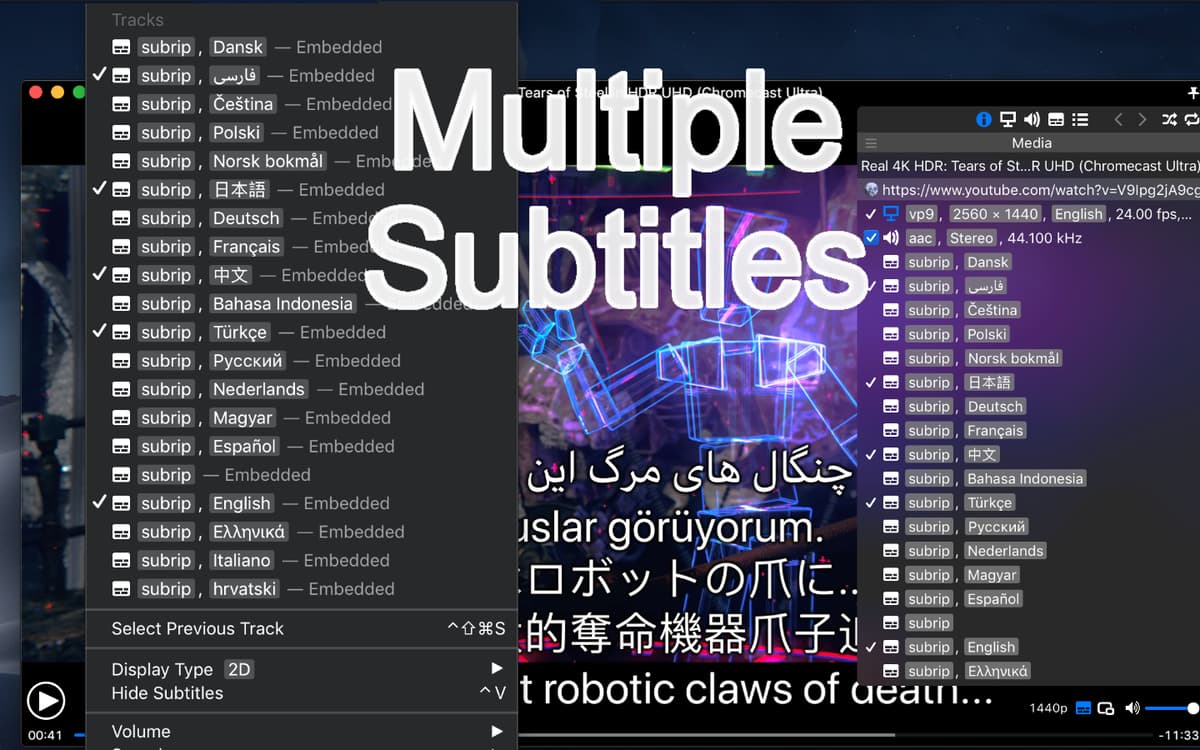
C'est une fonctionnalité que vous ne trouverez pas dans QuickTime. Les sous-titres sont l'énorme point fort de Movist, avec des tonnes de formats et de paramètres disponibles. Regardez les sous-titres en plusieurs langues, mettez-les dans des boîtes qui s'ajustent à votre écran, ou laissez Movist lire les sous-titres pour vous.
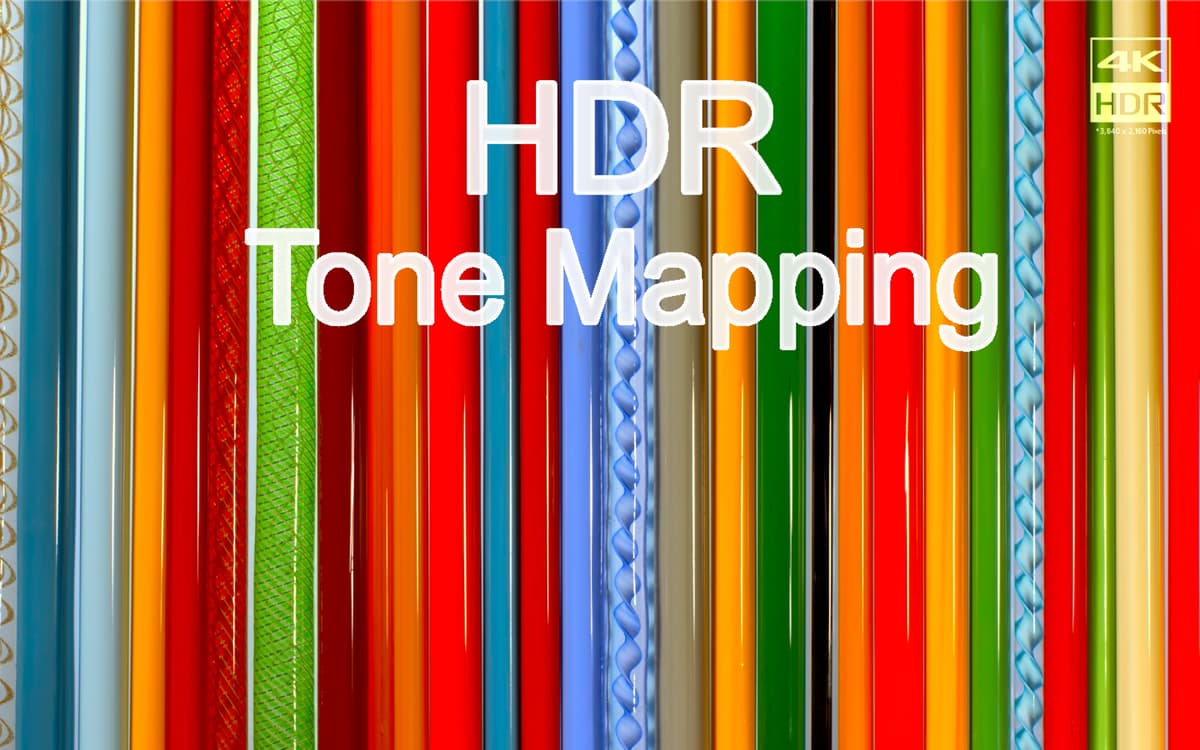
Mappage de tonalité HDR
Une autre force de Movist est sa capacité à augmenter votre écran non HDR. Normalement, lorsque vous affichez des fichiers multimédias HDR sur un écran non HDR, les couleurs apparaissent claires ou décolorées. La technologie de mappage de tonalité HDR de Movist résout ce problème en ajustant la couleur, de façon professionnelle.
Listes de lecture à remplissage automatique
Vous nommez votre liste de lecture, et Movist se charge du rangement. Chaque fois que vous ouvrez une vidéo, l'application recherche la série et les fichiers de sous-titres correspondants pour placer vos fichiers multimédias dans la bonne liste de lecture. Si vous le souhaitez, vous pouvez supprimer ou ajouter des films manuellement à tout moment.
Prise en charge de la lecture réseau et Web
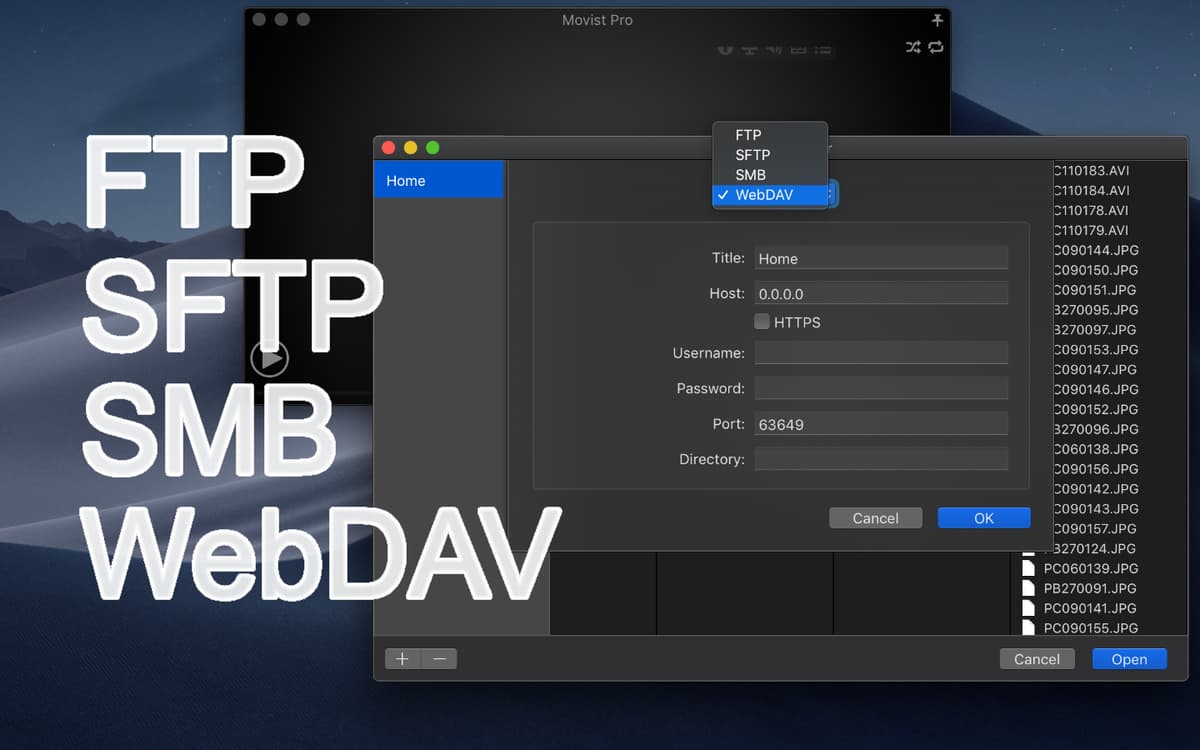
Dans sa version pro, Movist ajoute des fonctionnalités pour regarder des vidéos depuis votre navigateur avec l'extension Safari. Toutes les fonctionnalités sont maintenues, y compris les sous-titres, les listes de lecture remplies automatiquement et le contrôle des surcouches. De plus, l'application vous permet de lire des fichiers sur des serveurs réseau comme FTP, SFTP et SMB.
Avis et commentaires
Movist Pro
•
955 classements
Paul CORNEC
9 nov. 2025
Version de l'application : 2.13.1
Très bon lecteur qui lit tout.
Aaron
3 oct. 2025
Version de l'application : 2.13.1
Great :)
Santiago Molina
25 sept. 2025
Version de l'application : 2.13.1
Muy fluida la experiencia
Profitez de centaines d'applications avec Membership
Devenez membre Setapp et utilisez des centaines d'applications incroyables grâce à un seul abonnement.
Forfait tout compris, après 7 jours d'essai gratuit
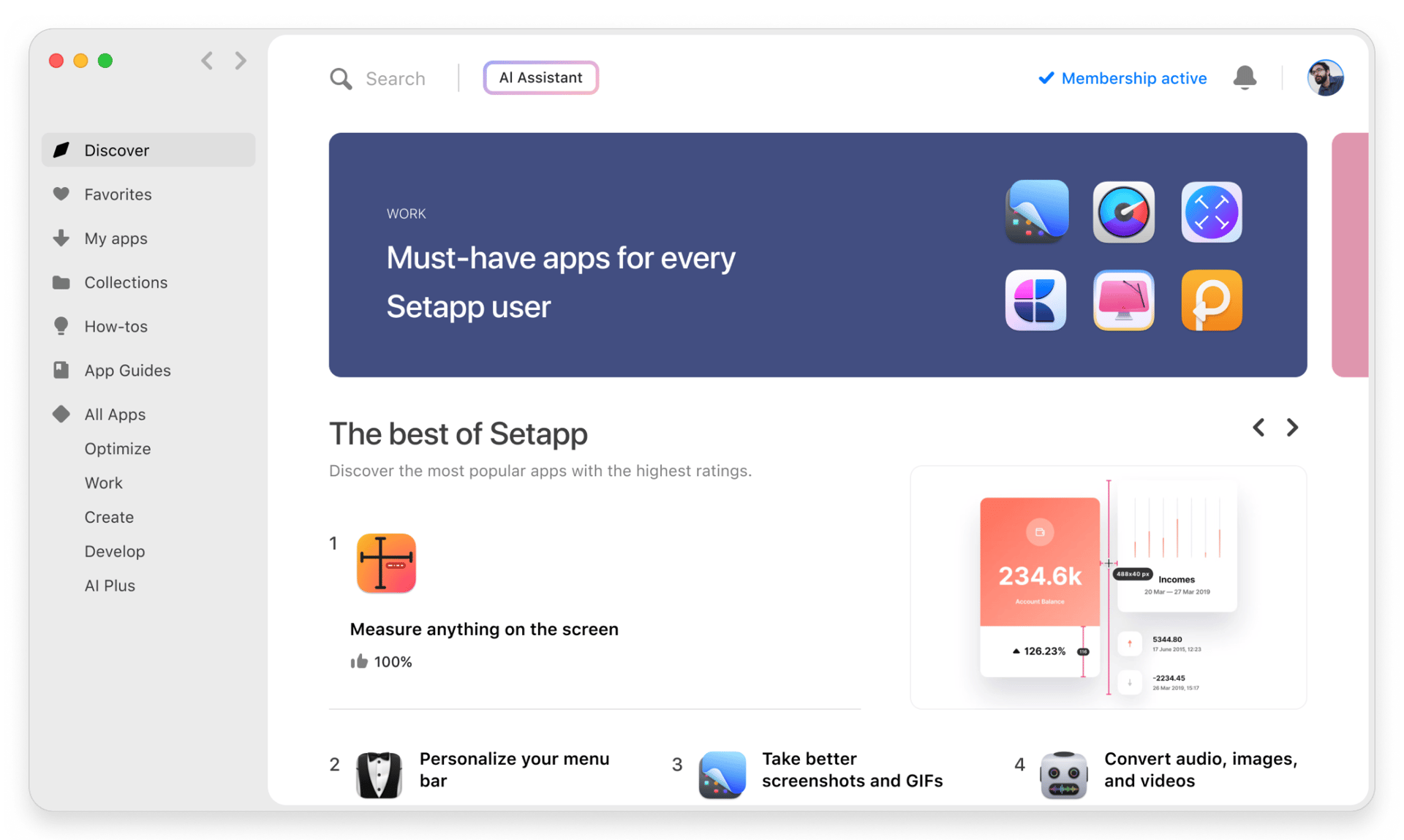
1
Installez Setapp sur votre Mac
Explorez des applications pour Mac, iOS et le Web. Découvrez comment accomplir facilement les tâches du quotidien.
2
Téléchargez l'application qui vous intéresse
Cette application vous attend dans Setapp. Installez-la d'un seul clic.
Movist Pro
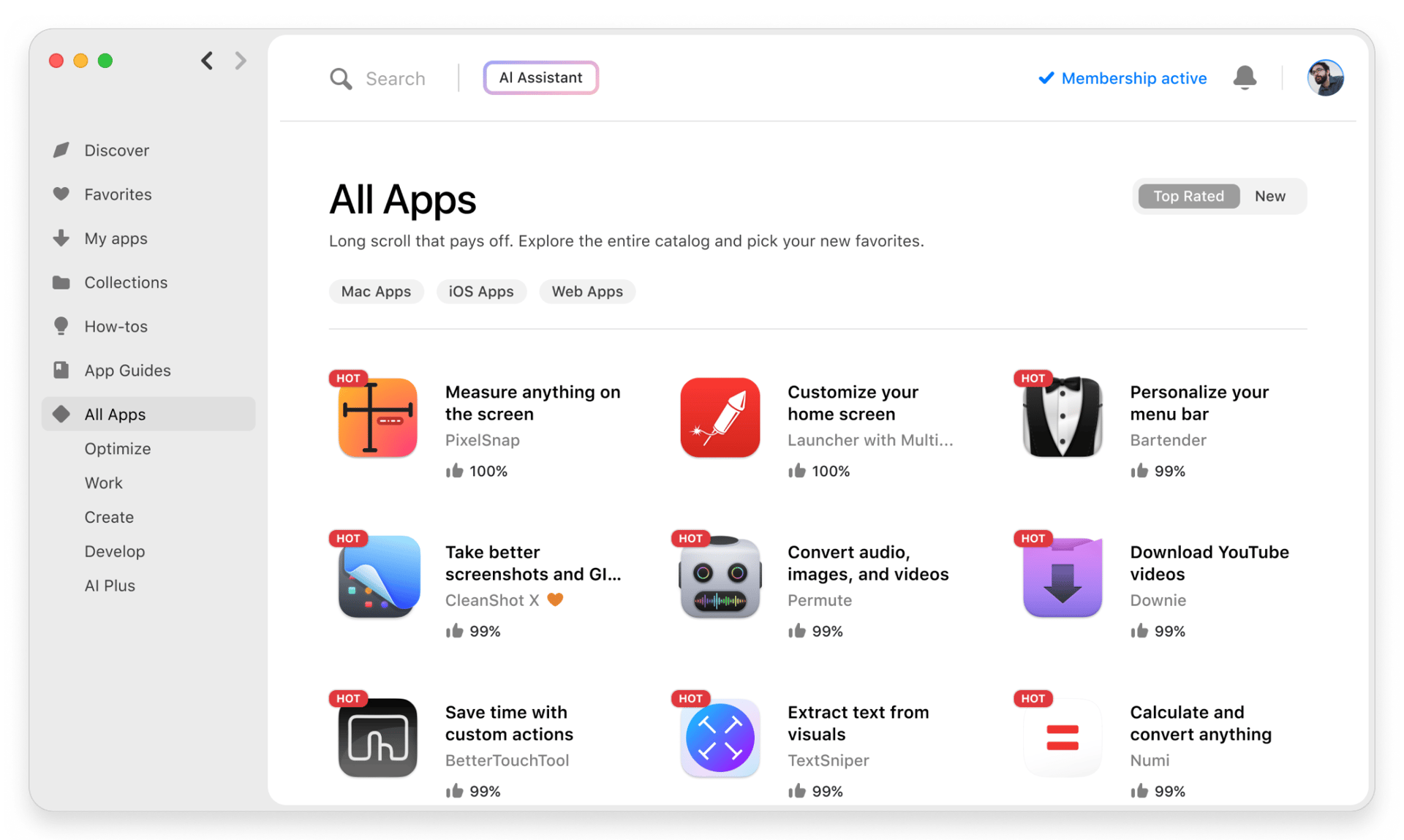
3
Économisez de l'argent et de l'énergie
Membership vous aide à accomplir vos tâches du quotidien sans vous ruiner en logiciels.
1
Installez Setapp sur votre Mac
Explorez des applications pour Mac, iOS et le Web. Découvrez comment accomplir facilement les tâches du quotidien.
2
Téléchargez l'application qui vous intéresse
Cette application vous attend dans Setapp. Installez-la d'un seul clic.
Movist Pro
3
Économisez de l'argent et de l'énergie
Membership vous aide à accomplir vos tâches du quotidien sans vous ruiner en logiciels.
Des applications de qualité
Pour gérer des plannings, accomplir des tâches de routine, créer des contenus, coder et bien plus encore, optez pour Setapp.

TypingMind
IA conversationnelle avec interface alternative
générez ou résumez du texte
utilisez une bibliothèque de requêtes
IA

Spark Mail
Gérez vos e-mails
IA
CleanMyMac X
Supprimez les fichiers inutiles

Bartender
Personnalisez la barre des menus
CleanShot X
Profitez de plus de possibilités pour les captures d'écran

Luminar Neo
Retouchez vos photos
IA

ClearVPN
Sécurisez votre connexion Internet
Craft
Travaillez sur vos documents
IA
Movist Pro
Regardez tous les formats vidéo