
AdLock
Bloqueie anúncios ao navegar
Mac, iOS
Versão 2.1.7.3
macOS 11.0 ou posterior
36 MB
16 idiomas
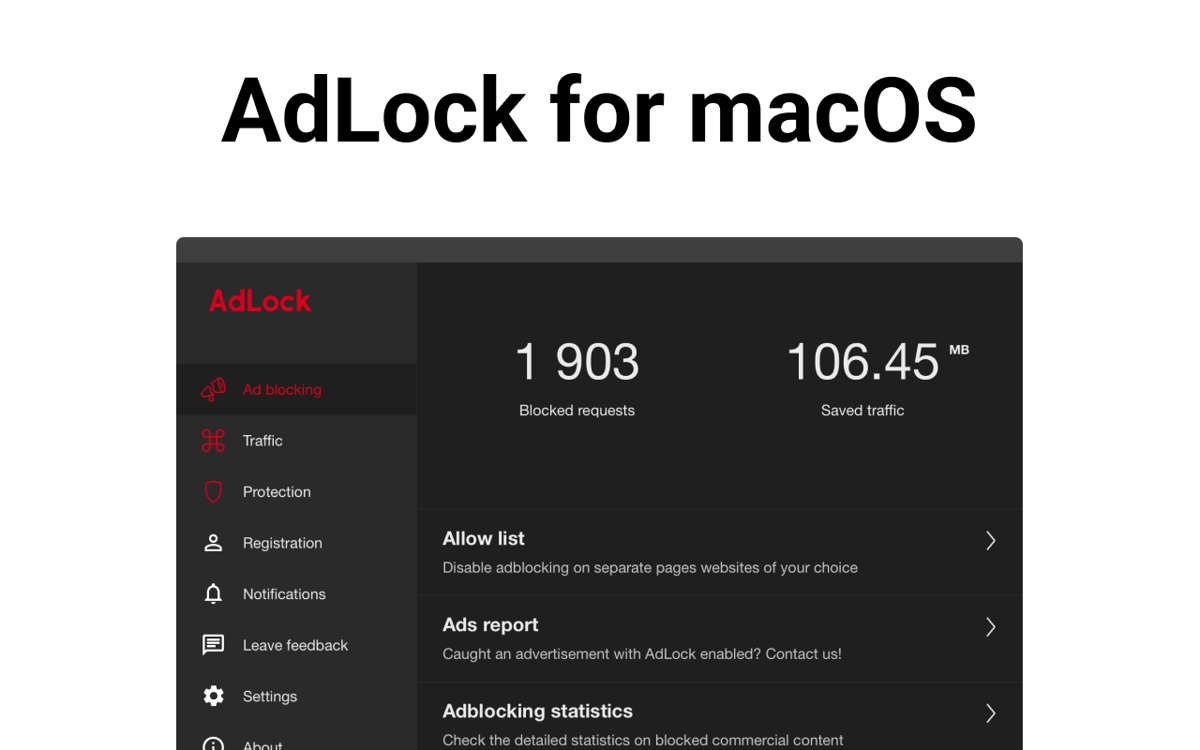
Filtre a sua experiência de navegação com o AdLock, um simples bloqueador de anúncios e pop-ups, chats on‑line, rastreadores e outras intrusões. Economize dados consumidos por vídeos que são reproduzidos automaticamente e remova distrações indesejadas com o bloqueio dos tipos de anúncios que você prefere evitar.
Bloqueie pop-ups e banners de anúncios
Impeça a reprodução automática de vídeos
Configure parâmetros de filtros
Navegue sem distrações
Recursos do AdLock
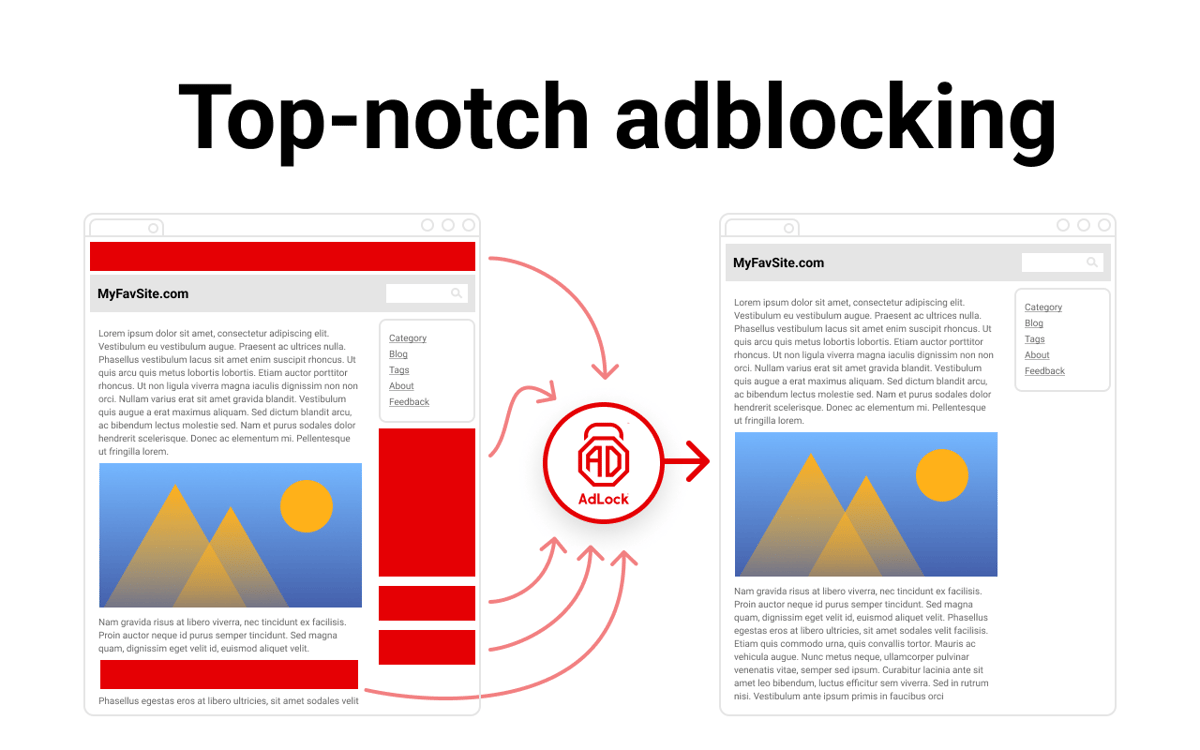
Bloqueie anúncios intrusivos
Navegue na web da maneira que você quer: bloqueie pop-ups e banners de anúncios irritantes. Use o AdLock para economizar dados e bloqueie a reprodução automática de vídeos para acabar com as interrupções indesejadas.
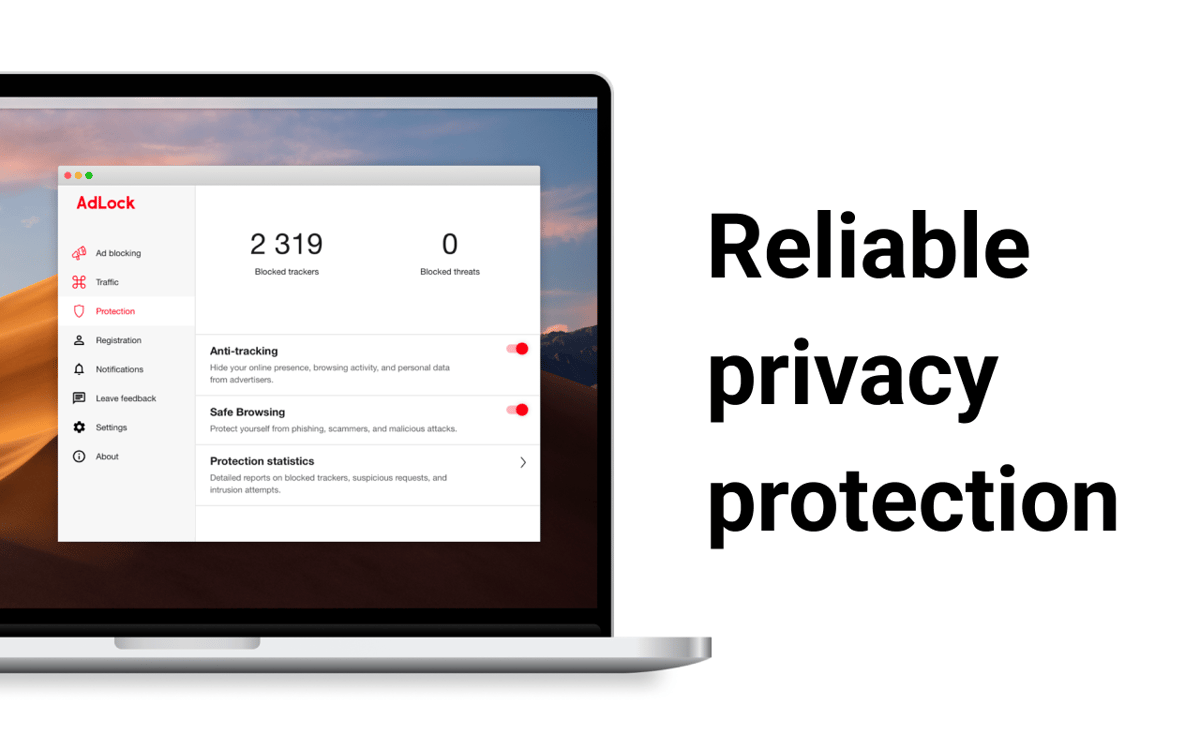
Navegue com segurança
Proteja os seus dados e privacidade ao usar AdLock para impedir rastreadores e sistemas analíticos. O app ajuda a esconder os ajustes do navegador de anunciantes. Use o AdLock para ter proteção adicional contra golpes, phishing ou sites maliciosos.
Use um bloqueio flexível
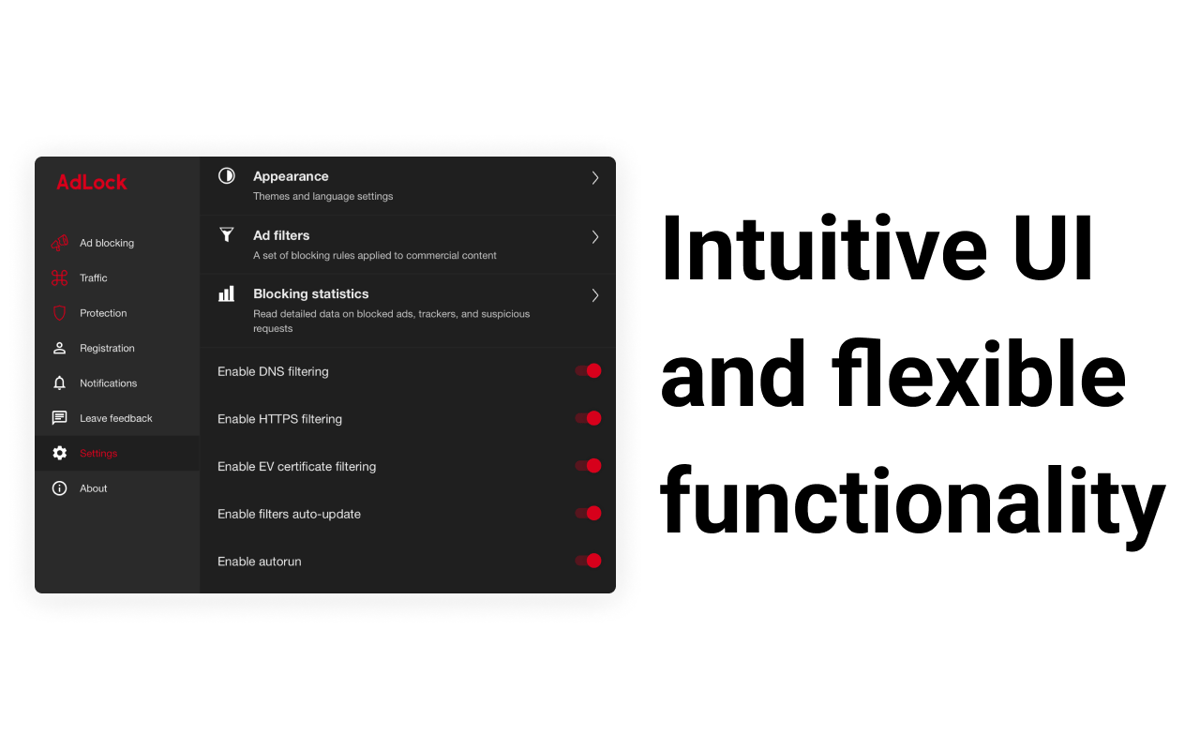
Bloqueie apenas os anúncios que você considera perigosos e defina regras de bloqueio precisas para o conteúdo comercial que você acessa nos navegadores. Ative ou desative o filtro de DNS, HTTPS e certificados EV quando quiser.
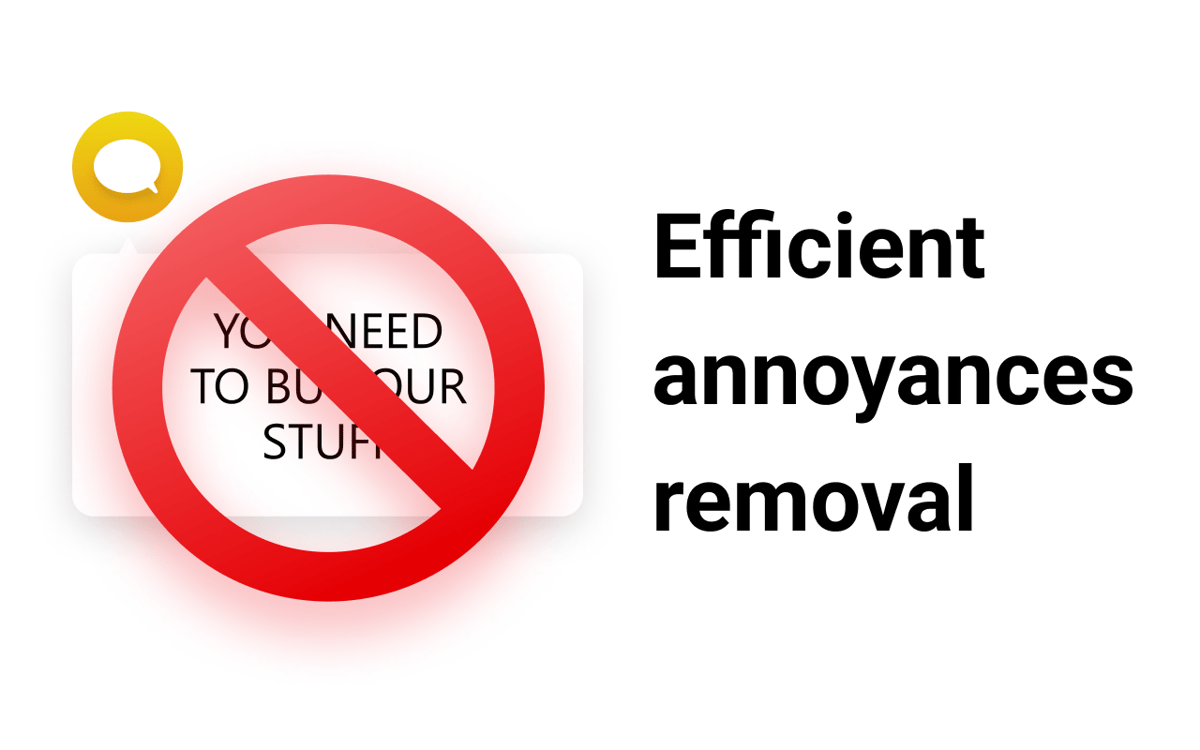
Remova as distrações
Recupere o seu tempo e atenção desperdiçados em chats on‑line, formulários, notificações e outras distrações que aparecem nas páginas web visitadas.
Classificações e avaliações
AdLock
•
772 classificações
Vaibhav Ahalpara
23 de set. de 2026
Versão do app: 2.1.7.3
I used AdLock to block ads on macOS, but multiple websites consistently detected the ad blocker and blocked access, asking me to disable it. Having to turn off an ad blocker to view websites completely defeats the point of using one. When I contacted support about this, they told me to update to the latest version, even though I was already using the newest build installed via SetApp. After clarifying this and following up days later, I received no response for over six days. Poor core functionality combined with unhelpful, non-responsive support.
Thomas Sherwood
15 de ago. de 2026
Versão do app: 2.1.7.3
15.08.2026 - Current version of the app at this time doesn’t work properly, I’m still seeing adds, and attempting to open the main app (via “Settings” or “Support” just gives me a blank window! Rebooting or reinstalling doesn’t solve the issue either. There doesn’t seem to have been an update for almost a year, so it looks like the dev is just not bothering to fix the app. Totally unacceptable for an app that we’re paying for via our Setapp subscription! Mine isn’t the only negative review either so I suspect that my experience is far from unique! Trash!
Resposta do Desenvolvedor
20 de ago. de 2026
Hi Thomas, Thank you for choosing our app! Let us help you find out what's the problem and fix the issue together. Can you provide us with more details on what exactly is not working for you? Please, contact us at [email protected]. Best wishes, AdLock Team!
Николай Шайдаюк
24 de abr. de 2026
Versão do app: 2.1.7.3
It requires a million system permissions, installation of its own VPN, and a bunch of other nonsense. In the end, it simply doesn’t work and does nothing. I thought it was just a standard browser extension, but it looks more like some kind of spyware or scam.
Resposta do Desenvolvedor
17 de jul. de 2026
Hello! We are sorry to hear that you have problems using our application. Please, contact us at [email protected], so we would do our best to resolve the issue. Thanks for your feedback. Best regards, AdLock Team.
Obtenha centenas de apps com o Membership
Obtenha um membership do Setapp e use centenas de apps estelares numa única assinatura.
Experimente grátis por 7 dias. Depois, pague um valor único.
Instale o Setapp no Mac
Explore apps para Mac, iOS e web. Encontre formas fáceis de lidar com as tarefas do dia a dia.

Obtenha o app que chamou sua atenção
Aquele app especial está esperando você no Setapp. Instale‑o com um clique.

AdLock
Escolha uma assinatura
Um ou mais apps com um membership do Setapp. Obtenha os apps que você quer.

Obtenha centenas de apps com o Membership
Obtenha um membership do Setapp e use centenas de apps estelares numa única assinatura.
Experimente grátis por 7 dias. Depois, pague um valor único.
1
Instale o Setapp no Mac
Explore apps para Mac, iOS e web. Encontre formas fáceis de lidar com as tarefas do dia a dia.
2
Obtenha o app que chamou sua atenção
Aquele app especial está esperando você no Setapp. Instale‑o com um clique.
AdLock
3
Escolha uma assinatura
Um ou mais apps com um membership do Setapp. Obtenha os apps que você quer.
A casa dos melhores apps
Desde tarefas rotineiras e de planejamento a atividades criativas e de programação, encare suas tarefas com os apps do Setapp.

TypingMind
IU alternativa para conversar com IA
gere ou resuma textos
use uma biblioteca de ações
IA

Spark Mail
Gerencie e‑mails
IA

CleanMyMac
Limpe os detritos

Bartender
Personalize a barra de menus

CleanShot X
Capturas de tela versáteis

Luminar Neo
Edite suas fotos
IA

ClearVPN
Conecte‑se com mais segurança

Craft
Trabalhe com documentos
IA
AdLock
Bloqueie anúncios ao navegar