
Archiver
Comprima e extraia arquivos
Mac
Versão 5.1.0
macOS 26.0 ou posterior
571.3 MB
1 idiomas
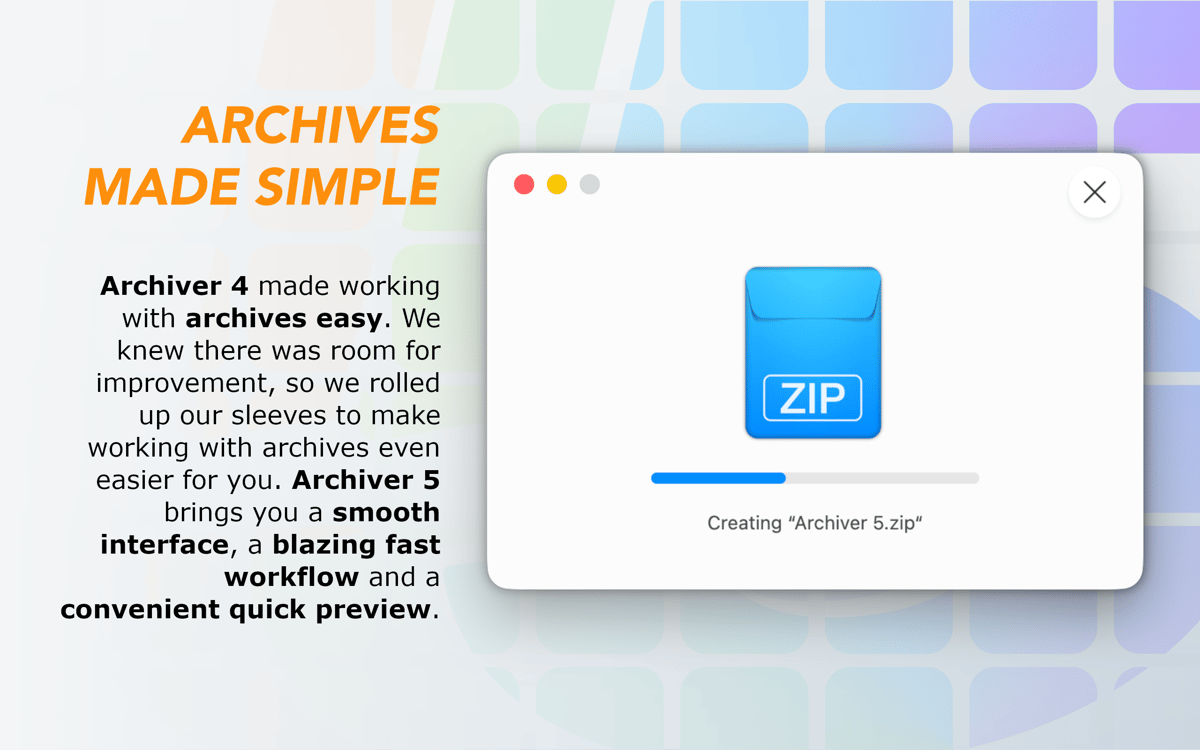
Com o arsenal de tipos de arquivos comprimidos e as várias opções oferecidas pelo Archiver, ele é o app que você precisa para comprimir e descomprimir arquivos com facilidade. Crie, extraia e criptografe arquivos comprimidos, e divida arquivos grandes. Aproveite a interface elaborada, recursos convincentes e rapidez do Archiver. Com certeza, um dos apps com mais recursos para lidar com arquivos comprimidos atualmente. Saiba o porquê.
Comprima para economizar espaço no Mac
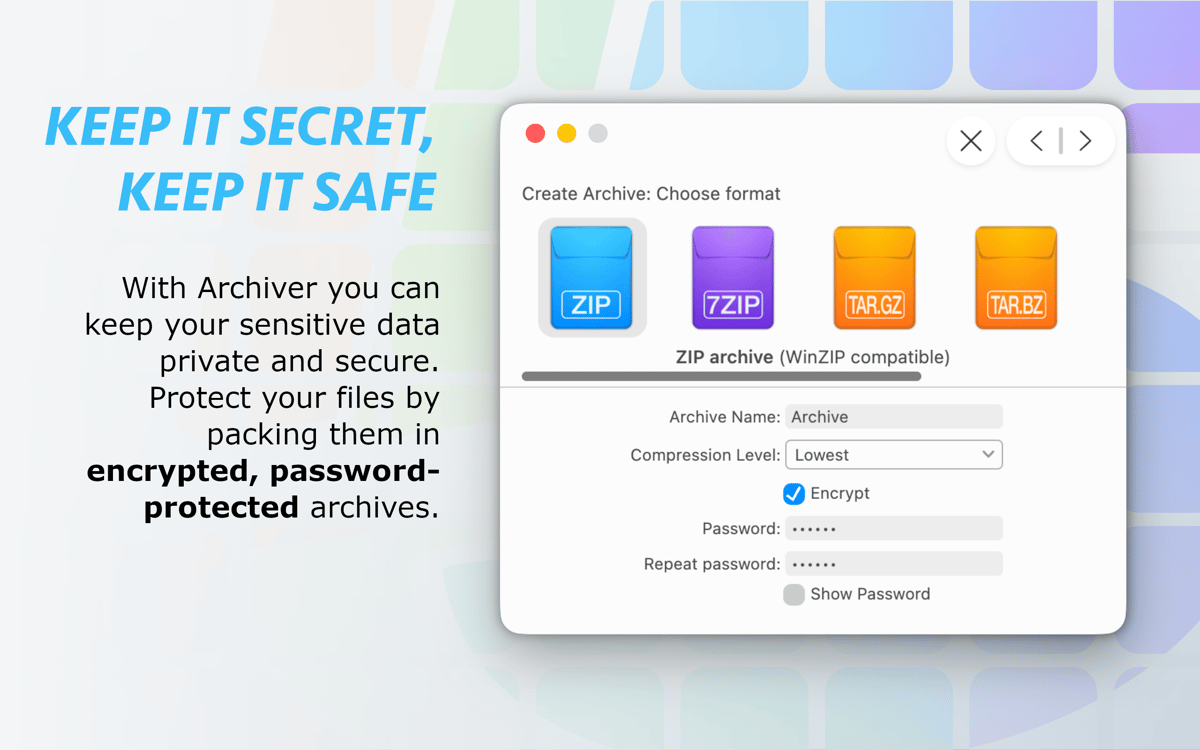
Criptografe itens privados
Comprima, divida e combine arquivos comprimidos
Apague arquivos comprimidos depois de extrair
Recursos do Archiver
Extraia pastas e arquivos rapidamente
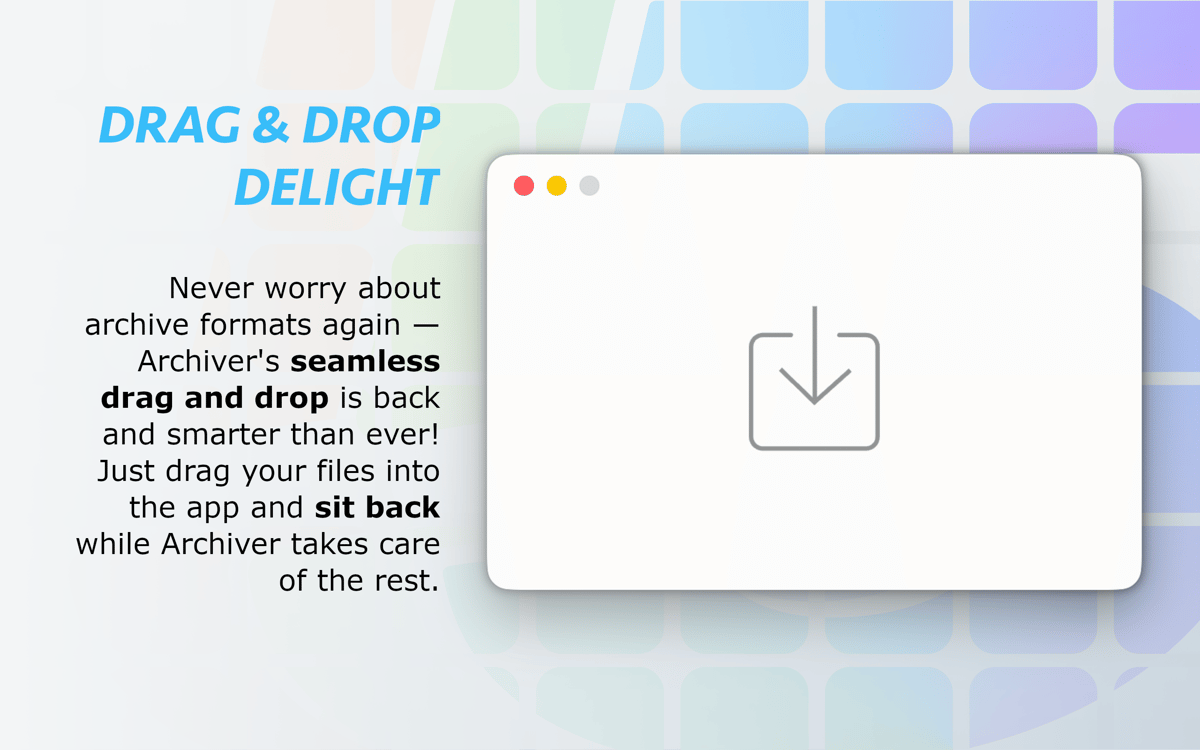
Extraia qualquer arquivo comprimido em segundos. Abra arquivos RAR ou qualquer outro arquivo comprimido e obtenha os itens instantaneamente. Com o Archiver, você pode extrair o conteúdo dos principais tipos de arquivos comprimidos. Isso mesmo, ele não só comprime em ZIP, como também pode abrir arquivos nos formatos RAR, StuffIt, 7z e outros.
Comprima arquivos para ter mais espaço
Precisando de mais espaço? Use este utilitário para comprimir pastas com apenas alguns cliques. Selecione o formato desejado entre as diversas opções ou experimente o formato de compressão nativo. Desfrute da redução sem esforço do tamanho de imagens e arquivos de áudio.
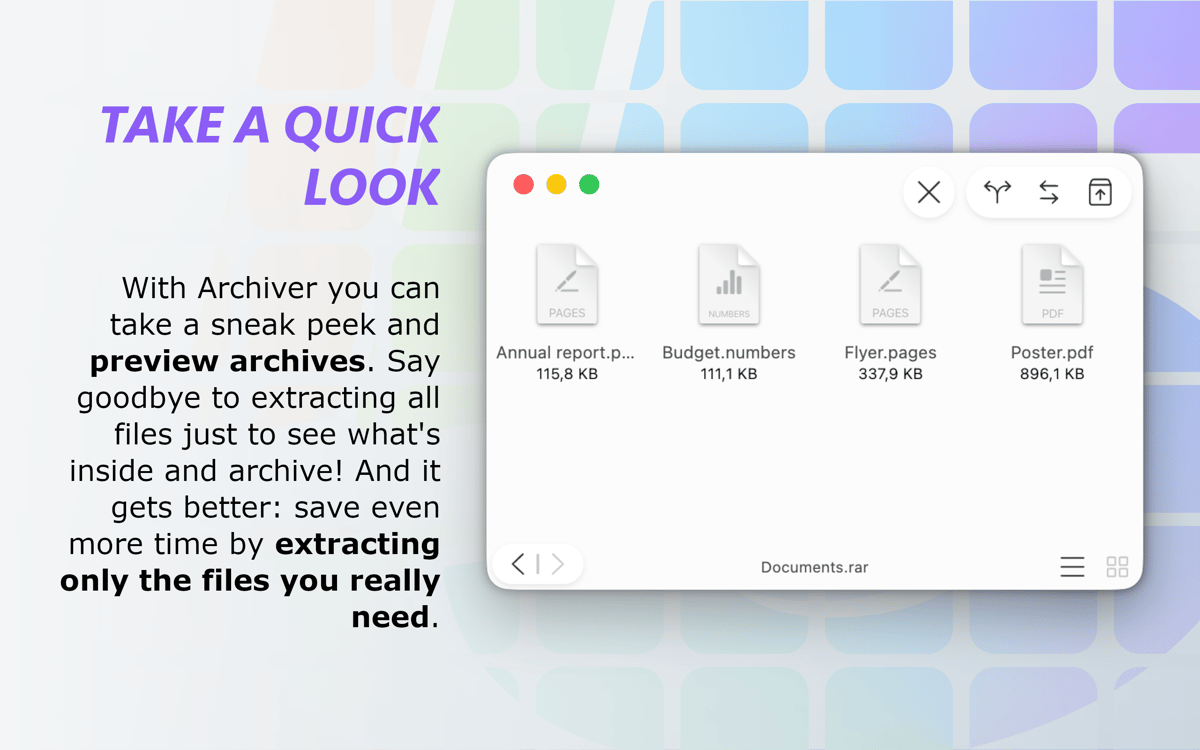
Pré-visualize arquivos sem descomprimir
Use a Visualização Rápida para economizar tempo e inspecione os itens no arquivo comprimido antes de descomprimi‑lo. Não extraia arquivos desnecessários e escolha apenas aqueles que precisa. Depois de escolhidos, o Archiver os extrai em um piscar de olhos.
Personalize a compressão
Ajuste as preferências do Archiver para que ele fique exatamente do seu jeito. Defina o nível de compressão desejado e escolha uma pasta de saída. Configure um ajuste para apagar o arquivo comprimido automaticamente depois de extraí‑lo. Essas e muitas outras opções estão à sua espera no Archiver para adaptá‑lo às suas necessidades.
Criptografe e proteja arquivos comprimidos com senha
Criptografe dados importantes ao comprimi-los para protegê-los. Use senhas para ter ainda mais segurança. O processo de criptografia é simples e rápido. Tenha tranquilidade sabendo que seus arquivos estão protegidos.
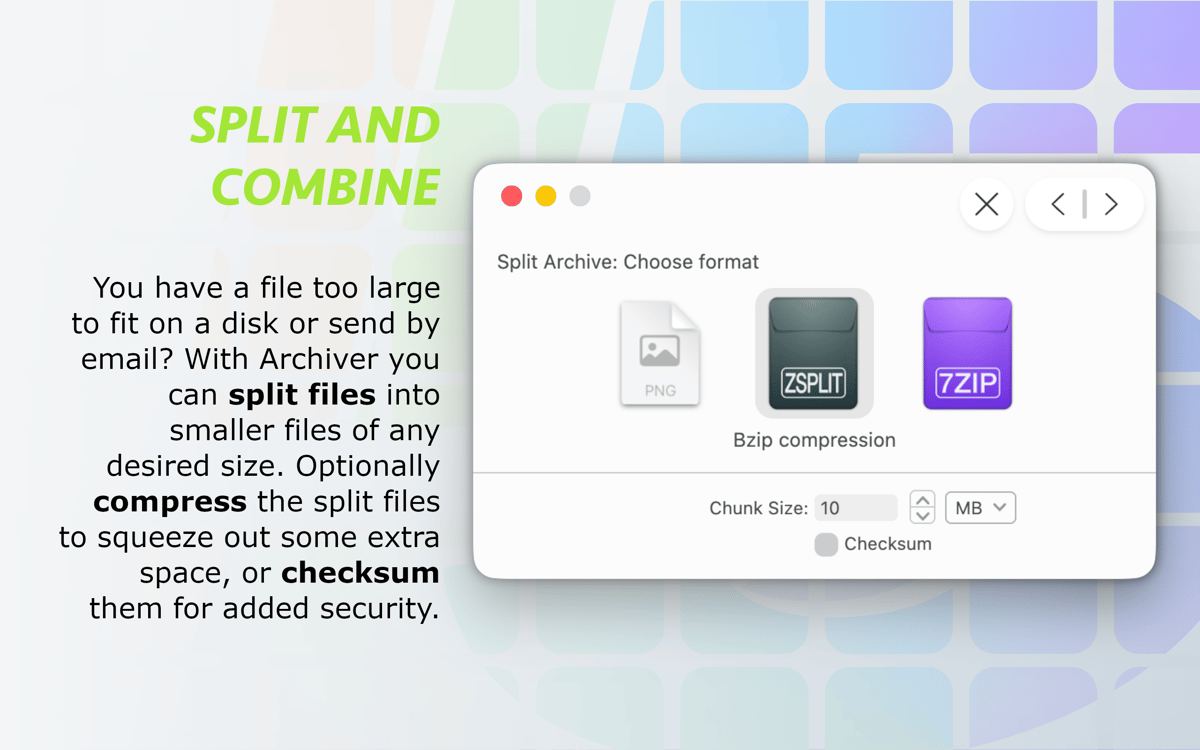
Divida e combine arquivos grandes
Precisando compartilhar arquivos grandes? Ou enviar um e-mail com um anexo gigante? O Archiver tem tecnologia para ajudar. Você pode dividir e combinar arquivos com consistência e rapidez. Um bom método quando você precisa gerenciar arquivos comprimidos desse tipo.
Classificações e avaliações
Archiver
•
1620 classificações
Steve
6 de out. de 2026
Versão do app: 5.1.0
It's a functional compression tool. Thankfully, they've added context menu support, though I wish it were at the root of the context menu rather than under the services submenu. I think this app works best for people who want a very simple, no-hassle archiving app.
謝佳瑋
16 de mai. de 2026
Versão do app: 5.0.9
It keeps prompting to be set as the default system compression tool.
Resposta do Desenvolvedor
22 de mai. de 2026
Thank you so much for your feedback! We've fixed this in the latest update. Could you check?
Alex Vasquez
21 de abr. de 2026
Versão do app: 5.0.9
I didn't like the app, seemed slow/clunky, and didn't give me a preview to view files before unzipping, wasn't apparent at least.
Resposta do Desenvolvedor
28 de abr. de 2026
Hi Alex! Thanks for your review. The preview should show automatically when you drag in an archive. What does it show you?
Obtenha centenas de apps com o Membership
Obtenha um membership do Setapp e use centenas de apps estelares numa única assinatura.
Experimente grátis por 7 dias. Depois, pague um valor único.
Instale o Setapp no Mac
Explore apps para Mac, iOS e web. Encontre formas fáceis de lidar com as tarefas do dia a dia.

Obtenha o app que chamou sua atenção
Aquele app especial está esperando você no Setapp. Instale‑o com um clique.

Archiver
Escolha uma assinatura
Um ou mais apps com um membership do Setapp. Obtenha os apps que você quer.

Obtenha centenas de apps com o Membership
Obtenha um membership do Setapp e use centenas de apps estelares numa única assinatura.
Experimente grátis por 7 dias. Depois, pague um valor único.
1
Instale o Setapp no Mac
Explore apps para Mac, iOS e web. Encontre formas fáceis de lidar com as tarefas do dia a dia.
2
Obtenha o app que chamou sua atenção
Aquele app especial está esperando você no Setapp. Instale‑o com um clique.
Archiver
3
Escolha uma assinatura
Um ou mais apps com um membership do Setapp. Obtenha os apps que você quer.
A casa dos melhores apps
Desde tarefas rotineiras e de planejamento a atividades criativas e de programação, encare suas tarefas com os apps do Setapp.

TypingMind
IU alternativa para conversar com IA
gere ou resuma textos
use uma biblioteca de ações
IA

Spark Mail
Gerencie e‑mails
IA

CleanMyMac
Limpe os detritos

Bartender
Personalize a barra de menus

CleanShot X
Capturas de tela versáteis

Luminar Neo
Edite suas fotos
IA

ClearVPN
Conecte‑se com mais segurança

Craft
Trabalhe com documentos
IA
Archiver
Comprima e extraia arquivos