
BetterTouchTool
Personalize ações para poupar tempo
Mac
Versão 6.885
macOS 12 ou posterior
240.9 MB
9 idiomas
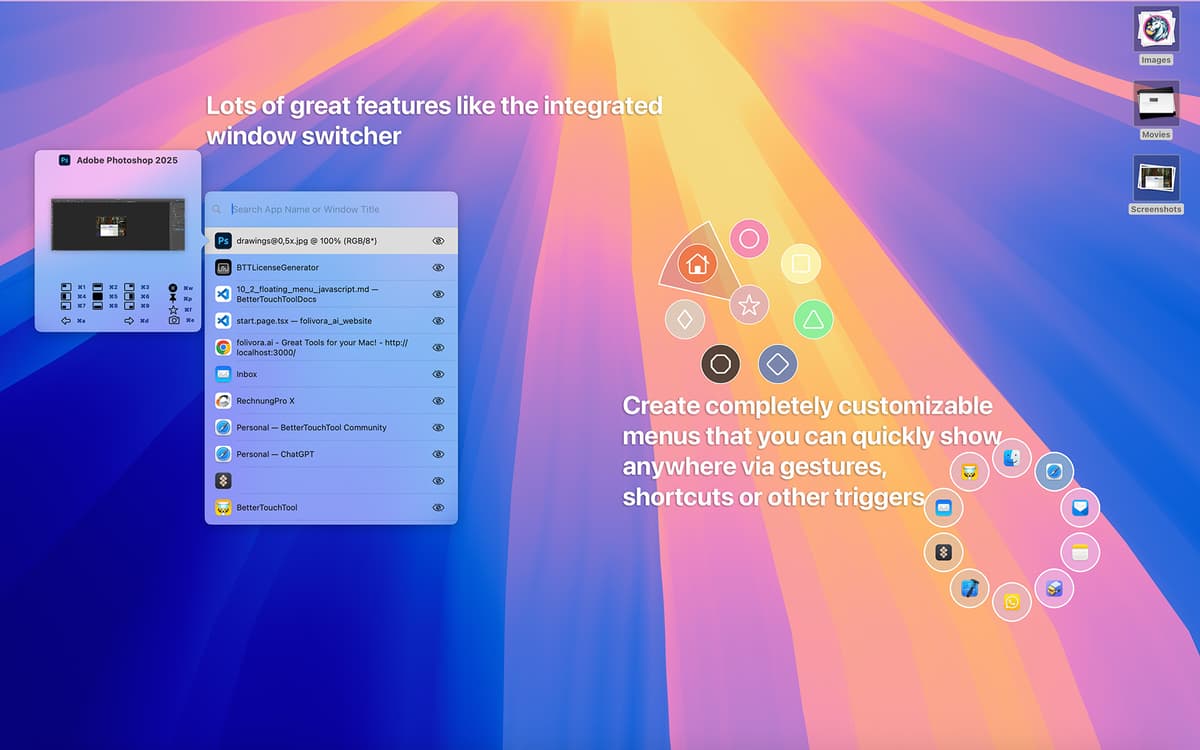
O BetterTouchTool ajuda a configurar e personalizar completamente a forma como você insere informações no Mac: atalhos de teclado, gestos do mouse, widgets da Touch Bar, acionadores remotos e muito mais. Além de facilitar o controle de todas as sequências em um só lugar, o BetterTouchTool também amplia as capacidades do Mac para que você possa criar o ambiente de trabalho mais proveitoso possível.
Automatize ações rotineiras no Mac
Crie layouts de janelas personalizados
Configure atalhos com diversos apps
Use seu dispositivo de entrada preferido
Recursos do BetterTouchTool
Use todos os dispositivos de entrada
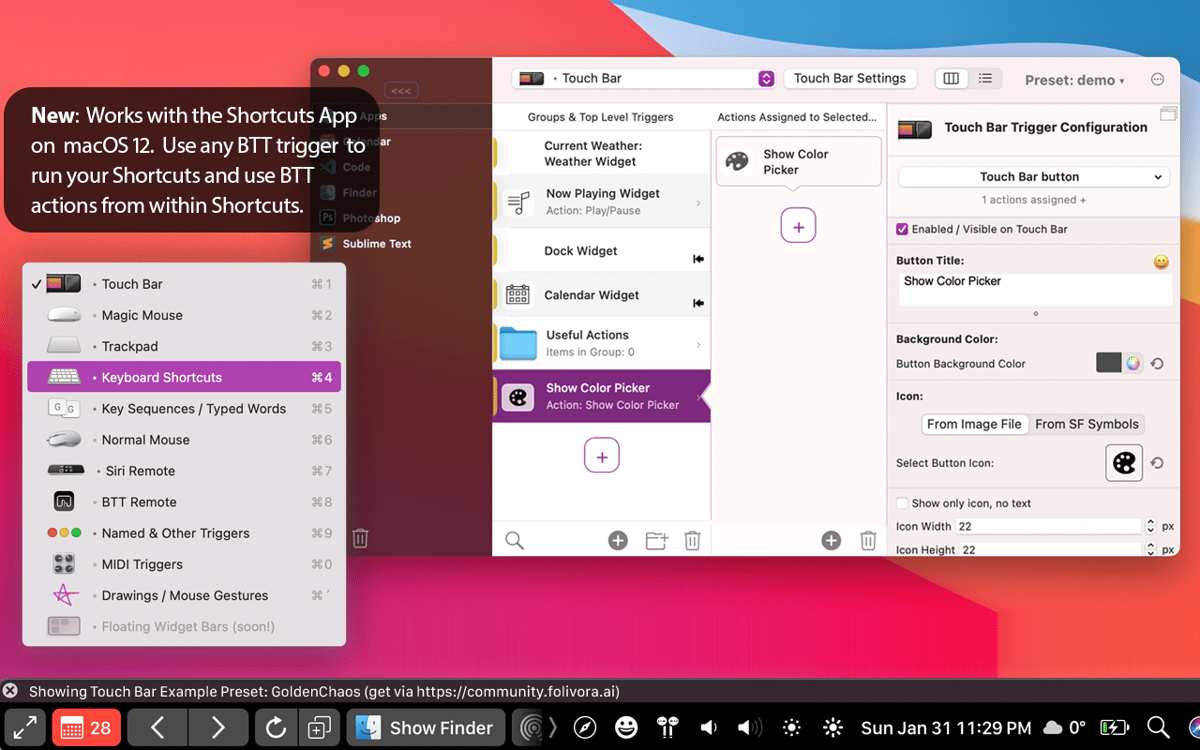
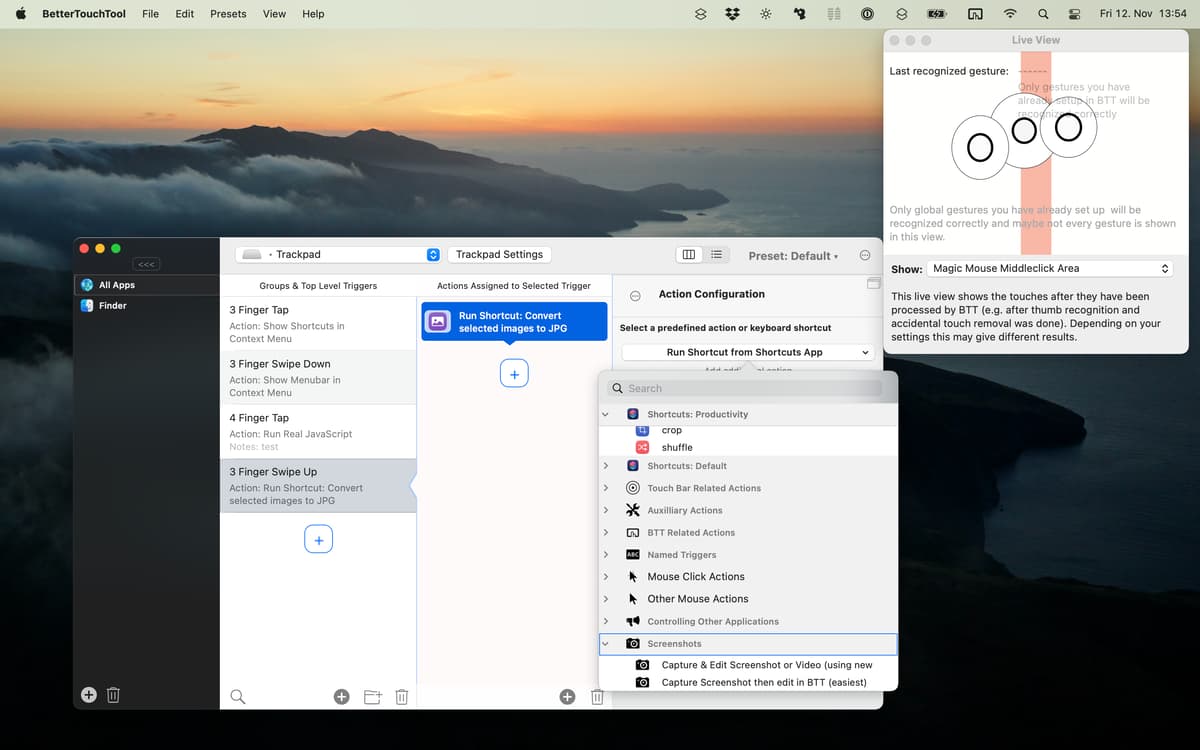
A característica mais impressionante do BetterTouchTool é a quantidade de dispositivos que você pode controlar. Você pode usar um trackpad, Magic Mouse, mouse comum, teclado, Touch Bar, iPhone ou iPad (com o BTT Remote), além da Siri e do Apple Remote para acionar precisamente as ações desejadas.
Personalize a Touch Bar
O BetterTouchTool permite que você reimagine a Touch Bar do jeito que você sempre quis. Desde a edição precisa dos ajustes atuais à criação de novos botões de função, passando pela definição dos espaços entre os elementos, você pode ter uma Touch Bar com acionadores exclusivos que se adequam perfeitamente ao seu jeito de trabalhar.
Crie qualquer atalho
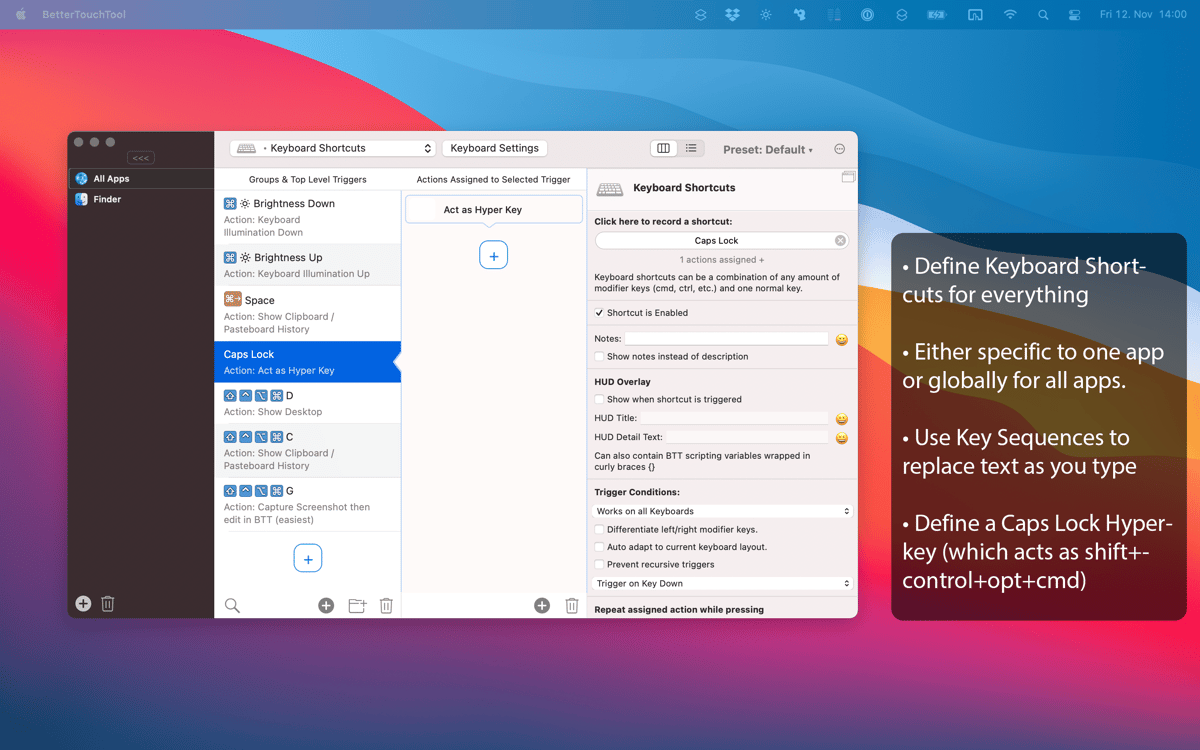
Comando + C? Pra que?! O conjunto restrito de atalhos de teclado que você usa diariamente não combina com produtividade. Com o BetterTouchTool você pode gravar novos atalhos em qualquer dispositivo, além de bolar sequências incomuns de teclas, movimentos, gestos e até desenhos para substituir as opções padrão.
Adapte a apps específicos
Às vezes você pode querer usar um atalho conveniente de maneira diferente em vários apps. Com o BetterTouchTool, isso é possível. Para cada atalho criado, você pode especificar em quais apps ele funciona e em quais ele fica desativado. Isso abre diversas possibilidades para usar todo o teclado, adaptando‑o perfeitamente a certos apps.
Gerencie a área de transferência
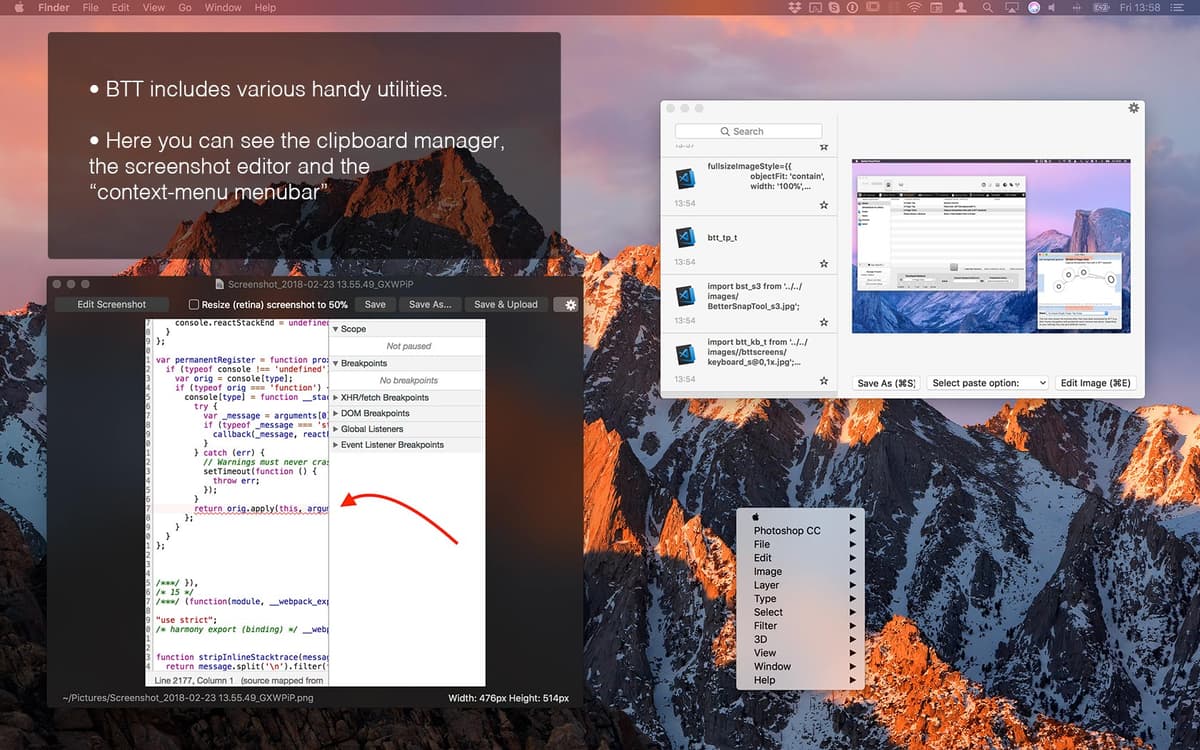
Além de substituir facilmente atalhos existentes por novos, o BetterTouchTool oferece alguns recursos extras, como um gerenciador de área de transferência integrado para copiar vários itens de uma só vez e uma poderosa ferramenta de captura de tela para que você ajuste imagens com rapidez. Só aí, são mais dois apps que você não precisa instalar.
Programe widgets personalizados
Se AppleScript, esquemas de URL personalizados e trabalhos em servidores via solicitações HTTP fazem parte do seu dia a dia, você pode aplicar essas habilidades ao BetterTouchTool e criar seus próprios widgets para tê‑los na Touch Bar. Alguns dos mais populares são widgets para acompanhar criptomoedas, a previsão do tempo e a flutuação na bolsa de valores.
Classificações e avaliações
BetterTouchTool
•
3316 classificações
Arnav Gupta
8 de set. de 2026
Versão do app: 6.723
long time user. great app, can configure whatever you want to configure for trackpad! lacks some settings to remap buttons for logitech mouse but in generation super useful for internal trackpad or most devices
Rico Lautenschläger
11 de ago. de 2026
Versão do app: 6.637
Läuft unter MacOS 15.7.9 nicht mehr. Keine Trackpad Geste funktioniert mehr
Brett Terpstra
6 de ago. de 2026
Versão do app: 6.637
Indispensable utility, one of the first I install on a new Mac.
Obtenha centenas de apps com o Membership
Obtenha um membership do Setapp e use centenas de apps estelares numa única assinatura.
Experimente grátis por 7 dias. Depois, pague um valor único.
Instale o Setapp no Mac
Explore apps para Mac, iOS e web. Encontre formas fáceis de lidar com as tarefas do dia a dia.

Obtenha o app que chamou sua atenção
Aquele app especial está esperando você no Setapp. Instale‑o com um clique.

BetterTouchTool
Escolha uma assinatura
Um ou mais apps com um membership do Setapp. Obtenha os apps que você quer.

Obtenha centenas de apps com o Membership
Obtenha um membership do Setapp e use centenas de apps estelares numa única assinatura.
Experimente grátis por 7 dias. Depois, pague um valor único.
1
Instale o Setapp no Mac
Explore apps para Mac, iOS e web. Encontre formas fáceis de lidar com as tarefas do dia a dia.
2
Obtenha o app que chamou sua atenção
Aquele app especial está esperando você no Setapp. Instale‑o com um clique.
BetterTouchTool
3
Escolha uma assinatura
Um ou mais apps com um membership do Setapp. Obtenha os apps que você quer.
A casa dos melhores apps
Desde tarefas rotineiras e de planejamento a atividades criativas e de programação, encare suas tarefas com os apps do Setapp.

TypingMind
IU alternativa para conversar com IA
gere ou resuma textos
use uma biblioteca de ações
IA

Spark Mail
Gerencie e‑mails
IA

CleanMyMac
Limpe os detritos

Bartender
Personalize a barra de menus

CleanShot X
Capturas de tela versáteis

Luminar Neo
Edite suas fotos
IA

ClearVPN
Conecte‑se com mais segurança

Craft
Trabalhe com documentos
IA
BetterTouchTool
Personalize ações para poupar tempo