CleanMyMac
Acelere e remova acúmulos do Mac
Mac
Versão 5.5.4
macOS 11.0 ou posterior
393.4 MB
12 idiomas
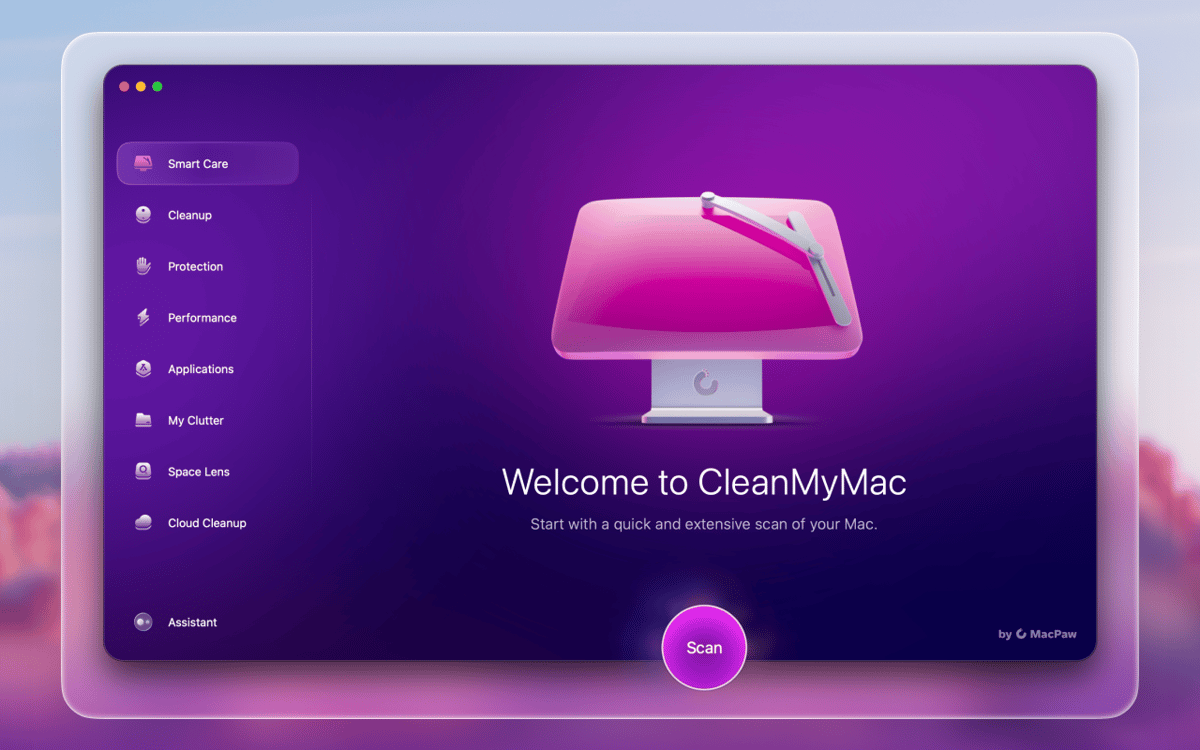
O CleanMyMac é um app poderoso para limpar, otimizar e proteger o Mac por anos de uso. Faça limpezas instantâneas no sistema, desinstale e atualize apps, remova malware, detecte e apague arquivos de qualquer tamanho, aumente a velocidade e tenha uma visualização detalhada do armazenamento na Lupa de Espaço. Tudo para deixar o Mac em forma.
Apague acúmulos para liberar espaço em disco
Acelere e otimize o desempenho do Mac
Busque e elimine malware no Mac
Atualize e desinstale apps em lote
Recursos do CleanMyMac
Deixe o seu Mac mais rápido
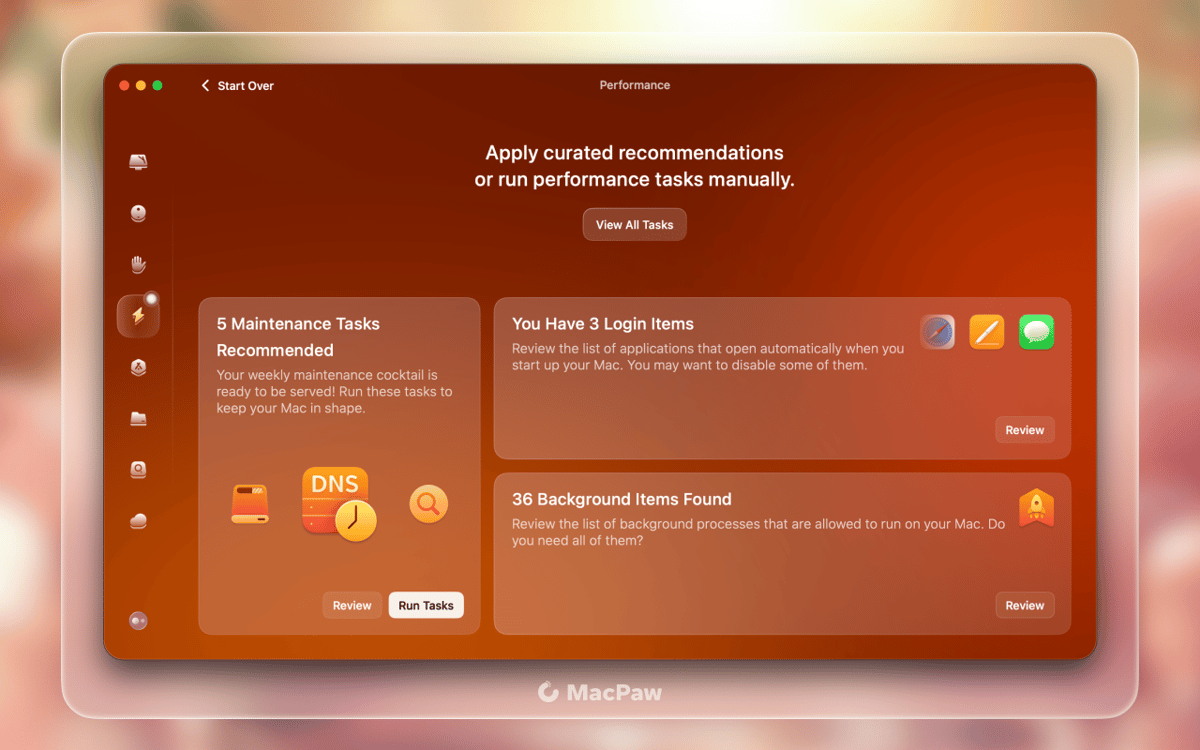
Se, ultimamente, o seu Mac anda lento, você pode acelerá‑lo com as ferramentas de otimização e manutenção do CleanMyMac X. É natural que o sistema e o HD acumulem lixo — e é por isso que os scripts e ajustes são essenciais para recobrar a velocidade que o Mac costumava ter.
Limpeza inteligente do disco
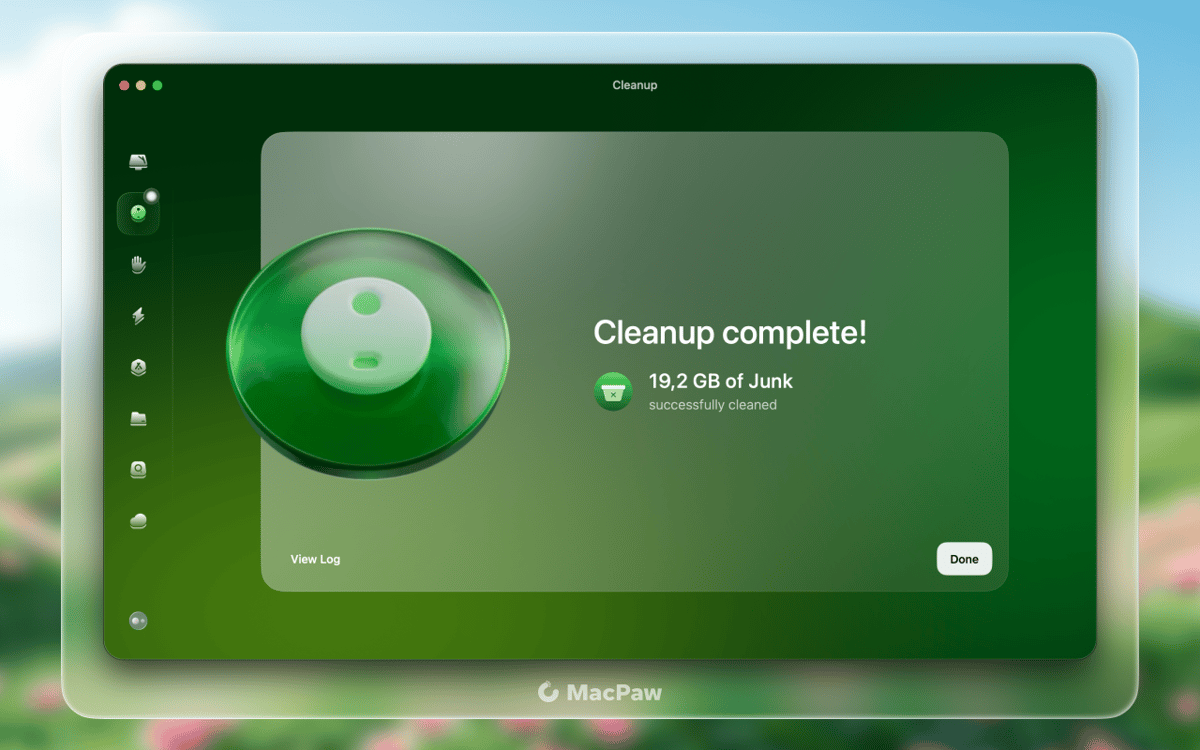
Quando o armazenamento tem pouco espaço, a última coisa que você quer fazer é buscar itens para apagar. Para lidar com a falta de espaço, o CleanMyMac remove detritos desnecessários do sistema, arquivos defasados e caches inúteis. Limpe o Mac e armazenamentos de nuvem para dar espaço ao que mais importa.
Desinstale e atualize apps
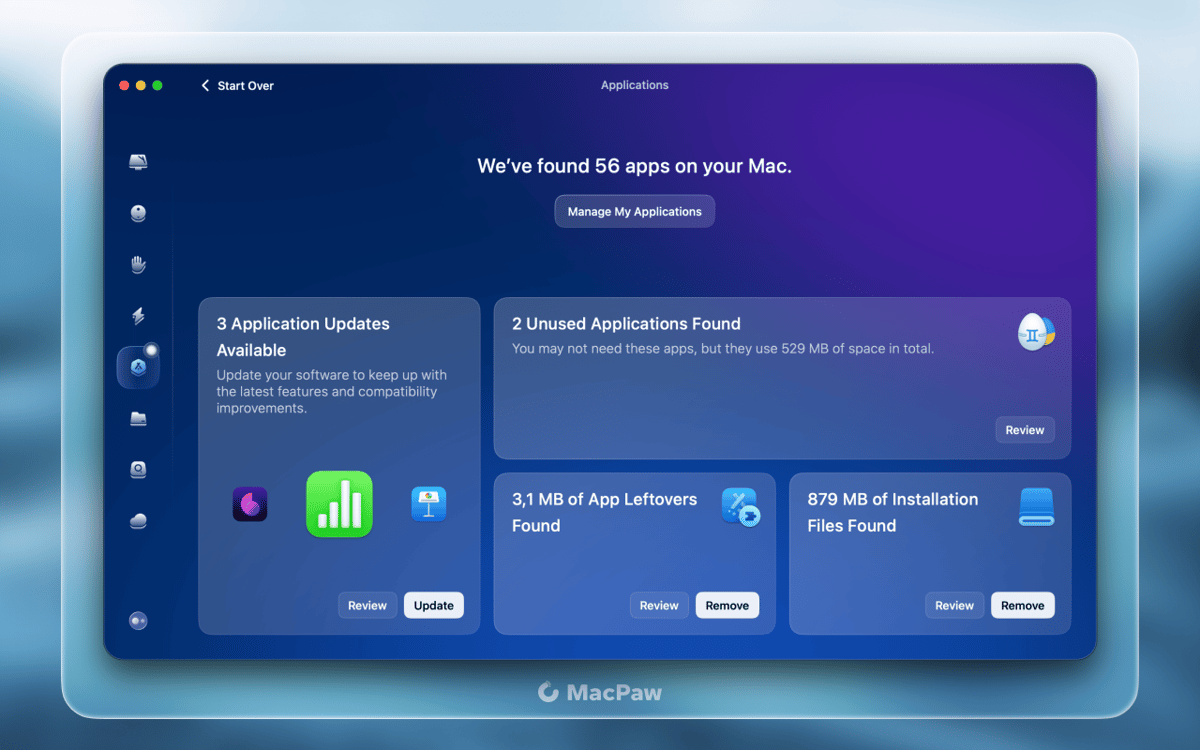
Desinstalar aplicativos no Mac não é tão simples quanto parece. Ao mover um app para o Lixo, sobras e arquivos relacionados ao app permanecem no Mac. O Desinstalador do CleanMyMac X remove apps desnecessários completamente, enquanto o Atualizador permite que você mantenha os apps necessários atualizados.
Remoção de malware e privacidade
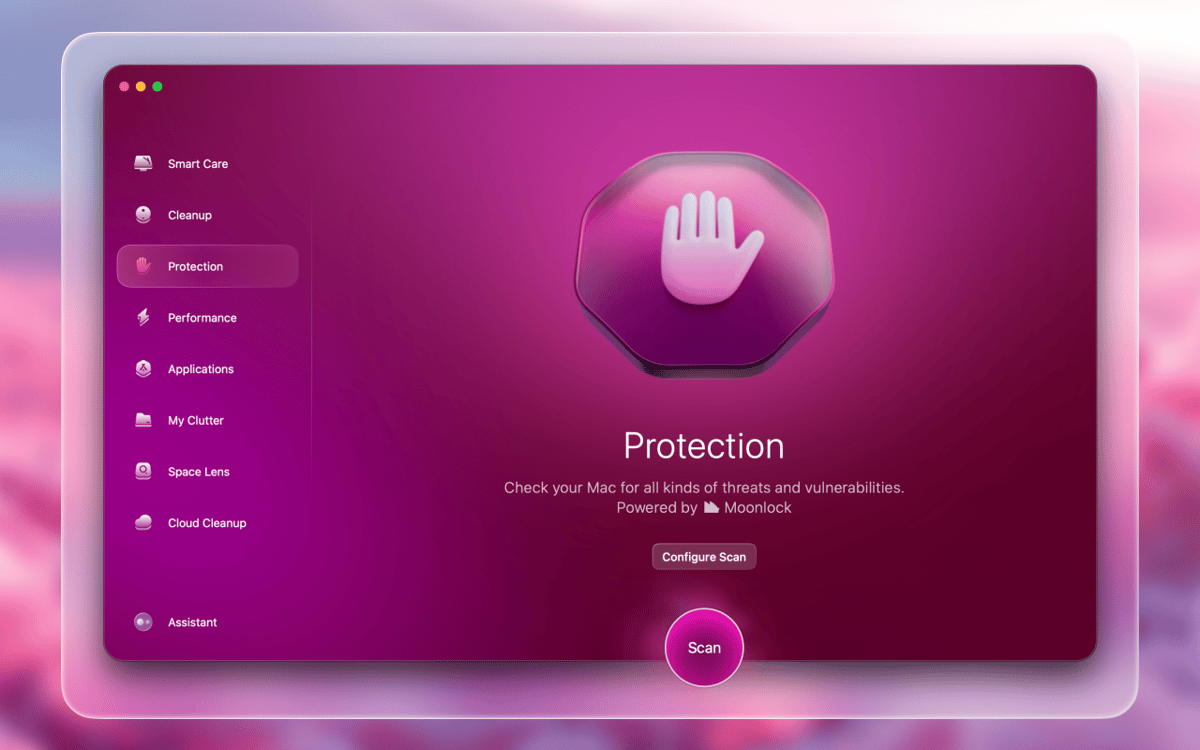
Mesmo sendo menos suscetível a vírus do que outros sistemas, o macOS pode ser infectado. A análise regular de malware é a única forma de proteger o Mac contra programas maliciosos. O módulo Proteção do CleanMyMac X ajuda a neutralizar ameaças de vírus, além de eliminar dados de navegação sob demanda.
Elimine acúmulos do computador
Inicialmente, nossos Macs têm muitas coisas úteis (que acabam sendo esquecidas depois de servir seu propósito). O CleanMyMac analisa minuciosamente todo o armazenamento e ajuda a identificar arquivos grandes, duplicatas e outros acúmulos. Limpe o que você não precisa e tenha um Mac mais arrumado.
Veja o armazenamento pela Lupa de Espaço
Com o CleanMyMac X, até os armazenamentos mais cheios podem ser visualizados detalhadamente. Com a Lupa de Espaço, você visualiza o armazenamento como um mapa, com arquivos pequenos, grandes e ocultos. Analise unidades de armazenamento internas e externas, compare os tamanhos de arquivos e pastas e remova itens independentemente.
Classificações e avaliações
CleanMyMac
•
18044 classificações
Jorge Luis
15 de jun. de 2026
Versão do app: 5.5.4
La mejor herramienta para mac, no hace falta decir más.
Sarah H
15 de jun. de 2026
Versão do app: 5.5.4
One of my MUST haves
Moofey
14 de jun. de 2026
Versão do app: 5.5.4
After updating to MacOS 26 I noticed my battery was draining unusually fast when it was off and my charger would not flip to a green light when it had finished charging. Eventually my Macbook died while on the charger and needed its internals completely replaced as it was blown out. When it was repaired I had installed CMM again and noticed similar problems with the battery. Eventually in research I had found this app had some dubious reputations. I uninstalled it and, guess what? All the issues with my battery and charging went away. CleanMyMac? More like KillMyMac.
Obtenha centenas de apps com o Membership
Obtenha um membership do Setapp e use centenas de apps estelares numa única assinatura.
Experimente grátis por 7 dias. Depois, pague um valor único.
Instale o Setapp no Mac
Explore apps para Mac, iOS e web. Encontre formas fáceis de lidar com as tarefas do dia a dia.

Obtenha o app que chamou sua atenção
Aquele app especial está esperando você no Setapp. Instale‑o com um clique.

CleanMyMac
Escolha uma assinatura
Um ou mais apps com um membership do Setapp. Obtenha os apps que você quer.

Obtenha centenas de apps com o Membership
Obtenha um membership do Setapp e use centenas de apps estelares numa única assinatura.
Experimente grátis por 7 dias. Depois, pague um valor único.
1
Instale o Setapp no Mac
Explore apps para Mac, iOS e web. Encontre formas fáceis de lidar com as tarefas do dia a dia.
2
Obtenha o app que chamou sua atenção
Aquele app especial está esperando você no Setapp. Instale‑o com um clique.
CleanMyMac
3
Escolha uma assinatura
Um ou mais apps com um membership do Setapp. Obtenha os apps que você quer.
A casa dos melhores apps
Desde tarefas rotineiras e de planejamento a atividades criativas e de programação, encare suas tarefas com os apps do Setapp.

TypingMind
IU alternativa para conversar com IA
gere ou resuma textos
use uma biblioteca de ações
IA

Spark Mail
Gerencie e‑mails
IA

CleanMyMac
Limpe os detritos

Bartender
Personalize a barra de menus

CleanShot X
Capturas de tela versáteis

Luminar Neo
Edite suas fotos
IA

ClearVPN
Conecte‑se com mais segurança

Craft
Trabalhe com documentos
IA
CleanMyMac
Acelere e remova acúmulos do Mac