
Contain
Bring your Mac windows together in tabs
Mac
Versão 1.5.0
macOS 13.0 ou posterior
2.5 MB
1 idiomas
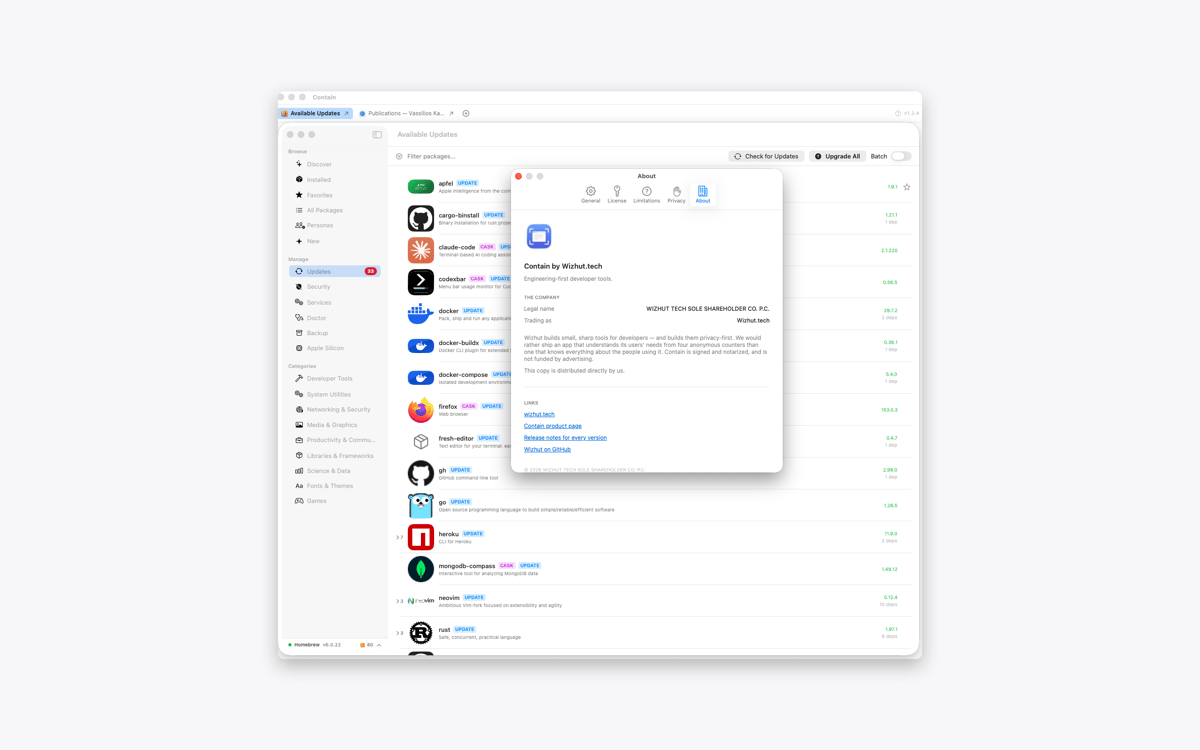
Contain is a tabbed window manager for Mac. Gather documents, browser windows, terminals, and other windows into one resizable container. Each window gets its own tab, so switching between tasks takes one click. When you release a window, it returns to its previous size and position.
Gather windows from different apps
Switch between them using tabs
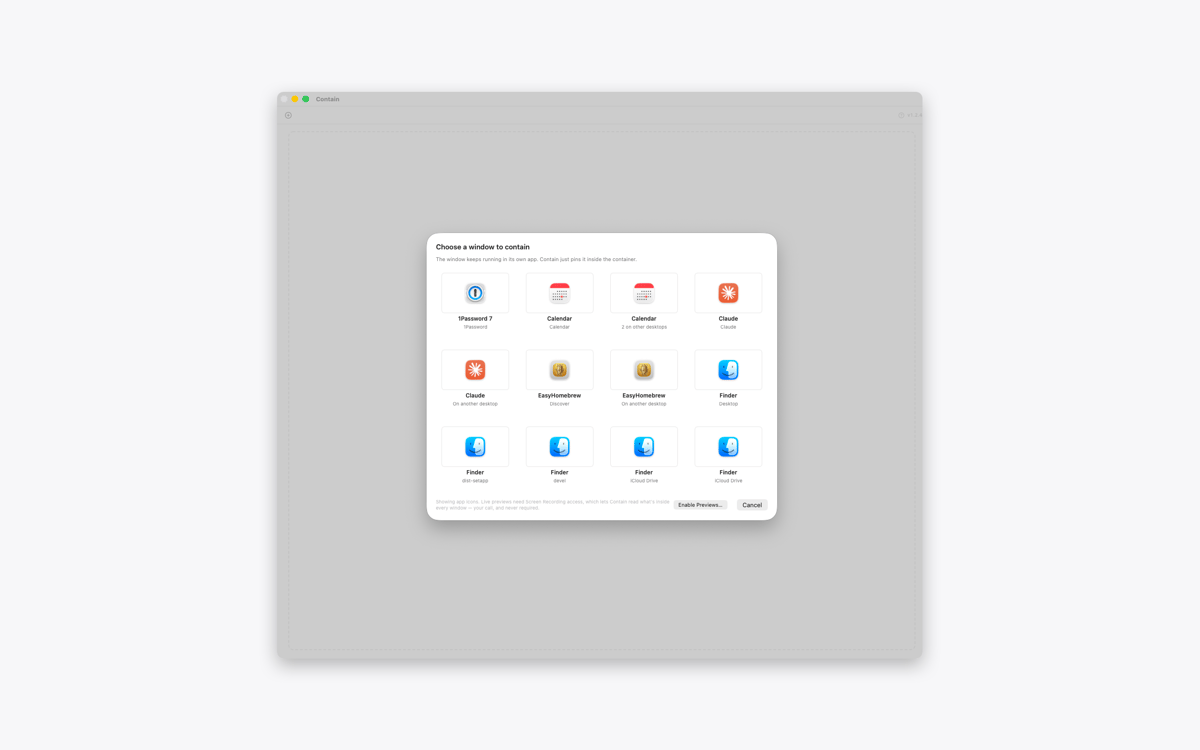
Find windows across desktops and displays
Restore every window to its previous layout
Recursos do Contain
Keep different apps together
Collect the windows you need inside one tidy container. Add a document, browser, terminal, or any other open window without changing the rest of your desktop.
Give every window a tab
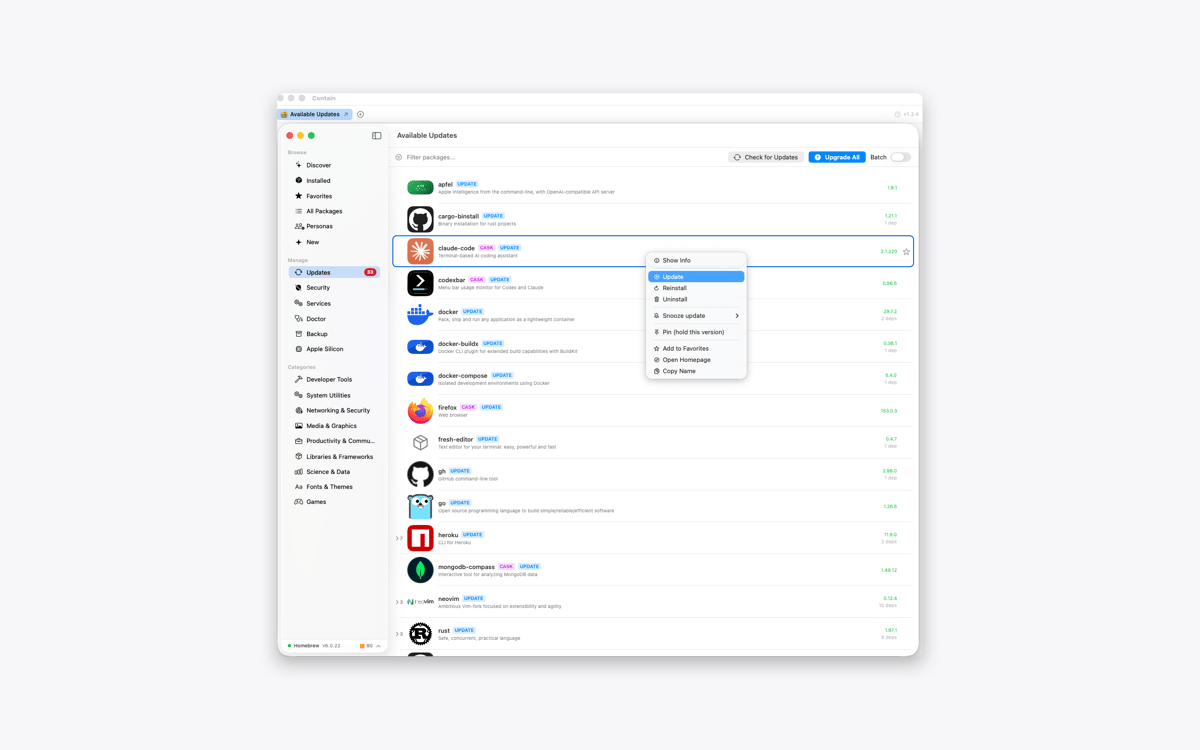
Contain creates one tab per window, not one per app. If you’re working with three documents from the same app, you’ll get three separate tabs. Click a tab to switch between them.
Find windows across your Mac
Open the grid picker to see windows from different desktops and displays. Select one, and Contain brings it into your current workspace. With optional Screen Recording access, the picker can show live previews instead of app icons.
Move and resize as one
Move or resize the container, and the active window follows along. Use the green window button to fill the display and resize every contained window to match.
Release windows without losing your layout
Click the release button to return a window to the desktop. Contain restores its previous position, size, display, and full-screen state. Quit the app, and all contained windows go back where they were.
Keep every window interactive
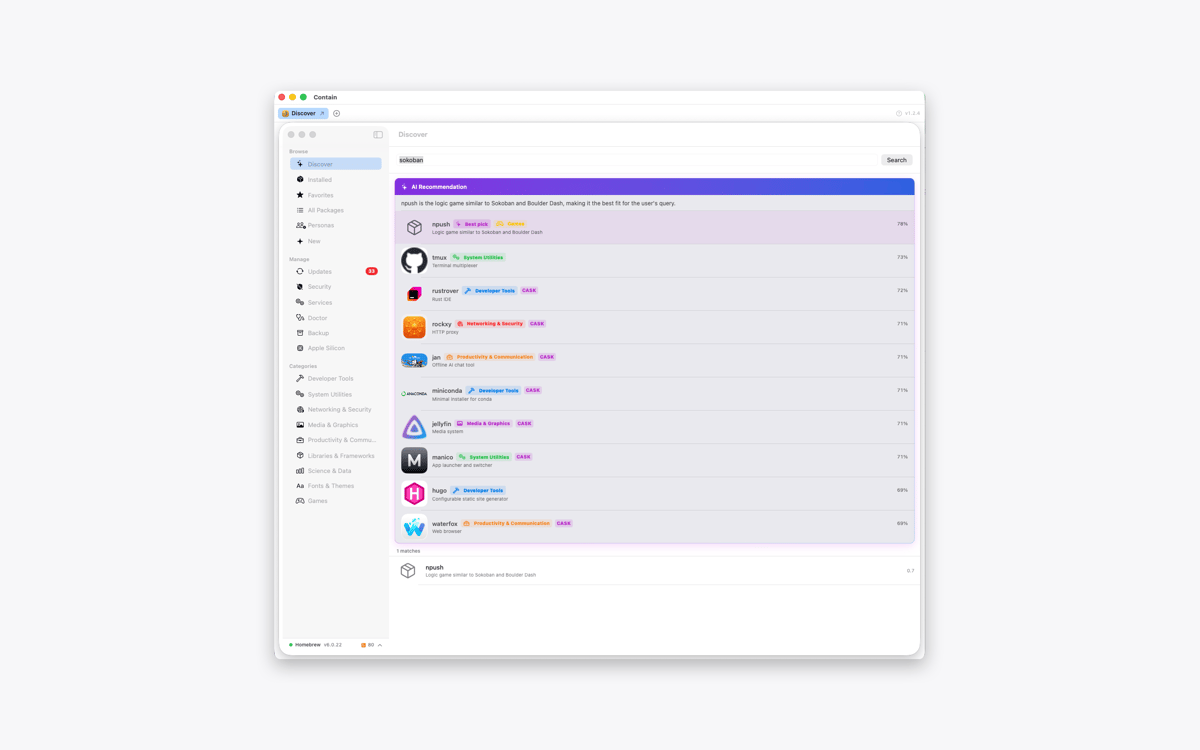
Contain doesn’t copy or mirror your windows. The original windows remain fully interactive inside the container, while other windows from the same apps stay untouched.
Obtenha centenas de apps com o Membership
Obtenha um membership do Setapp e use centenas de apps estelares numa única assinatura.
Experimente grátis por 7 dias. Depois, pague um valor único.
Instale o Setapp no Mac
Explore apps para Mac, iOS e web. Encontre formas fáceis de lidar com as tarefas do dia a dia.

Obtenha o app que chamou sua atenção
Aquele app especial está esperando você no Setapp. Instale‑o com um clique.

Contain
Escolha uma assinatura
Um ou mais apps com um membership do Setapp. Obtenha os apps que você quer.

Obtenha centenas de apps com o Membership
Obtenha um membership do Setapp e use centenas de apps estelares numa única assinatura.
Experimente grátis por 7 dias. Depois, pague um valor único.
1
Instale o Setapp no Mac
Explore apps para Mac, iOS e web. Encontre formas fáceis de lidar com as tarefas do dia a dia.
2
Obtenha o app que chamou sua atenção
Aquele app especial está esperando você no Setapp. Instale‑o com um clique.
Contain
3
Escolha uma assinatura
Um ou mais apps com um membership do Setapp. Obtenha os apps que você quer.
A casa dos melhores apps
Desde tarefas rotineiras e de planejamento a atividades criativas e de programação, encare suas tarefas com os apps do Setapp.

TypingMind
IU alternativa para conversar com IA
gere ou resuma textos
use uma biblioteca de ações
IA

Spark Mail
Gerencie e‑mails
IA

CleanMyMac
Limpe os detritos

Bartender
Personalize a barra de menus

CleanShot X
Capturas de tela versáteis

Luminar Neo
Edite suas fotos
IA

ClearVPN
Conecte‑se com mais segurança

Craft
Trabalhe com documentos
IA
Contain
Bring your Mac windows together in tabs