
CueClip
Grave e edite vídeos automaticamente
Mac
Versão 1.6.31
macOS 12.0 ou posterior
1388.5 MB
1 idiomas
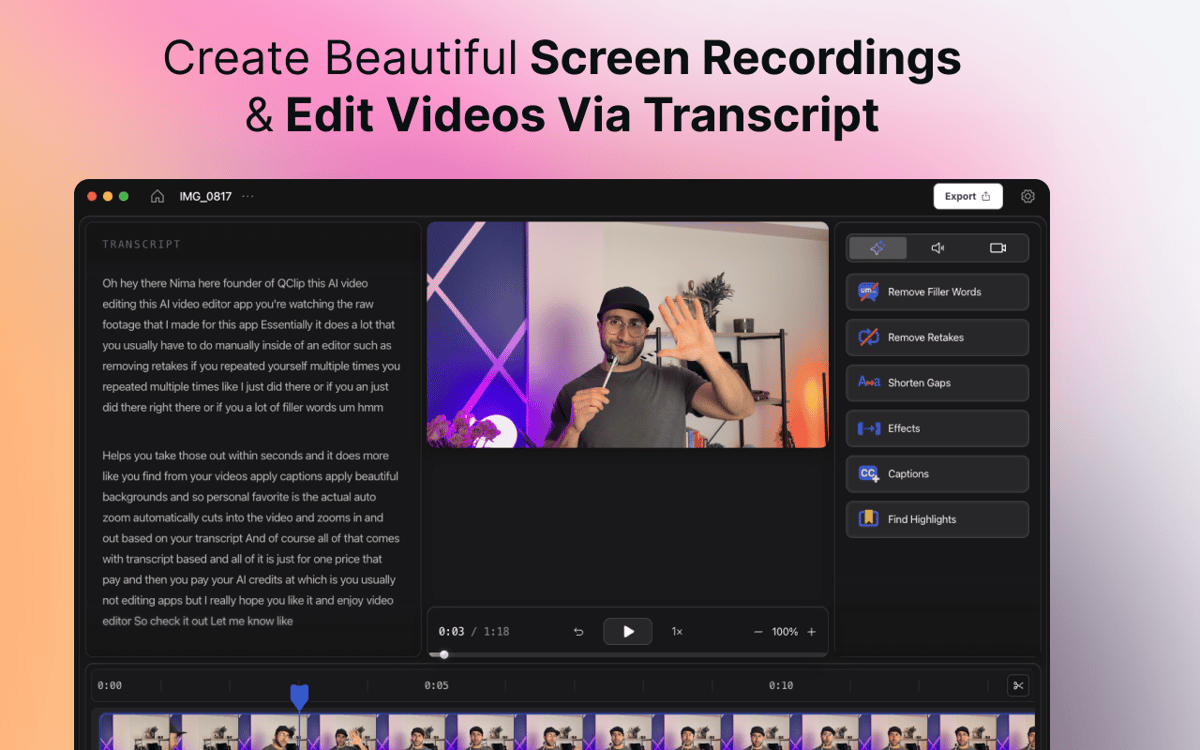
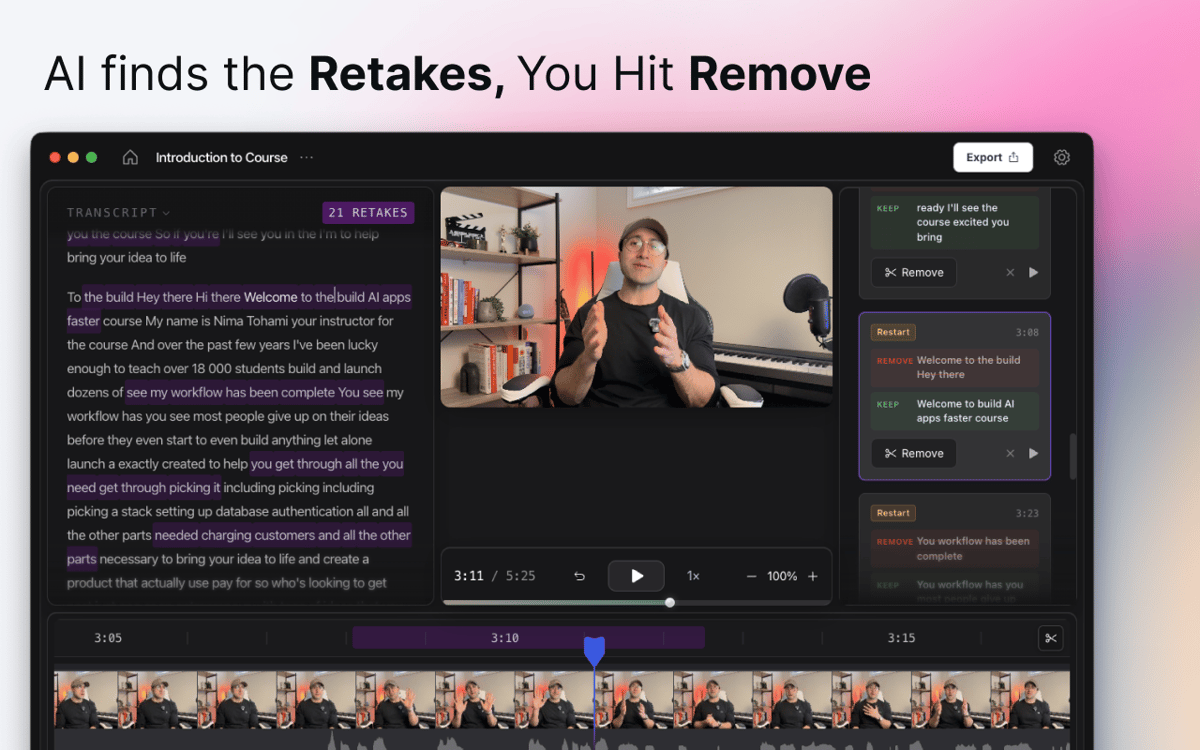
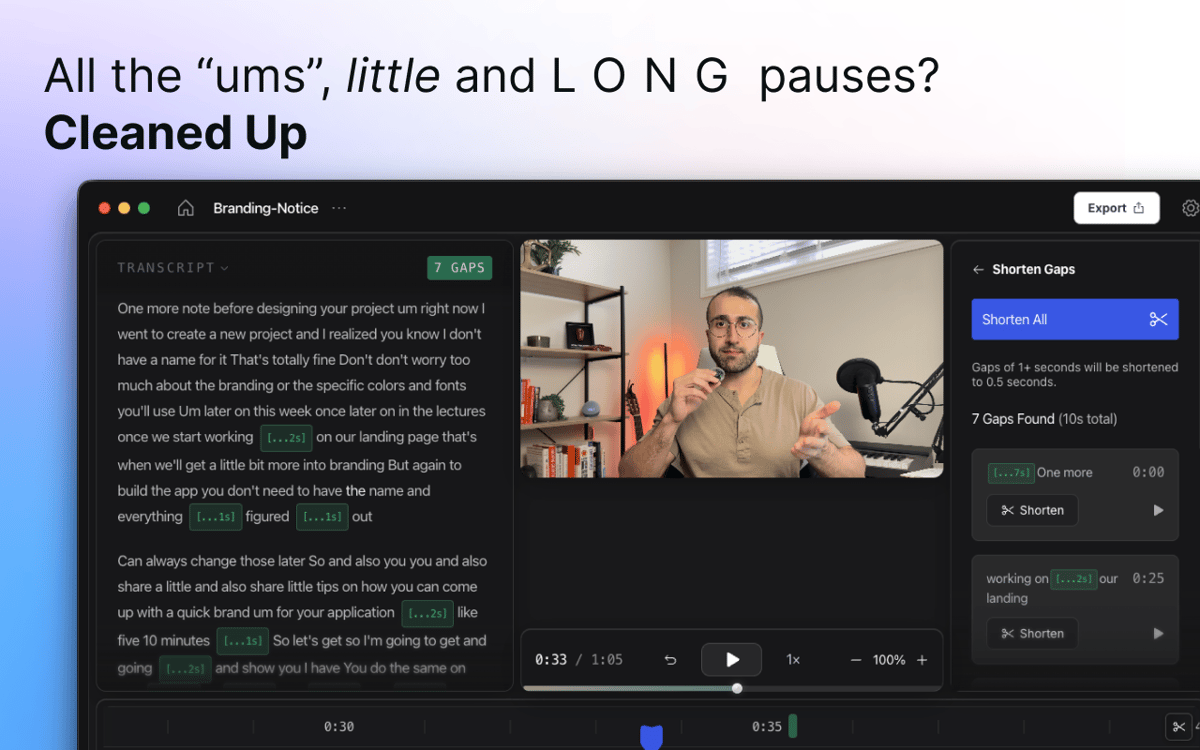
O CueClip é um gravador de tela e editor de vídeo com IA para Mac que ajuda criadores, educadores, coaches e profissionais a transformar gravações brutas em vídeos polidos com mais rapidez. Grave a tela, a câmera ou ambas e remova automaticamente vícios de linguagem, regravações, pausas longas e outras distrações. Edite por transcrição, gere legendas, crie clipes e exporte vídeos prontos para compartilhar. A maioria dos editores de vídeo é desenvolvida com base em timelines complexas e fluxos de trabalho manuais. O CueClip foi criado para quem quer gravar, editar e publicar vídeos com mais rapidez.
Crie cursos online com facilidade
Transforme demos em vídeos profissionais
Crie conteúdo pro YouTube mais rápido
Criar demonstrações práticas para clientes
Recursos do CueClip
Limpeza de IA com um clique
Pressione gravar, fale naturalmente e deixe o CueClip fazer o resto. A IA detecta automaticamente vícios de linguagem, silêncios longos, takes falhos e pausas incômodas, removendo tudo com um único clique. Sem necessidade de percorrer a linha do tempo manualmente.
Grave a tela e a câmera ao mesmo tempo
Capture sua tela, seu rosto ou ambos em uma única sessão — sem alternar entre aplicativos. Seja para gravar um tutorial, uma demonstração de produto, uma apresentação ou um vídeo falando direto para a câmera, tudo o que você precisa está em um só lugar, desde o primeiro frame.
Editar por transcrição
Esqueça de procurar o momento certo na linha do tempo. O CueClip transforma sua gravação em uma transcrição de texto editável. Exclua uma frase da transcrição e ela desaparece do vídeo. Limpo, rápido e intuitivo.
Legendas e trechos em destaque
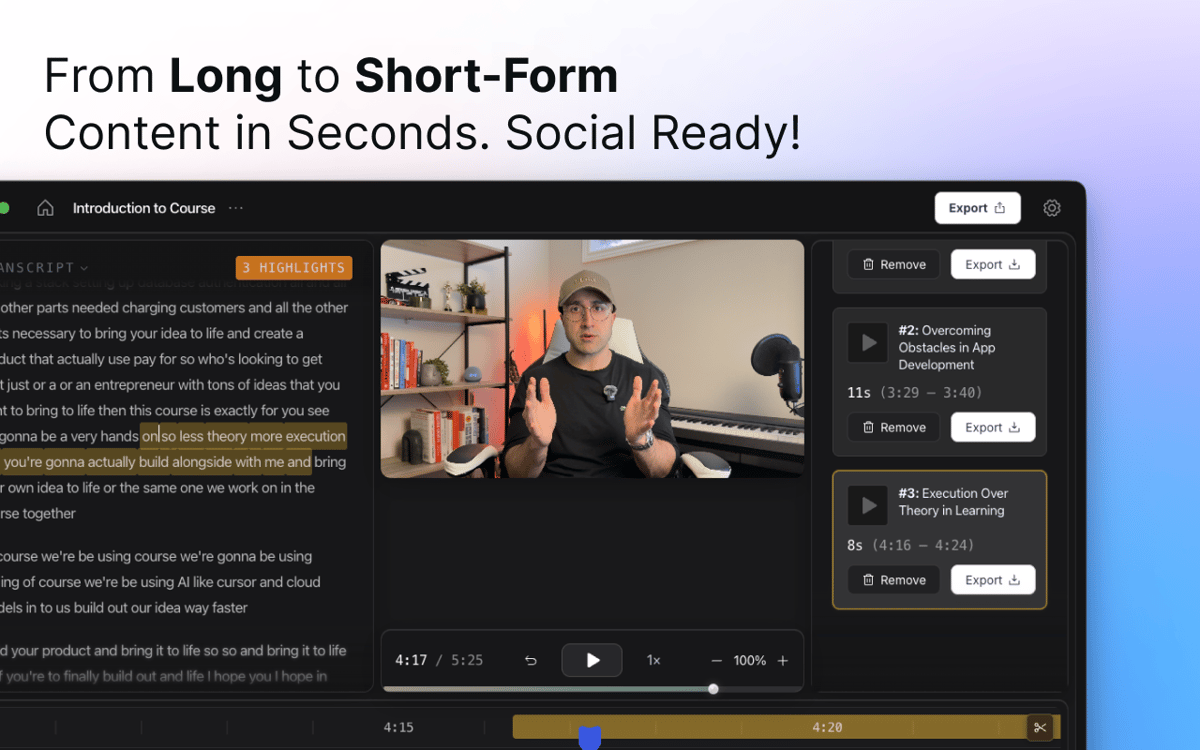
Adicione legendas geradas automaticamente que combinem com seu conteúdo e personalize-as para refletir seu estilo. Precisa de um clipe curto para as redes sociais? O CueClip identifica momentos-chave em gravações longas e os transforma em destaques para compartilhar.
Zoom inteligente e polimento visual
O CueClip aplica zooms automáticos e aprimoramentos visuais para guiar a atenção do espectador e dar um acabamento mais profissional a tutoriais, demos e apresentações, sem a necessidade de keyframes manuais.
Exportar e compartilhar
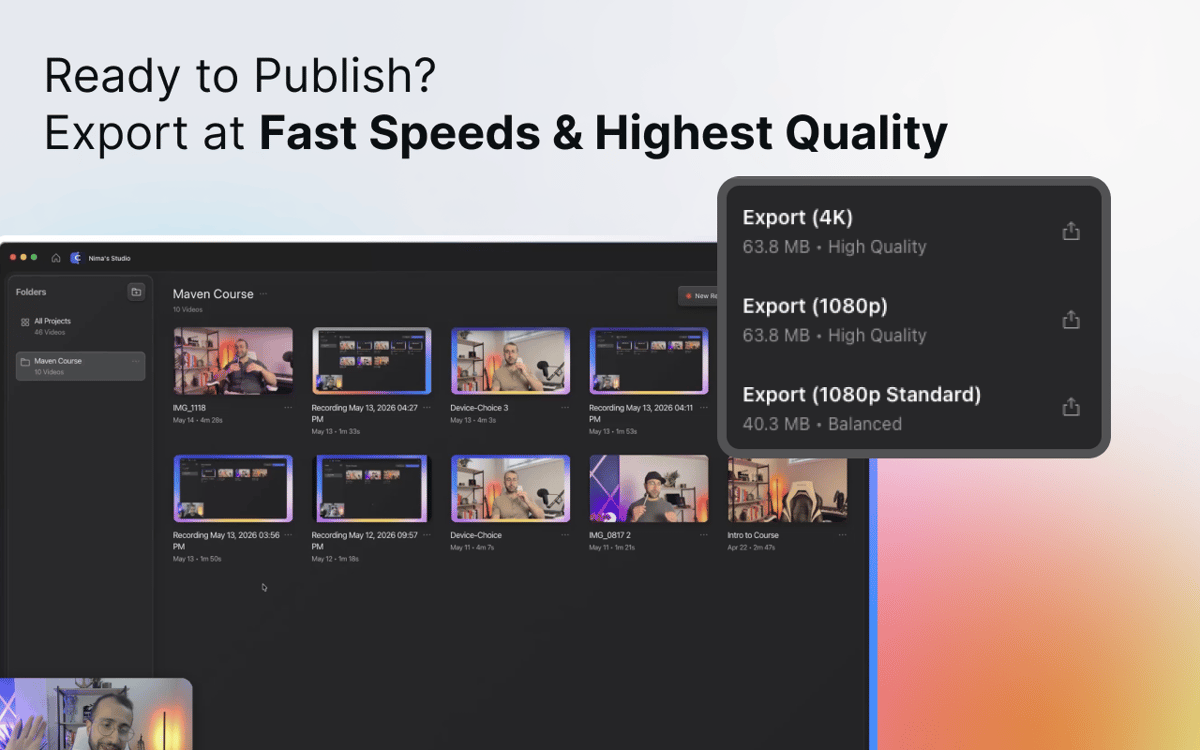
Quando estiver pronto, exporte um vídeo polido para o YouTube, cursos online, materiais de treinamento, apresentações para clientes, documentação ou onde quer que precise ir. Sem complicações de renderização, sem adivinhar o formato — só o vídeo pronto.
Obtenha centenas de apps com o Membership
Obtenha um membership do Setapp e use centenas de apps estelares numa única assinatura.
Experimente grátis por 7 dias. Depois, pague um valor único.
Instale o Setapp no Mac
Explore apps para Mac, iOS e web. Encontre formas fáceis de lidar com as tarefas do dia a dia.

Obtenha o app que chamou sua atenção
Aquele app especial está esperando você no Setapp. Instale‑o com um clique.

CueClip
Escolha uma assinatura
Um ou mais apps com um membership do Setapp. Obtenha os apps que você quer.

Obtenha centenas de apps com o Membership
Obtenha um membership do Setapp e use centenas de apps estelares numa única assinatura.
Experimente grátis por 7 dias. Depois, pague um valor único.
1
Instale o Setapp no Mac
Explore apps para Mac, iOS e web. Encontre formas fáceis de lidar com as tarefas do dia a dia.
2
Obtenha o app que chamou sua atenção
Aquele app especial está esperando você no Setapp. Instale‑o com um clique.
CueClip
3
Escolha uma assinatura
Um ou mais apps com um membership do Setapp. Obtenha os apps que você quer.
A casa dos melhores apps
Desde tarefas rotineiras e de planejamento a atividades criativas e de programação, encare suas tarefas com os apps do Setapp.

TypingMind
IU alternativa para conversar com IA
gere ou resuma textos
use uma biblioteca de ações
IA

Spark Mail
Gerencie e‑mails
IA

CleanMyMac
Limpe os detritos

Bartender
Personalize a barra de menus

CleanShot X
Capturas de tela versáteis

Luminar Neo
Edite suas fotos
IA

ClearVPN
Conecte‑se com mais segurança

Craft
Trabalhe com documentos
IA
CueClip
Grave e edite vídeos automaticamente