
DeskMinder
Lembretes rápidos na mesa
Mac
Versão 2.1.1
macOS 14.0 ou posterior
16.5 MB
1 idiomas
Quem nunca passou por isto: lá pelo meio de um projeto, você se dá conta de que perdeu uma ligação urgente ou um prazo importante? O DeskMinder² é perfeito para que você nunca esqueça desses momentos, com lembretes visuais simplesmente imperdíveis.
Crie lembretes rápidos na mesa
Alertas que chamam sua atenção
Sincronize lembretes entre dispositivos
Revise lembretes e tarefas anteriores
Recursos do DeskMinder
Crie lembretes instantaneamente
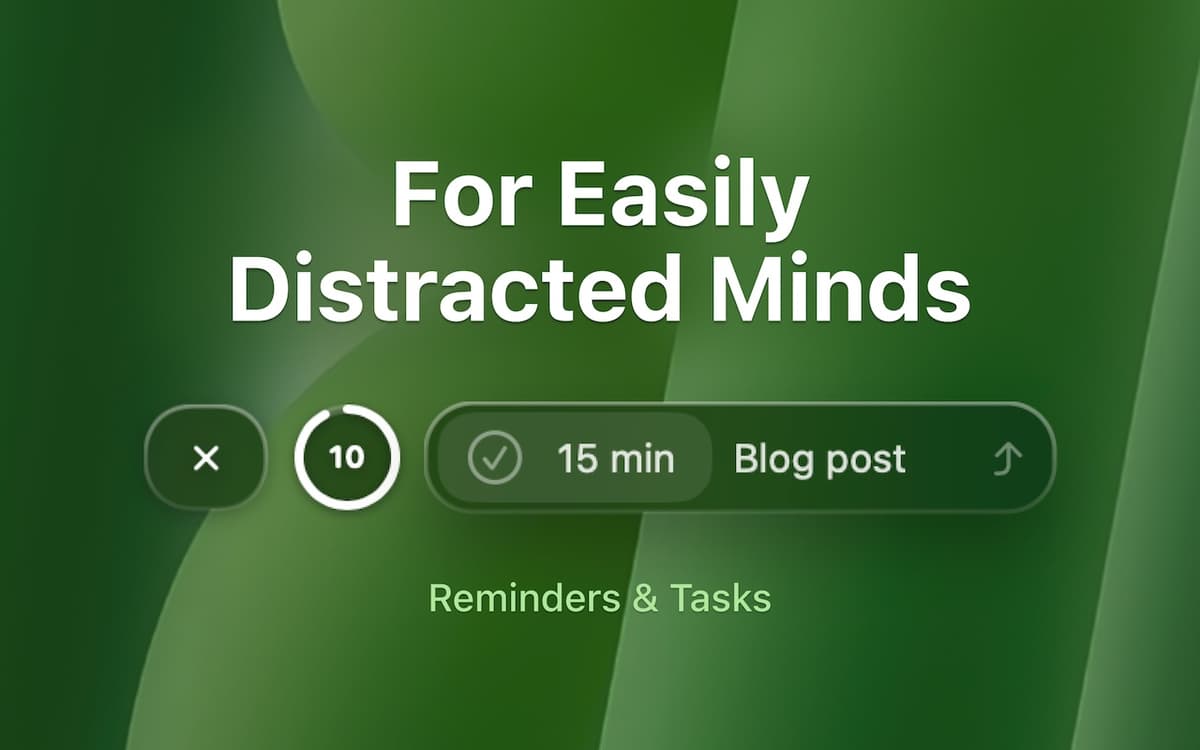
Criar um lembrete deve ser fácil e não interromper o que você está fazendo. Com o DeskMinder², basta usar um widget ou clicar na barra de menus, dependendo do que você prefira. Pronto, lembrete adicionado rapidamente. O app também tem timers integrados de 5, 10, 15 e 25 minutos.
Notificações em tela cheia
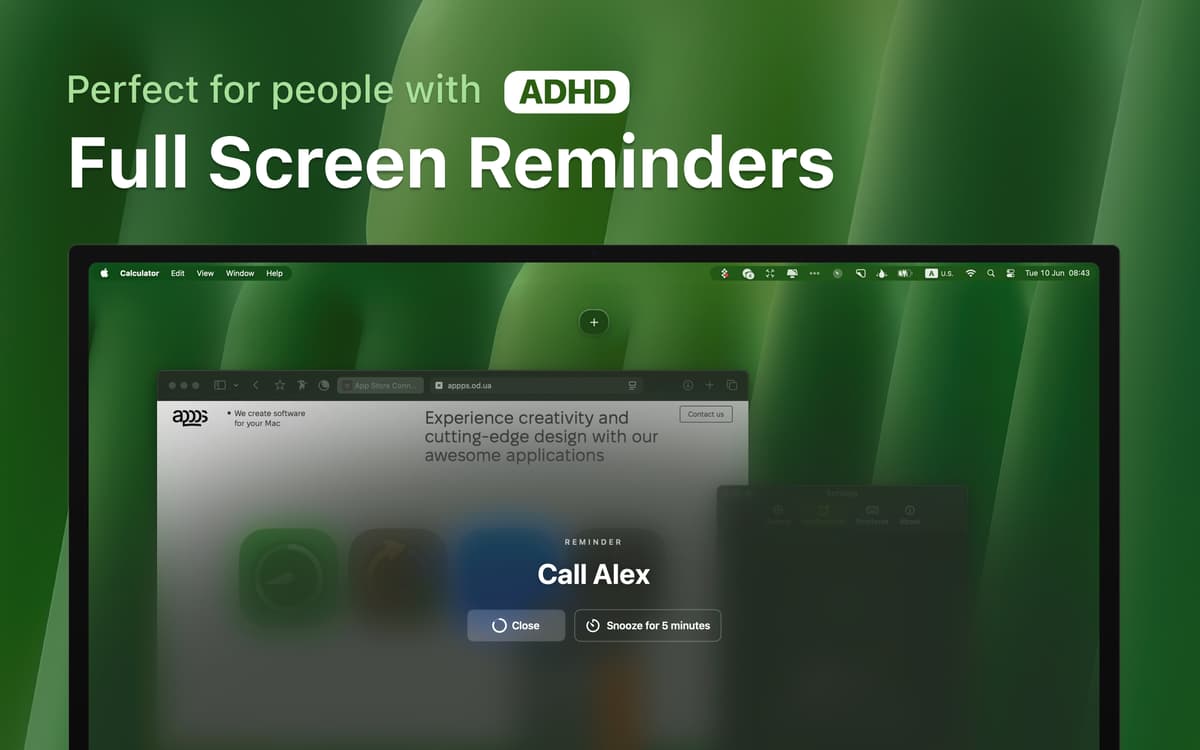
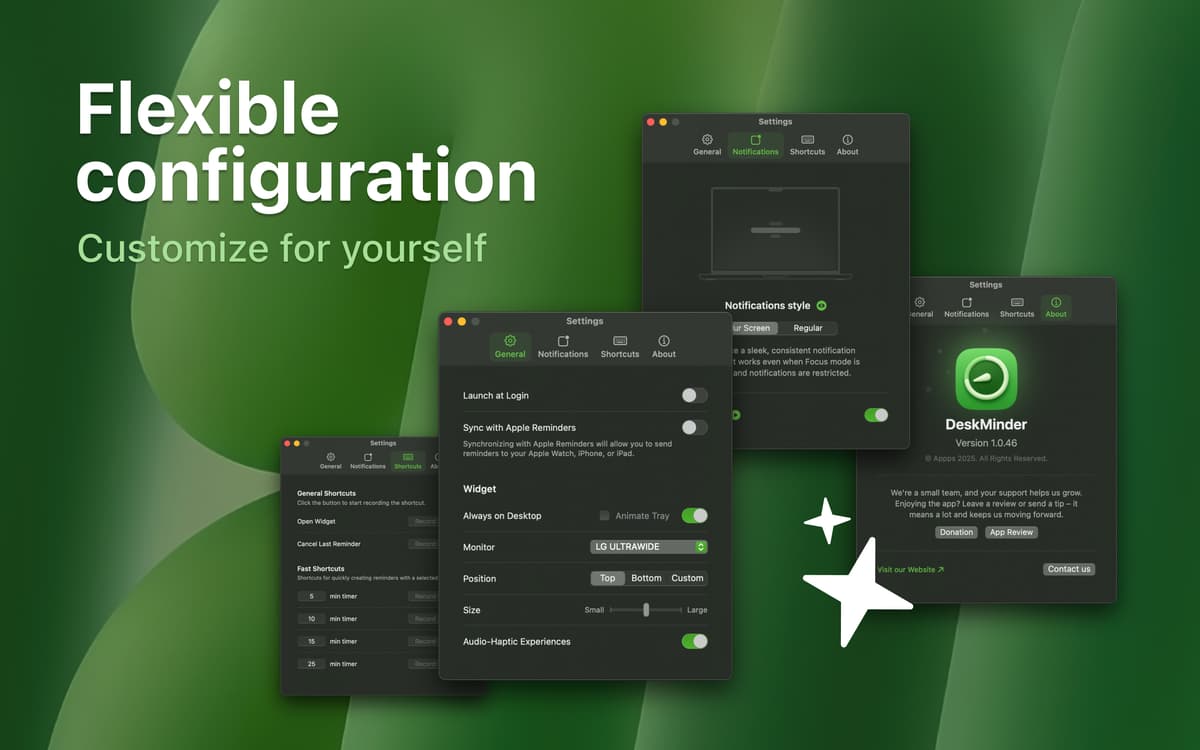
Pop-ups pequeninos são fáceis de perder ou ignorar. O DeskMinder² ocupa a tela inteira com notificações imensas, para que você não consiga ignorar ou se esquecer de coisas importantes. Se quiser, você também pode usar notificações comuns e ajustar os sons nos ajustes do app.
Sincronize lembretes entre dispositivos
Você usa o app Lembretes da Apple? Com o DeskMinder², você fica sempre em dia mesmo quando estiver longe do Mac. Como os alertas chegam ao iPhone e Apple Watch, você nunca perde nada, não importa onde esteja.
Personalize seu ambiente de trabalho
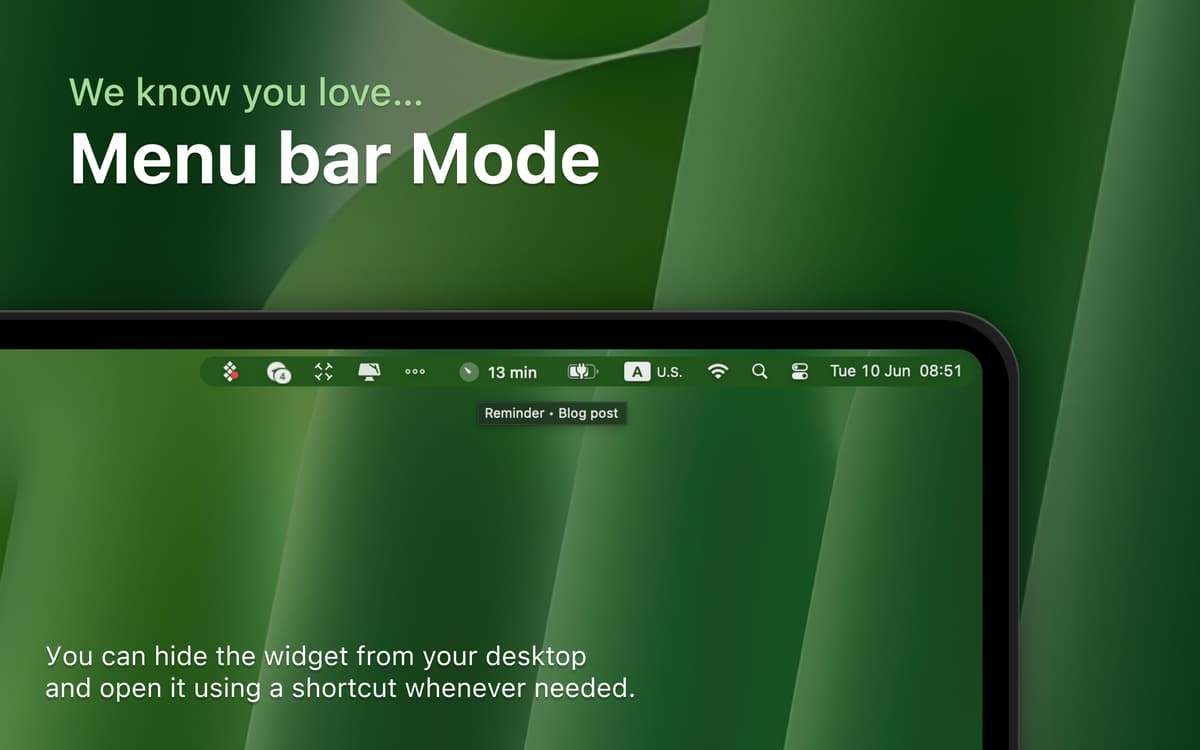
Coloque o widget de lembretes em qualquer lugar da tela ou oculte-o por completo quando precisar de mais espaço. Traga‑o de volta com um atalho para manter seu foco sem causar desordem.
Acesse todo o histórico de atividades
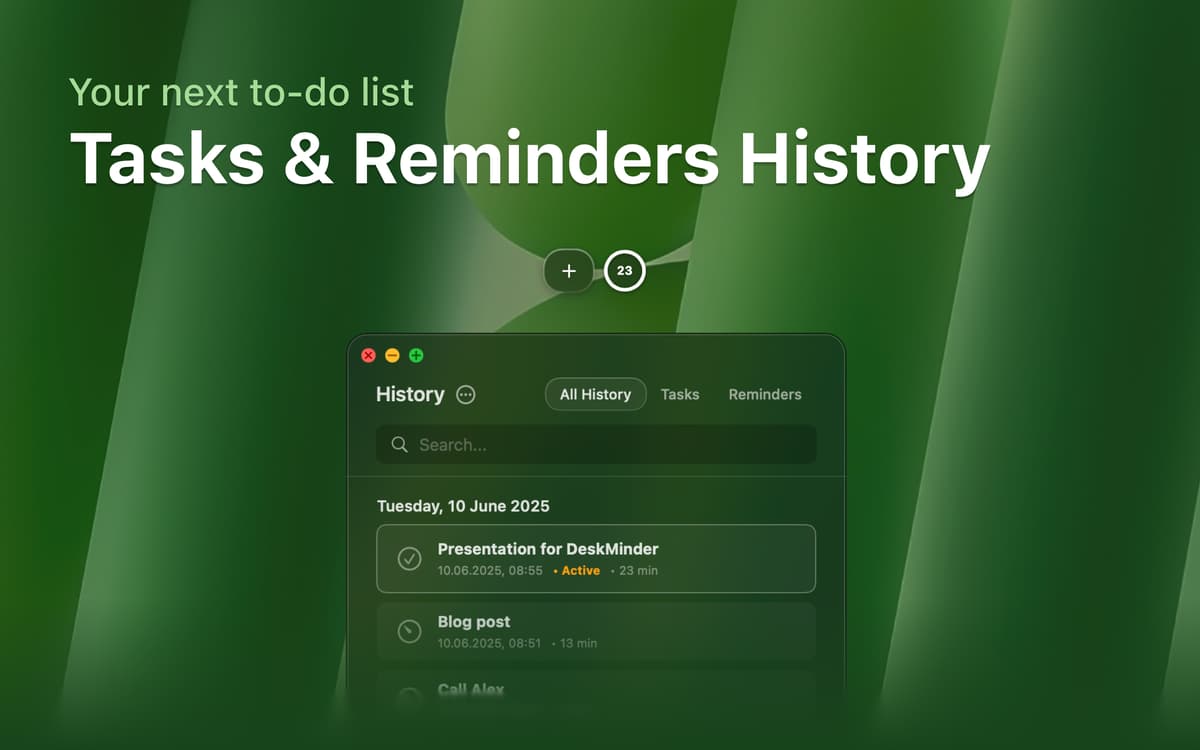
Com uma tela dedicada ao histórico, você vê rapidamente todas as tarefas e lembretes anteriores. Assim, você monitora tudo o que completou e planeja os próximos passos com eficiência.
Classificações e avaliações
DeskMinder
•
96 classificações
clovesmenezes.com
17 de mar. de 2026
Versão do app: 2.0.7
Saved my life.
Resposta do Desenvolvedor
18 de mar. de 2026
It’s incredibly motivating to know that the app is genuinely helping you and improving your life.
Nadir Palacios
18 de fev. de 2026
Versão do app: 2.0.7
Works fast and great
Melissa Davis
11 de fev. de 2026
Versão do app: 2.0.7
oh how I love this tool!!! I have ADHD and this helps me so much! Thank you for making this app!
Resposta do Desenvolvedor
11 de fev. de 2026
Thank you for the positive review, I’m really glad the app is helping you. Reviews like this are exactly why I make it.
Obtenha centenas de apps com o Membership
Obtenha um membership do Setapp e use centenas de apps estelares numa única assinatura.
Experimente grátis por 7 dias. Depois, pague um valor único.
Instale o Setapp no Mac
Explore apps para Mac, iOS e web. Encontre formas fáceis de lidar com as tarefas do dia a dia.

Obtenha o app que chamou sua atenção
Aquele app especial está esperando você no Setapp. Instale‑o com um clique.

DeskMinder
Escolha uma assinatura
Um ou mais apps com um membership do Setapp. Obtenha os apps que você quer.

Obtenha centenas de apps com o Membership
Obtenha um membership do Setapp e use centenas de apps estelares numa única assinatura.
Experimente grátis por 7 dias. Depois, pague um valor único.
1
Instale o Setapp no Mac
Explore apps para Mac, iOS e web. Encontre formas fáceis de lidar com as tarefas do dia a dia.
2
Obtenha o app que chamou sua atenção
Aquele app especial está esperando você no Setapp. Instale‑o com um clique.
DeskMinder
3
Escolha uma assinatura
Um ou mais apps com um membership do Setapp. Obtenha os apps que você quer.
A casa dos melhores apps
Desde tarefas rotineiras e de planejamento a atividades criativas e de programação, encare suas tarefas com os apps do Setapp.

TypingMind
IU alternativa para conversar com IA
gere ou resuma textos
use uma biblioteca de ações
IA

Spark Mail
Gerencie e‑mails
IA

CleanMyMac
Limpe os detritos

Bartender
Personalize a barra de menus

CleanShot X
Capturas de tela versáteis

Luminar Neo
Edite suas fotos
IA

ClearVPN
Conecte‑se com mais segurança

Craft
Trabalhe com documentos
IA
DeskMinder
Lembretes rápidos na mesa