
DiskMap
Veja para onde foi o espaço do seu disco
Mac
Versão 5.0
macOS 13.0 ou posterior
13.7 MB
7 idiomas
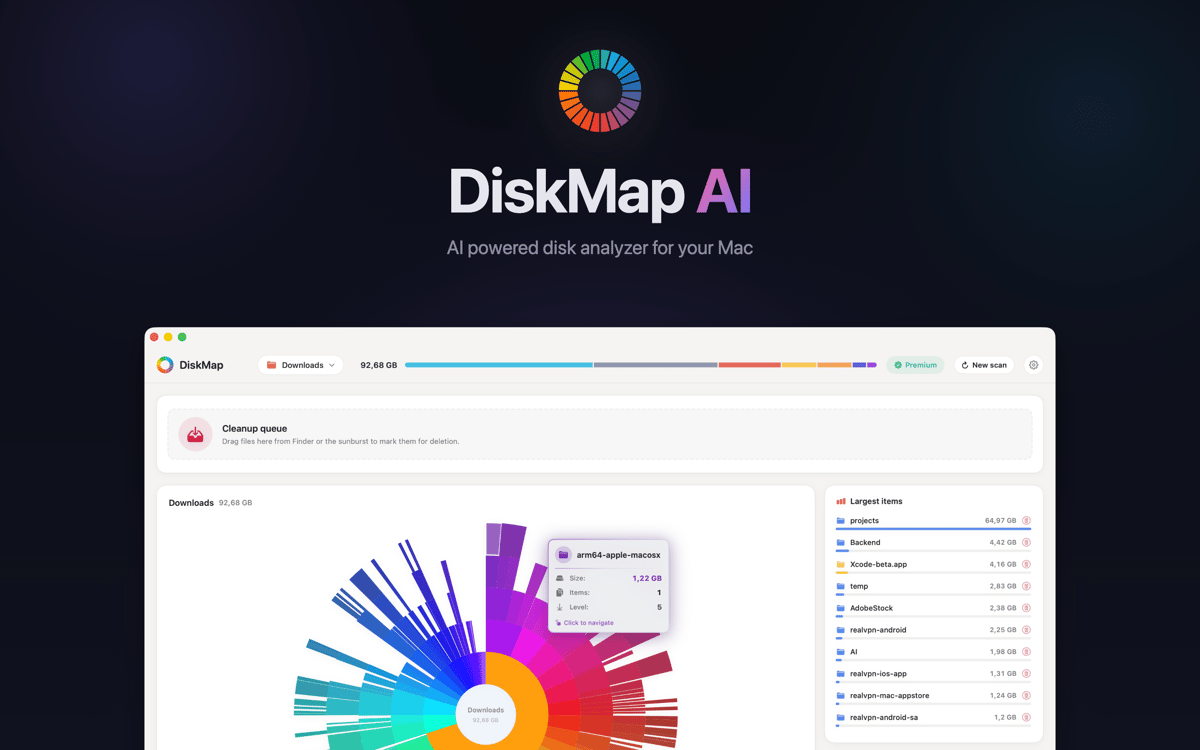
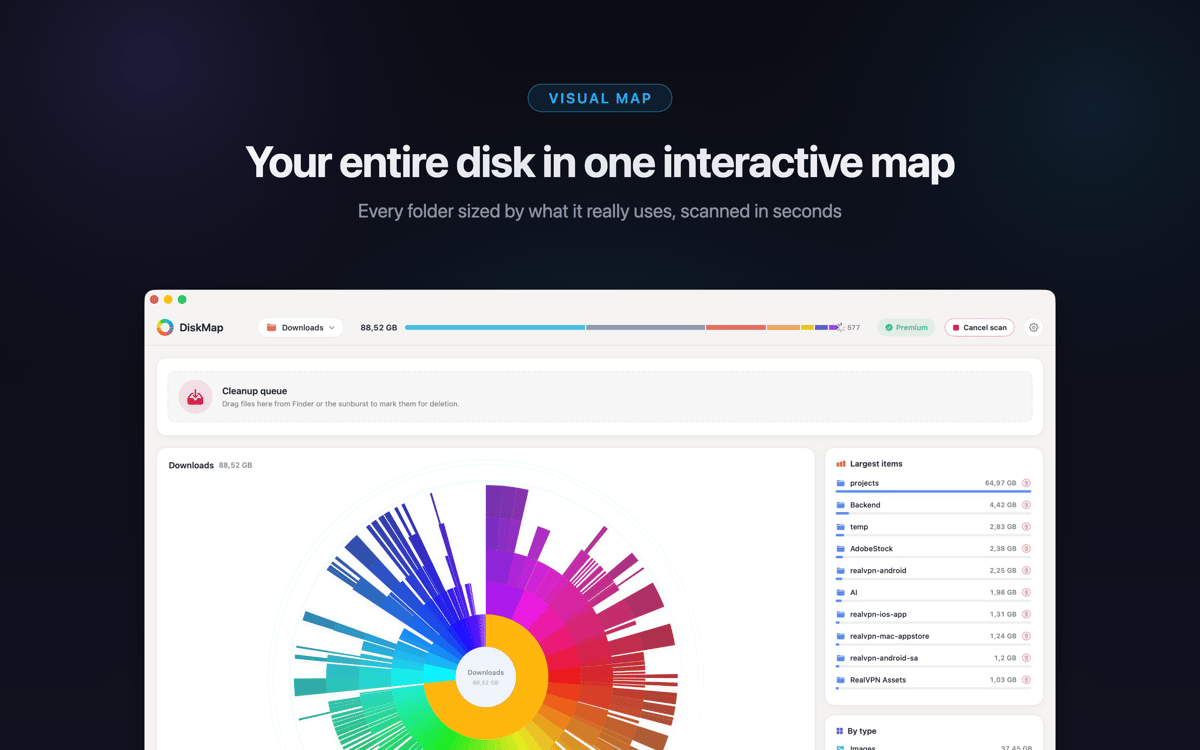
O DiskMap é um analisador de espaço em disco para Mac. Ele escaneia qualquer drive e cria um mapa visual interativo de todos os arquivos e pastas — organizados por tamanho, para que os maiores consumidores de espaço sejam óbvios numa olhada. Escolha uma unidade, clique em Escanear e, em segundos, você saberá exatamente para onde foram seus gigabytes. Encontrou algo que você não precisa? Visualize e remova na hora.
Escaneie drives e veja tamanhos instantaneamente
Encontre arquivos grandes e downloads antigos
Encontre pastas duplicadas que você esqueceu
Visualize e exclua arquivos sem o Finder
Recursos do DiskMap
Veja todo o seu disco em segundos
O DiskMap analisa sua unidade e mapeia cada arquivo e pasta por tamanho — sem espera, sem adivinhação. A maioria das verificações é concluída em menos de 30 segundos, mesmo em unidades repletas de milhões de arquivos. O layout visual torna o problema óbvio: é impossível não perceber as pastas maiores.
Explore qualquer pasta
Toque em qualquer pasta para ir mais fundo. Navegue por todo o seu disco camada por camada, com os tamanhos exibidos em cada nível. Você sempre tem controle sobre onde procurar — não é necessário conhecer os caminhos dos arquivos antecipadamente.
Encontre e remova o que está ocupando espaço desnecessariamente
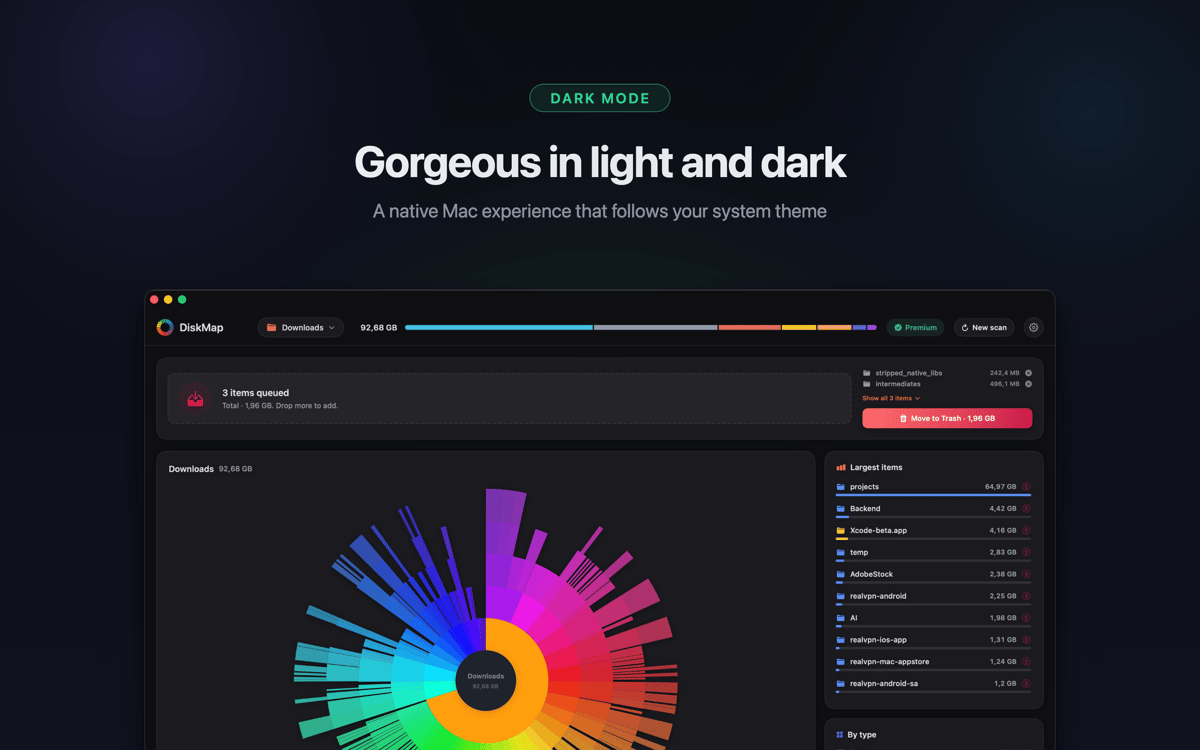
Encontre downloads antigos, arquivos esquecidos, caches de aplicativos sobrecarregados e pastas duplicadas que você nem sabia que existiam. Visualize qualquer item com o Quick Look antes de excluí-lo. Nada é removido sem a sua autorização.
Funciona com todas as suas unidades
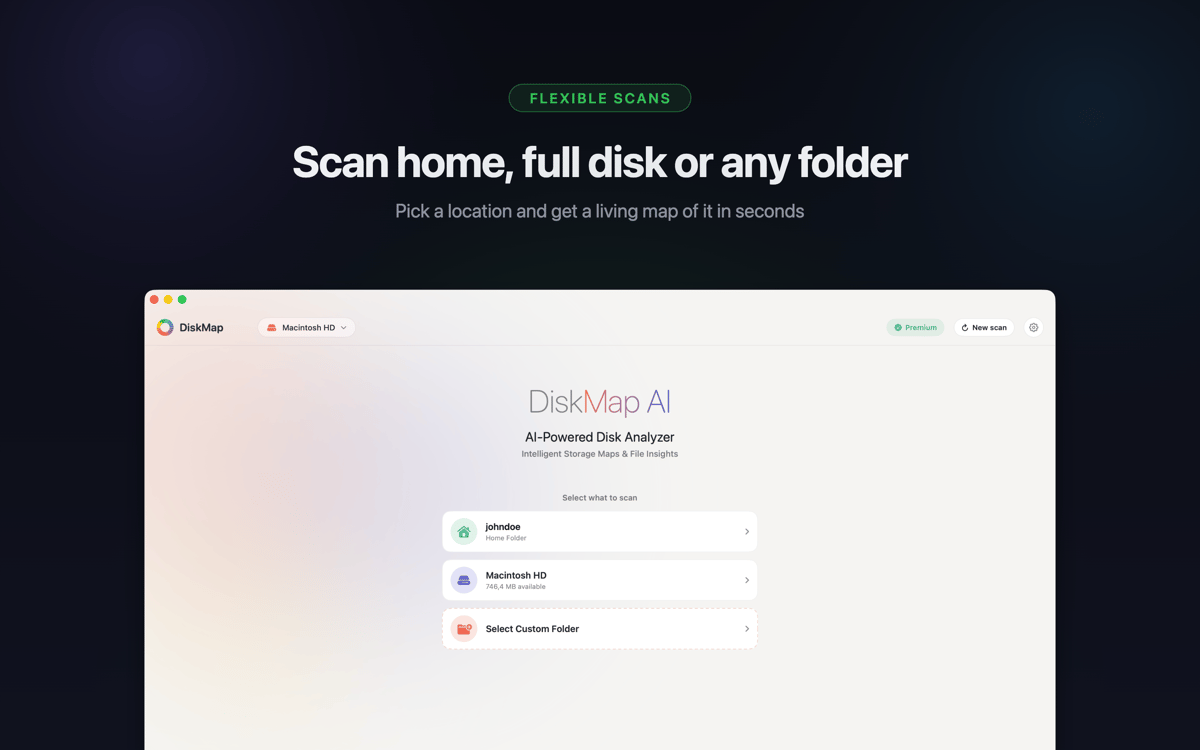
Analise seu disco de inicialização, drives USB e Thunderbolt externos, cartões SD, pen drives, volumes de rede, imagens DMG montadas e drives do Time Machine. Suporta APFS, HFS+, ExFAT e FAT32 — se montar no seu Mac, o DiskMap pode mapeá-lo.
Os arquivos do sistema ficam protegidos
Os arquivos do sistema são claramente identificados e protegidos. O DiskMap nunca exclui nada automaticamente ou sem sua ação explícita. Você mantém o controle total o tempo todo.
Leve por natureza
Sem processos em segundo plano, sem telemetria, sem dados enviados para lugar nenhum. O DiskMap roda silenciosamente, termina rapidamente e sai do seu caminho. Seus arquivos ficam no seu Mac — ponto final.
Obtenha centenas de apps com o Membership
Obtenha um membership do Setapp e use centenas de apps estelares numa única assinatura.
Experimente grátis por 7 dias. Depois, pague um valor único.
Instale o Setapp no Mac
Explore apps para Mac, iOS e web. Encontre formas fáceis de lidar com as tarefas do dia a dia.

Obtenha o app que chamou sua atenção
Aquele app especial está esperando você no Setapp. Instale‑o com um clique.

DiskMap
Escolha uma assinatura
Um ou mais apps com um membership do Setapp. Obtenha os apps que você quer.

Obtenha centenas de apps com o Membership
Obtenha um membership do Setapp e use centenas de apps estelares numa única assinatura.
Experimente grátis por 7 dias. Depois, pague um valor único.
1
Instale o Setapp no Mac
Explore apps para Mac, iOS e web. Encontre formas fáceis de lidar com as tarefas do dia a dia.
2
Obtenha o app que chamou sua atenção
Aquele app especial está esperando você no Setapp. Instale‑o com um clique.
DiskMap
3
Escolha uma assinatura
Um ou mais apps com um membership do Setapp. Obtenha os apps que você quer.
A casa dos melhores apps
Desde tarefas rotineiras e de planejamento a atividades criativas e de programação, encare suas tarefas com os apps do Setapp.

TypingMind
IU alternativa para conversar com IA
gere ou resuma textos
use uma biblioteca de ações
IA

Spark Mail
Gerencie e‑mails
IA

CleanMyMac
Limpe os detritos

Bartender
Personalize a barra de menus

CleanShot X
Capturas de tela versáteis

Luminar Neo
Edite suas fotos
IA

ClearVPN
Conecte‑se com mais segurança

Craft
Trabalhe com documentos
IA
DiskMap
Veja para onde foi o espaço do seu disco